
Which Cricut Should I Buy?
Four questions, one answer. Work down the list and stop at the first one that applies to you.
Heads up: Mat & Blade earns a commission from qualifying purchases made through the links on this page, at no extra cost to you. It never changes which products we recommend or how we rank them. Read the full disclosure.
Most people should buy the Explore 5. Work down the four questions below and stop at the first that applies — if none do, that is your answer. The whole point of this page is to end on a model name rather than a shrug.
Question 1: Will you cut unbacked fabric or wood?
Be honest rather than aspirational. This means quilting cotton cut without fusing a stabilizer to it first, or basswood, chipboard and thick leather. Those need the rotary and knife blades, which exist only on the Maker line and cannot be retrofitted to anything else.
Yes → buy the Maker 5, or the Maker 4 if it is cheaper on the day — identical blades, slightly slower. Stop here.
No → continue. And if your answer was "maybe, someday", treat that as a no. The speculative Maker purchase is the single most common overspend in this category, and the rotary blade usually stays in its packaging. The full head-to-head.
Question 2: Do you have anywhere to keep a machine out?
An Explore needs a permanent-ish spot, or at least a shelf it lives on between sessions. It is not enormous, but it is not a drawer item either. If you craft at a kitchen table and everything must be cleared away, that friction is real and it is the main reason people stop using a machine they bought.
No, storage is a genuine problem → buy the Joy Xtra. It cuts 8.5 inches, has print-then-cut, and puts away. Continue to question three only if your projects might be small enough for the cheaper Joy.
Yes, I can keep it out → continue.
Question 3: Will every project fit inside 4.5 inches — and do you never want printed stickers?
Both halves have to be true for the cheapest machine to be the right one. Labels, card fronts, small decals for bottles and laptops, long matless banners — all comfortably inside 4.5 inches. Adult shirt designs are not, and printed sticker sheets need print-then-cut, which the Joy 2 does not have.
Both true → buy the Joy 2. It is genuinely good at what it does and the lowest-risk way into the hobby.
Either false → continue. The Joy comparison covers this fork in detail.
Question 4: Are you cutting in volume for a business that already exists?
Not "might start one" — currently has orders that take multiple sessions to cut. If cutting time is a measurable bottleneck and you need width beyond 12 inches for signage or banners, the Venture is the machine.
No → you have reached the end of the flow. Buy the Explore 5. This is where most readers land, and it is the right answer for them.
What the flow deliberately ignores
Several things people spend a lot of time on that do not actually change the answer.
- Color and appearance. They cut the same regardless.
- Bundle contents. A bundle can be good value or poor value, but it should not decide which machine you want. Price it separately. What is actually worth having.
- Speed, for a hobbyist. The difference matters when batching, not when making one thing.
- "Future-proofing". The Maker's extra blades are the only capability difference, and buying them speculatively is what this page is trying to prevent.
Where to go once you have decided
The machine is one of three purchases. Next comes material — heat transfer vinyl for shirts, adhesive vinyl for hard surfaces — and then, only if fabric is involved, a heat source. The full cost picture covers the whole list before you commit.
And if you have not settled on Cricut as a brand at all, Cricut vs Silhouette should come before this page rather than after it.
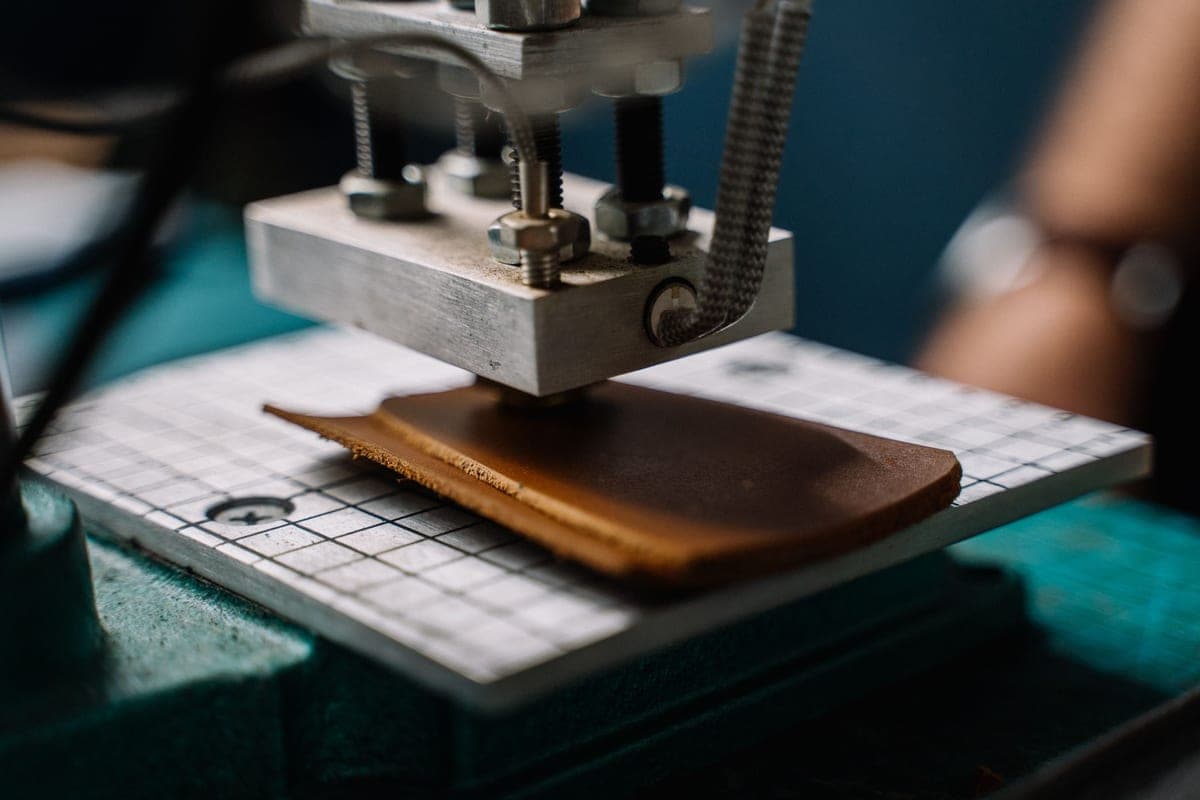
1. Best for where most people land
Cricut Explore 5
Cricut · Currently sold · Verified 2026-09-27
This is the answer to the decision flow for the majority of readers: full-width cutting, every everyday material, the most available help. Unless one of the specific exceptions above applies to you, this is the machine.
What works
- Cuts every material a beginner's first ten projects will use
- Matless Smart Material cutting means long banners and decals without a mat
- Cheapest current machine that still handles full 12 in wide vinyl
- Huge community of tutorials aimed at exactly this machine
What does not
- No rotary blade, so unbacked fabric is out
- No knife blade for basswood or thick leather
- Still needs Design Space, which needs an internet connection to set up
Not for you if
You already know you want to cut quilting fabric or thick leather. That is the Maker line's rotary and knife blades, and no accessory adds them to an Explore.
Key specs
- Cuts
- Vinyl, heat transfer vinyl, cardstock, paper, iron-on, faux leather
- Max material width
- 12 in (11.5 in cut width)
- Matless cutting
- Yes, with Smart Materials
- Tool slots
- Two — blade plus pen or scoring tool
- Rotary / knife blade
- No — Maker line only
#ad · affiliate link · we never show a price we cannot verify
2. Best for if you answered yes to fabric or wood
Cricut Maker 5
Cricut · Currently sold · Verified 2026-09-27
The only route to rotary-blade fabric cutting and knife-blade wood cutting. If question one applied to you, the flow ends here and no cheaper machine substitutes.
What works
- Rotary blade cuts quilting cotton with no backing, which no Explore can do
- Knife blade opens basswood, chipboard and thick leather
- Adaptive tool system takes every Cricut blade and tip
- Same matless Smart Material workflow as the Explore line
What does not
- Materially more expensive than an Explore for capability most beginners never use
- The knife blade is a separate purchase on top of the machine
- Knife-blade cuts are slow — a thick basswood cut can run well over an hour
Not for you if
Your project list is shirts, decals, stickers and cards. Every one of those cuts identically on an Explore 5, and the difference in price is roughly a full starter set of materials.
Key specs
- Cuts
- 300+ materials including unbacked fabric, leather, basswood
- Max material width
- 12 in (11.5 in cut width)
- Matless cutting
- Yes, with Smart Materials
- Rotary blade
- Yes — cuts fabric without a stabilizer backing
- Knife blade
- Yes — sold separately
#ad · affiliate link · we never show a price we cannot verify
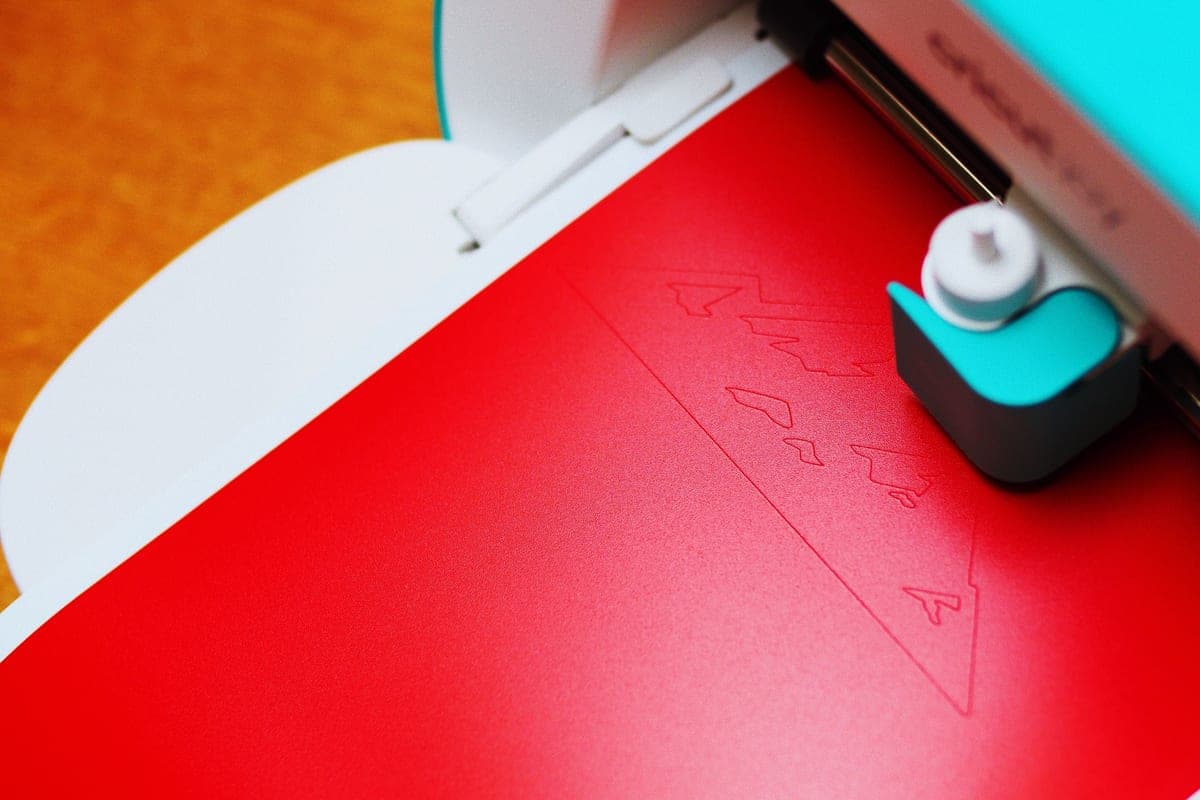
3. Best for if storage was your binding constraint
Cricut Joy Xtra
Cricut · Currently sold · Verified 2026-09-27
The compact machine that still makes shirts and printed stickers. Only the right answer if you genuinely cannot leave a machine out, because otherwise the Explore's extra width is worth more.
What works
- 8.5 in cut width handles most youth and many adult shirt designs
- Print-then-cut means printed sticker sheets, which the Joy 2 cannot do
- Still small and light enough to put away between projects
- Uses the same Design Space workflow as the bigger machines
What does not
- Still narrower than the 11.5 in the Explore and Maker lines cut
- Costs enough that the Explore 5 becomes a fair comparison
- Smaller mat sizes limit how much you can gang up on one cut
Not for you if
You want full-width 12 in vinyl for large signs or full-front shirt prints. Step up to an Explore 5 instead.
Key specs
- Cuts
- Vinyl, heat transfer vinyl, cardstock, sticker paper, faux leather
- Max cut width
- 8.5 in
- Print then cut
- Yes — printed stickers work
- Matless cutting
- Yes, with Smart Materials
- Footprint
- Noticeably smaller than an Explore
#ad · affiliate link · we never show a price we cannot verify
4. Best for if your projects are genuinely small
Cricut Joy 2
Cricut · Currently sold · Verified 2026-09-27
Lowest cost, drawer-sized, and entirely capable inside 4.5 inches. The right answer only when you are confident shirts and printed stickers are not coming later.
What works
- The lowest cost of entry in the current Cricut line
- Genuinely portable and storable, which matters if you have no dedicated craft space
- Long matless cuts make it excellent for labels and long decals
- Simple enough that the learning curve is close to flat
What does not
- 4.5 in cut width is the hard limit — most adult shirt designs will not fit
- No print-then-cut, so printed stickers are out
- Takes the narrow Joy-format materials, which are less widely stocked
Not for you if
You want to make shirts. A 4.5 in design reads as a small chest logo, not a front print, and there is no workaround.
Key specs
- Cuts
- Vinyl, heat transfer vinyl, cardstock, paper, Smart Label material
- Max cut width
- 4.5 in
- Max cut length
- Up to 20 ft with Smart Materials
- Footprint
- Small enough to store in a drawer
- Mat required
- Optional — cuts matless with Smart Materials
#ad · affiliate link · we never show a price we cannot verify
Common questions
Which Cricut should a beginner buy?
Is it worth paying more for a Maker just in case?
Which Cricut is best for t-shirts?
Should I buy a bundle or just the machine?
Sources
- Cricut official product catalog — Current lineup, cut widths and blade compatibility, verified 27 September 2026
How we picked
We verify every product is currently sold by reading the manufacturer's own catalog, compare published specifications rather than marketing copy, and rank on what a first-time buyer has to decide. We do not run lab tests and we do not claim to, and commission never affects the order.
Read this next
The Best Cricut for Beginners
One safe default pick, plus the specific cases where a different Cricut — or no Cricut — is the better buy.
Cricut Explore 5 vs Maker 5
The Explore-versus-Maker question settled: what the extra blades do, and who will never use them.
Cricut Joy 2 vs Joy Xtra
The compact Cricuts compared: what the extra four inches and print-then-cut are actually worth.

What a Cricut Really Costs
Every component a working setup needs, what recurs, and the costs people meet one at a time.
Cricut vs Silhouette
The brand decision settled fairly: ecosystem and ease against offline software and no subscriptions.
Back to Cutting Machines.