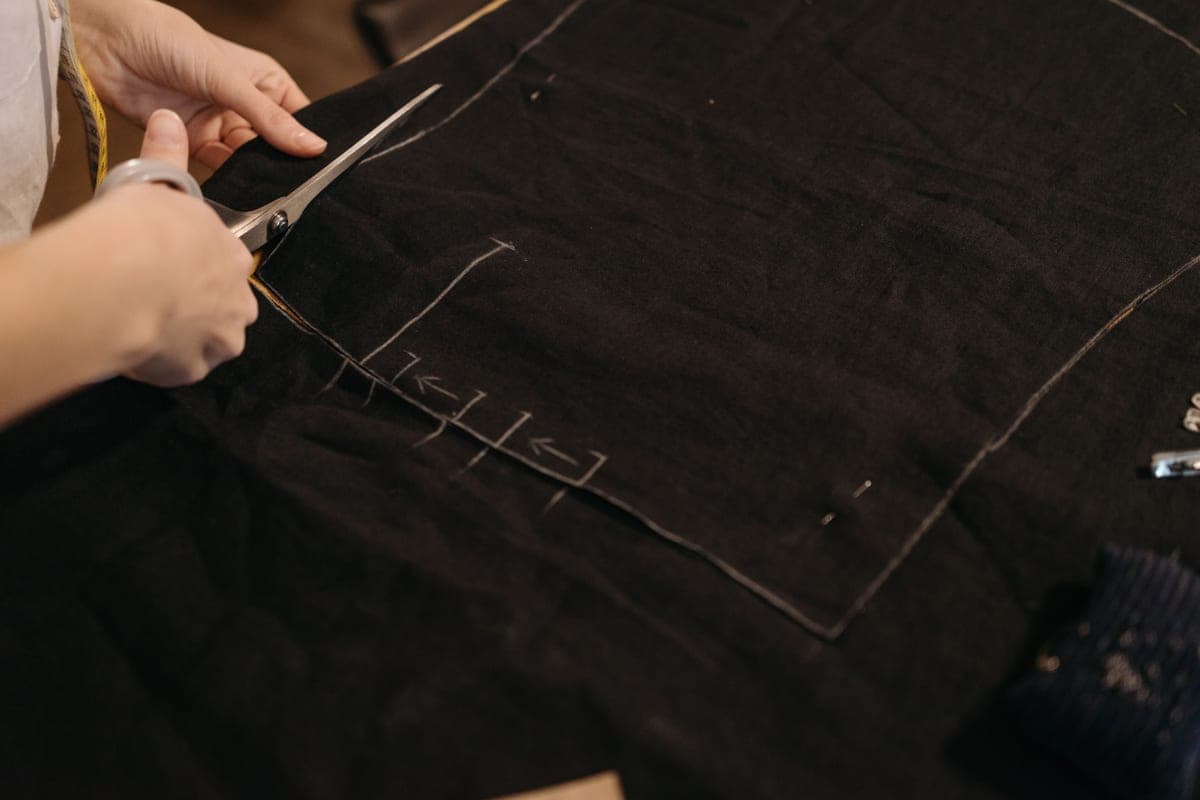
The Best Cricut for Cutting Fabric
This is the one question where the expensive machine is genuinely the right answer — and it hinges on a single blade.
Heads up: Mat & Blade earns a commission from qualifying purchases made through the links on this page, at no extra cost to you. It never changes which products we recommend or how we rank them. Read the full disclosure.
Buy a Maker if you want to cut unbacked fabric — it is the only Cricut line that can. The rotary blade cuts plain cotton with nothing behind it, and no accessory retrofits that onto an Explore. An Explore can cut fabric only if you first fuse a backing to it, which is an extra material and an extra step on every project.
Quick picks
| # | Product | Best for | Price |
|---|---|---|---|
| 1 |  Cricut Maker 5The machine to buy only if you have a specific material in mind that an Explore cannot cut — rotary-blade f... | Cutting fabric properly | Check price on Amazon #ad · affiliate link · we never show a price we cannot verify |
| 2 | Cricut Maker 4Still sold alongside the Maker 5 and still fully supported — worth a look purely because the older model in... | The same capability for less | Check price on Amazon #ad · affiliate link · we never show a price we cannot verify |
| 3 |  Cricut Explore 5The sensible default for a first machine: it cuts everything a beginner actually uses, and the money you sa... | Fabric with a backing, and everything else | Check price on Amazon #ad · affiliate link · we never show a price we cannot verify |
| 4 | 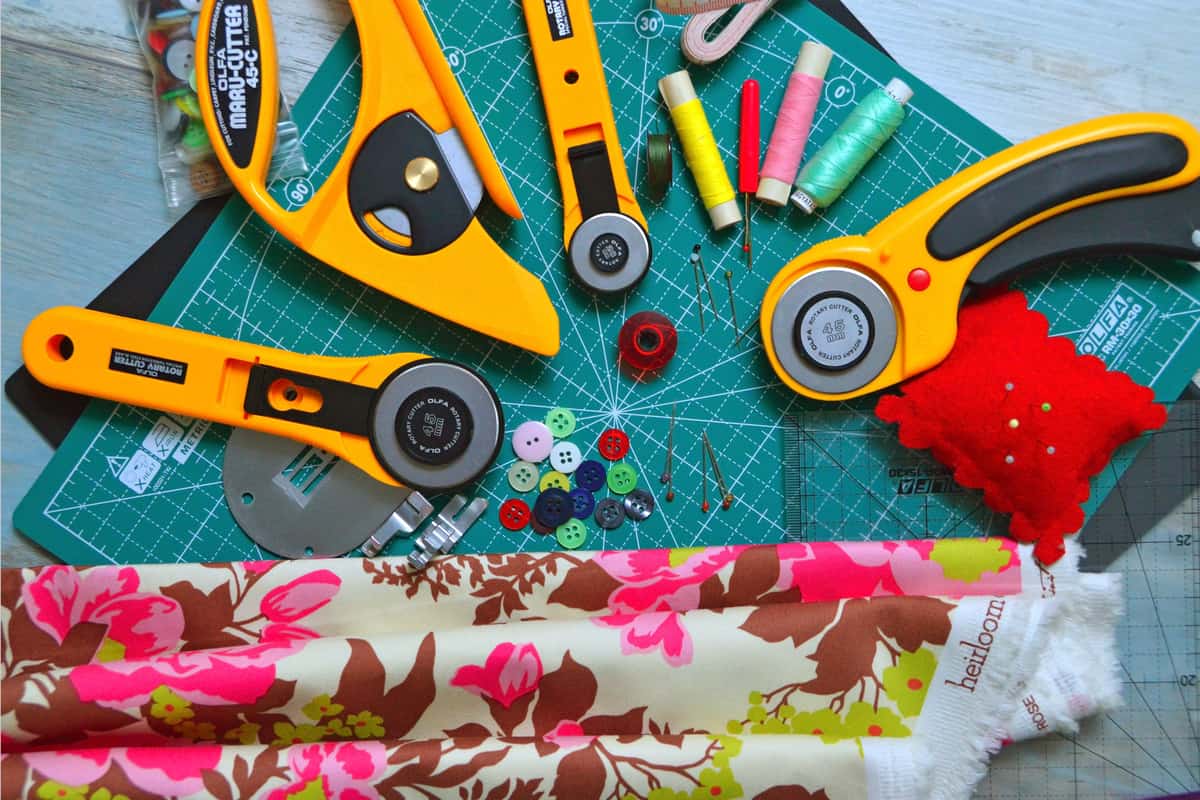 Cutting Machine MatsMats are consumable, not permanent — plan on replacing them, and match the grip to the material rather than... | Fabric needs its own mat | Check price on Amazon #ad · affiliate link · we never show a price we cannot verify |
Tap any row to jump to the full write-up. We do not publish prices — they move constantly, and a stale number is worse than none.
What each machine can actually do with fabric
| Explore line | Maker line | |
|---|---|---|
| Unbacked quilting cotton | No | Yes — rotary blade |
| Fabric with fusible backing | Yes | Yes |
| Felt | With backing | Yes, unbacked |
| Heat transfer vinyl (for fabric) | Yes | Yes |
| Faux leather, thin | Yes | Yes |
| Thick leather | No | Yes — knife blade |
| Denim and heavier woven fabric | With backing | Yes, unbacked |
The row that matters is the first one. Everything else on this list has a workaround; unbacked fabric does not.
How we picked
We ranked on a single capability, because for this query a single capability decides it — whether the machine takes a rotary blade. Blade compatibility and material lists were verified against the manufacturer's published catalog on the date in the byline. Our methodology.
Our picks in full
1. Best for cutting fabric properly
Cricut Maker 5
Cricut · Currently sold · Verified 2026-09-27
The rotary blade is the entire answer to this question. It is a small rolling wheel that cuts plain quilting cotton straight off the bolt with nothing behind it — no fusible backing, no stabilizer, no extra step and no extra material cost on every project. No accessory adds this to an Explore at any price, which makes this one of the few cases on this site where we tell you to buy the more expensive machine without hesitating. If you sew or quilt, it changes the workflow rather than adding a feature.
What works
- Rotary blade cuts quilting cotton with no backing, which no Explore can do
- Knife blade opens basswood, chipboard and thick leather
- Adaptive tool system takes every Cricut blade and tip
- Same matless Smart Material workflow as the Explore line
What does not
- Materially more expensive than an Explore for capability most beginners never use
- The knife blade is a separate purchase on top of the machine
- Knife-blade cuts are slow — a thick basswood cut can run well over an hour
Not for you if
Your project list is shirts, decals, stickers and cards. Every one of those cuts identically on an Explore 5, and the difference in price is roughly a full starter set of materials.
Key specs
- Cuts
- 300+ materials including unbacked fabric, leather, basswood
- Max material width
- 12 in (11.5 in cut width)
- Matless cutting
- Yes, with Smart Materials
- Rotary blade
- Yes — cuts fabric without a stabilizer backing
- Knife blade
- Yes — sold separately
#ad · affiliate link · we never show a price we cannot verify
2. Best for the same capability for less
Cricut Maker 4
Cricut · Currently sold · Verified 2026-09-27
Still current, still fully supported, and it takes exactly the same rotary blade. The difference against the Maker 5 is speed on long cuts, which matters when batching and is hard to notice on a single project. If you have decided you need rotary cutting and this is meaningfully cheaper on the day, it is the better value — the blade is what you are buying, and it is identical.
What works
- Rotary and knife blade capability, the same reason anyone buys a Maker
- Frequently the cheaper route into the Maker line
- Fully supported in Design Space — this is not a discontinued model
What does not
- Slower than the Maker 5 on long cuts
- Being the older model in the line, stock can be patchy
- Same caveat as every Maker: most beginners never use the rotary blade
Not for you if
You are buying your first machine and have no fabric or wood project in mind. The Explore 5 does your projects for less.
Key specs
- Cuts
- 300+ materials including unbacked fabric, leather, basswood
- Max material width
- 12 in (11.5 in cut width)
- Rotary blade
- Yes
- Knife blade
- Yes — sold separately
- Status
- Current line, sold alongside the Maker 5
#ad · affiliate link · we never show a price we cannot verify
3. Best for fabric with a backing, and everything else
Cricut Explore 5
Cricut · Currently sold · Verified 2026-09-27
Included because it is the honest alternative rather than a consolation. An Explore cuts fabric that has a fusible backing or stabilizer fused to it — which covers appliqué, heat transfer work and plenty of craft sewing. What it cannot do is cut plain unbacked cotton. If fabric is an occasional part of a wider craft habit rather than the point of the machine, this plus a fusible backing is the cheaper and entirely workable route.
What works
- Cuts every material a beginner's first ten projects will use
- Matless Smart Material cutting means long banners and decals without a mat
- Cheapest current machine that still handles full 12 in wide vinyl
- Huge community of tutorials aimed at exactly this machine
What does not
- No rotary blade, so unbacked fabric is out
- No knife blade for basswood or thick leather
- Still needs Design Space, which needs an internet connection to set up
Not for you if
You already know you want to cut quilting fabric or thick leather. That is the Maker line's rotary and knife blades, and no accessory adds them to an Explore.
Key specs
- Cuts
- Vinyl, heat transfer vinyl, cardstock, paper, iron-on, faux leather
- Max material width
- 12 in (11.5 in cut width)
- Matless cutting
- Yes, with Smart Materials
- Tool slots
- Two — blade plus pen or scoring tool
- Rotary / knife blade
- No — Maker line only
#ad · affiliate link · we never show a price we cannot verify
4. Best for fabric needs its own mat
Cutting Machine Mats
Various · Currently sold · Verified 2026-09-27
Fabric cutting uses a fabric-specific mat rather than the standard grip one. Using a standard mat for fabric contaminates it with fibers and gives inconsistent hold, which is a common cause of shifting mid-cut. Keep the fabric mat for fabric and the standard mat for everything else.
What works
- Correct grip prevents both torn material and material sliding mid-cut
- Third-party mats cost noticeably less than brand mats
- Tack can be partly restored with gentle washing
What does not
- They wear out, and a tired mat causes cuts people blame on the machine
- Strong grip can shred thin paper
Not for you if
You only ever cut Smart Materials matless. Even then, keep one standard mat for the day you buy ordinary vinyl.
Key specs
- Grip levels
- Light, standard, strong, and fabric-specific
- Standard grip
- Vinyl, iron-on, cardstock — the everyday mat
- Strong grip
- Thick cardstock, chipboard, glitter materials
- Light grip
- Thin paper and vellum that would tear on a standard mat
- Lifespan
- Consumable — tack declines with use and is partly restorable
#ad · affiliate link · we never show a price we cannot verify
The backing workaround, honestly assessed
An Explore cuts fabric if you fuse a stabilizer or interfacing to the back of it first. This is a genuine technique, not a fudge — it is how appliqué is often prepared anyway, and the cut quality is good.
What it costs you is a step and a consumable on every single project. You are ironing backing onto fabric before you can cut it, buying that backing, and accepting that the finished piece has a fused layer on the back. For occasional appliqué that is barely an inconvenience. For someone cutting quilt pieces regularly it is friction on every session, which is exactly why the rotary blade is worth paying for if you quilt.
Maker 5 or Maker 4?
Both are current, both take the same rotary and knife blades, and the practical difference is speed on long cuts. For a hobbyist cutting a project at a time, take whichever costs less on the day. For anyone batching work where session length matters, the faster machine earns its difference. The full head-to-head.
If you have not yet settled the broader Explore-versus-Maker question, that comparison is here — and it is worth reading before committing, because fabric is the only argument that reliably justifies the premium.
Common questions
Which Cricut can cut fabric?
Can a Cricut Explore cut fabric?
Do I need the rotary blade to cut fabric?
Is the Maker worth it just for fabric?
Can a Cricut cut felt?
Do I need a special mat for fabric?
Sources
- Cricut official product catalog — Rotary and knife blade compatibility by machine line, and fabric material guidance, verified 29 September 2026
How we picked
We verify every product is currently sold by reading the manufacturer's own catalog, compare published specifications rather than marketing copy, and rank on what a first-time buyer has to decide. We do not run lab tests and we do not claim to, and commission never affects the order.
Read this next
Cricut Explore 5 vs Maker 5
The Explore-versus-Maker question settled: what the extra blades do, and who will never use them.
Cricut Maker 5 Review
The top of the mainstream line: what the extra blades do, and why most beginners will not use them.
Cricut Maker 4 vs Maker 5
Two current Makers compared: identical capability, different speed, usually a meaningful price gap.
The Best Cricut for Beginners
One safe default pick, plus the specific cases where a different Cricut — or no Cricut — is the better buy.
Cricut Blade Guide
Which blade cuts what, when to replace, and why a dull blade masquerades as a broken machine.
Back to Cutting Machines.