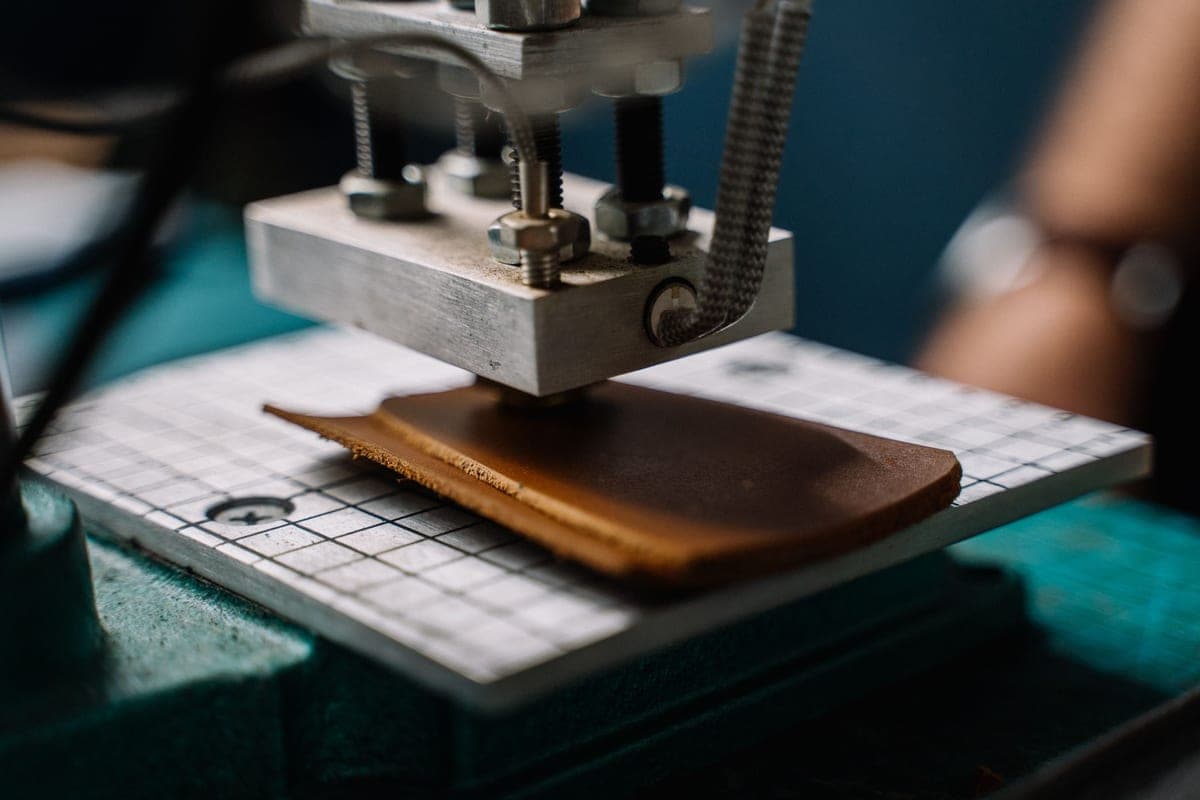
The Best Cricut for Beginners
Six current machines, one safe default, and a straight answer about which of them you can ignore.
Heads up: Mat & Blade earns a commission from qualifying purchases made through the links on this page, at no extra cost to you. It never changes which products we recommend or how we rank them. Read the full disclosure.
Buy the Cricut Explore 5. For most first-time buyers it cuts everything you will actually use, at the full width that shirt designs need, and the money you save against the Maker line buys the vinyl, mats and blades that a first month quietly consumes. The exceptions are specific and few, and they are below.
Quick picks
| # | Product | Best for | Price |
|---|---|---|---|
| 1 | Cricut Explore 5The sensible default for a first machine: it cuts everything a beginner actually uses, and the money you sa... | Most beginners | Check price on Amazon #ad · affiliate link · we never show a price we cannot verify |
| 2 |  Cricut Maker 5The machine to buy only if you have a specific material in mind that an Explore cannot cut — rotary-blade f... | Fabric, leather and wood | Check price on Amazon #ad · affiliate link · we never show a price we cannot verify |
| 3 | 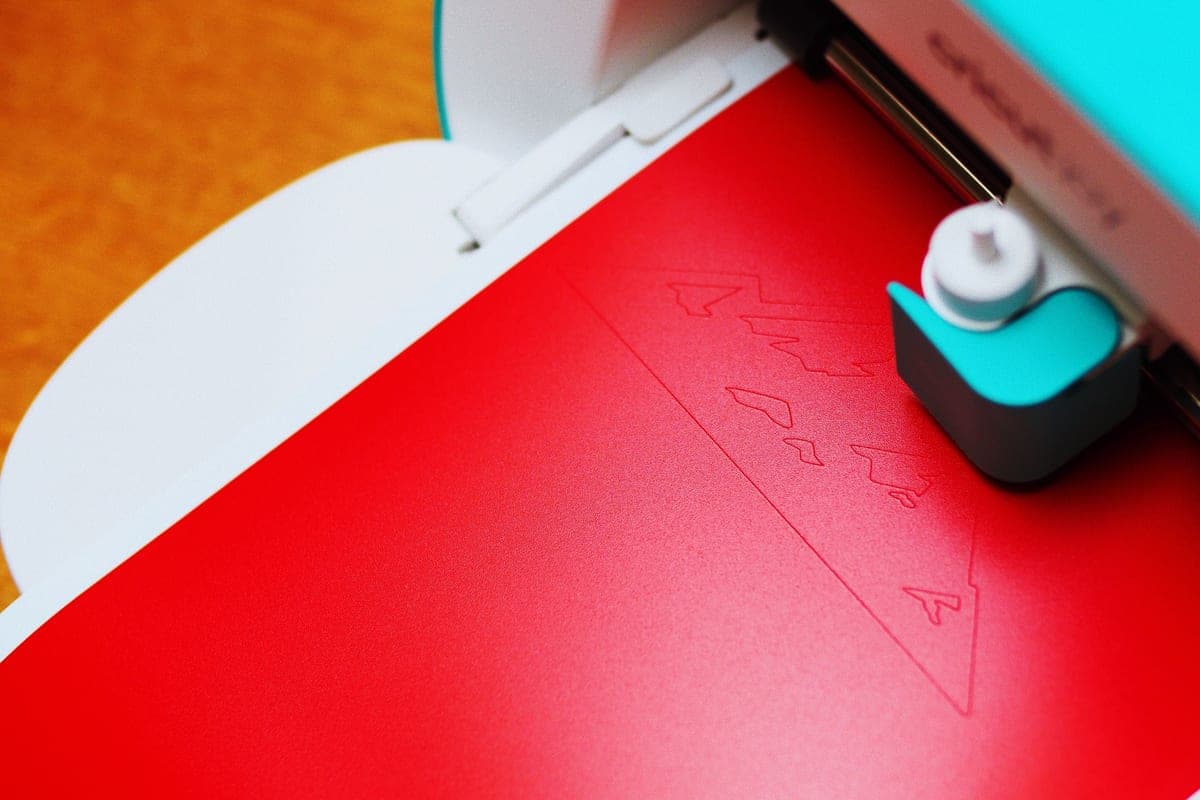 Cricut Joy XtraThe Joy that fixes the Joy's biggest limitation — a wider cut and print-then-cut — without growing into a f... | Small spaces that still make shirts | Check price on Amazon #ad · affiliate link · we never show a price we cannot verify |
| 4 |  Cricut Joy 2The cheapest way into the hobby and a genuinely good little machine — as long as you accept that its narrow... | Labels, cards and the lowest entry cost | Check price on Amazon #ad · affiliate link · we never show a price we cannot verify |
| 5 | Silhouette CAMEO 5The real alternative to a Cricut, and the better pick if the idea of a cloud-only design app with a subscri... | Avoiding cloud software entirely | Check price on Amazon #ad · affiliate link · we never show a price we cannot verify |
| 6 | Cricut VentureA production machine, not a beginner machine — the width and speed only pay for themselves if you are cutti... | Selling at volume | Check price on Amazon #ad · affiliate link · we never show a price we cannot verify |
Tap any row to jump to the full write-up. We do not publish prices — they move constantly, and a stale number is worse than none.
Why this lineup looks different from other guides
If you have been reading around, you have probably seen the Explore 3, the Maker 3 and the Explore Air 2 recommended as current picks. They are not. Cricut's line has moved on, and a great many of the articles ranking for this search were written once and never revisited. That is the main reason we date the verification on every page: it is the only claim we can make that is actually checkable.
The lineup above reflects Cricut's own catalog as of the verification date in the byline — Joy 2, Joy Xtra, Explore 5, Maker 4, Maker 5 and Venture. Prior-generation machines are not ruled out as purchases, and if you find an Explore 3 at a genuinely lower price it remains a capable cutter. But no guide should be presenting them as the current recommendation, and a guide that does is telling you something useful about how recently it was checked.
How we picked
We do not run a testing lab and we do not claim to. What we do instead is verifiable work: we read the manufacturer's live catalog to establish what is genuinely on sale, compare published specifications rather than marketing copy, read the material guidance the makers themselves publish, and weigh it all against what a first-time buyer actually has to decide — cost of entry, how forgiving the machine is of mistakes, what the total setup costs once materials are included, and how easy it is to find help when something goes wrong.
Commission plays no part in the ordering. The Explore 5 is our top pick because it is the machine we would point a friend at, and the Silhouette appears in a Cricut roundup because for some readers it is the better answer. Our full methodology is here if you want to check the reasoning against the recommendations.
The one question that settles most of this
Are you going to cut unbacked fabric or wood? That is the entire Explore-versus-Maker decision, and almost everything else written about it is noise.
A Maker's rotary blade cuts quilting cotton with no stabilizer behind it — genuinely useful if you quilt, and completely irrelevant if you do not. Its knife blade cuts basswood and thick leather, slowly, for wooden signs and leather goods. Neither capability can be added to an Explore at any price. If you will use them, the Maker is the machine and the extra cost is justified. If you will not, you are paying a premium for a blade that stays in the box. The detailed head-to-head is here.
The second question: how wide does your design need to be?
Cut width quietly eliminates machines, and it is the specification beginners most often overlook because it sounds boring.
| Machine | Cut width | Adult shirt front? | Printed stickers? |
|---|---|---|---|
| Cricut Joy 2 | 4.5 in | No | No |
| Cricut Joy Xtra | 8.5 in | Most designs | Yes |
| Cricut Explore 5 | 11.5 in | Yes | Yes |
| Cricut Maker 4 / 5 | 11.5 in | Yes | Yes |
| Cricut Venture | 24 in | Yes, plus large format | Yes |
| Silhouette CAMEO 5 | 12 in | Yes | Yes |
A typical adult shirt front design sits somewhere around 10 to 11 inches wide. At 8.5 inches you can still make excellent shirts — you simply design to that width. At 4.5 inches you are making chest logos and pocket prints, which is a real constraint rather than a minor one.
Our picks in full
1. Best for most beginners
Cricut Explore 5
Cricut · Currently sold · Verified 2026-09-27
For the overwhelming majority of first-time buyers this is the machine. It cuts vinyl, heat transfer vinyl, cardstock, paper and faux leather — which covers every project in a beginner's first year — at the full 11.5 inch cut width that adult shirt designs and decent-sized decals actually need. It does matless cutting with Smart Materials, so long banners and decals do not require a mat at all. And critically for someone learning, it is the machine that the largest share of beginner tutorials on the internet were filmed with, which means when you get stuck at 11pm there is already a video of somebody solving exactly your problem. The capability you give up versus a Maker is real but narrow: no rotary blade for unbacked fabric, no knife blade for basswood. If neither of those is on your list, you are paying more for nothing.
What works
- Cuts every material a beginner's first ten projects will use
- Matless Smart Material cutting means long banners and decals without a mat
- Cheapest current machine that still handles full 12 in wide vinyl
- Huge community of tutorials aimed at exactly this machine
What does not
- No rotary blade, so unbacked fabric is out
- No knife blade for basswood or thick leather
- Still needs Design Space, which needs an internet connection to set up
Not for you if
You already know you want to cut quilting fabric or thick leather. That is the Maker line's rotary and knife blades, and no accessory adds them to an Explore.
Key specs
- Cuts
- Vinyl, heat transfer vinyl, cardstock, paper, iron-on, faux leather
- Max material width
- 12 in (11.5 in cut width)
- Matless cutting
- Yes, with Smart Materials
- Tool slots
- Two — blade plus pen or scoring tool
- Rotary / knife blade
- No — Maker line only
#ad · affiliate link · we never show a price we cannot verify
2. Best for fabric, leather and wood
Cricut Maker 5
Cricut · Currently sold · Verified 2026-09-27
Buy this one only if you can name the material that made you consider it. The rotary blade cuts quilting cotton without a stabilizer backing, and the knife blade cuts basswood, chipboard and thick leather. No accessory retrofits either capability onto an Explore, so if quilting or wooden signs are genuinely part of your plan, this is the machine and there is no cheaper route to it. What it does not do is cut vinyl better. On the materials a beginner actually uses day to day, an Explore produces an identical result, and the money saved buys a serious pile of material to practice on.
What works
- Rotary blade cuts quilting cotton with no backing, which no Explore can do
- Knife blade opens basswood, chipboard and thick leather
- Adaptive tool system takes every Cricut blade and tip
- Same matless Smart Material workflow as the Explore line
What does not
- Materially more expensive than an Explore for capability most beginners never use
- The knife blade is a separate purchase on top of the machine
- Knife-blade cuts are slow — a thick basswood cut can run well over an hour
Not for you if
Your project list is shirts, decals, stickers and cards. Every one of those cuts identically on an Explore 5, and the difference in price is roughly a full starter set of materials.
Key specs
- Cuts
- 300+ materials including unbacked fabric, leather, basswood
- Max material width
- 12 in (11.5 in cut width)
- Matless cutting
- Yes, with Smart Materials
- Rotary blade
- Yes — cuts fabric without a stabilizer backing
- Knife blade
- Yes — sold separately
#ad · affiliate link · we never show a price we cannot verify
3. Best for small spaces that still make shirts
Cricut Joy Xtra
Cricut · Currently sold · Verified 2026-09-27
The compact machine that does not corner you. Its 8.5 inch cut width handles most youth designs and a great many adult ones, and it has print-then-cut, so printed sticker sheets are on the table — something the smaller Joy 2 cannot do at all. If your constraint is physical space rather than money, this is the honest answer: it is genuinely small enough to put away between projects without giving up the two capabilities beginners miss most. The catch is price. Once you are at Joy Xtra money, the Explore 5 is close enough to be a fair comparison, and it cuts three inches wider.
What works
- 8.5 in cut width handles most youth and many adult shirt designs
- Print-then-cut means printed sticker sheets, which the Joy 2 cannot do
- Still small and light enough to put away between projects
- Uses the same Design Space workflow as the bigger machines
What does not
- Still narrower than the 11.5 in the Explore and Maker lines cut
- Costs enough that the Explore 5 becomes a fair comparison
- Smaller mat sizes limit how much you can gang up on one cut
Not for you if
You want full-width 12 in vinyl for large signs or full-front shirt prints. Step up to an Explore 5 instead.
Key specs
- Cuts
- Vinyl, heat transfer vinyl, cardstock, sticker paper, faux leather
- Max cut width
- 8.5 in
- Print then cut
- Yes — printed stickers work
- Matless cutting
- Yes, with Smart Materials
- Footprint
- Noticeably smaller than an Explore
#ad · affiliate link · we never show a price we cannot verify
4. Best for labels, cards and the lowest entry cost
Cricut Joy 2
Cricut · Currently sold · Verified 2026-09-27
The cheapest way into the hobby and a genuinely likeable little machine, provided you go in knowing what the 4.5 inch cut width rules out. Labels, card fronts, small decals, long matless banners and organization projects all work beautifully. Adult shirt designs do not, and there is no workaround — a 4.5 inch design reads as a small chest logo. If you know for certain that shirts are not your goal, or you want to find out whether you enjoy this before committing properly, it is a sensible and low-regret purchase.
What works
- The lowest cost of entry in the current Cricut line
- Genuinely portable and storable, which matters if you have no dedicated craft space
- Long matless cuts make it excellent for labels and long decals
- Simple enough that the learning curve is close to flat
What does not
- 4.5 in cut width is the hard limit — most adult shirt designs will not fit
- No print-then-cut, so printed stickers are out
- Takes the narrow Joy-format materials, which are less widely stocked
Not for you if
You want to make shirts. A 4.5 in design reads as a small chest logo, not a front print, and there is no workaround.
Key specs
- Cuts
- Vinyl, heat transfer vinyl, cardstock, paper, Smart Label material
- Max cut width
- 4.5 in
- Max cut length
- Up to 20 ft with Smart Materials
- Footprint
- Small enough to store in a drawer
- Mat required
- Optional — cuts matless with Smart Materials
#ad · affiliate link · we never show a price we cannot verify
5. Best for avoiding cloud software entirely
Silhouette CAMEO 5
Silhouette · Currently sold · Verified 2026-09-27
We include a non-Cricut here because for some beginners it is plainly the better buy, and a roundup that pretends otherwise is not a roundup. Silhouette Studio installs on your computer and cuts offline, with no subscription anywhere in the flow — if the idea of a cloud-connected design app that repeatedly offers you a monthly plan is a dealbreaker, this resolves it. The trade is a steeper learning curve, a smaller beginner tutorial library, and SVG import that is gated behind a paid Studio tier on the basic edition. Know that before you choose it on principle.
What works
- Silhouette Studio runs on your computer and does not need to be online to cut
- No subscription is required to use the machine
- Cuts the same everyday materials a beginner uses
- Strong choice if you already own or buy SVG files from third parties
What does not
- Studio is more capable but noticeably harder to learn than Design Space
- SVG import is gated behind a paid Studio upgrade on the basic edition
- Smaller tutorial ecosystem than Cricut for absolute beginners
Not for you if
You want the shortest possible path from unboxing to a finished shirt. Design Space is the friendlier first app, even with its downsides.
Key specs
- Cuts
- Vinyl, heat transfer vinyl, cardstock, paper, fabric with backing
- Max cut width
- 12 in
- Software
- Silhouette Studio — installs locally, works offline
- File handling
- Imports SVG in the paid Studio tiers; basic edition is more limited
- Tool system
- Dual carriage with auto tool detection
#ad · affiliate link · we never show a price we cannot verify
6. Best for selling at volume
Cricut Venture
Cricut · Currently sold · Verified 2026-09-27
Listed for completeness and to talk you out of it. The Venture is a production machine — 25 inches wide, very fast, built for filling orders. Nothing about it makes a beginner's first shirt easier, and it costs several times an Explore while taking a permanent table's worth of space. It becomes the right answer when cutting time is a bottleneck in a business you already have, which is not where anyone reading a beginner roundup currently is.
What works
- 25 in width handles full-size signs and large-format decals in one pass
- Fast enough to batch production runs without babysitting
- Long matless cuts are a genuine time-saver at volume
What does not
- By far the most expensive machine in the line
- Takes a permanent table's worth of space
- No rotary blade, so it is not a fabric machine despite the price
Not for you if
This is your first machine. Nothing about the Venture makes a beginner's first shirt easier, and it costs several times an Explore.
Key specs
- Max material width
- 25 in
- Max cut length
- Up to 75 ft with Smart Materials
- Speed
- The fastest machine in the Cricut line
- Footprint
- Large — needs a dedicated table
- Rotary blade
- No
#ad · affiliate link · we never show a price we cannot verify
What the machine does not include
This is the part that catches people out, and it is worth reading before you set a budget. A cutting machine on its own makes nothing. You will also need material to cut, a mat unless you are exclusively using matless Smart Materials, transfer tape if you are making adhesive decals, a weeding tool, and a heat source if fabric is involved.
None of those are expensive individually. Together they are a meaningful addition to the machine price, and discovering them one at a time over a fortnight is a worse experience than budgeting for them once. The full cost breakdown is here, and what you need to start is the checklist version.
Who should not buy any of these
Three groups, honestly. If you want to engrave wood, leather or slate rather than cut vinyl, you want a laser and not a blade cutter — we explain why they end up cross-shopped. If you want to design on the machine itself without a computer, the Brother ScanNCut is the only mainstream option that genuinely does that. And if you are not sure you will use it at all, the most honest advice is to read is a Cricut worth it first — that page argues the case against as seriously as the case for.
What to buy alongside it
Once you have chosen, the next two decisions are material and heat. For shirts, that means heat transfer vinyl and a heat source. For decals on hard surfaces, it means permanent adhesive vinyl and transfer tape, with no heat source needed at all. And whichever route you take, the accessories that genuinely earn their space is a much shorter list than the starter bundles imply.
Common questions
What is the best Cricut for a complete beginner?
Is the Cricut Maker worth the extra money?
Can the Cricut Joy 2 make t-shirts?
Do I need a Cricut subscription?
Should I buy a Cricut or a Silhouette?
Is it worth buying an older model like the Explore 3?
Sources
- Cricut official product catalog — Current machine lineup and published cut widths, verified 27 September 2026
- Silhouette America product catalog — CAMEO 5 and Portrait 4 specifications, verified 27 September 2026
How we picked
We verify every product is currently sold by reading the manufacturer's own catalog, compare published specifications rather than marketing copy, and rank on what a first-time buyer has to decide. We do not run lab tests and we do not claim to, and commission never affects the order.
Read this next

Which Cricut Should I Buy?
A four-question decision flow that ends on one specific model — no hedging, no feature lists.
Cricut Explore 5 vs Maker 5
The Explore-versus-Maker question settled: what the extra blades do, and who will never use them.
Cricut vs Silhouette
The brand decision settled fairly: ecosystem and ease against offline software and no subscriptions.

What a Cricut Really Costs
Every component a working setup needs, what recurs, and the costs people meet one at a time.
Cricut Explore 5 Review
The mainstream Cricut: what it cuts, what it cannot, and who should buy something else instead.
Is a Cricut Worth It?
The honest case for and against, including the reader who should not buy one at all.
Back to Cutting Machines.