
Cricut Alternatives Worth Considering
Four real alternatives, sorted by the specific reason you might be looking for one.
Heads up: Mat & Blade earns a commission from qualifying purchases made through the links on this page, at no extra cost to you. It never changes which products we recommend or how we rank them. Read the full disclosure.
The Silhouette CAMEO 5 is the alternative for most people — same everyday capability, offline software, no subscription. If your objection to Cricut is the computer rather than the company, the Brother ScanNCut cuts standalone. And if you are cross-shopping a laser engraver, stop: it cannot cut vinyl at all.
Quick picks
| # | Product | Best for | Price |
|---|---|---|---|
| 1 | 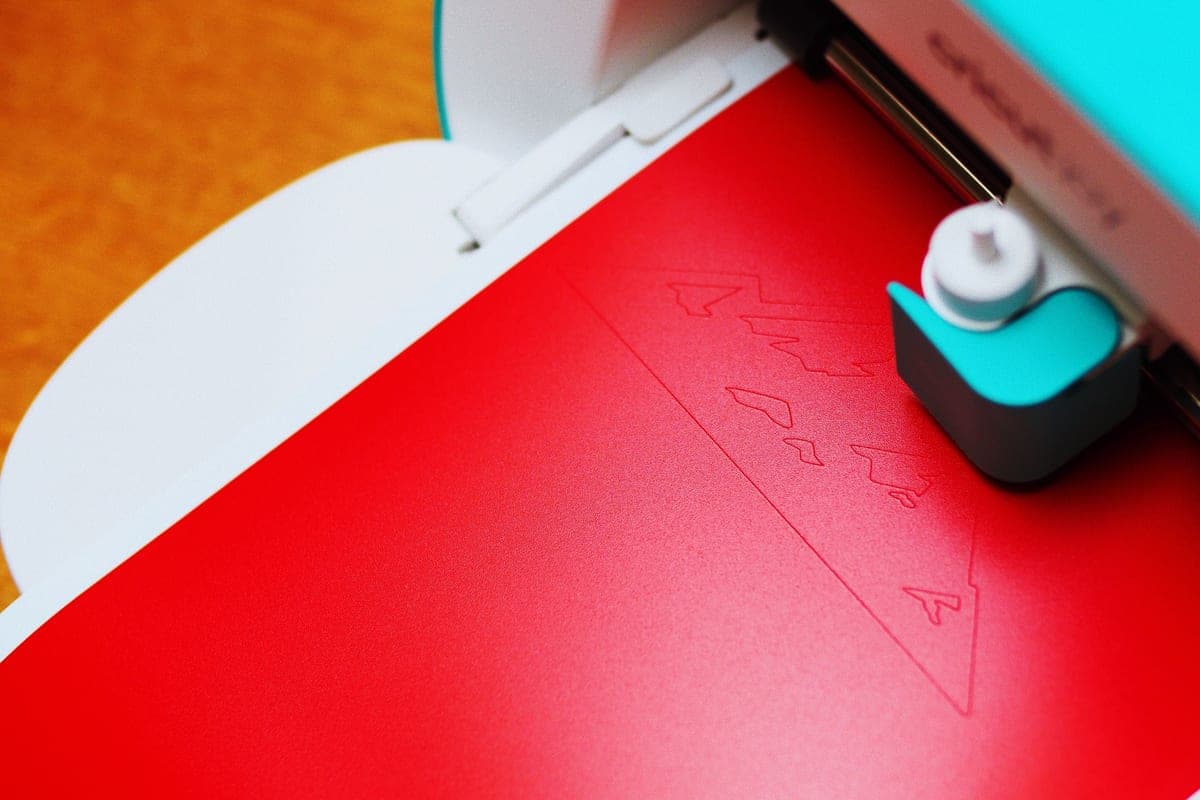 Silhouette CAMEO 5The real alternative to a Cricut, and the better pick if the idea of a cloud-only design app with a subscri... | The closest like-for-like swap | Check price on Amazon #ad · affiliate link · we never show a price we cannot verify |
| 2 |  Brother ScanNCutThe machine for people who do not want to design on a laptop — it has a built-in scanner and touchscreen, s... | No computer at all | Check price on Amazon #ad · affiliate link · we never show a price we cannot verify |
| 3 | Silhouette Portrait 4Silhouette's answer to the Joy Xtra — a narrower, cheaper machine that still runs the full offline Studio s... | Cheapest way out of the Cricut ecosystem | Check price on Amazon #ad · affiliate link · we never show a price we cannot verify |
| 4 |  xTool F1Not a vinyl cutter at all — a compact laser. Worth knowing about because it answers a different question, a... | Engraving, not cutting | Check price on Amazon #ad · affiliate link · we never show a price we cannot verify |
Tap any row to jump to the full write-up. We do not publish prices — they move constantly, and a stale number is worse than none.
First, why are you looking for an alternative?
The right alternative depends entirely on the objection, and the four reasons people arrive at this page lead to four different machines.
| Your objection | The machine that answers it |
|---|---|
| The cloud software and subscription prompts | Silhouette CAMEO 5 — local software, no subscription |
| I do not want to use a computer | Brother ScanNCut — touchscreen and scanner, works standalone |
| It is too expensive | Silhouette Portrait 4, or a prior-generation Cricut |
| I want to engrave wood and metal, not cut vinyl | A laser such as the xTool F1 — but read the warning below |
How we picked
We only list machines currently sold by their manufacturers, verified against the live catalog on the date in the byline, and we rank them by how well they answer a specific objection rather than by an abstract score. A machine that is better overall but does not fix your actual complaint is not an alternative — it is just a different machine. How we choose what to recommend.
The alternatives in full
1. Best for the closest like-for-like swap
Silhouette CAMEO 5
Silhouette · Currently sold · Verified 2026-09-27
If you want everything a Cricut Explore does without the cloud dependency, this is it. Twelve inch cut width, the same everyday materials, a dual carriage with automatic tool detection, and software that lives on your computer rather than on someone's server. No subscription is offered or required. The honest downsides: Studio takes longer to learn than Design Space, and on the free basic edition SVG import is behind a paid upgrade — which matters a lot if you plan to buy design files rather than make them.
What works
- Silhouette Studio runs on your computer and does not need to be online to cut
- No subscription is required to use the machine
- Cuts the same everyday materials a beginner uses
- Strong choice if you already own or buy SVG files from third parties
What does not
- Studio is more capable but noticeably harder to learn than Design Space
- SVG import is gated behind a paid Studio upgrade on the basic edition
- Smaller tutorial ecosystem than Cricut for absolute beginners
Not for you if
You want the shortest possible path from unboxing to a finished shirt. Design Space is the friendlier first app, even with its downsides.
Key specs
- Cuts
- Vinyl, heat transfer vinyl, cardstock, paper, fabric with backing
- Max cut width
- 12 in
- Software
- Silhouette Studio — installs locally, works offline
- File handling
- Imports SVG in the paid Studio tiers; basic edition is more limited
- Tool system
- Dual carriage with auto tool detection
#ad · affiliate link · we never show a price we cannot verify
2. Best for no computer at all
Brother ScanNCut
Brother · Currently sold · Verified 2026-09-27
The alternative that is actually different rather than merely competing. A built-in scanner plus an on-machine touchscreen means you can draw something on paper, scan it, and cut it without touching a laptop. For anyone who has had enough of screens, or who wants a machine a less technical household member can use independently, nothing else in the category does this. Canvas Workspace is weaker than both rivals' software, and accessories are harder to find, but neither undermines the core reason to buy it.
What works
- The only mainstream machine that genuinely works without a computer or tablet
- The scanner turns a hand-drawn shape into a cut file directly
- No subscription anywhere in the workflow
What does not
- Canvas Workspace is the weakest of the three design apps
- Much smaller beginner tutorial ecosystem
- Accessory and blade availability is thinner than Cricut's
Not for you if
You are comfortable designing on a computer. The scanner is the main reason to choose this, and you will not use it.
Key specs
- Built-in scanner
- Yes — scans a drawing or printed image and cuts it out
- Standalone operation
- Yes — on-machine touchscreen, no computer required
- Max cut width
- 12 in on the mat
- Software
- Canvas Workspace, plus on-machine editing
- Wireless
- Yes on current models
#ad · affiliate link · we never show a price we cannot verify
3. Best for cheapest way out of the cricut ecosystem
Silhouette Portrait 4
Silhouette · Currently sold · Verified 2026-09-27
The low-cost entry to Silhouette, with an 8 inch cut width that competes directly with the Joy Xtra. Importantly it runs the full Silhouette Studio rather than a cut-down edition, so you are not buying into a lesser software experience to save money — you are buying a smaller machine. Good pick if the thing you object to is the subscription prompting rather than the size of the machine.
What works
- Cheapest route into the Silhouette ecosystem
- Offline software with no subscription requirement
- Small footprint for a machine that still cuts 8 in wide
What does not
- 8 in width limits large shirt designs
- Same Studio learning curve as the CAMEO
- Fewer beginner tutorials than the equivalent Cricut
Not for you if
You need 12 in wide cuts. The CAMEO 5 is the Silhouette that does that.
Key specs
- Max cut width
- 8 in
- Software
- Silhouette Studio — local, offline capable
- Matless cutting
- Yes, with Silhouette's roll feeder materials
- Footprint
- Compact
- Tool system
- Auto blade
#ad · affiliate link · we never show a price we cannot verify
4. Best for engraving, not cutting
xTool F1
xTool · Currently sold · Verified 2026-09-27
Included specifically because people cross-shop this against a Cricut and should not. It is a laser, not a blade cutter. It engraves wood, leather, acrylic, slate and coated metal beautifully, and it cannot cut vinyl — a laser melts vinyl and releases hazardous fumes doing it. If what you actually want is engraved tumblers and wooden signs, this is the right tool and a Cricut will disappoint you. If you want decals and shirts, this is the single most expensive wrong turn available in the category.
What works
- Engraves materials no blade machine can touch
- Very fast at what it does
- Opens a genuinely different product range — tumblers, wood signs, leather goods
What does not
- Cannot cut vinyl, which is the entire reason most people buy a craft machine
- Needs ventilation and eye protection — this is a real safety consideration
- Considerably more expensive than every blade machine here
Not for you if
Your project list is shirts and decals. A laser does not make those, and buying one instead of a cutter is the single most expensive mistake in this category.
Key specs
- Type
- Diode laser engraver and cutter
- Marks
- Wood, leather, acrylic, coated metal, slate
- Cuts vinyl
- No — a laser melts vinyl and releases hazardous fumes
- Ventilation
- Required
- Footprint
- Compact for a laser, large for a craft machine
#ad · affiliate link · we never show a price we cannot verify
What you give up by leaving the Cricut ecosystem
Worth being straight about, because it is not nothing. Cricut's tutorial ecosystem is enormous — when a beginner hits a problem at an awkward hour, the odds that somebody has already filmed the solution on that exact machine are far higher for Cricut than for anything else. Material presets are named and reliable, so you spend less time doing test cuts. Blades, mats and accessories are stocked in general retailers rather than ordered online.
None of that makes the alternatives bad. It does mean the first fortnight is measurably harder, and if you are the sort of person who would rather be cutting than troubleshooting, it is a real cost. Weigh it against the thing that sent you looking in the first place — for plenty of people, the offline software is worth a slower start.
The cheapest alternative of all
If the objection is purely price, the honest answer might be a prior-generation Cricut rather than a different brand. The Explore 3 and Maker 3 are still supported in Design Space and still cut everything they always did. They are not the current line, so no guide should present them as the current recommendation — but as a purchase at a genuinely lower price, they are sound. The cheapest current options are here.
Common questions
What is the best alternative to a Cricut?
Is there a cutting machine that does not need a subscription?
Can I use a laser engraver instead of a vinyl cutter?
Is a cheaper vinyl plotter a good alternative?
Sources
- Silhouette America product catalog — CAMEO 5 and Portrait 4, verified 27 September 2026
- Brother ScanNCut product information — Standalone operation, verified 27 September 2026
- xTool product information — Laser material compatibility and ventilation requirements, verified 27 September 2026
How we picked
We verify every product is currently sold by reading the manufacturer's own catalog, compare published specifications rather than marketing copy, and rank on what a first-time buyer has to decide. We do not run lab tests and we do not claim to, and commission never affects the order.
Read this next
Cricut vs Silhouette
The brand decision settled fairly: ecosystem and ease against offline software and no subscriptions.
Cricut vs Brother ScanNCut
The standalone machine compared to the ecosystem leader — who each one genuinely suits.
Cricut vs xTool
Blade cutter or laser engraver? They make different things, and buying the wrong one is expensive.
Best Craft Cutting Machines for Beginners
Every brand worth considering, ranked honestly — including the cases where Cricut is not the answer.

The Cheapest Cricut, Honestly
The lowest-cost route into the hobby, and the cases where spending a little more costs less overall.
Back to Cutting Machines.