
Cricut vs Laser Cutter
These are not competing machines. One drags a blade through thin material, the other burns through thick — and only one of them makes shirts.
Heads up: Mat & Blade earns a commission from qualifying purchases made through the links on this page, at no extra cost to you. It never changes which products we recommend or how we rank them. Read the full disclosure.
A Cricut drags a small blade through thin, flexible material — vinyl, iron-on, cardstock, paper, fabric. A laser burns a focused beam through or into thick, rigid material — wood, acrylic, leather, slate. A laser cannot cut vinyl, because heating PVC releases hazardous fumes and corrodes the machine, so a laser is not an upgraded Cricut. If your projects are shirts, decals and stickers, you need a cutting machine. If they are engraved coasters and wooden signs, you need a laser. Plenty of people eventually own one of each.
Material by material
The cleanest way to see the boundary is to list materials rather than features. There is far less overlap than the marketing for either machine suggests.
| Material | Cutting machine | Laser | Notes |
|---|---|---|---|
| Adhesive vinyl | Yes | Never | Lasering PVC releases hazardous fumes and corrodes the machine |
| Heat transfer vinyl | Yes | Never | Same chemistry problem |
| Cardstock and paper | Yes | Yes, with scorched edges | A blade gives a cleaner edge |
| Sticker paper | Yes | No | Print then cut is a cutter feature |
| Unbacked fabric | Maker line only | Yes, sealed edge | Different results — a laser seals synthetics as it cuts |
| Basswood, thin plywood | Maker knife blade, slowly | Yes | A laser is dramatically faster here |
| Acrylic | No | Yes | Not a craft cutter material at all |
| Leather | Faux leather yes, thick no | Yes | A laser also engraves it |
| Slate, coated metal, glass | No | Yes, marking | Engraving, not cutting |
| Engraving or permanent marking | No | Yes | The thing only a laser does |
The vinyl problem is a hard limit, not a setting
Most craft vinyl is PVC. Heating PVC releases chlorine-containing fumes that are harmful to breathe and corrosive to the metal and optics inside a laser. This is why laser manufacturers list PVC as a prohibited material rather than an unsupported one.
It matters here because vinyl is the material this whole hobby runs on. Shirts, tumbler decals, car decals, wall quotes, labels — all vinyl. A machine that cannot process vinyl cannot replace a cutting machine, however much more impressive its output looks in a video. If you are weighing a laser as your only craft machine and shirts are anywhere on your list, the answer is already no.
What a laser needs that a cutter does not
The running requirements differ more than the purchase price suggests, and this is the part that surprises people.
- Ventilation. Burning any material makes smoke. A laser needs an extraction route — a window duct at minimum, a filter unit if that is not possible. A cutting machine needs a table.
- Eye protection and enclosure. Open-frame diode lasers need rated eyewear and a space where nobody wanders in. A blade cuts safely next to a toddler.
- Supervision. A laser is a focused heat source working on combustible material. It does not get left running in another room. A Cricut does.
- Space and noise. Extraction fans are loud and the machine plus its duct does not fold away. A handheld-press-and-cutter setup lives on a shelf.
What the Maker does instead
A lot of laser curiosity is really wood curiosity, and the Maker line covers more of that than people expect. The knife blade makes repeated passes through basswood and thick chipboard, which is how you get wooden ornaments, layered signage and model parts out of a craft machine.
The honest version: it is slow. A single wooden shape can take twenty minutes of passes where a laser would take under a minute, and the edge is cut rather than scorched, which some people prefer and some do not. It also will not engrave at all — no marking, no shading, no burned-in detail. If wood is an occasional project, the Maker covers it. If wood is the business, you want the laser. Explore versus Maker covers whether that blade is worth the step up.
Our picks in full
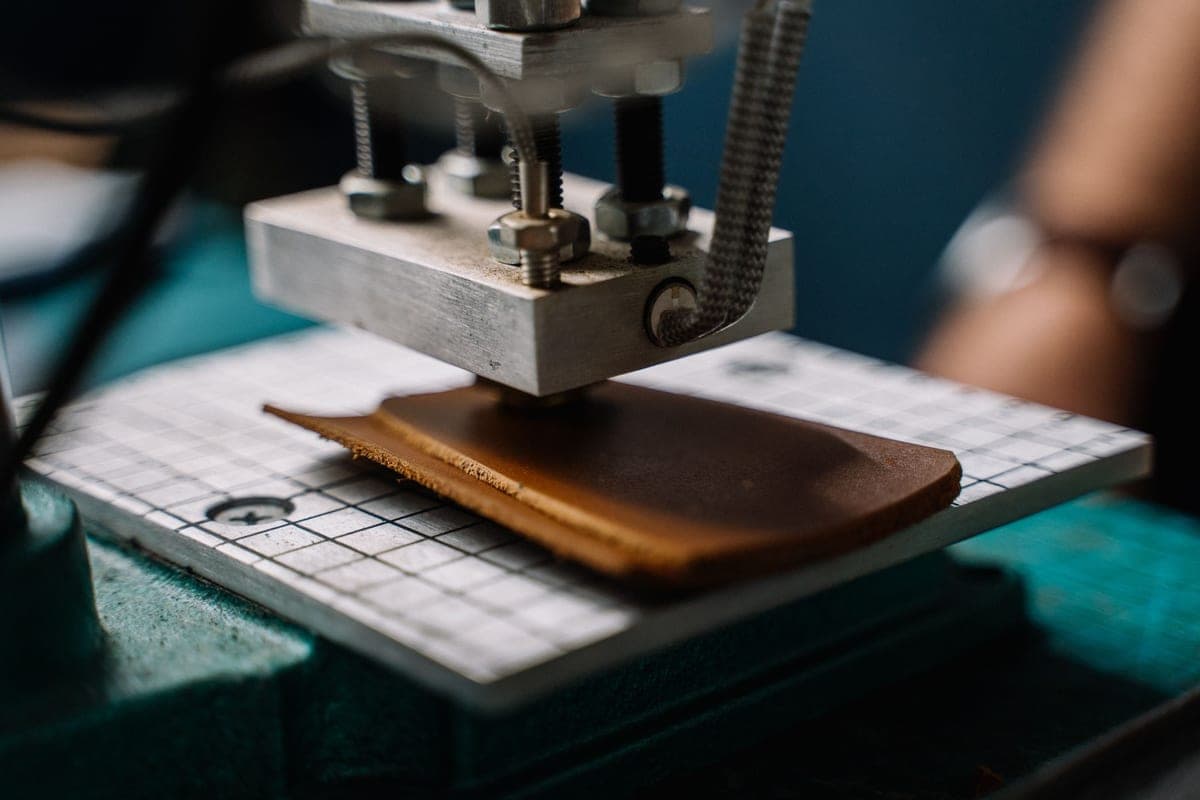
1. Best for vinyl, shirts, decals and stickers
Cricut Explore 5
Cricut · Currently sold · Verified 2026-09-27
The machine for everything most people mean when they say craft cutting. A blade cuts vinyl, heat transfer vinyl, cardstock, paper, sticker paper and faux leather cleanly and with no fumes, no ventilation and no eye protection. Twelve inch width covers an adult shirt front. Nothing a laser does replaces this, because a laser physically cannot process vinyl — which is the single most-used material in this hobby.
What works
- Cuts every material a beginner's first ten projects will use
- Matless Smart Material cutting means long banners and decals without a mat
- Cheapest current machine that still handles full 12 in wide vinyl
- Huge community of tutorials aimed at exactly this machine
What does not
- No rotary blade, so unbacked fabric is out
- No knife blade for basswood or thick leather
- Still needs Design Space, which needs an internet connection to set up
Not for you if
You already know you want to cut quilting fabric or thick leather. That is the Maker line's rotary and knife blades, and no accessory adds them to an Explore.
Key specs
- Cuts
- Vinyl, heat transfer vinyl, cardstock, paper, iron-on, faux leather
- Max material width
- 12 in (11.5 in cut width)
- Matless cutting
- Yes, with Smart Materials
- Tool slots
- Two — blade plus pen or scoring tool
- Rotary / knife blade
- No — Maker line only
#ad · affiliate link · we never show a price we cannot verify
2. Best for fabric and thin wood without a laser
Cricut Maker 5
Cricut · Currently sold · Verified 2026-09-27
The answer for a lot of people who think they want a laser. The rotary blade cuts unbacked fabric, and the knife blade cuts basswood and thick chipboard over repeated passes — slowly, but with no fumes, no ventilation and no scorched edges. If your laser ambition is wooden ornaments and fabric pieces rather than engraved tumblers, this covers it inside a craft machine you can run in a spare room.
What works
- Rotary blade cuts quilting cotton with no backing, which no Explore can do
- Knife blade opens basswood, chipboard and thick leather
- Adaptive tool system takes every Cricut blade and tip
- Same matless Smart Material workflow as the Explore line
What does not
- Materially more expensive than an Explore for capability most beginners never use
- The knife blade is a separate purchase on top of the machine
- Knife-blade cuts are slow — a thick basswood cut can run well over an hour
Not for you if
Your project list is shirts, decals, stickers and cards. Every one of those cuts identically on an Explore 5, and the difference in price is roughly a full starter set of materials.
Key specs
- Cuts
- 300+ materials including unbacked fabric, leather, basswood
- Max material width
- 12 in (11.5 in cut width)
- Matless cutting
- Yes, with Smart Materials
- Rotary blade
- Yes — cuts fabric without a stabilizer backing
- Knife blade
- Yes — sold separately
#ad · affiliate link · we never show a price we cannot verify
3. Best for engraving and marking, not cutting vinyl
xTool F1
xTool · Currently sold · Verified 2026-09-27
A real laser, and the honest comparison point, included here so the boundary is clear rather than implied. It marks wood, leather, acrylic, coated metal and slate — permanent engraving a blade cannot produce at any setting. It also requires ventilation, cannot cut vinyl, and will not make a shirt. Buy it as a second machine for engraved products, never as a replacement for a cutter.
What works
- Engraves materials no blade machine can touch
- Very fast at what it does
- Opens a genuinely different product range — tumblers, wood signs, leather goods
What does not
- Cannot cut vinyl, which is the entire reason most people buy a craft machine
- Needs ventilation and eye protection — this is a real safety consideration
- Considerably more expensive than every blade machine here
Not for you if
Your project list is shirts and decals. A laser does not make those, and buying one instead of a cutter is the single most expensive mistake in this category.
Key specs
- Type
- Diode laser engraver and cutter
- Marks
- Wood, leather, acrylic, coated metal, slate
- Cuts vinyl
- No — a laser melts vinyl and releases hazardous fumes
- Ventilation
- Required
- Footprint
- Compact for a laser, large for a craft machine
#ad · affiliate link · we never show a price we cannot verify
If you are cross-shopping specific models
xTool is the brand most often put head to head with Cricut, partly because it sells both lasers and cutting machines, which muddies the comparison considerably. Cricut versus xTool handles that pair directly. For the brand-level cutting machine decision, Cricut versus Silhouette versus Brother covers the three real options, and Cricut alternatives is the full roundup. If you are still working out which machine family you need at all, start with which Cricut should I buy.
Common questions
Can a laser cutter replace a Cricut?
Why can a laser not cut vinyl?
Can a Cricut cut wood?
Which should I buy first, a cutting machine or a laser?
Does a laser need ventilation?
Can a cutting machine engrave?
Sources
- xTool product documentation — Diode laser material compatibility, prohibited materials including PVC, and ventilation requirements, verified 6 October 2026
- Cricut official product catalog — Knife blade and rotary blade material compatibility across the Maker line, verified 6 October 2026
How we picked
We verify every product is currently sold by reading the manufacturer's own catalog, compare published specifications rather than marketing copy, and rank on what a first-time buyer has to decide. We do not run lab tests and we do not claim to, and commission never affects the order.
Read this next
Cricut vs xTool
Blade cutter or laser engraver? They make different things, and buying the wrong one is expensive.

Cricut Alternatives Worth Considering
The machines that genuinely compete with Cricut, organized by the reason you want to avoid one.
Cricut vs Silhouette vs Brother
What each of the three main cutting machine brands is actually good at, and which one fits how you want to work.
Cricut Explore 5 vs Maker 5
The Explore-versus-Maker question settled: what the extra blades do, and who will never use them.

Which Cricut Should I Buy?
A four-question decision flow that ends on one specific model — no hedging, no feature lists.

Is a Cricut Worth It?
The honest case for and against, including the reader who should not buy one at all.
Back to Cutting Machines.