The EcoTank Conversion, Honestly
It works, it is cheap, and it has two consequences the tutorials tend to mention quickly and move past.
Heads up: Mat & Blade earns a commission from qualifying purchases made through the links on this page, at no extra cost to you. It never changes which products we recommend or how we rank them. Read the full disclosure.
The conversion works, and it costs you two things: warranty coverage for ink-related damage, and the ability to ever use the printer for anything else. Both are worth knowing before you pour ink in, because neither can be undone afterwards. It is still a reasonable decision for most hobbyists.
What the conversion is
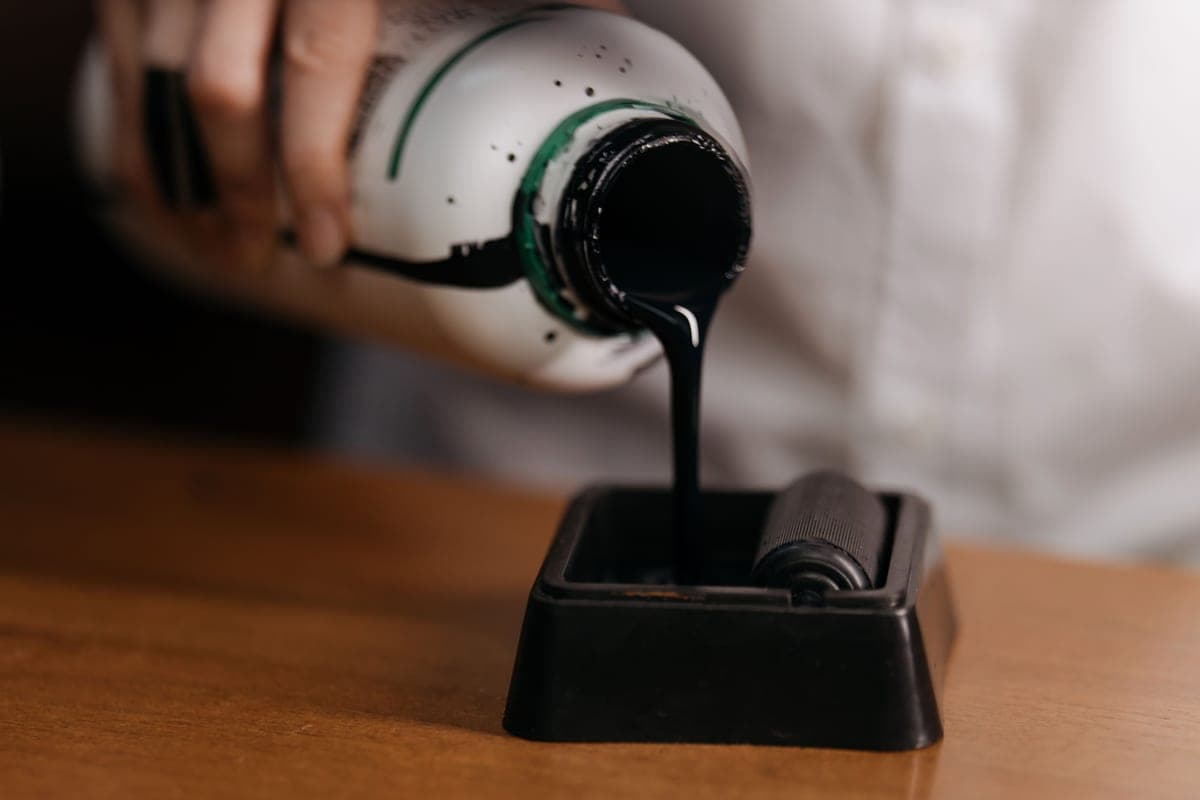
A refillable-tank inkjet is sold as an ordinary printer with large refillable ink tanks instead of cartridges. The conversion is simply filling those tanks with third-party sublimation ink rather than the manufacturer's own, which turns it into a working sublimation printer at a fraction of the cost of a dedicated one.
It is not a modification in any physical sense. No parts are changed. That is exactly why it is so widely done, and also why the consequences catch people out — nothing about the process feels like it should have any.
Consequence one: the warranty
Epson's warranty does not cover damage caused by non-genuine ink. That is the precise position, and it is narrower than the common claim that converting "voids the warranty" outright — the printer is not blacklisted, and an unrelated fault would in principle still be a warranty matter.
In practice the distinction is thin. The faults converted printers actually experience are ink-system faults: clogged print heads, failed nozzle checks, ink not flowing properly, color problems. Those are precisely what the exclusion covers. So while you have not lost the whole warranty, you have lost the part of it you would ever be likely to use.
Consequence two: it is one-way
Once sublimation ink is in the system, the printer is a sublimation printer permanently. Sublimation ink and regular ink do not mix well, and flushing the tanks, lines and print head sufficiently to return to reliable normal printing is difficult enough that it is not a realistic plan.
This matters most in households with one printer. If the machine you are eyeing is also where the school forms and shipping labels come from, converting it ends that. Buy a separate printer for the conversion rather than repurposing the household one.
What else nobody mentions
- Print it regularly. Sublimation ink dries in the nozzles if a printer sits unused for weeks. Print something small once a week — a nozzle check is enough — and you avoid most clog problems. This is the maintenance nobody mentions in the tutorials.
- The color profile is not optional. Without an ICC profile from your ink maker, colors come out noticeably off. This is the single biggest cause of disappointment with converted printers, and it is not the printer's fault.
- Support is a forum, not a phone number. When something goes wrong you are searching rather than calling. For a hobby that is fine; for a business it is a risk worth pricing.
- Ink quality varies. Cheap sublimation ink with no profile is a false economy. Buy from a maker that supplies a profile and documents which printers their ink suits.
So should you do it?
Yes, if you are a hobbyist, cost is the binding constraint, you are buying a printer specifically for this, and you are comfortable troubleshooting with a community. That describes most people getting into sublimation, and the conversion is a sensible decision for them.
No, if you are building a business where downtime costs orders, you need one printer to do everything, or you would rather pay more than run an improvised setup. A dedicated printer is the alternative, and there is nothing wrong with wanting the thing to simply work.
Doing it properly
1Buy the printer new and sealed
A printer that has never had manufacturer ink through it converts cleanly. One that has does not.
2Buy ink that names your model
Sublimation ink is formulated per printer family. Buy from a maker that lists your exact model and supplies an ICC profile.
3Fill the tanks with sublimation ink first
Do not install the supplied ink at any point, even to test the machine.
4Run the initial charge cycle
Follow the printer's setup so ink reaches the print head, exactly as you would with normal ink.
5Install the ICC profile
Add it to your design software and select it when printing. This is what makes color predictable.
6Print and press a test sheet
On a scrap blank, before committing to a real project. Colors look wrong on paper and correct after pressing — the test is how you learn the difference.
7Set a weekly print reminder
A nozzle check once a week keeps the head from clogging. This is the maintenance that determines how long the setup lasts.
1. Best for the printer people convert
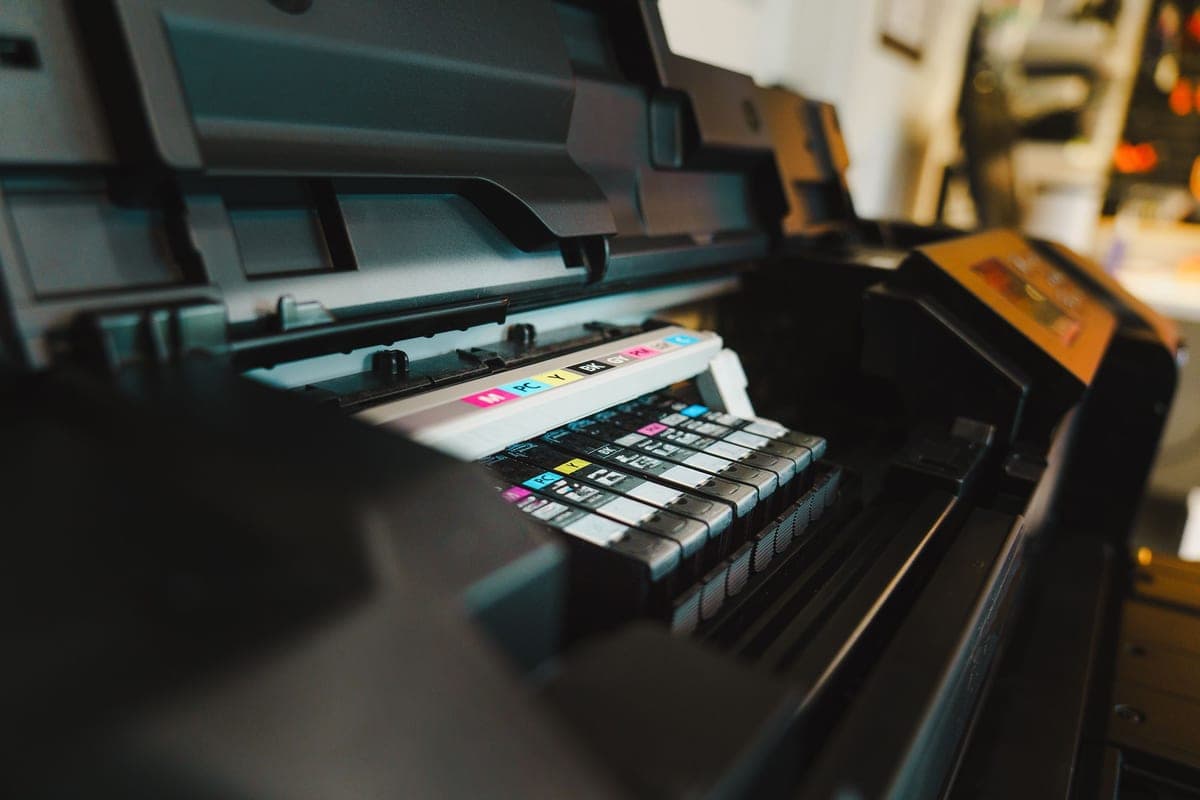
Epson EcoTank ET-2800
Epson · Currently sold · Verified 2026-09-27
Inexpensive, refillable, and documented in enormous detail by the crafting community. It is genuinely the cheapest route into sublimation. Buy it new, never install the supplied ink, and understand the two consequences below before you start.
What works
- By far the cheapest way to start sublimating
- Refillable tanks mean low running cost once converted
- Very widely documented by the crafting community
What does not
- Converting it with third-party sublimation ink voids Epson's coverage for ink-related damage
- A converted printer cannot go back to regular ink
- 8.5 in width limits you to letter-size transfers
Not for you if
You want a supported, warrantied sublimation setup you can call for help on. Buy a dedicated sublimation printer instead.
Key specs
- Type
- Refillable-tank inkjet — sold as a regular printer
- Sublimation
- Not a sublimation printer as sold; people convert it
- Max print width
- 8.5 in (letter)
- Ink system
- Four refillable tanks
- Warranty note
- Epson's warranty covers damage from genuine ink, not third-party ink
#ad · affiliate link · we never show a price we cannot verify
2. Best for what makes it work, and what voids the coverage
Third-Party Sublimation Ink
Various · Currently sold · Verified 2026-09-27
Third-party sublimation ink is the active ingredient in the conversion and exactly what Epson's warranty excludes damage from. The ICC profile the maker supplies matters more to your results than the brand does.
What works
- Turns a cheap printer into a working sublimation printer
- Far cheaper per page than cartridge sublimation ink
- Most sellers supply an ICC profile for color accuracy
What does not
- Voids Epson's coverage for damage caused by non-genuine ink
- Color accuracy varies a lot by brand without a good profile
- There is no going back to regular printing
Not for you if
The printer is also your household document printer. Once it is converted, that is over.
Key specs
- Type
- Dye-sublimation ink in refill bottles
- Used with
- Refillable-tank inkjets, most commonly Epson EcoTank
- Color profile
- An ICC profile from the ink maker matters more than the ink brand
- Reversible
- No — a converted printer stays converted
#ad · affiliate link · we never show a price we cannot verify
3. Best for the alternative if this bothers you
Sawgrass SG500
Sawgrass · Currently sold · Verified 2026-09-27
A printer sold as a sublimation printer, with warranty coverage for that use, supplied color profiles and a support line. Considerably more expensive to buy and run. If the conversion's consequences give you pause, this is the alternative rather than a compromise.
What works
- No conversion, no warranty question, no community workaround
- Color profiles supplied and supported by the manufacturer
- Manufacturer support when something goes wrong
What does not
- Much higher purchase price than a converted EcoTank
- Cartridge ink costs considerably more per page than tank ink
- Same 8.5 in width limit as the cheap option
Not for you if
You are experimenting to see whether you like sublimation at all. That is a lot of money to spend on a maybe.
Key specs
- Type
- Dedicated sublimation printer
- Sold as
- A sublimation printer — no conversion involved
- Max print width
- 8.5 in (letter)
- Ink
- Sawgrass SubliJet sublimation ink cartridges
- Support
- Manufacturer support and warranty for sublimation use
#ad · affiliate link · we never show a price we cannot verify
Common questions
Does converting an EcoTank void the warranty?
Can you convert an EcoTank back to normal ink?
Can I use my existing EcoTank for sublimation?
Why do my converted printer's colors look wrong?
How do I stop a sublimation printer clogging?
Is converting an EcoTank worth it?
Sources
- Epson product and warranty information — EcoTank specifications and warranty position on non-genuine ink, verified 27 September 2026
- Sawgrass product information — Dedicated sublimation printer support and color management, verified 27 September 2026
How we picked
We verify every product is currently sold by reading the manufacturer's own catalog, compare published specifications rather than marketing copy, and rank on what a first-time buyer has to decide. We do not run lab tests and we do not claim to, and commission never affects the order.
Read this next
Sawgrass vs Epson EcoTank
Dedicated printer or converted EcoTank — cost, warranty, support and which suits which user.
The Best Sublimation Printer for Beginners
Convert an EcoTank or buy a dedicated printer — the honest trade-off between cost and support.
Sublimation for Beginners
The complete beginner walkthrough: how it works, what it needs, and the first-transfer process.

Sublimation vs HTV
The category-defining comparison: what each technology can and cannot do, and which to start with.
Back to Sublimation.