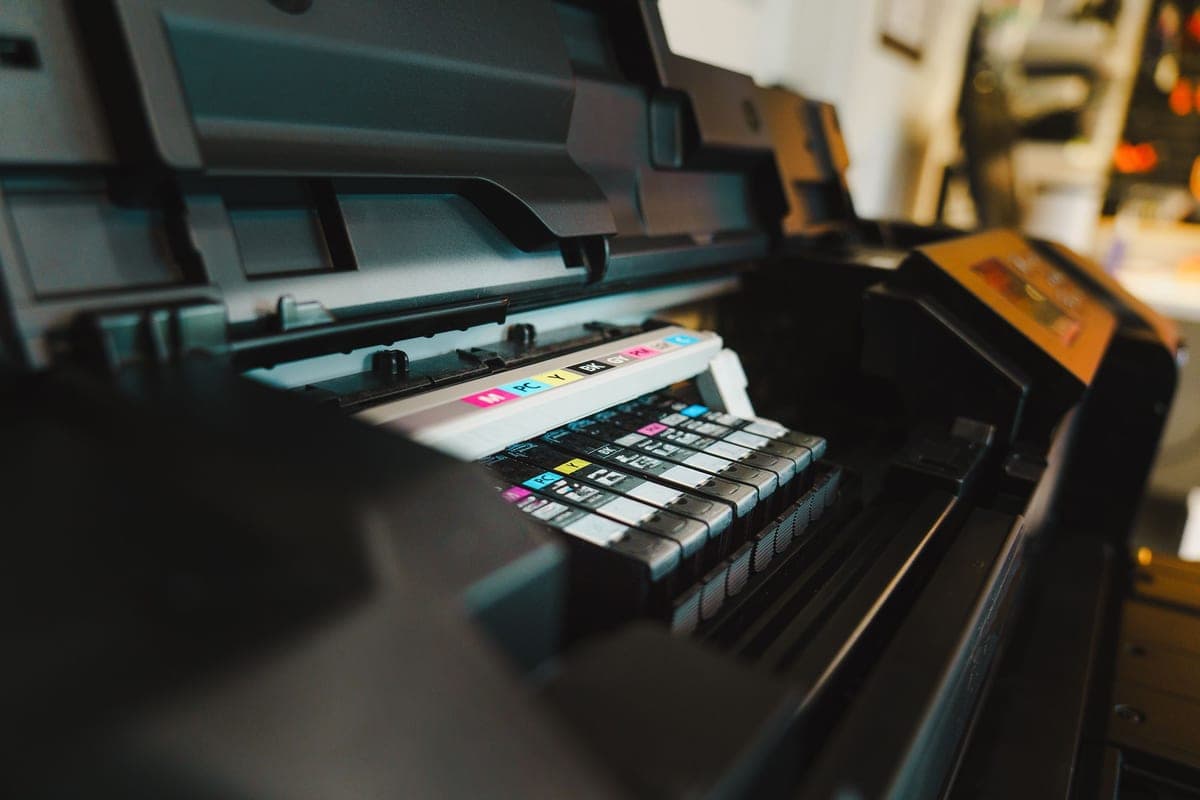
The Best Sublimation Printer for Beginners
There are two routes in, and the cheap one has a consequence worth understanding first.
Heads up: Mat & Blade earns a commission from qualifying purchases made through the links on this page, at no extra cost to you. It never changes which products we recommend or how we rank them. Read the full disclosure.
Convert a cheap refillable-tank Epson if you are experimenting; buy a dedicated Sawgrass if you want it supported. The conversion is far cheaper and very widely documented, and it voids Epson's coverage for ink-related damage and cannot be reversed. Neither route is wrong — but the decision should be deliberate.
Quick picks
| # | Product | Best for | Price |
|---|---|---|---|
| 1 | Epson EcoTank ET-2800The printer most people convert — cheap, refillable, and widely documented. Read the warranty section befor... | The cheapest way in | Check price on Amazon #ad · affiliate link · we never show a price we cannot verify |
| 2 | Sawgrass SG500A real sublimation printer sold as one — you pay more up front and in ink, and in exchange nothing about it... | A supported setup with no workarounds | Check price on Amazon #ad · affiliate link · we never show a price we cannot verify |
| 3 | 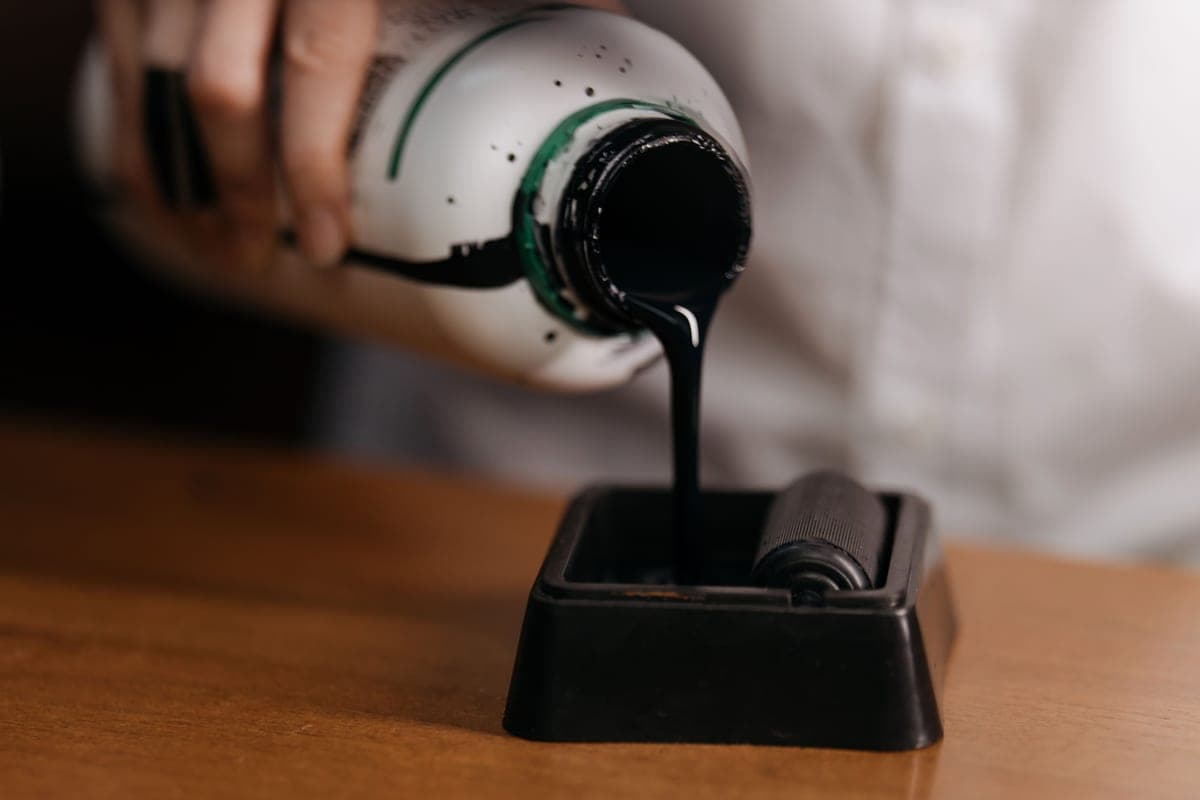 Third-Party Sublimation InkThe ink that makes an EcoTank conversion work, and the exact thing that puts the printer outside Epson's in... | What makes the conversion work | Check price on Amazon #ad · affiliate link · we never show a price we cannot verify |
| 4 | 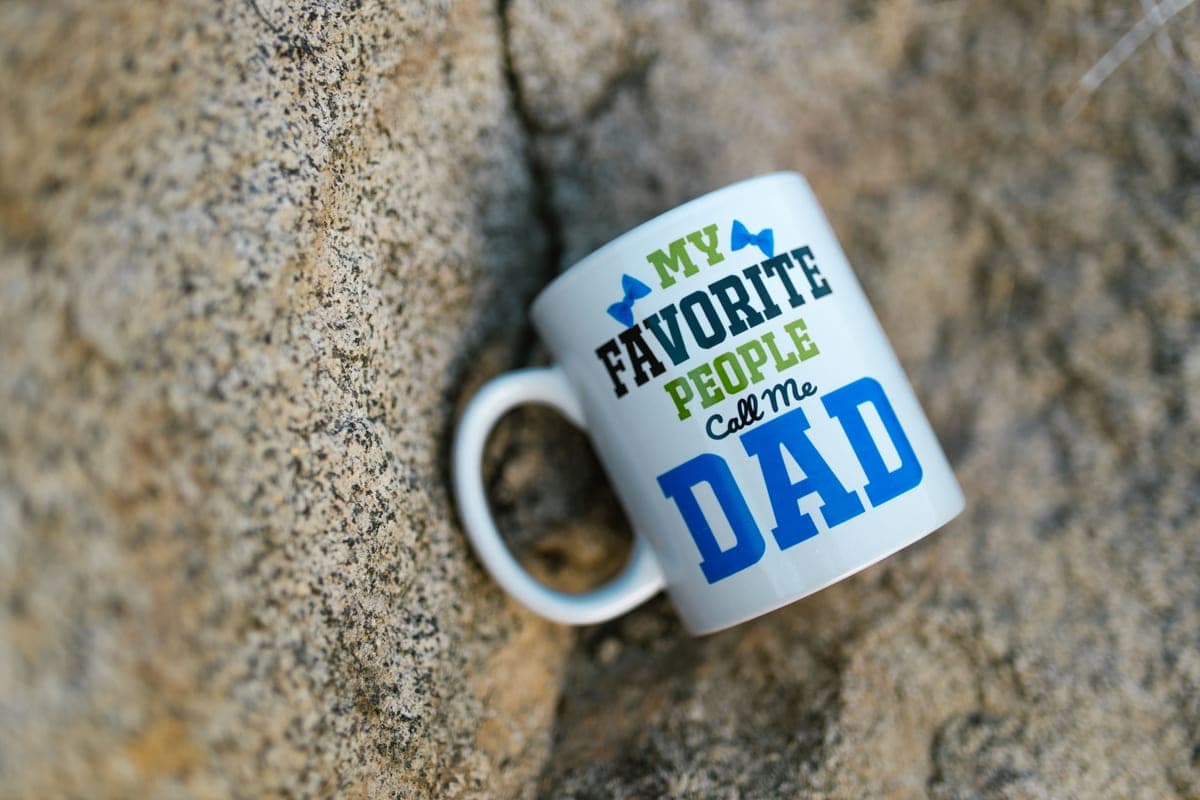 A-SUB Sublimation PaperThe paper most beginners land on, and a sensible default: high transfer rate, dries fast enough to handle, ... | The paper, whichever printer you pick | Check price on Amazon #ad · affiliate link · we never show a price we cannot verify |
Tap any row to jump to the full write-up. We do not publish prices — they move constantly, and a stale number is worse than none.
Before anything: check sublimation can do your project
This matters more than which printer you buy, because the wrong project makes the printer choice irrelevant.
The two routes, compared
| Converted EcoTank | Dedicated sublimation printer | |
|---|---|---|
| Purchase cost | Much lower | Considerably higher |
| Ink cost per page | Lower — refillable tanks | Higher — cartridges |
| Warranty for sublimation use | None — non-genuine ink is excluded | Covered |
| Support when it breaks | Community forums | Manufacturer support line |
| Color profiles | From the ink maker, quality varies | Supplied and supported |
| Reversible | No — a converted printer stays converted | N/A |
| Print width | 8.5 in (letter) | 8.5 in (letter) |
Note that both routes give the same print width. Paying more does not buy you larger transfers at this level — it buys support and no workaround.
How we picked
We ranked by what a beginner actually has to weigh: total cost to get printing, what happens when something goes wrong, and whether the setup is supported or improvised. Warranty positions come from the manufacturer's own published terms rather than from community summaries. Our methodology.
The picks in full
1. Best for the cheapest way in
Epson EcoTank ET-2800
Epson · Currently sold · Verified 2026-09-27
The printer most people convert, and for good reason: it is inexpensive, its refillable tanks make running costs low once filled with sublimation ink, and the conversion is documented in enormous detail by the crafting community. Read the warranty section below before you pour anything into it — Epson's coverage does not extend to damage from non-genuine ink, and the conversion is one-way.
What works
- By far the cheapest way to start sublimating
- Refillable tanks mean low running cost once converted
- Very widely documented by the crafting community
What does not
- Converting it with third-party sublimation ink voids Epson's coverage for ink-related damage
- A converted printer cannot go back to regular ink
- 8.5 in width limits you to letter-size transfers
Not for you if
You want a supported, warrantied sublimation setup you can call for help on. Buy a dedicated sublimation printer instead.
Key specs
- Type
- Refillable-tank inkjet — sold as a regular printer
- Sublimation
- Not a sublimation printer as sold; people convert it
- Max print width
- 8.5 in (letter)
- Ink system
- Four refillable tanks
- Warranty note
- Epson's warranty covers damage from genuine ink, not third-party ink
#ad · affiliate link · we never show a price we cannot verify
2. Best for a supported setup with no workarounds
Sawgrass SG500
Sawgrass · Currently sold · Verified 2026-09-27
A real sublimation printer sold as one. No conversion, no warranty question, manufacturer color profiles supplied and supported, and a support line when something goes wrong. You pay considerably more up front and meaningfully more per page for cartridge ink. Worth it if you want the thing to simply work, or if you are building a business on it and cannot afford an unsupported tool.
What works
- No conversion, no warranty question, no community workaround
- Color profiles supplied and supported by the manufacturer
- Manufacturer support when something goes wrong
What does not
- Much higher purchase price than a converted EcoTank
- Cartridge ink costs considerably more per page than tank ink
- Same 8.5 in width limit as the cheap option
Not for you if
You are experimenting to see whether you like sublimation at all. That is a lot of money to spend on a maybe.
Key specs
- Type
- Dedicated sublimation printer
- Sold as
- A sublimation printer — no conversion involved
- Max print width
- 8.5 in (letter)
- Ink
- Sawgrass SubliJet sublimation ink cartridges
- Support
- Manufacturer support and warranty for sublimation use
#ad · affiliate link · we never show a price we cannot verify
3. Best for what makes the conversion work
Third-Party Sublimation Ink
Various · Currently sold · Verified 2026-09-27
The ink is what turns a cheap printer into a sublimation printer, and it is also exactly what puts it outside Epson's ink-damage coverage. The color profile supplied by the ink maker matters more to your results than the ink brand does — without one, colors print noticeably off.
What works
- Turns a cheap printer into a working sublimation printer
- Far cheaper per page than cartridge sublimation ink
- Most sellers supply an ICC profile for color accuracy
What does not
- Voids Epson's coverage for damage caused by non-genuine ink
- Color accuracy varies a lot by brand without a good profile
- There is no going back to regular printing
Not for you if
The printer is also your household document printer. Once it is converted, that is over.
Key specs
- Type
- Dye-sublimation ink in refill bottles
- Used with
- Refillable-tank inkjets, most commonly Epson EcoTank
- Color profile
- An ICC profile from the ink maker matters more than the ink brand
- Reversible
- No — a converted printer stays converted
#ad · affiliate link · we never show a price we cannot verify
4. Best for the paper, whichever printer you pick
A-SUB Sublimation Paper
A-SUB · Currently sold · Verified 2026-09-27
Needed regardless of route. Sublimation paper is a coated transfer sheet that releases ink to the blank under heat, and a high-transfer-rate paper gives brighter results with less ink. Cheap enough to practice with, which matters because early attempts get wasted.
What works
- Consistent results across shirts, mugs and hard blanks
- Dries quickly enough that sheets do not smudge when stacked
- Cheap enough to practice with
What does not
- Only works with sublimation ink — regular ink will not transfer
- Printing on the wrong side wastes the sheet and the ink
Not for you if
You are printing on dark fabric. Sublimation does not work on dark fabric at all, whatever paper you use.
Key specs
- Type
- Dye-sublimation transfer paper
- Weight
- Commonly 125 gsm
- Sizes
- Letter and larger sheets
- Transfer rate
- High — most of the ink releases to the blank
- Printed side
- One side only — the coated side
#ad · affiliate link · we never show a price we cannot verify
What the conversion actually involves
Worth understanding before choosing it, because "just fill it with sublimation ink" undersells it slightly.
- Buy the printer new and never install the supplied ink. This is the important part. Once regular ink has been through the system, flushing it sufficiently is difficult and results stay unreliable.
- Fill the tanks with sublimation ink matched to that printer, following the ink maker's instructions.
- Run the initial charge cycle so ink reaches the print head.
- Install the ICC color profile supplied by the ink maker. Skipping this is why converted printers get a reputation for poor color — sublimation colors look wrong before pressing and correct afterwards, and the profile is what makes that predictable.
- Print a test sheet and press it on a scrap blank to check color before committing to a real project.
None of it is difficult. It is simply a one-way door, and it is worth walking through it knowingly. The full honest version.
What else the setup needs
- Sublimation paper — a coated transfer sheet. Which to buy.
- Polyester or polymer-coated blanks. An ordinary tumbler will not take sublimation; it needs the coating.
- A heat source. A flat press for fabric; a tumbler press or convection oven for round blanks, because a flat plate cannot wrap a tumbler evenly.
- Heat-resistant tape and butcher paper, so the transfer cannot shift mid-press and the ink cannot gas onto your platen.
Should this be your first purchase?
Almost certainly not. Sublimation is a second hobby sitting next to the first one — its own printer, its own consumables, its own blanks, often its own heat source — and it cannot make a design on a cotton shirt, which is what most beginners actually want first.
Start with a cutting machine and vinyl, find out whether you enjoy the process, and come back when you have a specific project that genuinely needs sublimation. Sublimation for beginners is the place to start when you do.
Common questions
What is the best sublimation printer for beginners?
Can any printer do sublimation?
Does converting an EcoTank void the warranty?
Do I need a special printer profile for sublimation?
Can I print sublimation on a laser printer?
Sources
- Epson product and warranty information — EcoTank specifications and warranty position on non-genuine ink, verified 27 September 2026
- Sawgrass product information — SG500 specifications, ink system and support, verified 27 September 2026
How we picked
We verify every product is currently sold by reading the manufacturer's own catalog, compare published specifications rather than marketing copy, and rank on what a first-time buyer has to decide. We do not run lab tests and we do not claim to, and commission never affects the order.
Read this next
Sawgrass vs Epson EcoTank
Dedicated printer or converted EcoTank — cost, warranty, support and which suits which user.
The EcoTank Conversion, Honestly
What converting an EcoTank actually costs you in warranty and reversibility, stated up front.
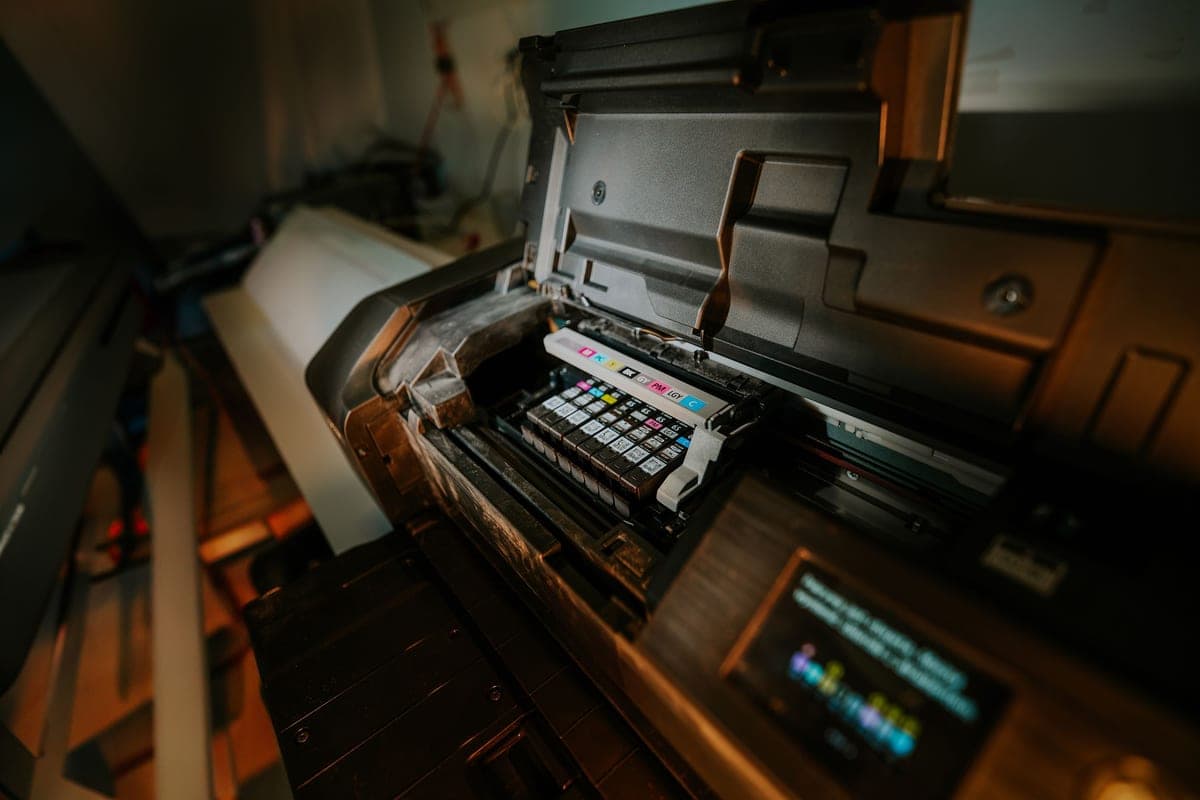
Sublimation for Beginners
The complete beginner walkthrough: how it works, what it needs, and the first-transfer process.
The Best Sublimation Paper
Which transfer paper to buy, plus the two beginner mistakes that waste sheets and ink.
Sublimation vs HTV
The category-defining comparison: what each technology can and cannot do, and which to start with.
Back to Sublimation.