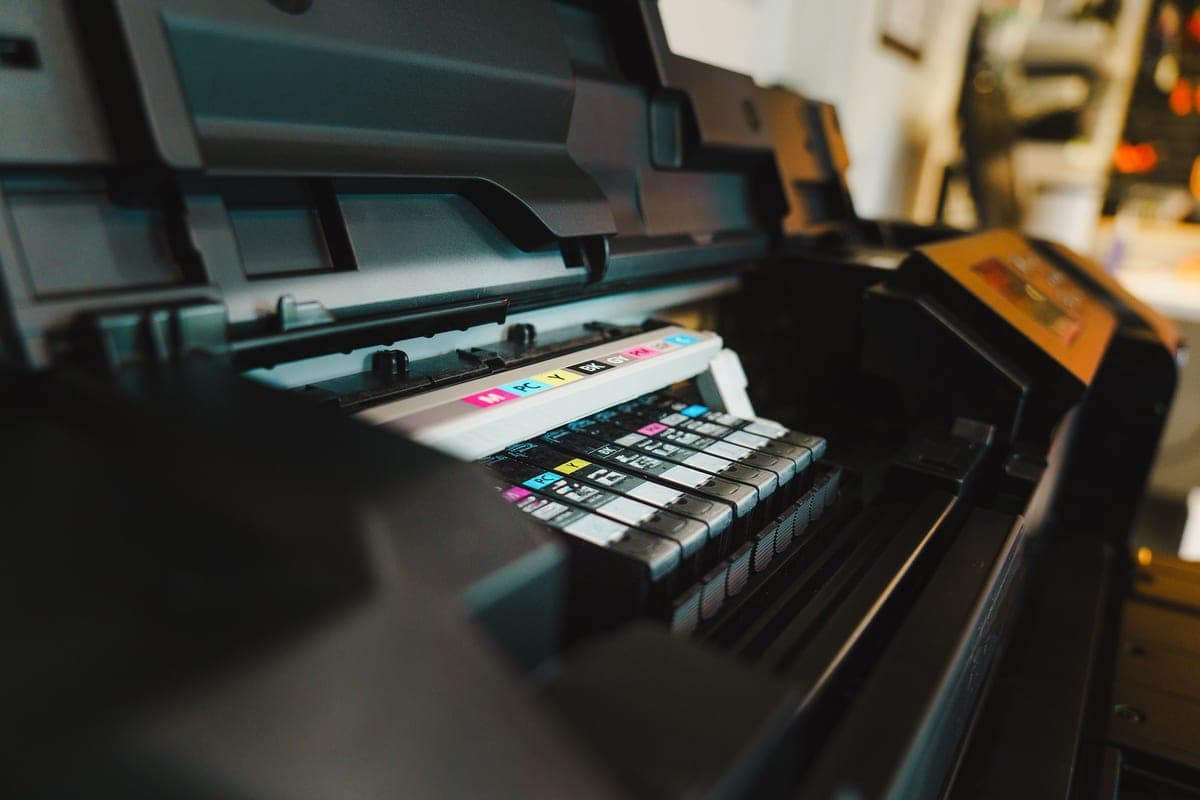
Sawgrass SG500 Review
A letter-width printer sold as a sublimation printer, with a warranty that assumes sublimation use. Most of what you are buying is the absence of a workaround.
Heads up: Mat & Blade earns a commission from qualifying purchases made through the links on this page, at no extra cost to you. It never changes which products we recommend or how we rank them. Read the full disclosure.
The SG500 is a letter-width sublimation printer, and almost everything you are paying for is the fact that it is sold as one. The print width is the same 8.5 inches a converted Epson EcoTank gives you for a small fraction of the money. What the premium buys is Sawgrass ink, Sawgrass color profiles, Sawgrass software, a warranty published at three years or 100,000 prints, and lifetime technical support. If you are running a hobby, that is a lot of money for peace of mind. If people are already paying you for sublimated products, it is cheap insurance on the thing that stops your orders when it dies.
Quick picks
| # | Product | Best for | Price |
|---|---|---|---|
| 1 | 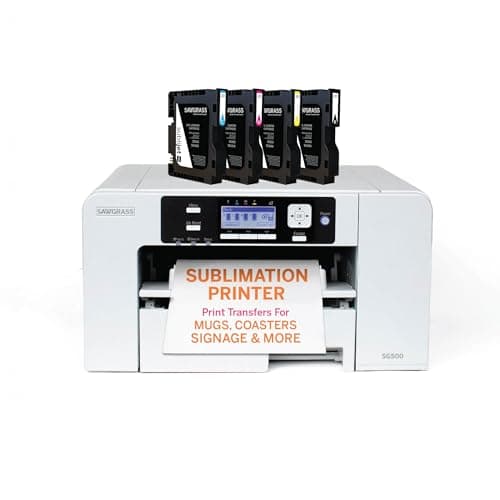 Sawgrass SG500A real sublimation printer sold as one — you pay more up front and in ink, and in exchange nothing about it... | Sublimation you do not have to apologize for | $599.95 · View on Amazon Price as of November 12, 2026 #ad · affiliate link · we never show a price we cannot verify |
| 2 | 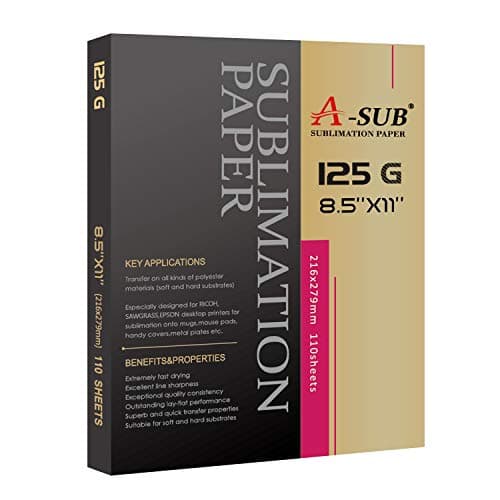 A-SUB Sublimation PaperThe paper most beginners land on, and a sensible default: high transfer rate, dries fast enough to handle, ... | The consumable that limits any sublimation printer | $19.99 · View on Amazon Price as of November 12, 2026 #ad · affiliate link · we never show a price we cannot verify |
| 3 | 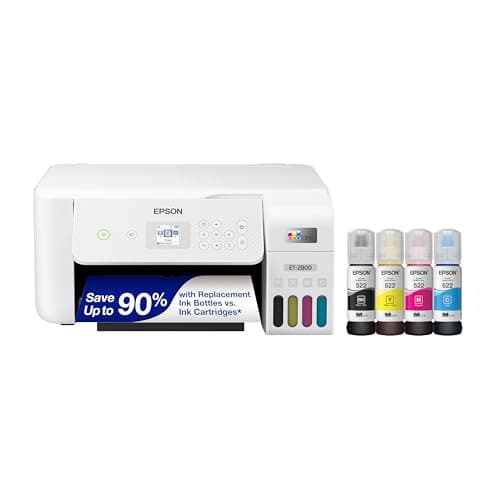 Epson EcoTank ET-2800The printer most people convert — cheap, refillable, and widely documented. Read the warranty section befor... | The question you should answer before buying this | Check price on Amazon #ad · affiliate link · we never show a price we cannot verify |
| 4 | 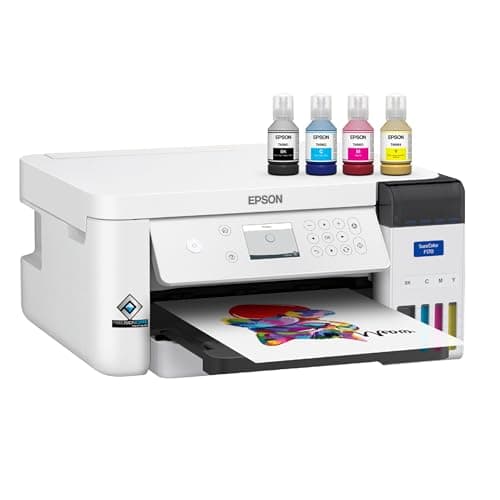 Epson SureColor F170The lowest-priced printer sold as a dye-sublimation machine rather than converted into one — the honest ans... | Supported sublimation at the lowest price | $399.00 · View on Amazon Price as of November 12, 2026 #ad · affiliate link · we never show a price we cannot verify |
| 5 | 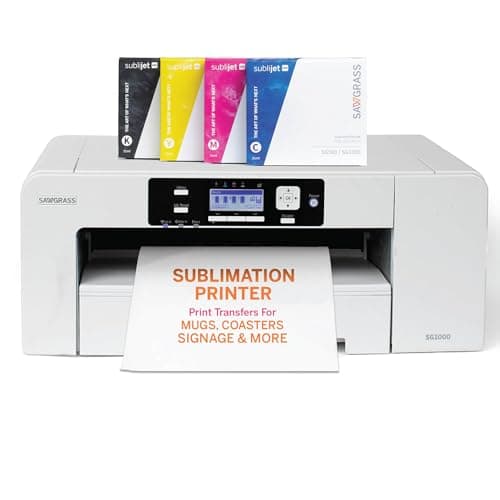 Sawgrass SG1000A purpose-built wide-format sublimation printer with no conversion involved — the supported answer for anyo... | If 8.5 inches is already the problem | $1,699.95 · View on Amazon Price as of November 12, 2026 #ad · affiliate link · we never show a price we cannot verify |
Tap any row to jump to the full write-up. Prices come from Amazon on the date stamped on each button and can change after that — check the listing before you buy.
What the published specification says
Worth separating the printer from the proposition, because most of what gets written about Sawgrass is really about support rather than hardware. On paper this is a letter-width four-color sublimation printer with a bypass tray for long media, a high quoted resolution and ordinary office connectivity.
| Specification | Published figure |
|---|---|
| Type | Dedicated dye-sublimation printer — no conversion involved |
| Max media from main tray | 8.5 x 14 in |
| Max media via bypass tray | Up to 8.5 x 51 in |
| Max print resolution | Up to 4880 x 1200 dpi |
| Ink | Sawgrass SubliJet UHD cartridges — non-refillable |
| Connectivity | Ethernet, USB and 2.4GHz Wi-Fi |
| Software | Sawgrass print utility and design tool access included |
| Warranty | 3 years or 100,000 prints |
| Support | Lifetime technical support, with setup and onboarding included |
Two rows in that table do the heavy lifting. The bypass tray at up to 8.5 x 51 inches is more useful than it sounds — it is how you print a long banner, a tall tumbler wrap or a run of small items on one sheet without reloading. And the three-year or 100,000-print warranty is the row that justifies the price difference over everything else in this category, because sublimation printers fail at the print head and print heads are the whole machine.
What 8.5 inches really covers
Letter width is not the compromise it sounds like at this end of the hobby. An 11 oz mug wrap, a 20 oz skinny tumbler, a coaster, a mouse mat, a name plaque, a left-chest logo and a centered front design all fit comfortably inside 8.5 inches. What does not fit is an edge-to-edge adult shirt front, a large flat sign panel or anything on a blank wider than letter. So the width question has a single honest test: can you name, right now, a product you intend to sell whose design is wider than 8.5 inches? If you cannot, this width is not limiting you. SG500 versus SG1000 is the page that walks that decision properly.
The ink trade, which is the real cost
This is the part that deserves more attention than the sticker price. The SG500 runs SubliJet UHD cartridges and they are not refillable. Against a converted EcoTank — where you pour bottled ink into four reservoirs — the per-page cost is considerably higher, and sublimation is a hobby of test prints. You will print the same design three times to get the color right before you press anything, and on cartridge ink you feel every one of those.
What you get in exchange is color you do not have to manage. Sawgrass builds and supports the profiles, so the first print off a correctly installed SG500 lands close to what is on screen. That is not a small thing: on a converted printer, getting your screen and your press to agree is an evening of work with a third-party ICC profile whose quality you cannot assess in advance. Over a year of hobby use, cartridge ink is probably the more expensive choice. Over a year of paid orders, the time you do not spend fighting color is worth more than the ink.
Where it falls short
- Cartridge ink. Non-refillable cartridges cost considerably more per page than bottled EcoTank ink, and test prints are unavoidable in this hobby.
- The same 8.5 inches as the cheap option. You are not buying width. If width is your problem, this is not the fix.
- Price against a converted EcoTank. The gap is large enough that it only makes sense once reliability has a monetary value to you.
- 2.4GHz Wi-Fi only. Fine in practice, mildly irritating on a crowded 2.4GHz band; Ethernet is there if you need it stable.
- It is a bench installation. Not large, but not a machine you put away between projects either.
- You are buying into an ecosystem. Sawgrass ink, Sawgrass profiles, Sawgrass software. That is the point of the product, and it is also a lock-in worth naming out loud.
Who it is for
Someone whose sublimation has stopped being an experiment. The clearest signal is money moving: if customers have paid you, or are about to, then a printer failure is no longer an inconvenience but a refund, and a three-year warranty with a support line becomes the cheapest part of the business. The second signal is time — if you have already spent an evening fighting a third-party ICC profile and resented it, you now know what supported color management is worth to you.
It also suits anyone who simply does not want to own a workaround. That is a legitimate preference and not a technical argument. Some people are happy running a converted document printer with no safety net; others want the tool to be the tool. If you are in the second group, this is the letter-width answer and the Epson SureColor F170 is the cheaper one. Sawgrass versus an Epson EcoTank lays the two philosophies side by side.
Who it is not for
Anyone who has not yet pressed a sublimation transfer. The hobby is easy to romanticize and genuinely fiddly in practice — polyester or coated blanks only, a press that holds a real temperature, paper that costs money, color that needs managing. Find that out on the cheapest viable hardware. It is also not for anyone whose designs are already wider than letter, where the SG1000 is the honest answer, and not for anyone whose budget stops near $200 — the best sublimation printer under $200 is the realistic page for that case, and its answer is a conversion rather than a printer like this one.
Living with one
- Print something every week. Idle print heads clog, and that is as true of a supported printer as a converted one. A small test print on a schedule is the cheapest maintenance there is.
- Use the bypass tray deliberately. Long media up to 8.5 x 51 inches is a genuine capability; ganging small items onto one long sheet cuts both paper waste and reload time.
- Keep paper flat and dry. Coated paper curls in humidity and a curled sheet transfers unevenly. Store the pack sealed.
- Press polyester or coated blanks only. The printer does not change the chemistry. Sublimation bonds into polyester and will not stay on cotton.
- Register the warranty. Three years or 100,000 prints is the main thing you paid for; make sure the paperwork reflects that you own it.
- Expect to use the support line once. It is included, it is the product, and people who paid for it and never called it got poor value.
The verdict
The SG500 is a good printer and an easy recommendation with one condition attached: buy it when reliability has a price. Sold as a sublimation printer, supported as one, warranted at three years or 100,000 prints with lifetime technical support, and color-managed by the company that made it — that is a coherent product and it is worth real money to anyone with customers. The hardware is unremarkable in the best sense; it prints letter width cleanly at a high quoted resolution and does not ask you to work around anything.
What it is not is better value than a converted EcoTank for someone still deciding whether they like sublimation. The width is identical, the ink costs more per page, and the premium buys a safety net a hobbyist may never need. Start cheap, find out whether the hobby sticks, and buy this when a dead printer would cost you an order rather than a weekend. If the warranty is what you want but the price is not, the Epson SureColor F170 is the cheaper supported route — our under-$200 guide sets out the whole ladder from conversion to supported machine.
For what else that money buys, Sawgrass alternatives sets out the like-for-like, bigger-print and budget routes side by side.
Common questions
Is the Sawgrass SG500 worth the money?
What size can the Sawgrass SG500 print?
Can you refill Sawgrass SG500 cartridges?
Sawgrass SG500 or a converted Epson EcoTank?
What warranty does the Sawgrass SG500 come with?
Does the SG500 need special paper?
Is there a cheaper printer that is actually built for sublimation?
Sources
- Sawgrass SG500 — reseller specification sheet — Published figures used throughout — 8.5 x 14 in maximum media from the main tray, up to 8.5 x 51 in via the bypass tray, up to 4880 x 1200 dpi, Ethernet / USB / 2.4GHz Wi-Fi, SubliJet UHD cartridges, three-year or 100,000-print warranty with lifetime tech support and included onboarding - checked 29 October 2026
- Sawgrass SG500 — manufacturer product listing — Sawgrass's own listing, used to confirm the printer is currently sold and supplied with SubliJet UHD ink - checked 29 October 2026
- Sawgrass SG500 — current retail listing — Listing confirmed live and priced on 29 October 2026. Prices on this site are read from the retailer daily rather than typed into the page
- Epson SureColor F170 — Epson product page — Used for the cheaper-supported-alternative comparison — 8.5 in maximum paper width, up to 1200 x 600 dpi, T49M ink bottles, one-year unit exchange, and the published MSRP - checked 29 October 2026
How we picked
We verify every product is currently sold by reading the manufacturer's own catalog, compare published specifications rather than marketing copy, and rank on what a first-time buyer has to decide. We do not run lab tests and we do not claim to, and commission never affects the order.
Read this next
The Best Sublimation Printer Under $200
What a $200 budget actually buys in sublimation, why the complete setup costs more than the printer, and the cheapest printer that is genuinely sold as a sublimation machine.
Epson SureColor F170 Review
Epson's published specification for the F170, what refillable bottles save against cartridges, where the one-year warranty sits against Sawgrass, and the two buyers it is wrong for.
Sawgrass SG500 vs SG1000
Letter versus wide format in the Sawgrass line: what each width covers, what the extra money buys, and the bench space nobody mentions.
Sawgrass vs Epson EcoTank
Dedicated printer or converted EcoTank — cost, warranty, support and which suits which user.
Epson EcoTank ET-2800 Review
The published specification, the three things conversion permanently costs you, and the point at which a supported printer is the cheaper answer.
The Best Sublimation Printer for a Small Business
Printers for people selling rather than experimenting — where support matters more than purchase price.
The Best Sublimation Paper
Which transfer paper to buy, plus the two beginner mistakes that waste sheets and ink.
Back to Sublimation.