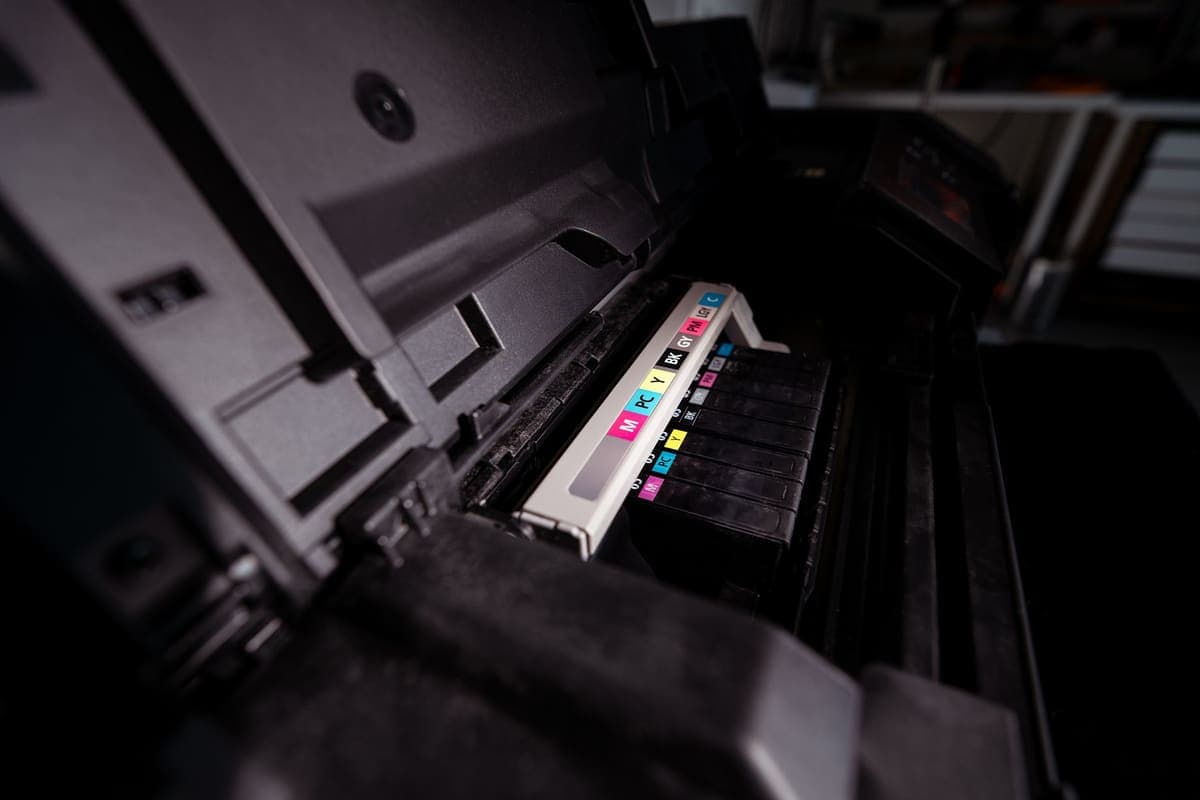
Sublimation Printer and Ink
The ink decides the printer, not the other way round. There are two routes and they are not close.
Heads up: Mat & Blade earns a commission from qualifying purchases made through the links on this page, at no extra cost to you. It never changes which products we recommend or how we rank them. Read the full disclosure.
There are exactly two routes: fill a refillable Epson EcoTank with third-party sublimation ink, which is much cheaper and is the one Epson's warranty does not cover for ink-related damage, or buy a printer sold as a sublimation printer with the manufacturer's own ink and support. Whichever you pick, the ink is the thing that makes a printer a sublimation printer — and both routes still need sublimation paper and a polyester or polymer-coated blank before anything works.
Why the ink decides the printer
Sublimation is not a printing method so much as an ink chemistry. Dye-sublimation ink turns to gas under heat and pressure and embeds itself in polymer — polyester fabric, or the polymer coating on a mug or tumbler. Ordinary inkjet ink sits on a surface and cannot do that at any temperature.
So the question is never which printer prints best. It is which printers can be loaded with sublimation ink and survive it. That narrows the field to two kinds of machine: refillable-tank printers people fill themselves, and printers sold with sublimation ink already specified.
| Converted EcoTank | Printer sold as a sublimation printer | |
|---|---|---|
| Up-front cost | Lowest | Considerably higher |
| Ink cost per page | Low — refill bottles | Higher — cartridges |
| Warranty for ink-related damage | Not covered by Epson | Covered for sublimation use |
| Manufacturer support | No — community guidance | Yes |
| Color profile | From the ink seller, quality varies | Supplied and supported |
| Reversible | No — it stays converted | n/a — it was never anything else |
| Letter-width models | ET-2800 | SG500 |
| Wider than letter | ET-15000, up to 13 x 19 in rear feed | SG1000, up to 13 x 19 in bypass |
What conversion actually means
The word makes it sound like a modification. It is simpler and more final than that: you fill the empty tanks of a new printer with sublimation ink instead of the Epson ink in the box, install the ink seller's color profile, and run a few sheets through.
Two consequences matter. It is one-way — once sublimation ink has been through the print head, the printer is not going back to household document printing, so do not convert the printer the family uses. And it moves you outside Epson's coverage for ink-related damage, which Epson states plainly in its own documentation. The hardware still works; the safety net for ink problems is gone. The EcoTank conversion, honestly is the long version of this decision.
The color profile matters more than the ink brand
This is the part that surprises people who have already bought everything. Sublimation ink prints in colors that look wrong on paper and correct after pressing, because the heat is what develops them. Getting predictable output means telling your software how this specific ink behaves, which is what an ICC profile does.
Buy ink from a seller that publishes a profile for it and explains how to install it. Without one, the most common complaint is colors that come out dull or shifted — usually blamed on the ink, when it is a missing profile. A manufacturer-supported printer avoids the issue because the profile comes with the machine.
What else the setup needs before it makes anything
A printer and ink alone produce a printed sheet of paper. Three more things turn that into a product, and leaving any of them out is the usual reason a first attempt fails.
- Sublimation paper. Coated to hold the ink on the surface and release it under heat. One printable side only.
- A heat source that holds temperature under pressure. A flat press for fabric and sheet blanks; a curved press for tumblers and mugs, because a flat platen cannot wrap a cylinder. Sublimation printer and heat press covers how to size one.
- Polyester or polymer-coated blanks. Not cotton, and not dark. The blanks that work is the shopping list, and the limits are physical rather than a matter of technique.
Our picks
1. Best for the cheapest way to start
Epson EcoTank ET-2800
Epson · Currently sold · Verified 2026-09-27
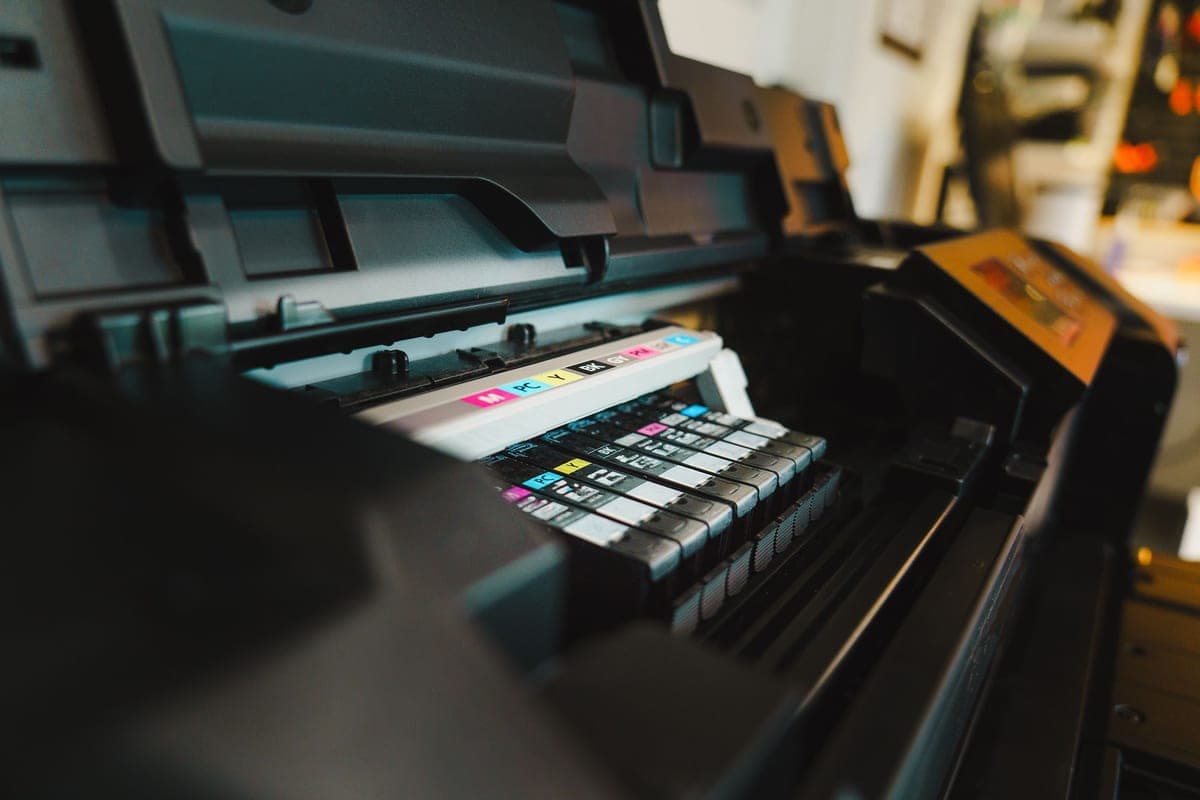
The printer at the center of the conversion route, and the reason sublimation is affordable at all. It is sold as an ordinary refillable-tank document printer, and the tanks that make it cheap to run are what make it fillable with sublimation ink instead. It prints up to 8.5 inches wide, which covers shirt fronts and most blanks. Epson states its warranty does not cover damage caused by non-genuine ink, and that is the trade you are accepting here.
What works
- By far the cheapest way to start sublimating
- Refillable tanks mean low running cost once converted
- Very widely documented by the crafting community
What does not
- Converting it with third-party sublimation ink voids Epson's coverage for ink-related damage
- A converted printer cannot go back to regular ink
- 8.5 in width limits you to letter-size transfers
Not for you if
You want a supported, warrantied sublimation setup you can call for help on. Buy a dedicated sublimation printer instead.
Key specs
- Type
- Refillable-tank inkjet — sold as a regular printer
- Sublimation
- Not a sublimation printer as sold; people convert it
- Max print width
- 8.5 in (letter)
- Ink system
- Four refillable tanks
- Warranty note
- Epson's warranty covers damage from genuine ink, not third-party ink
#ad · affiliate link · we never show a price we cannot verify
2. Best for converting a tank printer
Third-Party Sublimation Ink
Various · Currently sold · Verified 2026-09-27
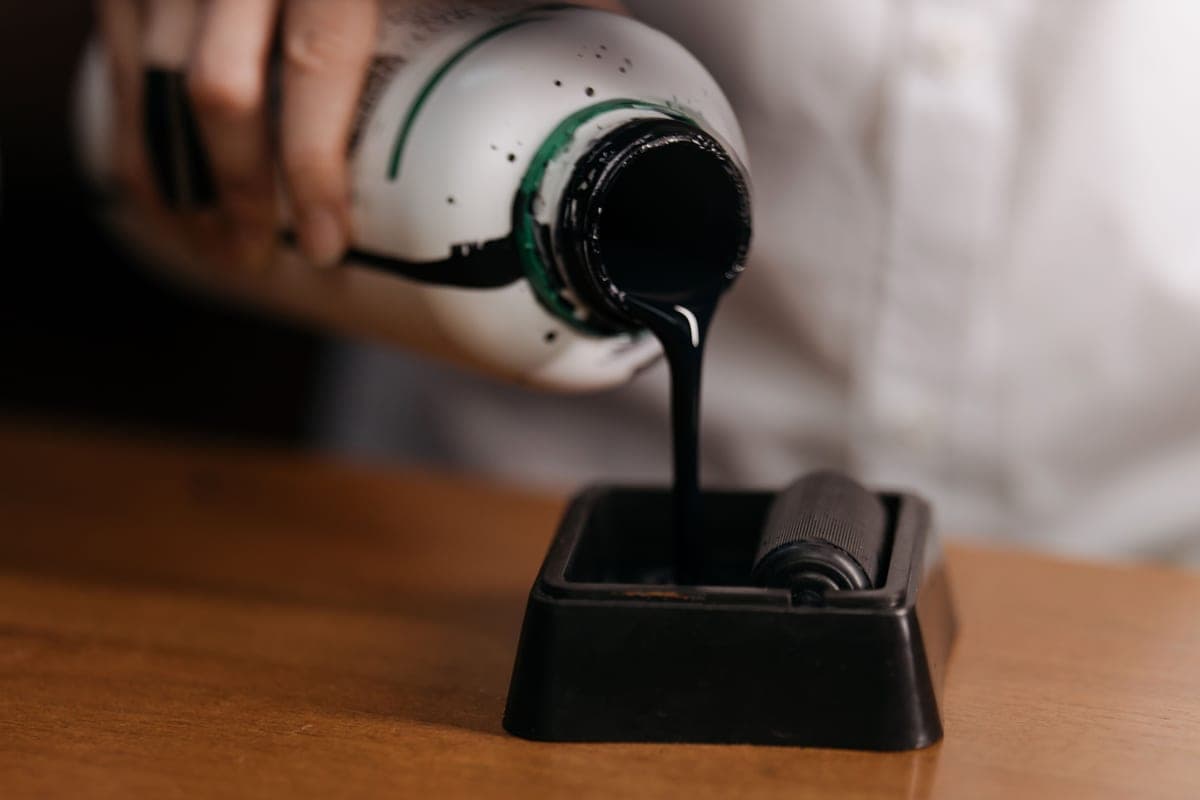
The half of this pair that people underestimate. What makes a printer a sublimation printer is the ink, not the chassis — dye-sublimation ink turns to gas under heat and embeds in polymer, which ordinary ink never does. Buy from a seller that supplies an ICC color profile, because the profile affects your output more than the brand does. Once the ink is in, the printer cannot go back to document printing.
What works
- Turns a cheap printer into a working sublimation printer
- Far cheaper per page than cartridge sublimation ink
- Most sellers supply an ICC profile for color accuracy
What does not
- Voids Epson's coverage for damage caused by non-genuine ink
- Color accuracy varies a lot by brand without a good profile
- There is no going back to regular printing
Not for you if
The printer is also your household document printer. Once it is converted, that is over.
Key specs
- Type
- Dye-sublimation ink in refill bottles
- Used with
- Refillable-tank inkjets, most commonly Epson EcoTank
- Color profile
- An ICC profile from the ink maker matters more than the ink brand
- Reversible
- No — a converted printer stays converted
#ad · affiliate link · we never show a price we cannot verify
3. Best for a setup with nothing to work around
Sawgrass SG500
Sawgrass · Currently sold · Verified 2026-09-27
The alternative route in one product: a printer sold as a sublimation printer, with the manufacturer's own sublimation ink, color profiles and support behind it. Nothing about it is a community workaround, and if something goes wrong there is a manufacturer to call. You pay more up front and more per page for cartridge ink than tank ink, and you get the same 8.5 inch width as the cheap option.
What works
- No conversion, no warranty question, no community workaround
- Color profiles supplied and supported by the manufacturer
- Manufacturer support when something goes wrong
What does not
- Much higher purchase price than a converted EcoTank
- Cartridge ink costs considerably more per page than tank ink
- Same 8.5 in width limit as the cheap option
Not for you if
You are experimenting to see whether you like sublimation at all. That is a lot of money to spend on a maybe.
Key specs
- Type
- Dedicated sublimation printer
- Sold as
- A sublimation printer — no conversion involved
- Max print width
- 8.5 in (letter)
- Ink
- Sawgrass SubliJet sublimation ink cartridges
- Support
- Manufacturer support and warranty for sublimation use
#ad · affiliate link · we never show a price we cannot verify
4. Best for the third thing both routes need
A-SUB Sublimation Paper
A-SUB · Currently sold · Verified 2026-09-27
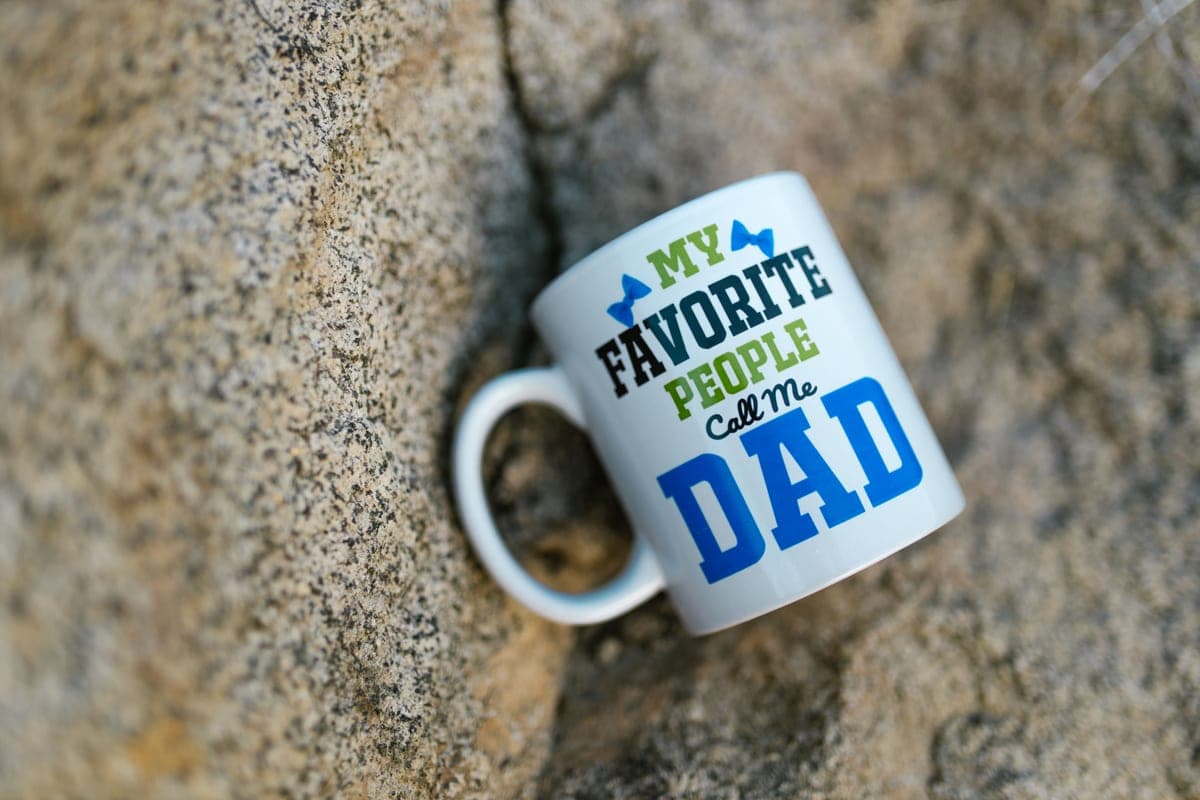
Neither route prints onto a shirt directly — the ink goes onto transfer paper first, and ordinary printer paper does not hold or release it properly. Sublimation paper has a coating that keeps the ink on the surface so most of it transfers under heat. It is printed on one side only, and putting it in the wrong way round wastes the sheet and the ink.
What works
- Consistent results across shirts, mugs and hard blanks
- Dries quickly enough that sheets do not smudge when stacked
- Cheap enough to practice with
What does not
- Only works with sublimation ink — regular ink will not transfer
- Printing on the wrong side wastes the sheet and the ink
Not for you if
You are printing on dark fabric. Sublimation does not work on dark fabric at all, whatever paper you use.
Key specs
- Type
- Dye-sublimation transfer paper
- Weight
- Commonly 125 gsm
- Sizes
- Letter and larger sheets
- Transfer rate
- High — most of the ink releases to the blank
- Printed side
- One side only — the coated side
#ad · affiliate link · we never show a price we cannot verify
Quick picks
| # | Product | Best for | Price |
|---|---|---|---|
| 1 | Epson EcoTank ET-2800The printer most people convert — cheap, refillable, and widely documented. Read the warranty section befor... | The cheapest way to start | Check price on Amazon #ad · affiliate link · we never show a price we cannot verify |
| 2 | Third-Party Sublimation InkThe ink that makes an EcoTank conversion work, and the exact thing that puts the printer outside Epson's in... | Converting a tank printer | Check price on Amazon #ad · affiliate link · we never show a price we cannot verify |
| 3 | Sawgrass SG500A real sublimation printer sold as one — you pay more up front and in ink, and in exchange nothing about it... | A setup with nothing to work around | Check price on Amazon #ad · affiliate link · we never show a price we cannot verify |
| 4 | A-SUB Sublimation PaperThe paper most beginners land on, and a sensible default: high transfer rate, dries fast enough to handle, ... | The third thing both routes need | Check price on Amazon #ad · affiliate link · we never show a price we cannot verify |
Tap any row to jump to the full write-up. We do not publish prices — they move constantly, and a stale number is worse than none.
How to choose between the two routes
The honest decision rule is about your tolerance for troubleshooting rather than your budget.
- Convert an EcoTank if you are experimenting, enjoy fixing things, and would rather spend the difference on blanks and a press. This is the right call for most people starting out.
- Buy a sublimation printer if the output is going to customers, or if an unsupported printer with a voided ink warranty is a problem you do not want in your week.
- Buy neither yet if your shirts are cotton or dark. Heat transfer vinyl does both, with no printer at all. What you need to start sequences a first setup properly.
For the full lineups rather than the pairing question, the best sublimation printer for beginners covers the entry models, Sawgrass versus Epson EcoTank is the head-to-head, and sublimation for beginners is the plain-language walkthrough of the whole process.
Common questions
Can I use any printer for sublimation?
What ink do I need for a sublimation printer?
Does sublimation ink void an Epson warranty?
Can a converted printer go back to normal ink?
Why do my sublimation prints look dull on paper?
Do I need special paper for sublimation?
How wide can a beginner sublimation printer print?
Sources
- Epson official product documentation — Published statement that damage caused by non-genuine ink is not covered under the printer's limited warranty, and EcoTank print width specifications, verified 4 October 2026
- Sawgrass product information — SG500 and SG1000 sold as sublimation printers with supplied ink and color profiles, published print sizes, verified 4 October 2026
- A-SUB product information — Sublimation transfer paper coating, single printable side and handling guidance, verified 4 October 2026
How we picked
We verify every product is currently sold by reading the manufacturer's own catalog, compare published specifications rather than marketing copy, and rank on what a first-time buyer has to decide. We do not run lab tests and we do not claim to, and commission never affects the order.
Read this next
The Best Sublimation Printer for Beginners
Convert an EcoTank or buy a dedicated printer — the honest trade-off between cost and support.
Sawgrass vs Epson EcoTank
Dedicated printer or converted EcoTank — cost, warranty, support and which suits which user.
The EcoTank Conversion, Honestly
What converting an EcoTank actually costs you in warranty and reversibility, stated up front.
Sublimation Printer and Heat Press
How to match a press to a printer, why drinkware needs a curved press, and the complete list of what a working setup includes.
The Best Sublimation Paper
Which transfer paper to buy, plus the two beginner mistakes that waste sheets and ink.
Sublimation for Beginners
The complete beginner walkthrough: how it works, what it needs, and the first-transfer process.
Back to Sublimation.