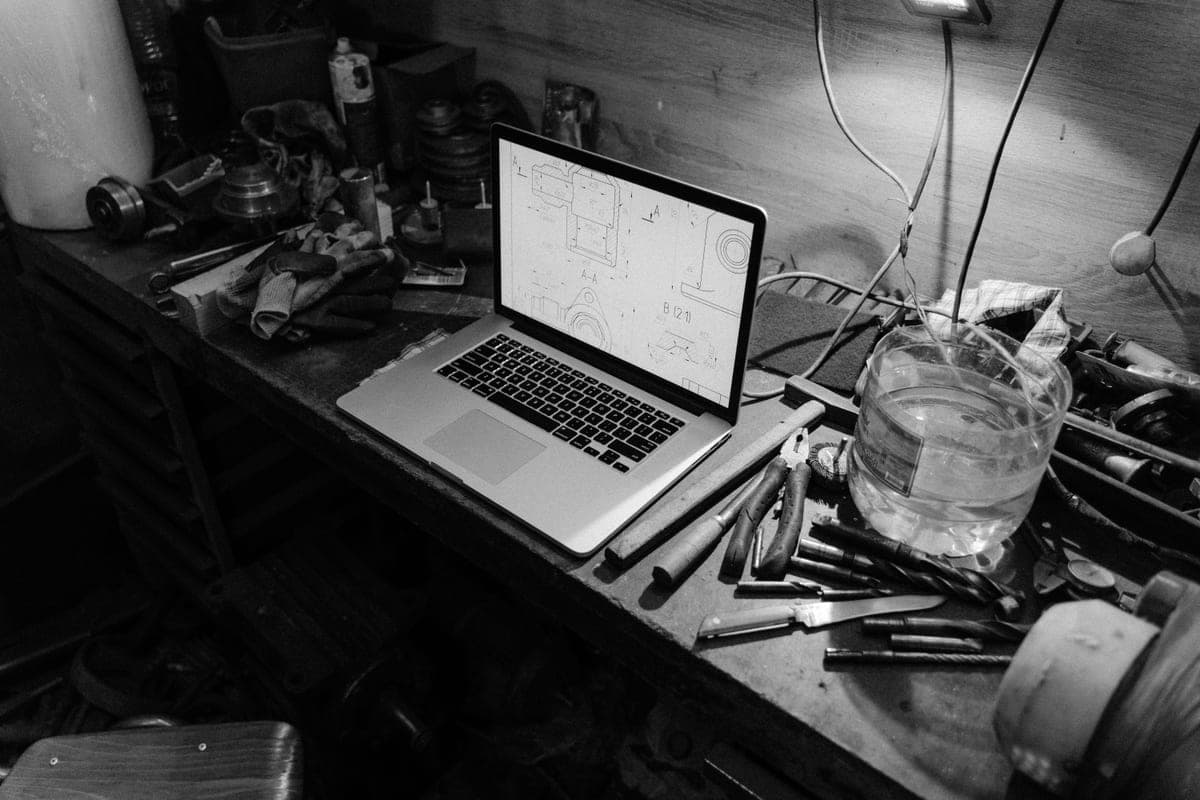
Cricut vs xTool
These two turn up in the same search results and answer completely different questions.
Heads up: Mat & Blade earns a commission from qualifying purchases made through the links on this page, at no extra cost to you. It never changes which products we recommend or how we rank them. Read the full disclosure.
A laser cannot cut vinyl. It melts it and releases hazardous fumes doing so. If your plan is shirts, decals or stickers, buy a blade cutter. A laser engraves wood, leather, acrylic and coated metal, which is a different product range entirely — and the most expensive wrong turn available in this category is buying one expecting it to do vinyl work.
Quick picks
| # | Product | Best for | Price |
|---|---|---|---|
| 1 | 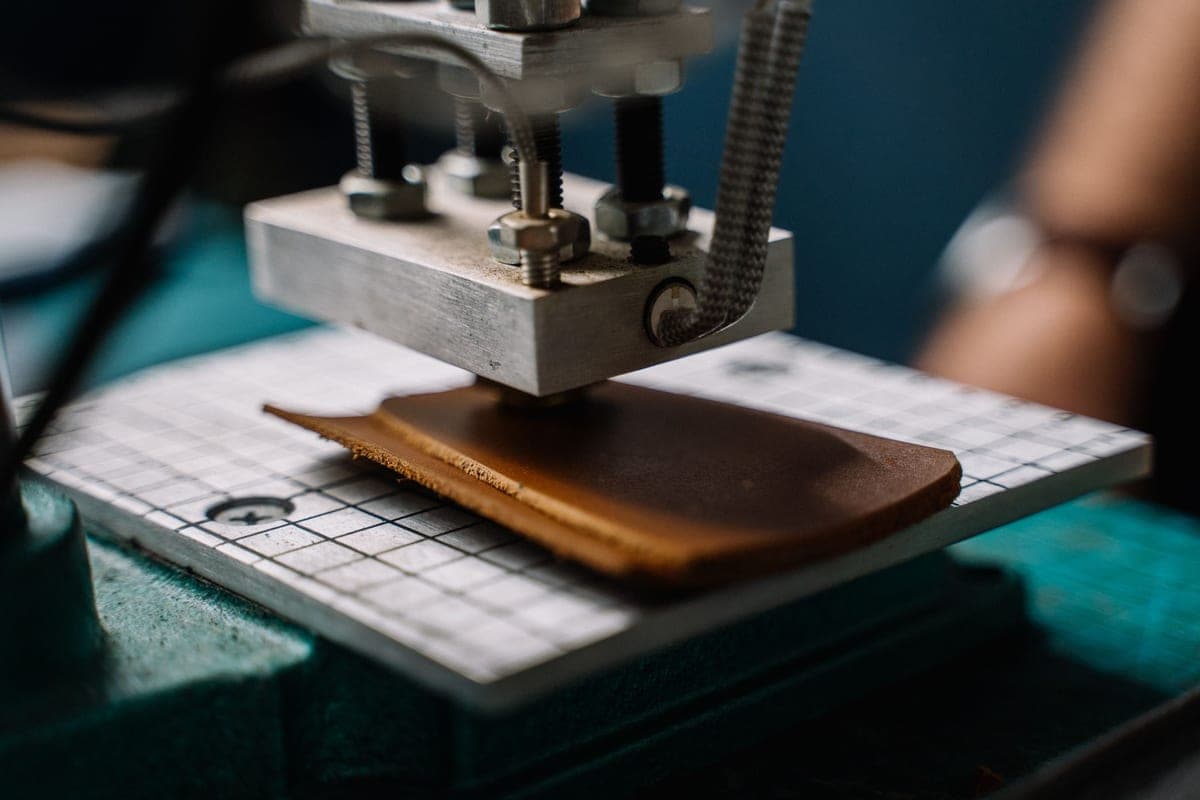 Cricut Explore 5The sensible default for a first machine: it cuts everything a beginner actually uses, and the money you sa... | Vinyl, shirts, stickers and paper | Check price on Amazon #ad · affiliate link · we never show a price we cannot verify |
| 2 | xTool F1Not a vinyl cutter at all — a compact laser. Worth knowing about because it answers a different question, a... | Engraving wood, leather and metal | Check price on Amazon #ad · affiliate link · we never show a price we cannot verify |
Tap any row to jump to the full write-up. We do not publish prices — they move constantly, and a stale number is worse than none.
Why these get cross-shopped at all
Both are desktop machines that make custom things, both are marketed to the same crafting audience, and both turn up when you search for how to personalize something. The marketing does not help — laser listings show finished tumblers and signs, cutter listings show finished shirts and decals, and neither leads with what it cannot do.
Mechanically they have nothing in common. A blade cutter drags a small knife through thin material. A laser burns or vaporizes material with focused light. The overlap in what they produce is very small.
What each one actually makes
| Product | Blade cutter | Laser |
|---|---|---|
| Vinyl decals (cars, tumblers, laptops) | Yes | No — melts vinyl, hazardous fumes |
| Heat transfer vinyl shirts | Yes | No |
| Printed stickers | Yes | No |
| Cards, paper craft, cardstock | Yes | Can cut paper, but overkill |
| Engraved wood signs | No | Yes |
| Engraved leather goods | No | Yes |
| Engraved slate, coated metal, acrylic | No | Yes |
| Cut basswood shapes | Cricut Maker with knife blade, slowly | Yes, faster and cleaner |
The vinyl point, because it is the important one
Vinyl is polyvinyl chloride. Heating it with a laser does not cut it cleanly — it melts the edges and releases chlorine-containing fumes, which are corrosive to the machine and genuinely hazardous to breathe. This is not a limitation that better settings or a more expensive laser solves; it is a property of the material.
Since vinyl work — decals and heat transfer designs — is what the large majority of people buying a craft machine actually want to do, this single fact settles the decision for most readers of this page.
Where a laser is genuinely the better buy
If the products you picture are engraved — a wooden sign, a leather keyring, a slate coaster, a personalized tumbler with the design burned in rather than stuck on — then the laser is the correct tool and a cutting machine will disappoint you. Engraved goods also tend to command higher prices than vinyl ones, so for a business the maths can work despite the higher entry cost.
The Cricut Maker's knife blade overlaps slightly here: it cuts basswood, slowly, in shapes. It does not engrave, and it is not a substitute for a laser if surface marking is what you want.
The verdict
These are not competitors and should not be compared on price. Ask what the finished object looks like. If the design sits on top of the surface as colored vinyl or a pressed transfer, you need a blade cutter — start with the beginner roundup. If the design is burned into the surface, you need a laser, and the cutting machines on this site will not help you.
Plenty of established makers eventually own both, because the product ranges complement rather than overlap. Almost nobody should buy both first. Other alternatives, if neither is quite right.
1. Best for vinyl, shirts, stickers and paper
Cricut Explore 5
Cricut · Currently sold · Verified 2026-09-27
If your project list is decals, shirts, printed stickers or cards, a blade cutter is the tool and a laser cannot make any of them. This is the machine for that work, and it costs a fraction of a laser.
What works
- Cuts every material a beginner's first ten projects will use
- Matless Smart Material cutting means long banners and decals without a mat
- Cheapest current machine that still handles full 12 in wide vinyl
- Huge community of tutorials aimed at exactly this machine
What does not
- No rotary blade, so unbacked fabric is out
- No knife blade for basswood or thick leather
- Still needs Design Space, which needs an internet connection to set up
Not for you if
You already know you want to cut quilting fabric or thick leather. That is the Maker line's rotary and knife blades, and no accessory adds them to an Explore.
Key specs
- Cuts
- Vinyl, heat transfer vinyl, cardstock, paper, iron-on, faux leather
- Max material width
- 12 in (11.5 in cut width)
- Matless cutting
- Yes, with Smart Materials
- Tool slots
- Two — blade plus pen or scoring tool
- Rotary / knife blade
- No — Maker line only
#ad · affiliate link · we never show a price we cannot verify
2. Best for engraving wood, leather and metal
xTool F1
xTool · Currently sold · Verified 2026-09-27
A compact diode laser that marks wood, leather, acrylic, slate and coated metal — a genuinely different product range that no blade cutter touches. It cannot cut vinyl, needs ventilation and eye protection, and costs considerably more.
What works
- Engraves materials no blade machine can touch
- Very fast at what it does
- Opens a genuinely different product range — tumblers, wood signs, leather goods
What does not
- Cannot cut vinyl, which is the entire reason most people buy a craft machine
- Needs ventilation and eye protection — this is a real safety consideration
- Considerably more expensive than every blade machine here
Not for you if
Your project list is shirts and decals. A laser does not make those, and buying one instead of a cutter is the single most expensive mistake in this category.
Key specs
- Type
- Diode laser engraver and cutter
- Marks
- Wood, leather, acrylic, coated metal, slate
- Cuts vinyl
- No — a laser melts vinyl and releases hazardous fumes
- Ventilation
- Required
- Footprint
- Compact for a laser, large for a craft machine
#ad · affiliate link · we never show a price we cannot verify
Common questions
Can a laser engraver cut vinyl?
Should I buy a Cricut or a laser?
Can a Cricut engrave?
Do lasers need ventilation?
Sources
- xTool product information and safety guidance — Material compatibility and ventilation requirements, verified 27 September 2026
- Cricut official product catalog — Blade and tool compatibility, verified 27 September 2026
How we picked
We verify every product is currently sold by reading the manufacturer's own catalog, compare published specifications rather than marketing copy, and rank on what a first-time buyer has to decide. We do not run lab tests and we do not claim to, and commission never affects the order.
Read this next

Cricut Alternatives Worth Considering
The machines that genuinely compete with Cricut, organized by the reason you want to avoid one.
The Best Cricut for Beginners
One safe default pick, plus the specific cases where a different Cricut — or no Cricut — is the better buy.
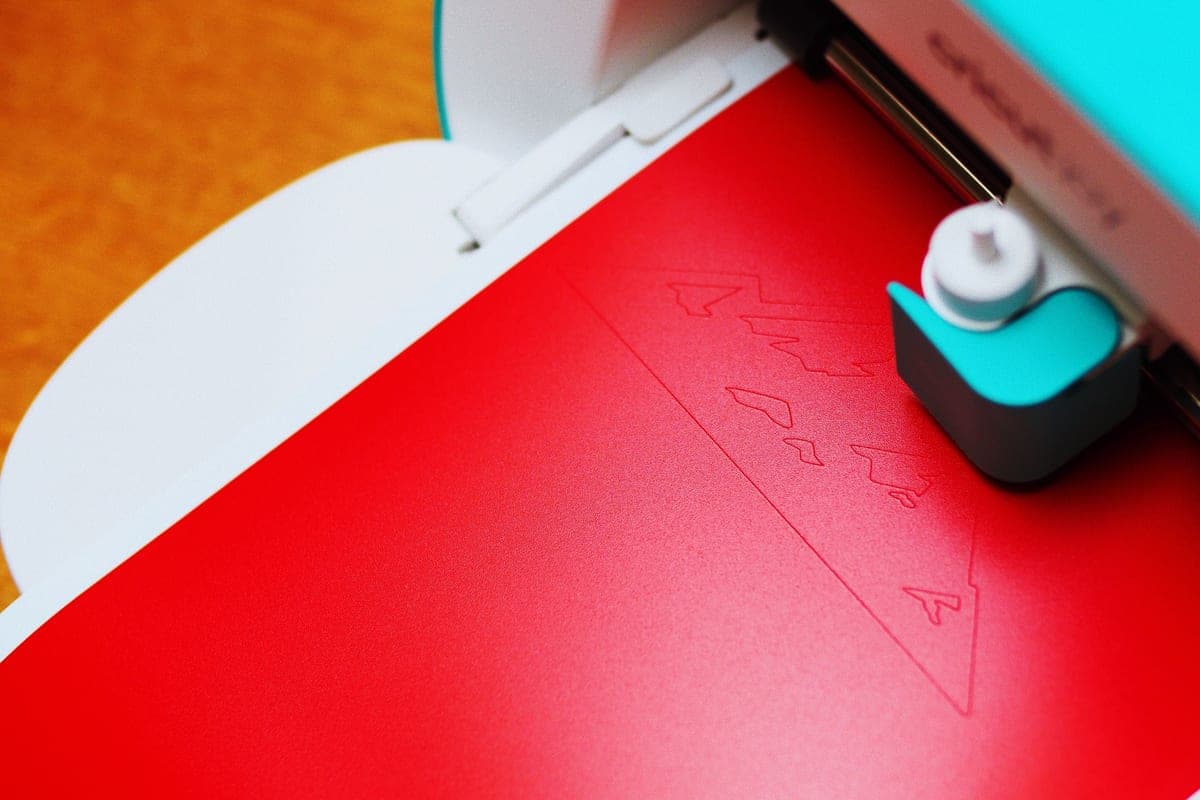
Best Craft Cutting Machines for Beginners
Every brand worth considering, ranked honestly — including the cases where Cricut is not the answer.

What to Make and Sell
Which product categories hold up commercially, which are crowded, and what to check before listing.
Back to Cutting Machines.