Best Craft Cutting Machines for Beginners
A brand-neutral look at the whole category, for anyone who has not already decided on Cricut.
Heads up: Mat & Blade earns a commission from qualifying purchases made through the links on this page, at no extra cost to you. It never changes which products we recommend or how we rank them. Read the full disclosure.
For most beginners, the Cricut Explore 5 — but not because Cricut makes better machines. It wins on ecosystem: the easiest software to learn and vastly the most tutorials. If offline software and no subscription prompts matter more to you than an easy first week, the Silhouette CAMEO 5 is the better buy, and if you want to cut without a computer at all, the Brother ScanNCut is the only real option.
Quick picks
| # | Product | Best for | Price |
|---|---|---|---|
| 1 |  Cricut Explore 5The sensible default for a first machine: it cuts everything a beginner actually uses, and the money you sa... | The shortest path to a finished project | Check price on Amazon #ad · affiliate link · we never show a price we cannot verify |
| 2 | Silhouette CAMEO 5The real alternative to a Cricut, and the better pick if the idea of a cloud-only design app with a subscri... | Owning your software and your files | Check price on Amazon #ad · affiliate link · we never show a price we cannot verify |
| 3 | Brother ScanNCutThe machine for people who do not want to design on a laptop — it has a built-in scanner and touchscreen, s... | Working without a computer | Check price on Amazon #ad · affiliate link · we never show a price we cannot verify |
| 4 | Cricut Joy XtraThe Joy that fixes the Joy's biggest limitation — a wider cut and print-then-cut — without growing into a f... | A small footprint that still makes shirts | Check price on Amazon #ad · affiliate link · we never show a price we cannot verify |
| 5 |  Silhouette Portrait 4Silhouette's answer to the Joy Xtra — a narrower, cheaper machine that still runs the full offline Studio s... | The cheapest non-Cricut route | Check price on Amazon #ad · affiliate link · we never show a price we cannot verify |
Tap any row to jump to the full write-up. We do not publish prices — they move constantly, and a stale number is worse than none.
The three brands, and what they are each actually optimizing for
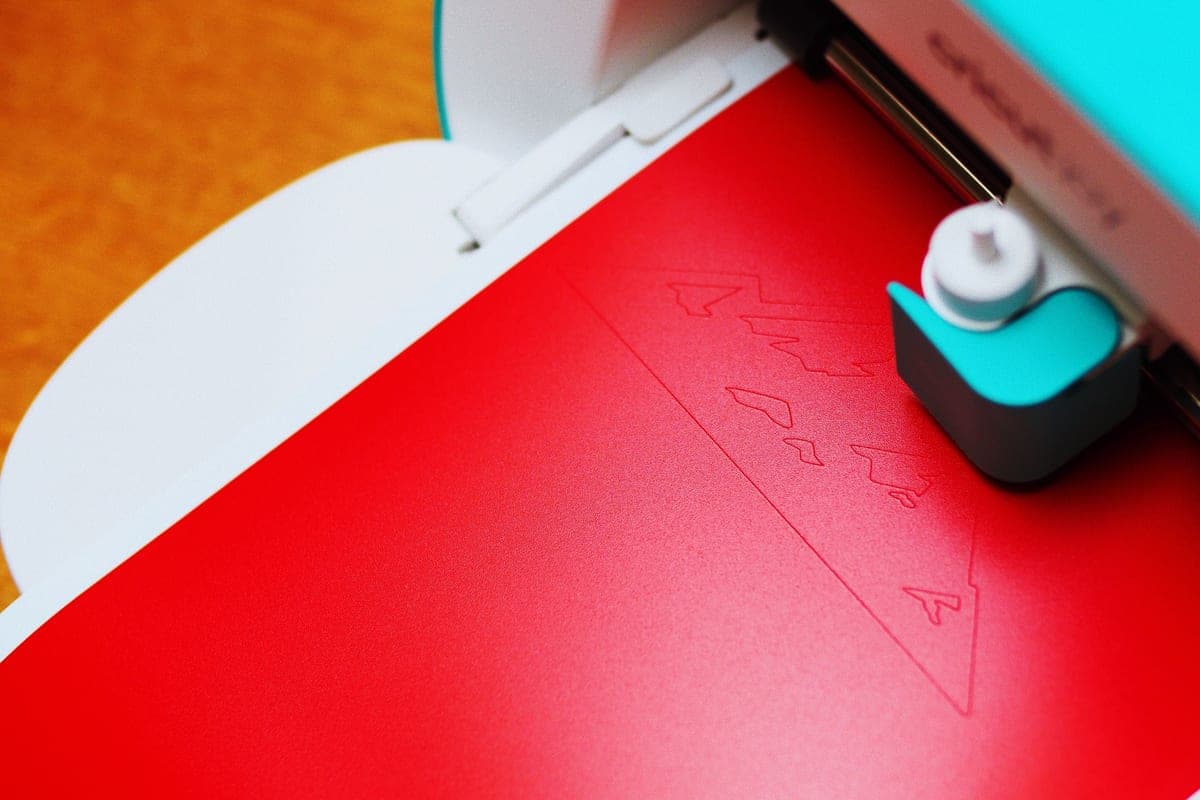
These machines are more similar mechanically than the marketing suggests. All three drag a small blade across material held on a sticky mat, all three cut the same everyday vinyl and cardstock, and none of them will outperform another on a straightforward decal. The differences that matter to a beginner are almost entirely about software and support.
| Cricut | Silhouette | Brother ScanNCut | |
|---|---|---|---|
| Software | Design Space — cloud connected | Studio — installs locally, works offline | Canvas Workspace, plus on-machine editing |
| Subscription | Optional, and persistently offered | None required | None required |
| Works without a computer | No | No | Yes — touchscreen and built-in scanner |
| SVG import | Yes, no upgrade needed | Paid Studio tier on the basic edition | Yes |
| Beginner tutorials | By far the most | Moderate | Fewest |
| Accessories and blades | Widest range | Good | Thinnest |
How we picked
We verified each machine against its manufacturer's live catalog, compared published specifications rather than marketing claims, and ranked on what a first-time buyer has to weigh: how quickly you can get to a finished project, how much help exists when you get stuck, what the total setup costs, and whether the software will annoy you every time you open it. We do not test in a lab and do not claim to — the full methodology is here.
The picks in full
1. Best for the shortest path to a finished project
Cricut Explore 5
Cricut · Currently sold · Verified 2026-09-27
Cricut wins this category on ecosystem rather than engineering, and for a beginner that is the right thing to win on. Design Space is the easiest of the three design applications to learn, the material presets are named and reliable, and the volume of beginner tutorials filmed on this exact machine is not close to being matched by any competitor. The Explore 5 specifically is the value point in that line: full 11.5 inch cut width, every everyday material, without paying for the Maker's fabric and wood blades.
What works
- Cuts every material a beginner's first ten projects will use
- Matless Smart Material cutting means long banners and decals without a mat
- Cheapest current machine that still handles full 12 in wide vinyl
- Huge community of tutorials aimed at exactly this machine
What does not
- No rotary blade, so unbacked fabric is out
- No knife blade for basswood or thick leather
- Still needs Design Space, which needs an internet connection to set up
Not for you if
You already know you want to cut quilting fabric or thick leather. That is the Maker line's rotary and knife blades, and no accessory adds them to an Explore.
Key specs
- Cuts
- Vinyl, heat transfer vinyl, cardstock, paper, iron-on, faux leather
- Max material width
- 12 in (11.5 in cut width)
- Matless cutting
- Yes, with Smart Materials
- Tool slots
- Two — blade plus pen or scoring tool
- Rotary / knife blade
- No — Maker line only
#ad · affiliate link · we never show a price we cannot verify
2. Best for owning your software and your files
Silhouette CAMEO 5
Silhouette · Currently sold · Verified 2026-09-27
The genuine alternative rather than the token one. Silhouette Studio installs locally and cuts offline, which means no cloud dependency and no subscription prompts. It is also a more capable design application than Design Space once you learn it — more control over nodes, offsets and tracing. The costs are real: a steeper curve at exactly the moment a beginner is least able to absorb one, a smaller tutorial library, and SVG import gated behind a paid Studio tier if you buy the basic edition. Choose it deliberately, not by accident.
What works
- Silhouette Studio runs on your computer and does not need to be online to cut
- No subscription is required to use the machine
- Cuts the same everyday materials a beginner uses
- Strong choice if you already own or buy SVG files from third parties
What does not
- Studio is more capable but noticeably harder to learn than Design Space
- SVG import is gated behind a paid Studio upgrade on the basic edition
- Smaller tutorial ecosystem than Cricut for absolute beginners
Not for you if
You want the shortest possible path from unboxing to a finished shirt. Design Space is the friendlier first app, even with its downsides.
Key specs
- Cuts
- Vinyl, heat transfer vinyl, cardstock, paper, fabric with backing
- Max cut width
- 12 in
- Software
- Silhouette Studio — installs locally, works offline
- File handling
- Imports SVG in the paid Studio tiers; basic edition is more limited
- Tool system
- Dual carriage with auto tool detection
#ad · affiliate link · we never show a price we cannot verify
3. Best for working without a computer
Brother ScanNCut
Brother · Currently sold · Verified 2026-09-27
The only mainstream machine that genuinely operates standalone. It has an on-machine touchscreen and a built-in scanner, so you can put a hand-drawn shape or a printed image on the mat, scan it, and cut it out without a laptop being involved at any point. That is a real capability neither competitor offers, and it suits people who do not want another thing to do on a computer. The trade is Canvas Workspace, which is the weakest of the three design applications, and a noticeably thinner accessory and tutorial ecosystem.
What works
- The only mainstream machine that genuinely works without a computer or tablet
- The scanner turns a hand-drawn shape into a cut file directly
- No subscription anywhere in the workflow
What does not
- Canvas Workspace is the weakest of the three design apps
- Much smaller beginner tutorial ecosystem
- Accessory and blade availability is thinner than Cricut's
Not for you if
You are comfortable designing on a computer. The scanner is the main reason to choose this, and you will not use it.
Key specs
- Built-in scanner
- Yes — scans a drawing or printed image and cuts it out
- Standalone operation
- Yes — on-machine touchscreen, no computer required
- Max cut width
- 12 in on the mat
- Software
- Canvas Workspace, plus on-machine editing
- Wireless
- Yes on current models
#ad · affiliate link · we never show a price we cannot verify
4. Best for a small footprint that still makes shirts
Cricut Joy Xtra
Cricut · Currently sold · Verified 2026-09-27
If space is the binding constraint rather than money, this is the machine that concedes the least. An 8.5 inch cut covers most shirt designs, print-then-cut means printed stickers work, and it genuinely does put away in a drawer between projects. Worth choosing over the Explore only when the storage problem is real — at this price the Explore's extra three inches of cut width is otherwise the better value.
What works
- 8.5 in cut width handles most youth and many adult shirt designs
- Print-then-cut means printed sticker sheets, which the Joy 2 cannot do
- Still small and light enough to put away between projects
- Uses the same Design Space workflow as the bigger machines
What does not
- Still narrower than the 11.5 in the Explore and Maker lines cut
- Costs enough that the Explore 5 becomes a fair comparison
- Smaller mat sizes limit how much you can gang up on one cut
Not for you if
You want full-width 12 in vinyl for large signs or full-front shirt prints. Step up to an Explore 5 instead.
Key specs
- Cuts
- Vinyl, heat transfer vinyl, cardstock, sticker paper, faux leather
- Max cut width
- 8.5 in
- Print then cut
- Yes — printed stickers work
- Matless cutting
- Yes, with Smart Materials
- Footprint
- Noticeably smaller than an Explore
#ad · affiliate link · we never show a price we cannot verify
5. Best for the cheapest non-cricut route
Silhouette Portrait 4
Silhouette · Currently sold · Verified 2026-09-27
Silhouette's compact machine, and the least expensive way into an offline, subscription-free workflow. An 8 inch cut width makes it a direct competitor to the Joy Xtra, and it runs the same full Studio software as the CAMEO rather than a cut-down version. Same caveat as its bigger sibling: Studio rewards the time you put into it and punishes the time you do not.
What works
- Cheapest route into the Silhouette ecosystem
- Offline software with no subscription requirement
- Small footprint for a machine that still cuts 8 in wide
What does not
- 8 in width limits large shirt designs
- Same Studio learning curve as the CAMEO
- Fewer beginner tutorials than the equivalent Cricut
Not for you if
You need 12 in wide cuts. The CAMEO 5 is the Silhouette that does that.
Key specs
- Max cut width
- 8 in
- Software
- Silhouette Studio — local, offline capable
- Matless cutting
- Yes, with Silhouette's roll feeder materials
- Footprint
- Compact
- Tool system
- Auto blade
#ad · affiliate link · we never show a price we cannot verify
What about the cheap plotters?
There is a tier below everything here: unbranded or lightly branded vinyl plotters, often sold with professional-sounding names and considerably lower prices. Some of them cut perfectly well. The problem is everything around the cut — bundled software that ranges from dated to barely functional, no meaningful material presets, blades and mats that can be hard to source, and effectively no beginner support when something goes wrong.
If you already know how to use cutting software and you want a second machine for bulk work, that tier can be good value. As a first machine it is a false economy, because the thing you most need in week one is not a lower price — it is somebody having already documented the answer to your problem.
Choosing between the two finalists
Most people end up deciding between a Cricut Explore and a Silhouette CAMEO, so it is worth reducing that to a single question: do you want the machine to be easy, or do you want the software to be yours?
Design Space is easier and it is cloud-connected. Studio is more capable, runs locally, and takes longer to learn. Neither answer is wrong, and the people who regret their choice are almost always the ones who did not know this was the trade they were making. The detailed comparison is here, and Cricut alternatives widens the field further if neither appeals.
Common questions
What is the best cutting machine for a beginner who has not decided on a brand?
Is Silhouette better than Cricut?
Can I use a cutting machine without a computer?
Are cheap vinyl plotters worth it?
Sources
- Cricut official product catalog — Lineup and specifications verified 27 September 2026
- Silhouette America product catalog — CAMEO 5 and Portrait 4 specifications, verified 27 September 2026
- Brother ScanNCut product information — Standalone operation and scanner capability, verified 27 September 2026
How we picked
We verify every product is currently sold by reading the manufacturer's own catalog, compare published specifications rather than marketing copy, and rank on what a first-time buyer has to decide. We do not run lab tests and we do not claim to, and commission never affects the order.
Read this next
The Best Cricut for Beginners
One safe default pick, plus the specific cases where a different Cricut — or no Cricut — is the better buy.
Cricut vs Silhouette
The brand decision settled fairly: ecosystem and ease against offline software and no subscriptions.
Cricut Alternatives Worth Considering
The machines that genuinely compete with Cricut, organized by the reason you want to avoid one.
Cricut vs Brother ScanNCut
The standalone machine compared to the ecosystem leader — who each one genuinely suits.

Which Cricut Should I Buy?
A four-question decision flow that ends on one specific model — no hedging, no feature lists.
Back to Cutting Machines.