The Best Cutting Machine for Fabric
One capability separates a fabric machine from a vinyl machine, and it is not force or width.
Heads up: Mat & Blade earns a commission from qualifying purchases made through the links on this page, at no extra cost to you. It never changes which products we recommend or how we rank them. Read the full disclosure.
If you want to cut fabric without ironing a stabilizer onto it first, buy a Cricut Maker 4 or Maker 5 — the rotary blade is the capability that makes the difference, and only the Maker line has one. The Silhouette CAMEO 5 is the non-Cricut route, since Silhouette offers a rotary blade for it too. Everything else on the market cuts fabric only once you have given it a backing, which is a real limitation rather than a technicality.
Quick picks
| # | Product | Best for | Price |
|---|---|---|---|
| 1 |  Cricut Maker 5The machine to buy only if you have a specific material in mind that an Explore cannot cut — rotary-blade f... | Quilting cotton with no stabilizer | Check price on Amazon #ad · affiliate link · we never show a price we cannot verify |
| 2 | Cricut Maker 4Still sold alongside the Maker 5 and still fully supported — worth a look purely because the older model in... | The same rotary cutting, usually cheaper | Check price on Amazon #ad · affiliate link · we never show a price we cannot verify |
| 3 |  Silhouette CAMEO 5The real alternative to a Cricut, and the better pick if the idea of a cloud-only design app with a subscri... | A non-Cricut route to fabric | Check price on Amazon #ad · affiliate link · we never show a price we cannot verify |
| 4 |  Brother ScanNCutThe machine for people who do not want to design on a laptop — it has a built-in scanner and touchscreen, s... | Scanning a paper pattern and cutting it | Check price on Amazon #ad · affiliate link · we never show a price we cannot verify |
| 5 | Cricut Explore 5The sensible default for a first machine: it cuts everything a beginner actually uses, and the money you sa... | Fabric only occasionally, with backing | Check price on Amazon #ad · affiliate link · we never show a price we cannot verify |
| 6 | 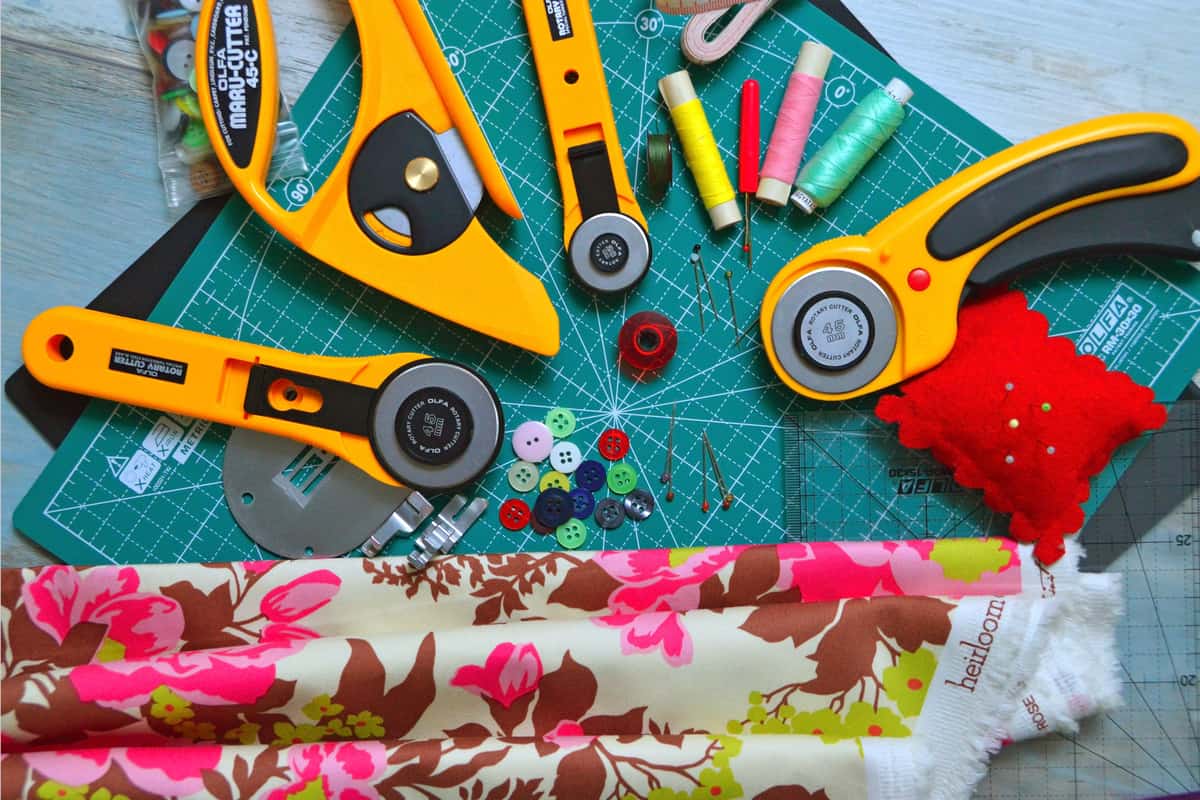 Cutting Machine MatsMats are consumable, not permanent — plan on replacing them, and match the grip to the material rather than... | The mat fabric actually needs | Check price on Amazon #ad · affiliate link · we never show a price we cannot verify |
Tap any row to jump to the full write-up. We do not publish prices — they move constantly, and a stale number is worse than none.
What people mean by cutting fabric is two different jobs
Getting this right before you spend anything saves the most money on this page, because the two jobs need completely different machines.
Job one is cutting fabric pieces — quilt blocks, appliqué shapes, doll clothes, bag panels. The fabric is the project. This needs a blade that can get through a woven material without the fibers moving or fraying, which is what a rotary blade does.
Job two is decorating fabric — a design on a shirt, a name on a tote, a number on a jersey. Here the machine cuts heat transfer vinyl, not fabric at all, and a heat source bonds the vinyl to the garment. Any machine on this page does that identically. If this is your plan, you do not need a fabric machine. Your first Cricut shirt walks the whole process, and the best HTV for beginners is the material.
The rotary blade is the entire decision
A standard fine-point blade is a tiny knife that drags through material. On woven fabric that drag pulls threads, frays edges and pushes lightweight cotton out of position, which is why fabric is normally stabilized before it goes near one.
A rotary blade rolls, like a pizza cutter. Nothing drags, so the weave stays where it is. That is why Cricut rates the Maker line for unbacked fabric and the Explore line for bonded fabric only, and it is why a rotary tool is the only specification worth checking first.
| Machine | Rotary blade | Unbacked woven fabric | Fabric with backing | Working area |
|---|---|---|---|---|
| Cricut Maker 5 | Yes | Yes | Yes | 11.5 in cut width |
| Cricut Maker 4 | Yes | Yes | Yes | 11.5 in cut width |
| Silhouette CAMEO 5 | Yes, sold separately | Yes, per Silhouette's material list | Yes | 12 x 24 in with a mat |
| Brother ScanNCut | No — fabric blade and high-tack mat | Limited | Yes | 12 in on the mat |
| Cricut Explore 5 | No | No | Yes | 11.5 in cut width |
| Cricut Joy 2 / Joy Xtra | No | No | Thin bonded fabric only | 4.5 in / 8.5 in |
How we picked
We ranked on fabric capability as the manufacturers themselves describe it — whether a rotary tool exists for the machine, whether unbacked woven fabric is rated or excluded, and how large a pattern piece fits — then on everything else. Specifications come from each manufacturer's published product pages on the date in the byline. We have no lab and did not test these machines; our methodology is explicit about what our recommendations are reasoned from.
Our picks in full
1. Best for quilting cotton with no stabilizer
Cricut Maker 5
Cricut · Currently sold · Verified 2026-09-27
The straightforward answer. Cricut's rotary blade rolls through the material instead of dragging a point through it, which is what lets it cut unbacked quilting cotton, flannel and felt cleanly — no fusible backing, no starch, no spray. That capability is exclusive to the Maker line, so this is the one purchase on this site where paying more for a Maker is the correct call rather than an upsell.
What works
- Rotary blade cuts quilting cotton with no backing, which no Explore can do
- Knife blade opens basswood, chipboard and thick leather
- Adaptive tool system takes every Cricut blade and tip
- Same matless Smart Material workflow as the Explore line
What does not
- Materially more expensive than an Explore for capability most beginners never use
- The knife blade is a separate purchase on top of the machine
- Knife-blade cuts are slow — a thick basswood cut can run well over an hour
Not for you if
Your project list is shirts, decals, stickers and cards. Every one of those cuts identically on an Explore 5, and the difference in price is roughly a full starter set of materials.
Key specs
- Cuts
- 300+ materials including unbacked fabric, leather, basswood
- Max material width
- 12 in (11.5 in cut width)
- Matless cutting
- Yes, with Smart Materials
- Rotary blade
- Yes — cuts fabric without a stabilizer backing
- Knife blade
- Yes — sold separately
#ad · affiliate link · we never show a price we cannot verify
2. Best for the same rotary cutting, usually cheaper
Cricut Maker 4
Cricut · Currently sold · Verified 2026-09-27
Still sold alongside the Maker 5 and still fully supported, with the same rotary blade and the same adaptive tool system. It is slower on long cuts, and stock can be patchy because it is the older model in a current line. If you find one and the price gap is real, nothing about fabric cutting is worse here — you are buying the same blade in a slower machine.
What works
- Rotary and knife blade capability, the same reason anyone buys a Maker
- Frequently the cheaper route into the Maker line
- Fully supported in Design Space — this is not a discontinued model
What does not
- Slower than the Maker 5 on long cuts
- Being the older model in the line, stock can be patchy
- Same caveat as every Maker: most beginners never use the rotary blade
Not for you if
You are buying your first machine and have no fabric or wood project in mind. The Explore 5 does your projects for less.
Key specs
- Cuts
- 300+ materials including unbacked fabric, leather, basswood
- Max material width
- 12 in (11.5 in cut width)
- Rotary blade
- Yes
- Knife blade
- Yes — sold separately
- Status
- Current line, sold alongside the Maker 5
#ad · affiliate link · we never show a price we cannot verify
3. Best for a non-cricut route to fabric
Silhouette CAMEO 5
Silhouette · Currently sold · Verified 2026-09-27
Silhouette lists a rotary blade among the CAMEO 5's tool options and publishes fabric among the materials the machine cuts, with a 12 by 24 inch operating area on a mat — longer than a standard Cricut mat, which matters when you are cutting pattern pieces. Studio runs offline with no subscription. The blade is a separate purchase, as it is on a Maker, and reports from users put it at its best on thinner fabrics rather than denim.
What works
- Silhouette Studio runs on your computer and does not need to be online to cut
- No subscription is required to use the machine
- Cuts the same everyday materials a beginner uses
- Strong choice if you already own or buy SVG files from third parties
What does not
- Studio is more capable but noticeably harder to learn than Design Space
- SVG import is gated behind a paid Studio upgrade on the basic edition
- Smaller tutorial ecosystem than Cricut for absolute beginners
Not for you if
You want the shortest possible path from unboxing to a finished shirt. Design Space is the friendlier first app, even with its downsides.
Key specs
- Cuts
- Vinyl, heat transfer vinyl, cardstock, paper, fabric with backing
- Max cut width
- 12 in
- Software
- Silhouette Studio — installs locally, works offline
- File handling
- Imports SVG in the paid Studio tiers; basic edition is more limited
- Tool system
- Dual carriage with auto tool detection
#ad · affiliate link · we never show a price we cannot verify
4. Best for scanning a paper pattern and cutting it
Brother ScanNCut
Brother · Currently sold · Verified 2026-09-27
A different approach to the same problem. The built-in scanner reads a printed or drawn pattern piece and turns it into a cut file on the machine itself, with no computer involved — genuinely useful if your patterns arrive on paper rather than as SVG files. Fabric cutting here relies on a high-tack mat and a fabric blade rather than a rotary tool, so backing or stabilizer is often still part of the process.
What works
- The only mainstream machine that genuinely works without a computer or tablet
- The scanner turns a hand-drawn shape into a cut file directly
- No subscription anywhere in the workflow
What does not
- Canvas Workspace is the weakest of the three design apps
- Much smaller beginner tutorial ecosystem
- Accessory and blade availability is thinner than Cricut's
Not for you if
You are comfortable designing on a computer. The scanner is the main reason to choose this, and you will not use it.
Key specs
- Built-in scanner
- Yes — scans a drawing or printed image and cuts it out
- Standalone operation
- Yes — on-machine touchscreen, no computer required
- Max cut width
- 12 in on the mat
- Software
- Canvas Workspace, plus on-machine editing
- Wireless
- Yes on current models
#ad · affiliate link · we never show a price we cannot verify
5. Best for fabric only occasionally, with backing
Cricut Explore 5
Cricut · Currently sold · Verified 2026-09-27
Honest placement rather than a recommendation: an Explore has no rotary blade, so unbacked fabric is out. With a fusible backing ironed on first, it cuts bonded fabric and felt perfectly well, and it handles heat transfer vinyl — which is what most people who say fabric actually mean. If your plan is shirts with designs on them rather than quilt pieces, this is the machine to buy and the money to save.
What works
- Cuts every material a beginner's first ten projects will use
- Matless Smart Material cutting means long banners and decals without a mat
- Cheapest current machine that still handles full 12 in wide vinyl
- Huge community of tutorials aimed at exactly this machine
What does not
- No rotary blade, so unbacked fabric is out
- No knife blade for basswood or thick leather
- Still needs Design Space, which needs an internet connection to set up
Not for you if
You already know you want to cut quilting fabric or thick leather. That is the Maker line's rotary and knife blades, and no accessory adds them to an Explore.
Key specs
- Cuts
- Vinyl, heat transfer vinyl, cardstock, paper, iron-on, faux leather
- Max material width
- 12 in (11.5 in cut width)
- Matless cutting
- Yes, with Smart Materials
- Tool slots
- Two — blade plus pen or scoring tool
- Rotary / knife blade
- No — Maker line only
#ad · affiliate link · we never show a price we cannot verify
6. Best for the mat fabric actually needs
Cutting Machine Mats
Various · Currently sold · Verified 2026-09-27
Fabric is the one material where the mat is not an afterthought. A standard grip mat lets lightweight cotton shift mid-cut, which shows up as a wavy edge rather than an obvious failure, and fabric-specific mats exist precisely for this. Mats are consumables: tack declines with use, and a tired mat causes cuts people blame on the machine.
What works
- Correct grip prevents both torn material and material sliding mid-cut
- Third-party mats cost noticeably less than brand mats
- Tack can be partly restored with gentle washing
What does not
- They wear out, and a tired mat causes cuts people blame on the machine
- Strong grip can shred thin paper
Not for you if
You only ever cut Smart Materials matless. Even then, keep one standard mat for the day you buy ordinary vinyl.
Key specs
- Grip levels
- Light, standard, strong, and fabric-specific
- Standard grip
- Vinyl, iron-on, cardstock — the everyday mat
- Strong grip
- Thick cardstock, chipboard, glitter materials
- Light grip
- Thin paper and vellum that would tear on a standard mat
- Lifespan
- Consumable — tack declines with use and is partly restorable
#ad · affiliate link · we never show a price we cannot verify
What a cutting machine does not replace
Worth saying plainly, because the marketing rarely does. A craft cutter is a precision tool for repeatable shapes, not a replacement for a rotary cutter and ruler.
- Yardage. Cutting a long straight edge off three yards of cotton is faster and better with a ruler and a handheld rotary cutter. The machine's advantage is identical complex shapes, not straight lines.
- Thick or lofty material. Published maximum material thickness on these machines is around 3 mm. Quilted layers, heavy canvas and multiple-layer stacks are outside that.
- Big pattern pieces. A 12 inch cut width means a garment pattern piece gets split or traced by hand. Quilt blocks and appliqué fit comfortably; a bodice does not.
- Pressing and sewing. The cut is the quick part. The machine saves tracing and scissors time, nothing beyond it.
The mat and the setting matter as much as the blade
Fabric is the material where a tired mat shows up most clearly, because a lightweight cotton that shifts half a millimeter mid-cut produces a wavy edge rather than an obvious failure. Keep a dedicated mat for fabric, replace it when the tack is gone, and use the machine's named fabric setting rather than a guess. Our mat guide covers grip levels and how to restore tack, and the blade guide covers which blade belongs in which job.
If you are still choosing between brands generally, Cricut versus Silhouette and Cricut versus Brother ScanNCut are the head-to-heads, and the best cutting machine for vinyl is the other half of this material question.
Common questions
What is the best cutting machine for fabric?
Can a Cricut Explore cut fabric?
Does the Silhouette CAMEO 5 cut fabric?
Do I need a rotary blade to cut fabric?
How thick a fabric can these machines cut?
Can a cutting machine cut out garment patterns?
Is a cutting machine faster than scissors for fabric?
Sources
- Cricut official product catalog — Rotary blade availability by machine line, rated material lists for the Explore and Maker lines, and cut widths, verified 4 October 2026
- Silhouette America — CAMEO 5 — Published 12 x 24 in operating area with a mat, 3 mm maximum material thickness, fabric in the rated material list and available tool options including the rotary blade, verified 4 October 2026
- Brother ScanNCut product information — Built-in scanner, standalone on-machine operation and fabric cutting accessories, verified 4 October 2026
How we picked
We verify every product is currently sold by reading the manufacturer's own catalog, compare published specifications rather than marketing copy, and rank on what a first-time buyer has to decide. We do not run lab tests and we do not claim to, and commission never affects the order.
Read this next
The Best Cricut for Cutting Fabric
Why only the Maker line cuts unbacked fabric, what an Explore can still do, and when the premium is justified.
The Best Cutting Machine for Vinyl
Why vinyl is the easiest material any of these machines cut, and what to use instead of cut quality to choose between them.
Cricut Maker 5 Review
The top of the mainstream line: what the extra blades do, and why most beginners will not use them.
Cricut vs Silhouette
The brand decision settled fairly: ecosystem and ease against offline software and no subscriptions.
Cricut Blade Guide
Which blade cuts what, when to replace, and why a dull blade masquerades as a broken machine.
Best Craft Cutting Machines for Beginners
Every brand worth considering, ranked honestly — including the cases where Cricut is not the answer.
Back to Cutting Machines.