Cricut Blade Guide
Most people only ever need one blade — and most cutting problems are that one blade being dull.
Heads up: Mat & Blade earns a commission from qualifying purchases made through the links on this page, at no extra cost to you. It never changes which products we recommend or how we rank them. Read the full disclosure.
The fine-point blade cuts almost everything a beginner uses, and it is the only blade most people ever buy. When cuts go ragged or incomplete, a dull blade is the most likely cause and the cheapest to rule out — swapping one takes seconds and needs no tools.
The blades, and who needs them
| Blade | Cuts | Fits | Do you need it? |
|---|---|---|---|
| Fine-point | Vinyl, HTV, cardstock, paper, sticker paper, thin faux leather | All machines | Yes — this is the everyday blade |
| Deep-point | Thicker faux leather, magnet sheet, chipboard, thick cardstock | Explore and Maker | Only if you cut thick material |
| Bonded fabric | Fabric with a fusible backing | Explore and Maker | Only if you cut backed fabric regularly |
| Rotary | Unbacked fabric — plain cotton, no stabilizer | Maker only | Only if you sew or quilt |
| Knife | Basswood, chipboard, thick leather | Maker only | Only if you cut wood |
| Scoring stylus / wheel | Fold lines for cards and boxes | Varies by machine | Only for paper craft |
| Engraving tip | Shallow marks in soft metal and acrylic | Maker | Rarely — not comparable to a laser |
The two that decide which machine you buy are the rotary and knife blades, and both are Maker-only — no accessory adds them to an Explore. If either matters to you, that is the whole Explore-versus-Maker decision.
How long a blade lasts
There is no fixed number, because it depends entirely on what you cut. Plain vinyl and HTV are gentle. Cardstock is abrasive. Glitter material is the worst of all — the particles that make it sparkle are effectively grit passing under the blade edge.
Rather than counting projects, watch for the symptoms. They are consistent and they appear gradually, which is why people often adapt to a dull blade without noticing.
- Corners are ragged rather than sharp, especially on small text
- Cuts do not go all the way through in places, so weeding tears
- Vinyl lifts and drags rather than being cut cleanly
- Weeding has become noticeably harder than it used to be with the same material
- You keep increasing the pressure to get the same result you used to get
Before you replace the blade
Two things cost nothing and fix a surprising share of apparent blade problems.
1Check for debris in the housing
Small slivers of vinyl and paper collect around the blade and in the housing, which stops the blade seating properly and rotating freely. Remove the blade, look at the tip and the housing, and clear anything stuck. A ball of aluminum foil poked with the blade a few times also clears build-up from the edge.
2Check the mat
A worn mat lets material shift by a fraction of a millimeter mid-cut, which produces exactly the same symptoms as a dull blade — misaligned or incomplete cuts. If the mat no longer feels tacky, that is your problem. Mat guide.
Replacing a blade
You replace the blade, not the housing. Remove the housing from the machine, press the plunger on top to expose the old blade, pull it out — it is held magnetically — and push the new one in. It takes seconds and needs no tools.
Third-party fine-point blades cost considerably less than brand ones and are generally fine for vinyl and everyday materials. Very cheap ones can be inconsistent on fine detail, so if you cut a lot of small text it is worth keeping one good blade for that and a cheaper one for general work.
Matching blade to material
For nearly everything in this hobby, the answer is the fine-point blade with the correct named material setting selected in the software. The setting adjusts pressure and depth for you, which is why material presets are worth using rather than eyeballing a custom value.
Step up to the deep-point blade only when the fine-point genuinely cannot reach through the material — thick faux leather, magnet sheet, heavy chipboard. If a standard material is not cutting, the answer is a fresh blade or the right setting, not a deeper blade.
1. Best for the blade you will actually use
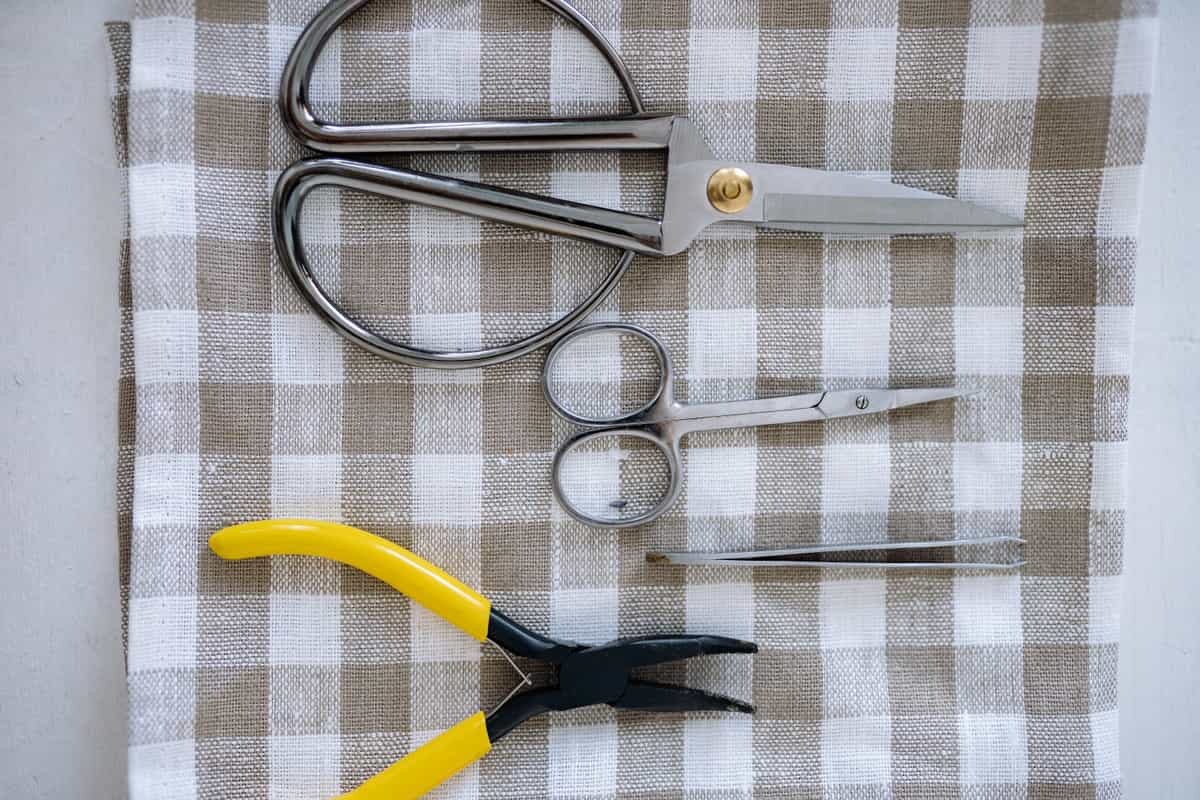
Replacement Fine-Point Blades
Various · Currently sold · Verified 2026-09-27
Fine-point is the everyday blade for vinyl, heat transfer vinyl, cardstock and paper, and it is the one that dulls. Blades swap into the existing housing in seconds with no tools, and third-party fine-point blades are far cheaper than brand ones and generally fine for vinyl work.
What works
- Cheap fix for the single most common cutting complaint
- Swapping takes seconds with no tools
- Third-party blades are far cheaper and generally fine for vinyl
What does not
- Very cheap blades can be inconsistent on fine detail
- Easy to blame the blade when the real problem is the mat or the setting
Not for you if
Your machine is new. Check your material setting and mat tack first.
Key specs
- Type
- Fine-point blade — the everyday blade for vinyl and cardstock
- Lifespan
- Varies hugely with material; glitter and cardstock dull it fastest
- Housing
- Blades swap into the existing housing — you do not rebuy the housing
- Symptom of dullness
- Tearing, incomplete cuts, ragged corners
#ad · affiliate link · we never show a price we cannot verify
2. Best for the other half of a clean cut
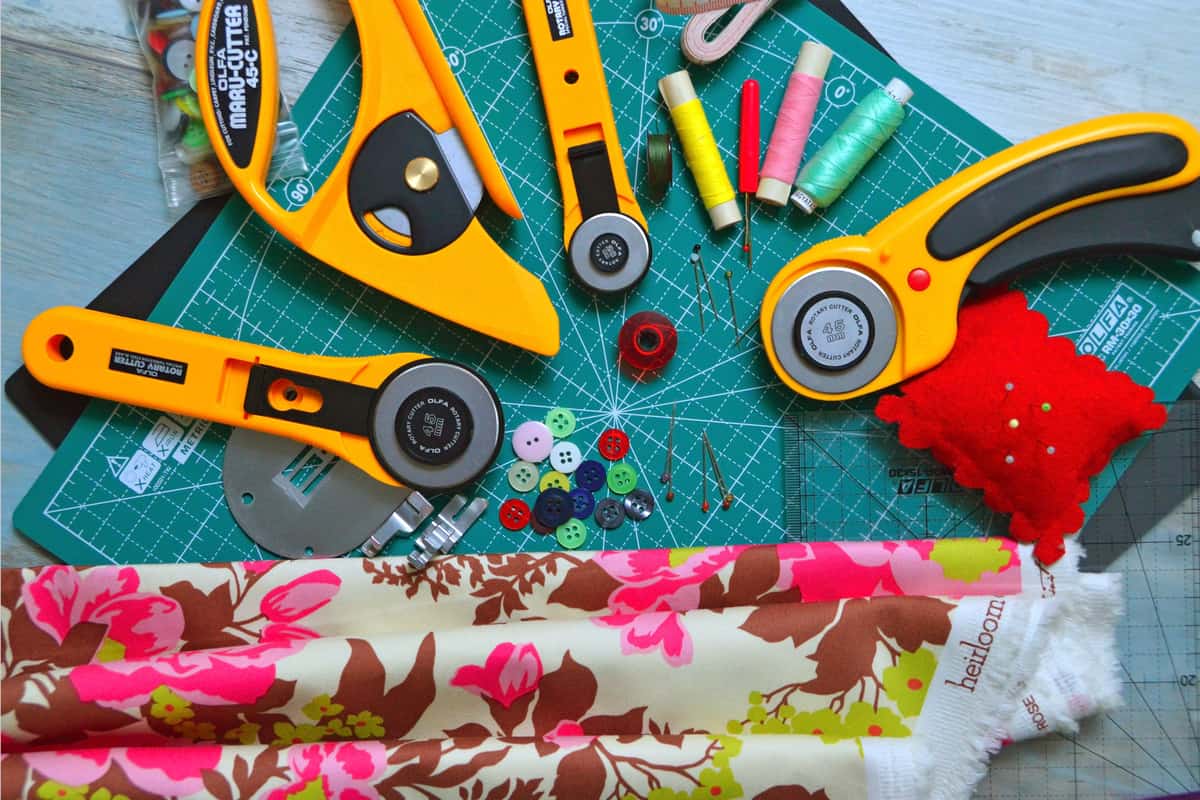
Cutting Machine Mats
Various · Currently sold · Verified 2026-09-27
Blade problems and mat problems present identically — ragged cuts, incomplete cuts, material shifting mid-job. If a new blade did not fix it, the mat has lost its tack and material is moving during the cut.
What works
- Correct grip prevents both torn material and material sliding mid-cut
- Third-party mats cost noticeably less than brand mats
- Tack can be partly restored with gentle washing
What does not
- They wear out, and a tired mat causes cuts people blame on the machine
- Strong grip can shred thin paper
Not for you if
You only ever cut Smart Materials matless. Even then, keep one standard mat for the day you buy ordinary vinyl.
Key specs
- Grip levels
- Light, standard, strong, and fabric-specific
- Standard grip
- Vinyl, iron-on, cardstock — the everyday mat
- Strong grip
- Thick cardstock, chipboard, glitter materials
- Light grip
- Thin paper and vellum that would tear on a standard mat
- Lifespan
- Consumable — tack declines with use and is partly restorable
#ad · affiliate link · we never show a price we cannot verify
3. Best for material that is kind to blades
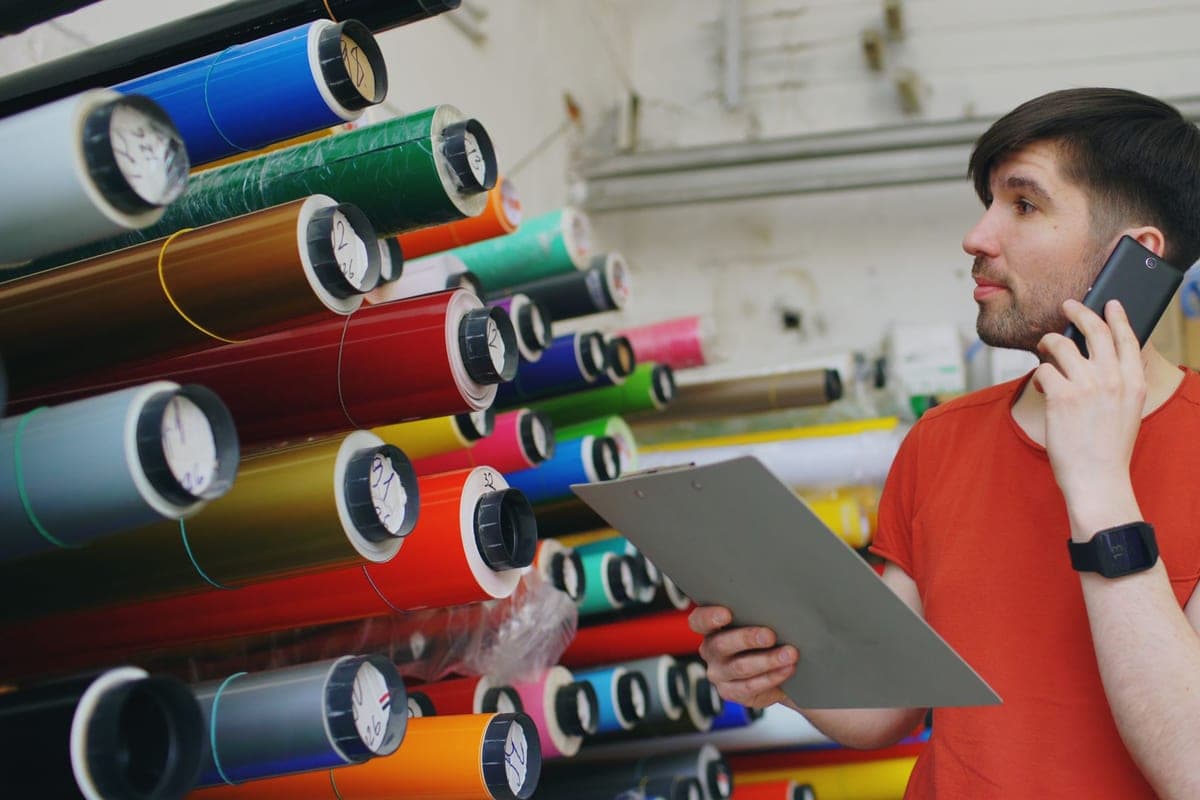
Siser EasyWeed HTV
Siser · Currently sold · Verified 2026-09-27
Plain HTV and standard vinyl are the gentlest materials on a fine-point blade. Cardstock and glitter material are what dull it fastest, so if your blade life seems short, look at what you have been cutting.
What works
- Weeds more cleanly than almost anything else at this price
- Thin enough that a layered design does not feel like a plastic patch
- Siser publishes clear time and temperature guidance for it
- Sold in single sheets, so you can try three colors without buying three rolls
What does not
- Matte only — no gloss, glitter or specialty finish in the base line
- Sheets cost more per square inch than buying a roll
- Still needs real heat and pressure; a household iron gives mixed results
Not for you if
You want a glitter or holographic finish. That is a different Siser product line, not EasyWeed.
Key specs
- Type
- Heat transfer vinyl (HTV) — for fabric
- Fabric compatibility
- Siser rates it for cotton, polyester and cotton/poly blends
- Thickness
- Thin — around 90 microns
- Carrier
- Pressure-sensitive clear carrier sheet
- Finish
- Matte
#ad · affiliate link · we never show a price we cannot verify
Common questions
Which Cricut blade do I use for vinyl?
How often should I replace a Cricut blade?
Why is my Cricut not cutting all the way through?
Are third-party Cricut blades any good?
Can I sharpen a Cricut blade?
Sources
- Cricut blade and tool information — Blade types, machine compatibility and material guidance, verified 27 September 2026
How we picked
We verify every product is currently sold by reading the manufacturer's own catalog, compare published specifications rather than marketing copy, and rank on what a first-time buyer has to decide. We do not run lab tests and we do not claim to, and commission never affects the order.
Read this next
Cricut Mat Guide
Grip levels, sizes, and how to restore tack — plus why mats cause faults that look like machine faults.
How to Weed Vinyl
Technique, tools and the reverse-weed trick that makes fine script designs manageable.
The Cricut Accessories You Actually Need
The short list that genuinely earns its space, the longer list that does not, and the buying order.
Cricut Explore 5 vs Maker 5
The Explore-versus-Maker question settled: what the extra blades do, and who will never use them.

What a Cricut Really Costs
Every component a working setup needs, what recurs, and the costs people meet one at a time.
Back to Vinyl & Materials.