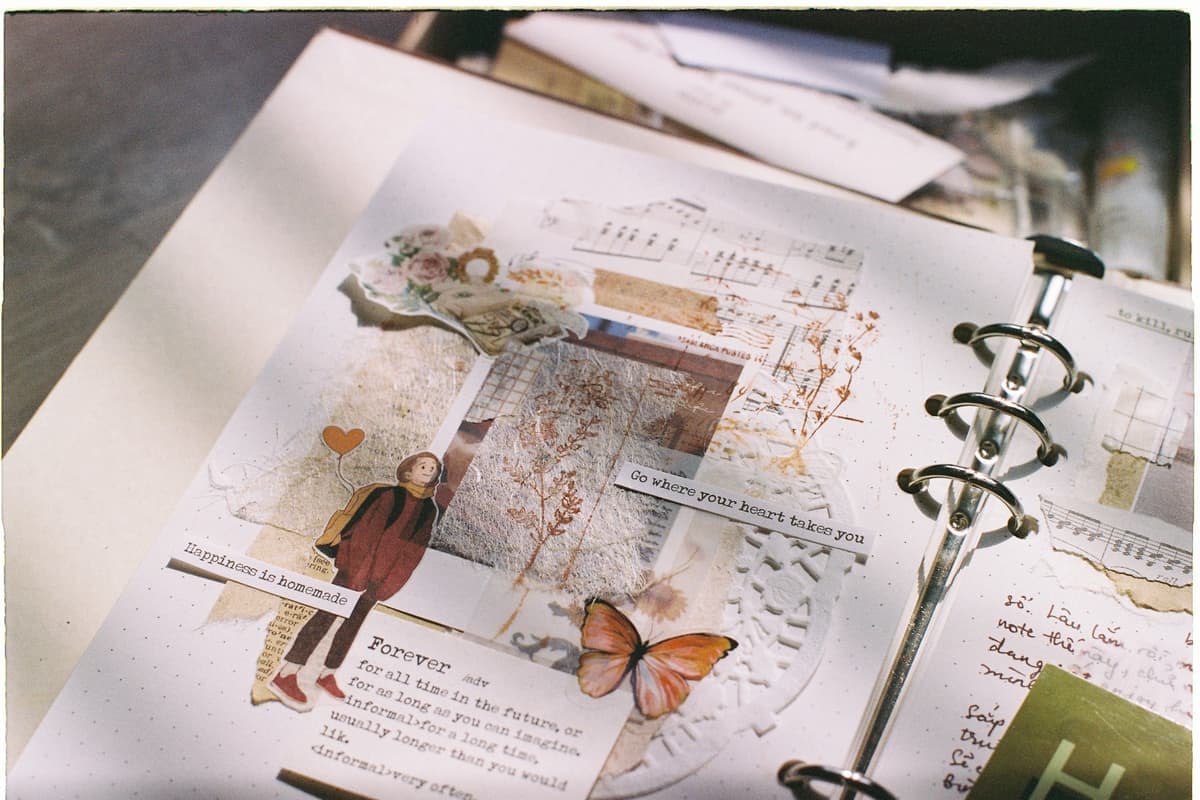
The Best Cricut for Scrapbooking
A paper hobby, which changes the priorities: scoring, 12x12 stock and a mat that does not shred thin sheets.
Heads up: Mat & Blade earns a commission from qualifying purchases made through the links on this page, at no extra cost to you. It never changes which products we recommend or how we rank them. Read the full disclosure.
Buy the Explore 5. Scrapbooking assumes 12 by 12 inch cardstock, so full-width cutting is the requirement, and a second tool slot lets the machine score a fold and cut in one pass. The Maker only earns its premium if you also cut fabric or heavy chipboard.
Quick picks
| # | Product | Best for | Price |
|---|---|---|---|
| 1 |  Cricut Explore 5The sensible default for a first machine: it cuts everything a beginner actually uses, and the money you sa... | Most scrapbookers | Check price on Amazon #ad · affiliate link · we never show a price we cannot verify |
| 2 |  Cricut Maker 5The machine to buy only if you have a specific material in mind that an Explore cannot cut — rotary-blade f... | Scrapbooking plus fabric and chipboard | Check price on Amazon #ad · affiliate link · we never show a price we cannot verify |
| 3 | 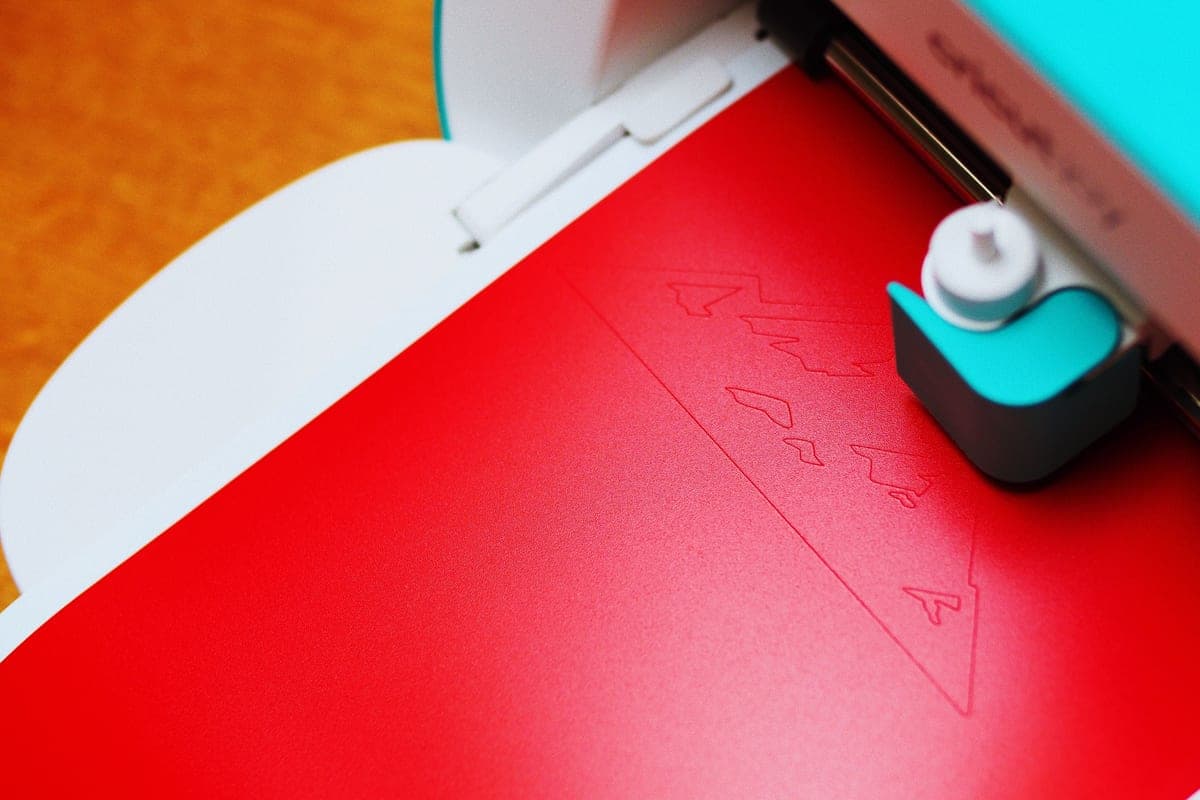 Cricut Joy XtraThe Joy that fixes the Joy's biggest limitation — a wider cut and print-then-cut — without growing into a f... | Cards and small embellishments | Check price on Amazon #ad · affiliate link · we never show a price we cannot verify |
| 4 | 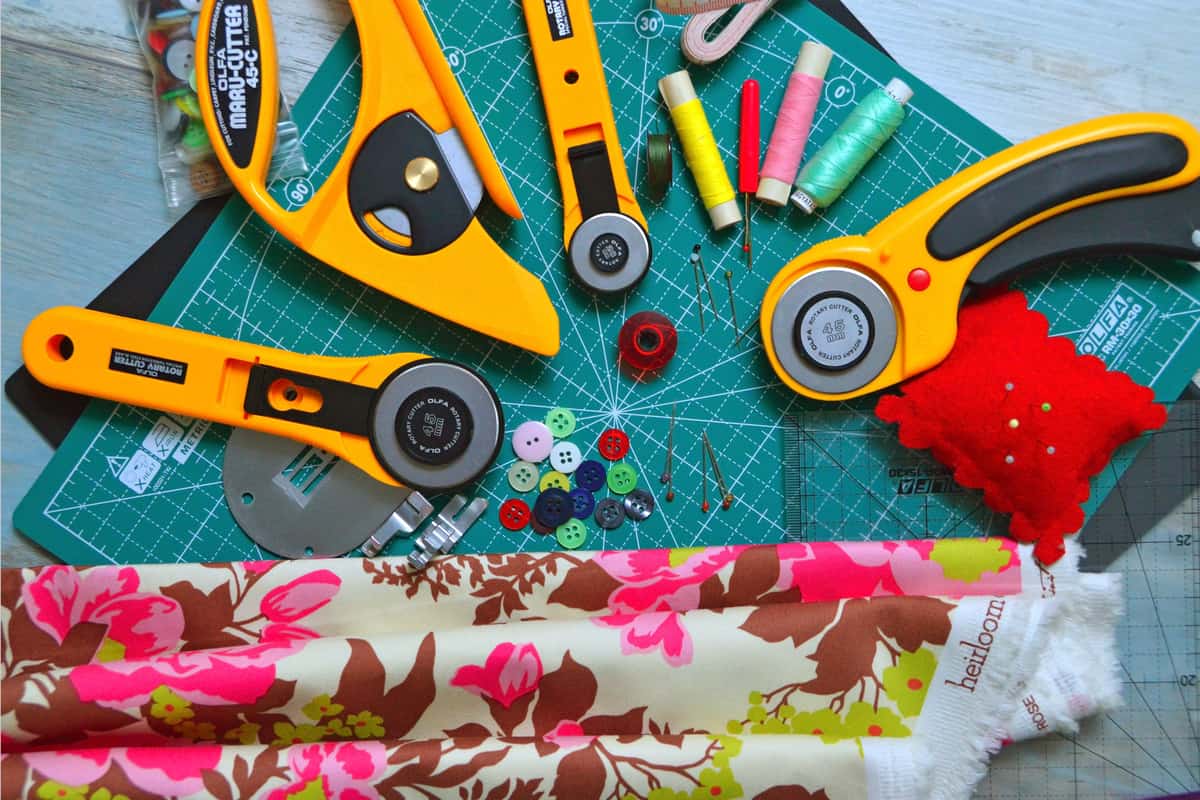 Cutting Machine MatsMats are consumable, not permanent — plan on replacing them, and match the grip to the material rather than... | The thing that stops paper tearing | Check price on Amazon #ad · affiliate link · we never show a price we cannot verify |
| 5 | 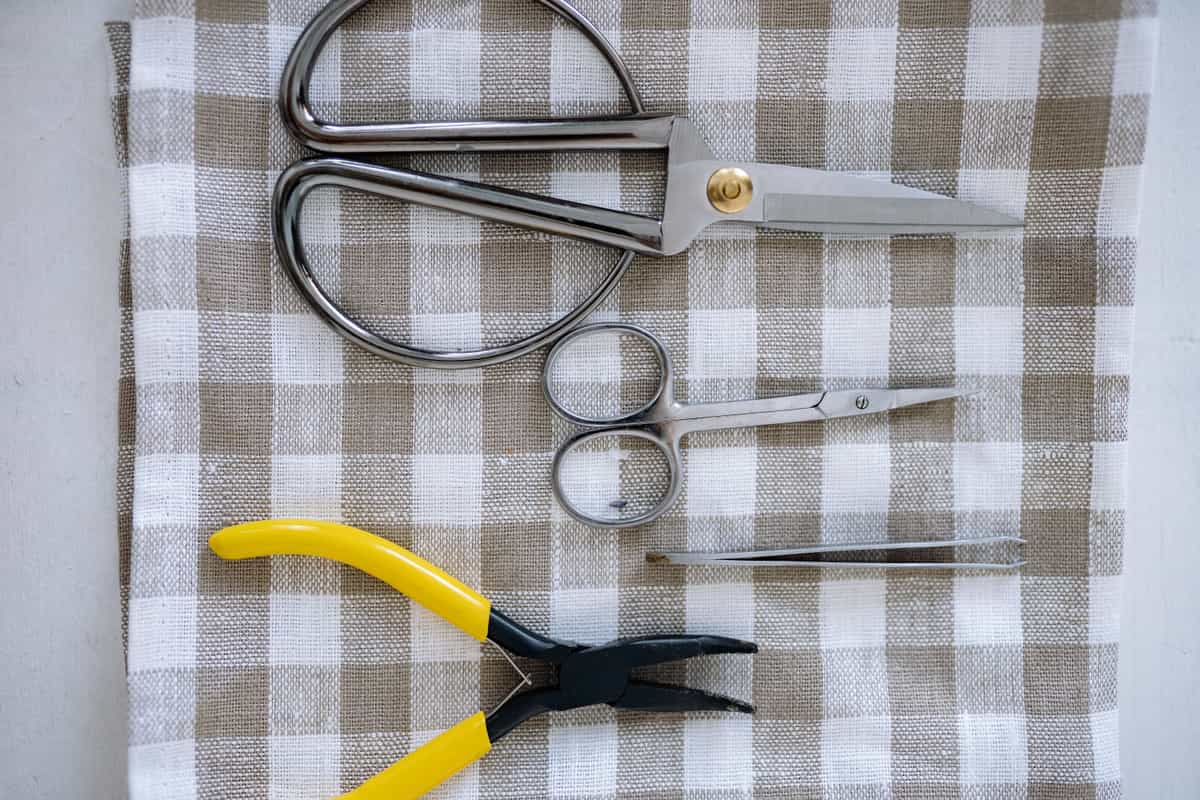 Replacement Fine-Point BladesA dull blade is the most common cause of a machine that has apparently 'stopped cutting properly' — and the... | Cardstock dulls blades fast | Check price on Amazon #ad · affiliate link · we never show a price we cannot verify |
Tap any row to jump to the full write-up. We do not publish prices — they move constantly, and a stale number is worse than none.
Why scoring matters more than blades here
Paper crafting is full of folds — card bases, boxes, pop-up elements, envelopes, gatefold pages. A crease made by scoring folds cleanly and squarely; one made by guessing with a bone folder does not.
A machine with two tool slots can hold a scoring tool and a blade at once, which means it scores the fold lines and cuts the shape in one pass without you reloading between operations. On a project with several folds that is the difference between a pleasant hour and a fiddly one. This is a far more relevant capability for a scrapbooker than the rotary and knife blades people spend extra on.
How we picked
We ranked against paper crafting specifically — cut width against 12 by 12 stock, scoring capability, print-then-cut for printed elements, and the mat and blade behavior that paper actually exposes. Lineup and specifications were verified against the manufacturer's published catalog. Our methodology.
Our picks in full
1. Best for most scrapbookers
Cricut Explore 5
Cricut · Currently sold · Verified 2026-09-27
Scrapbooking standardized on 12 by 12 inch cardstock, and this cuts the full 11.5 inch width that sheet size assumes — which is the whole reason narrower machines frustrate paper crafters. It also takes two tools at once, so it can score a fold line and cut in a single pass rather than making you reload for the crease. Print-then-cut handles printed journaling cards, patterned paper and photo cutouts. For a hobby that is paper, pens and card, this covers every project without paying for blades that cut wood.
What works
- Cuts every material a beginner's first ten projects will use
- Matless Smart Material cutting means long banners and decals without a mat
- Cheapest current machine that still handles full 12 in wide vinyl
- Huge community of tutorials aimed at exactly this machine
What does not
- No rotary blade, so unbacked fabric is out
- No knife blade for basswood or thick leather
- Still needs Design Space, which needs an internet connection to set up
Not for you if
You already know you want to cut quilting fabric or thick leather. That is the Maker line's rotary and knife blades, and no accessory adds them to an Explore.
Key specs
- Cuts
- Vinyl, heat transfer vinyl, cardstock, paper, iron-on, faux leather
- Max material width
- 12 in (11.5 in cut width)
- Matless cutting
- Yes, with Smart Materials
- Tool slots
- Two — blade plus pen or scoring tool
- Rotary / knife blade
- No — Maker line only
#ad · affiliate link · we never show a price we cannot verify
2. Best for scrapbooking plus fabric and chipboard
Cricut Maker 5
Cricut · Currently sold · Verified 2026-09-27
Worth it only for a specific kind of paper crafter: one who also works in fabric for mixed-media pages, or who cuts heavy chipboard for album covers and thick embellishments. The knife blade genuinely handles chipboard an Explore cannot. If your albums are paper and card, this is capability that will sit unused — and the difference in price buys a lot of cardstock.
What works
- Rotary blade cuts quilting cotton with no backing, which no Explore can do
- Knife blade opens basswood, chipboard and thick leather
- Adaptive tool system takes every Cricut blade and tip
- Same matless Smart Material workflow as the Explore line
What does not
- Materially more expensive than an Explore for capability most beginners never use
- The knife blade is a separate purchase on top of the machine
- Knife-blade cuts are slow — a thick basswood cut can run well over an hour
Not for you if
Your project list is shirts, decals, stickers and cards. Every one of those cuts identically on an Explore 5, and the difference in price is roughly a full starter set of materials.
Key specs
- Cuts
- 300+ materials including unbacked fabric, leather, basswood
- Max material width
- 12 in (11.5 in cut width)
- Matless cutting
- Yes, with Smart Materials
- Rotary blade
- Yes — cuts fabric without a stabilizer backing
- Knife blade
- Yes — sold separately
#ad · affiliate link · we never show a price we cannot verify
3. Best for cards and small embellishments
Cricut Joy Xtra
Cricut · Currently sold · Verified 2026-09-27
A reasonable pick if your work is cards rather than 12 by 12 albums. An 8.5 inch cut is generous for a card front, tags and small die-cut embellishments, and print-then-cut still works for printed elements. It cannot handle a full 12 by 12 layout sheet, so choose it only if you have honestly ruled out full-size scrapbook pages.
What works
- 8.5 in cut width handles most youth and many adult shirt designs
- Print-then-cut means printed sticker sheets, which the Joy 2 cannot do
- Still small and light enough to put away between projects
- Uses the same Design Space workflow as the bigger machines
What does not
- Still narrower than the 11.5 in the Explore and Maker lines cut
- Costs enough that the Explore 5 becomes a fair comparison
- Smaller mat sizes limit how much you can gang up on one cut
Not for you if
You want full-width 12 in vinyl for large signs or full-front shirt prints. Step up to an Explore 5 instead.
Key specs
- Cuts
- Vinyl, heat transfer vinyl, cardstock, sticker paper, faux leather
- Max cut width
- 8.5 in
- Print then cut
- Yes — printed stickers work
- Matless cutting
- Yes, with Smart Materials
- Footprint
- Noticeably smaller than an Explore
#ad · affiliate link · we never show a price we cannot verify
4. Best for the thing that stops paper tearing
Cutting Machine Mats
Various · Currently sold · Verified 2026-09-27
The most common scrapbooking complaint is thin paper shredding on removal, and it is almost always mat grip rather than the machine. Standard grip suits cardstock; light grip is what thin patterned paper and vellum need, because a standard mat holds them too firmly to come off intact. Having both is what makes paper crafting pleasant — and peel the mat away from the paper rather than the paper off the mat.
What works
- Correct grip prevents both torn material and material sliding mid-cut
- Third-party mats cost noticeably less than brand mats
- Tack can be partly restored with gentle washing
What does not
- They wear out, and a tired mat causes cuts people blame on the machine
- Strong grip can shred thin paper
Not for you if
You only ever cut Smart Materials matless. Even then, keep one standard mat for the day you buy ordinary vinyl.
Key specs
- Grip levels
- Light, standard, strong, and fabric-specific
- Standard grip
- Vinyl, iron-on, cardstock — the everyday mat
- Strong grip
- Thick cardstock, chipboard, glitter materials
- Light grip
- Thin paper and vellum that would tear on a standard mat
- Lifespan
- Consumable — tack declines with use and is partly restorable
#ad · affiliate link · we never show a price we cannot verify
5. Best for cardstock dulls blades fast
Replacement Fine-Point Blades
Various · Currently sold · Verified 2026-09-27
Cardstock is considerably more abrasive than vinyl, so a paper crafter gets through blades faster than a decal maker does. Ragged corners on intricate die-cuts are the first symptom, and people usually blame the design before the blade. A fine-point blade swaps in seconds and is the cheapest thing to rule out.
What works
- Cheap fix for the single most common cutting complaint
- Swapping takes seconds with no tools
- Third-party blades are far cheaper and generally fine for vinyl
What does not
- Very cheap blades can be inconsistent on fine detail
- Easy to blame the blade when the real problem is the mat or the setting
Not for you if
Your machine is new. Check your material setting and mat tack first.
Key specs
- Type
- Fine-point blade — the everyday blade for vinyl and cardstock
- Lifespan
- Varies hugely with material; glitter and cardstock dull it fastest
- Housing
- Blades swap into the existing housing — you do not rebuy the housing
- Symptom of dullness
- Tearing, incomplete cuts, ragged corners
#ad · affiliate link · we never show a price we cannot verify
The mat is the scrapbooking problem
More paper projects are ruined by mat grip than by anything the machine does, and the fix costs very little.
| Paper | Mat | Why |
|---|---|---|
| Cardstock (standard weight) | Standard grip | Holds firmly without tearing on removal |
| Thin patterned paper | Light grip | Standard grip holds too well and shreds it |
| Vellum and translucent paper | Light grip | Extremely prone to tearing |
| Heavy cardstock | Strong grip | Standard grip lets it shift mid-cut |
| Chipboard | Strong grip | Needs to stay put under a deep blade |
The other half of the fix is technique: peel the mat away from the paper, bending the mat back against the cut piece, rather than lifting the paper off the mat. That single habit prevents most curling and tearing. The full mat guide.
What about 12 by 24 inch work?
Standard scrapbooking is 12 by 12, which every full-size machine covers. If you work on longer layouts or cut long banner elements, a 12 by 24 inch mat extends the length without changing the machine — the width is fixed by the machine, the length by the mat.
If you are still deciding between models generally, the beginner roundup covers the whole current line and the decision flow ends on a single model.
Common questions
Which Cricut is best for scrapbooking?
Can a Cricut score paper for folding?
Why does my paper tear when I remove it from the mat?
Can a Cricut cut 12x12 cardstock?
Do I need a Maker for scrapbooking?
Sources
- Cricut official product catalog — Cut widths, tool slots, scoring tools and mat grip levels, verified 29 September 2026
How we picked
We verify every product is currently sold by reading the manufacturer's own catalog, compare published specifications rather than marketing copy, and rank on what a first-time buyer has to decide. We do not run lab tests and we do not claim to, and commission never affects the order.
Read this next
The Best Cricut for Beginners
One safe default pick, plus the specific cases where a different Cricut — or no Cricut — is the better buy.
The Best Cricut for Teachers
Which machine suits classroom labels, displays and decor — and which one teachers routinely overbuy.
Cricut Mat Guide
Grip levels, sizes, and how to restore tack — plus why mats cause faults that look like machine faults.
Cricut Blade Guide
Which blade cuts what, when to replace, and why a dull blade masquerades as a broken machine.

Which Cricut Should I Buy?
A four-question decision flow that ends on one specific model — no hedging, no feature lists.
Back to Cutting Machines.