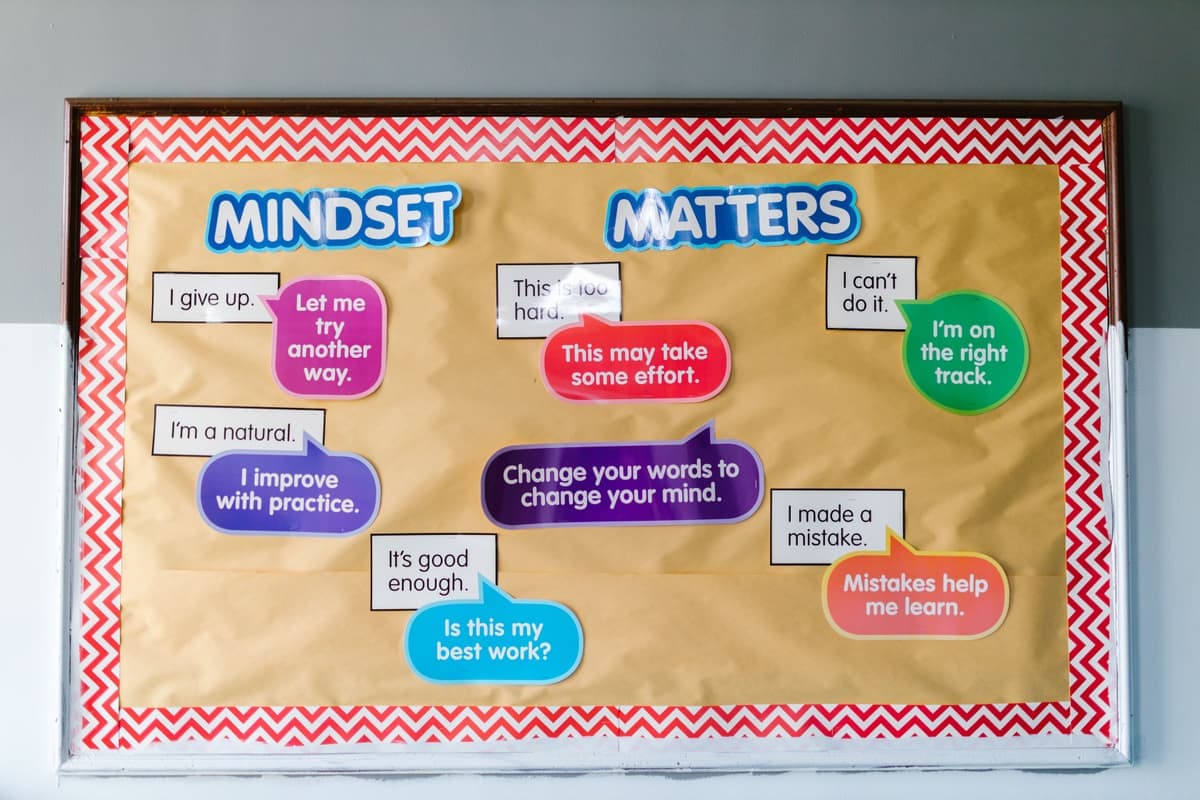
The Best Cricut for Teachers
Classroom work is labels, laminated signage, bulletin board letters and the occasional shirt. That points at a specific machine.
Heads up: Mat & Blade earns a commission from qualifying purchases made through the links on this page, at no extra cost to you. It never changes which products we recommend or how we rank them. Read the full disclosure.
Buy the Explore 5. Classroom projects are cardstock, vinyl labels, bulletin board letters and laminated signage, and full 11.5 inch width is what makes display lettering practical. Skip the Maker — its fabric and wood blades are the reason it costs more, and classroom work almost never uses them.
Quick picks
| # | Product | Best for | Price |
|---|---|---|---|
| 1 |  Cricut Explore 5The sensible default for a first machine: it cuts everything a beginner actually uses, and the money you sa... | Most teachers | Check price on Amazon #ad · affiliate link · we never show a price we cannot verify |
| 2 | 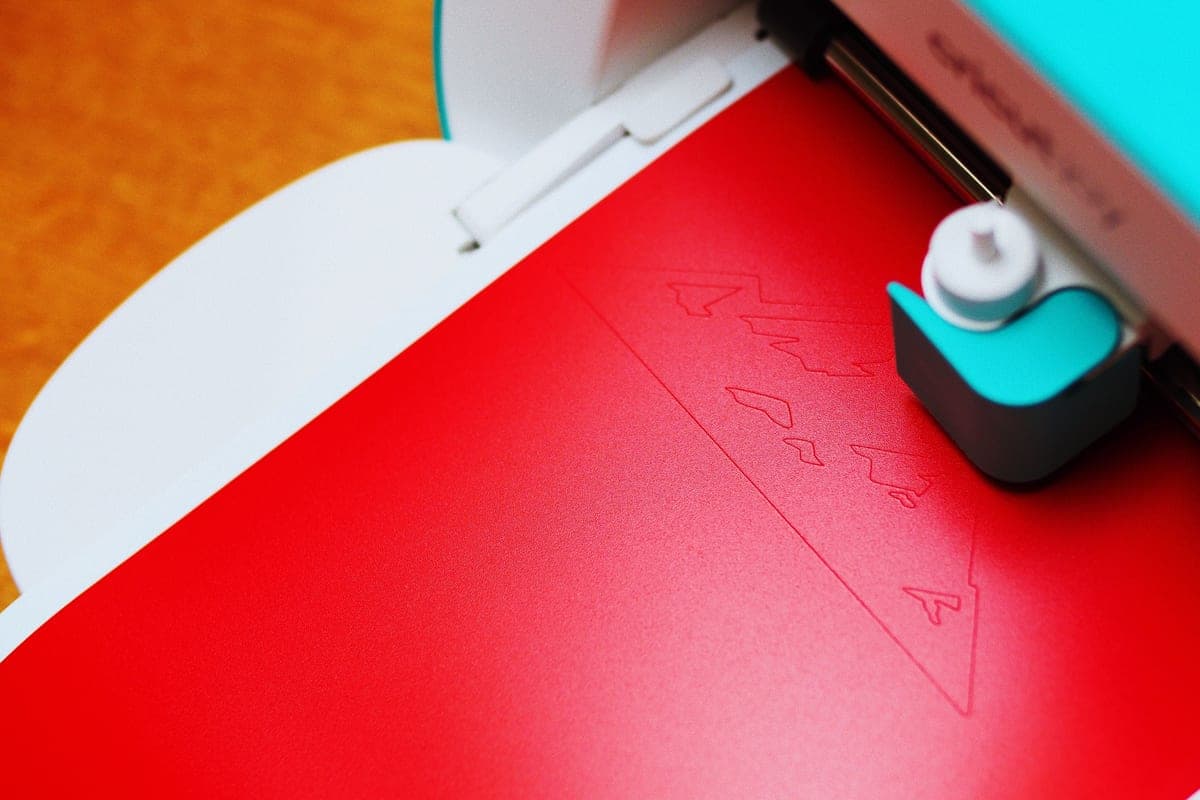 Cricut Joy XtraThe Joy that fixes the Joy's biggest limitation — a wider cut and print-then-cut — without growing into a f... | A machine that lives in a classroom cupboard | Check price on Amazon #ad · affiliate link · we never show a price we cannot verify |
| 3 |  Cricut Joy 2The cheapest way into the hobby and a genuinely good little machine — as long as you accept that its narrow... | Labels and organization only | Check price on Amazon #ad · affiliate link · we never show a price we cannot verify |
| 4 |  Oracal 631 Removable VinylThe matte, removable counterpart to 651 — the correct choice for walls, and the one beginners most often ge... | Anything on a painted classroom wall | Check price on Amazon #ad · affiliate link · we never show a price we cannot verify |
| 5 | 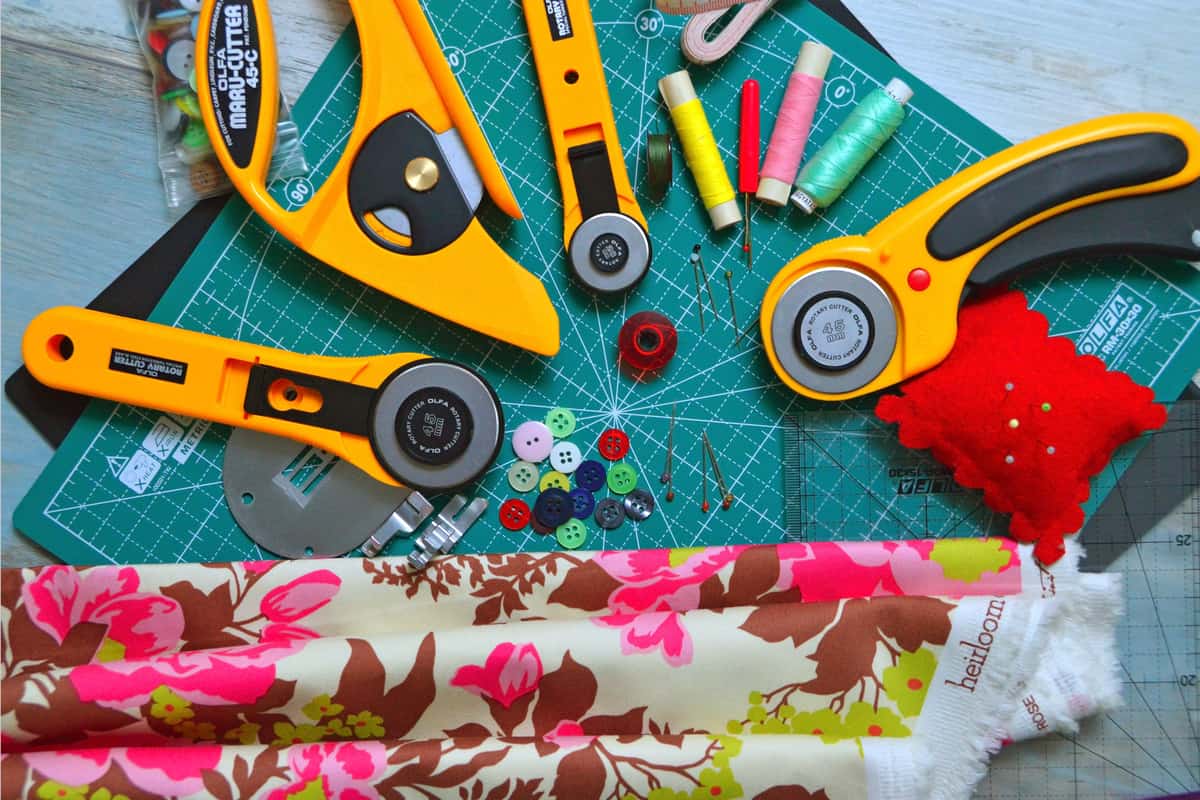 Cutting Machine MatsMats are consumable, not permanent — plan on replacing them, and match the grip to the material rather than... | The consumable a classroom burns through | Check price on Amazon #ad · affiliate link · we never show a price we cannot verify |
Tap any row to jump to the full write-up. We do not publish prices — they move constantly, and a stale number is worse than none.
What classroom projects actually demand
The project list is narrower than a general craft one, and it points clearly at two specifications.
| Project | What it needs |
|---|---|
| Bulletin board letters | Full 11.5 in width — this is the deciding one |
| Supply and bin labels | Any machine; removable or permanent vinyl |
| Name tags and desk labels | Any machine; print-then-cut helps |
| Laminated signage | Cardstock cutting, then laminate |
| Printed reward charts and stickers | Print-then-cut — the Joy 2 cannot |
| Wall quotes and door decor | Removable vinyl on painted surfaces |
| Classroom or staff shirts | Full width, plus a heat source |
| Paper craft for lessons | Any machine |
Two things fall out of that. Width matters because display letters are big. Print-then-cut matters because a lot of classroom output is printed artwork that needs cutting out — and the cheapest machine does not have it.
How we picked
We ranked against the classroom project list rather than general capability, weighting cut width and print-then-cut because those are what classroom work actually uses. Lineup and specifications were verified against the manufacturer's published catalog on the date in the byline. Our methodology.
Our picks in full
1. Best for most teachers
Cricut Explore 5
Cricut · Currently sold · Verified 2026-09-27
Classroom work is overwhelmingly cardstock, vinyl labels, bulletin board lettering and laminated signage, and this cuts all of it at the full 11.5 inch width that display letters actually need. Bulletin board letters are the specific reason width matters here — a big display letter does not fit on a narrow machine, and cutting them in two pieces is not a thing anyone does twice. It also has print-then-cut, which handles printed classroom stickers, reward charts and name tags. The capability you give up is the Maker's fabric and wood blades, which almost no classroom project uses.
What works
- Cuts every material a beginner's first ten projects will use
- Matless Smart Material cutting means long banners and decals without a mat
- Cheapest current machine that still handles full 12 in wide vinyl
- Huge community of tutorials aimed at exactly this machine
What does not
- No rotary blade, so unbacked fabric is out
- No knife blade for basswood or thick leather
- Still needs Design Space, which needs an internet connection to set up
Not for you if
You already know you want to cut quilting fabric or thick leather. That is the Maker line's rotary and knife blades, and no accessory adds them to an Explore.
Key specs
- Cuts
- Vinyl, heat transfer vinyl, cardstock, paper, iron-on, faux leather
- Max material width
- 12 in (11.5 in cut width)
- Matless cutting
- Yes, with Smart Materials
- Tool slots
- Two — blade plus pen or scoring tool
- Rotary / knife blade
- No — Maker line only
#ad · affiliate link · we never show a price we cannot verify
2. Best for a machine that lives in a classroom cupboard
Cricut Joy Xtra
Cricut · Currently sold · Verified 2026-09-27
If the machine has to share a teacher's desk or live in a cupboard between uses, this is the sensible compromise. An 8.5 inch cut covers most labels, name tags and smaller display work, and print-then-cut still works for printed stickers and charts. It genuinely puts away, which matters in a room that is not yours alone. You lose the three inches that make full-size bulletin board letters comfortable.
What works
- 8.5 in cut width handles most youth and many adult shirt designs
- Print-then-cut means printed sticker sheets, which the Joy 2 cannot do
- Still small and light enough to put away between projects
- Uses the same Design Space workflow as the bigger machines
What does not
- Still narrower than the 11.5 in the Explore and Maker lines cut
- Costs enough that the Explore 5 becomes a fair comparison
- Smaller mat sizes limit how much you can gang up on one cut
Not for you if
You want full-width 12 in vinyl for large signs or full-front shirt prints. Step up to an Explore 5 instead.
Key specs
- Cuts
- Vinyl, heat transfer vinyl, cardstock, sticker paper, faux leather
- Max cut width
- 8.5 in
- Print then cut
- Yes — printed stickers work
- Matless cutting
- Yes, with Smart Materials
- Footprint
- Noticeably smaller than an Explore
#ad · affiliate link · we never show a price we cannot verify
3. Best for labels and organization only
Cricut Joy 2
Cricut · Currently sold · Verified 2026-09-27
The cheapest way in, and a genuinely good fit for one specific teacher: the one whose projects are labels, name tags, supply bins and long matless banners. Its long matless cuts up to 20 feet make it unusually good at continuous banner lettering for a display. The 4.5 inch limit rules out large display letters and shirts, so be honest about whether those are on your list before choosing it.
What works
- The lowest cost of entry in the current Cricut line
- Genuinely portable and storable, which matters if you have no dedicated craft space
- Long matless cuts make it excellent for labels and long decals
- Simple enough that the learning curve is close to flat
What does not
- 4.5 in cut width is the hard limit — most adult shirt designs will not fit
- No print-then-cut, so printed stickers are out
- Takes the narrow Joy-format materials, which are less widely stocked
Not for you if
You want to make shirts. A 4.5 in design reads as a small chest logo, not a front print, and there is no workaround.
Key specs
- Cuts
- Vinyl, heat transfer vinyl, cardstock, paper, Smart Label material
- Max cut width
- 4.5 in
- Max cut length
- Up to 20 ft with Smart Materials
- Footprint
- Small enough to store in a drawer
- Mat required
- Optional — cuts matless with Smart Materials
#ad · affiliate link · we never show a price we cannot verify
4. Best for anything on a painted classroom wall
Oracal 631 Removable Vinyl
Oracal · Currently sold · Verified 2026-09-27
This is the one material decision teachers most often get wrong, and it is expensive to get wrong in a building you do not own. Removable vinyl lifts cleanly off painted walls and cabinet doors; permanent vinyl can take the paint finish with it. For wall quotes, door decor and anything seasonal that comes down, this is the correct material.
What works
- Comes off walls cleanly, which permanent vinyl does not
- Matte finish looks far better than gloss on interior decor
- Makes excellent painting stencils
What does not
- Will not survive outdoors or repeated washing
- Low tack means it can lift on textured surfaces
Not for you if
The decal is going on a car, a tumbler, or anything that gets wet. That is a job for 651.
Key specs
- Type
- Adhesive vinyl — removable
- Adhesive
- Removable, low-tack
- Outdoor durability
- Oracal rates 631 for indoor use, up to around three years
- Finish
- Matte
- Typical use
- Wall quotes, temporary signage, stencils
#ad · affiliate link · we never show a price we cannot verify
5. Best for the consumable a classroom burns through
Cutting Machine Mats
Various · Currently sold · Verified 2026-09-27
Cardstock is abrasive and classroom use is high-volume, so mats lose tack faster here than in a home craft setup. A standard grip mat is the everyday choice, and buying third-party rather than brand is where the ongoing saving lives — which matters when it is your own money funding the classroom.
What works
- Correct grip prevents both torn material and material sliding mid-cut
- Third-party mats cost noticeably less than brand mats
- Tack can be partly restored with gentle washing
What does not
- They wear out, and a tired mat causes cuts people blame on the machine
- Strong grip can shred thin paper
Not for you if
You only ever cut Smart Materials matless. Even then, keep one standard mat for the day you buy ordinary vinyl.
Key specs
- Grip levels
- Light, standard, strong, and fabric-specific
- Standard grip
- Vinyl, iron-on, cardstock — the everyday mat
- Strong grip
- Thick cardstock, chipboard, glitter materials
- Light grip
- Thin paper and vellum that would tear on a standard mat
- Lifespan
- Consumable — tack declines with use and is partly restorable
#ad · affiliate link · we never show a price we cannot verify
Do not buy the Maker for a classroom
Worth stating plainly, because it is the most common overspend among teachers buying their first machine. The Maker costs more for exactly two capabilities: a rotary blade that cuts unbacked fabric, and a knife blade that cuts basswood. On vinyl, cardstock, paper and iron-on it cuts identically to an Explore.
Unless you are running a textiles class, neither blade will leave its packaging. The difference in price buys a genuinely useful pile of cardstock and vinyl instead. The full comparison.
The running costs to plan for
Classroom use is higher volume than home crafting, so the consumables matter more. Mats lose tack faster because cardstock is abrasive, and blades dull faster on cardstock than on vinyl. Both are cheap and both are the first thing to check when a machine that worked in September stops cutting cleanly in November.
The mat guide and the blade guide cover when to replace each, and the full cost picture covers the rest of the setup.
Common questions
Which Cricut is best for teachers?
Do teachers need a Cricut Maker?
Can a Cricut Joy make bulletin board letters?
What vinyl should I use on classroom walls?
Is there a Cricut teacher discount?
Sources
- Cricut official product catalog — Cut widths, print-then-cut availability and material compatibility by model, verified 29 September 2026
- Orafol / Oracal product data — 631 removable adhesive type and intended indoor use, verified 29 September 2026
How we picked
We verify every product is currently sold by reading the manufacturer's own catalog, compare published specifications rather than marketing copy, and rank on what a first-time buyer has to decide. We do not run lab tests and we do not claim to, and commission never affects the order.
Read this next
The Best Cricut for Beginners
One safe default pick, plus the specific cases where a different Cricut — or no Cricut — is the better buy.

Which Cricut Should I Buy?
A four-question decision flow that ends on one specific model — no hedging, no feature lists.
The Best Cricut for Scrapbooking
Which machine suits paper crafting, why scoring matters, and the mat that stops thin paper tearing.
Permanent vs Removable Vinyl
Which adhesive vinyl for which surface, with the durability ratings and the consequences of choosing wrong.
What a Cricut Really Costs
Every component a working setup needs, what recurs, and the costs people meet one at a time.
Back to Cutting Machines.