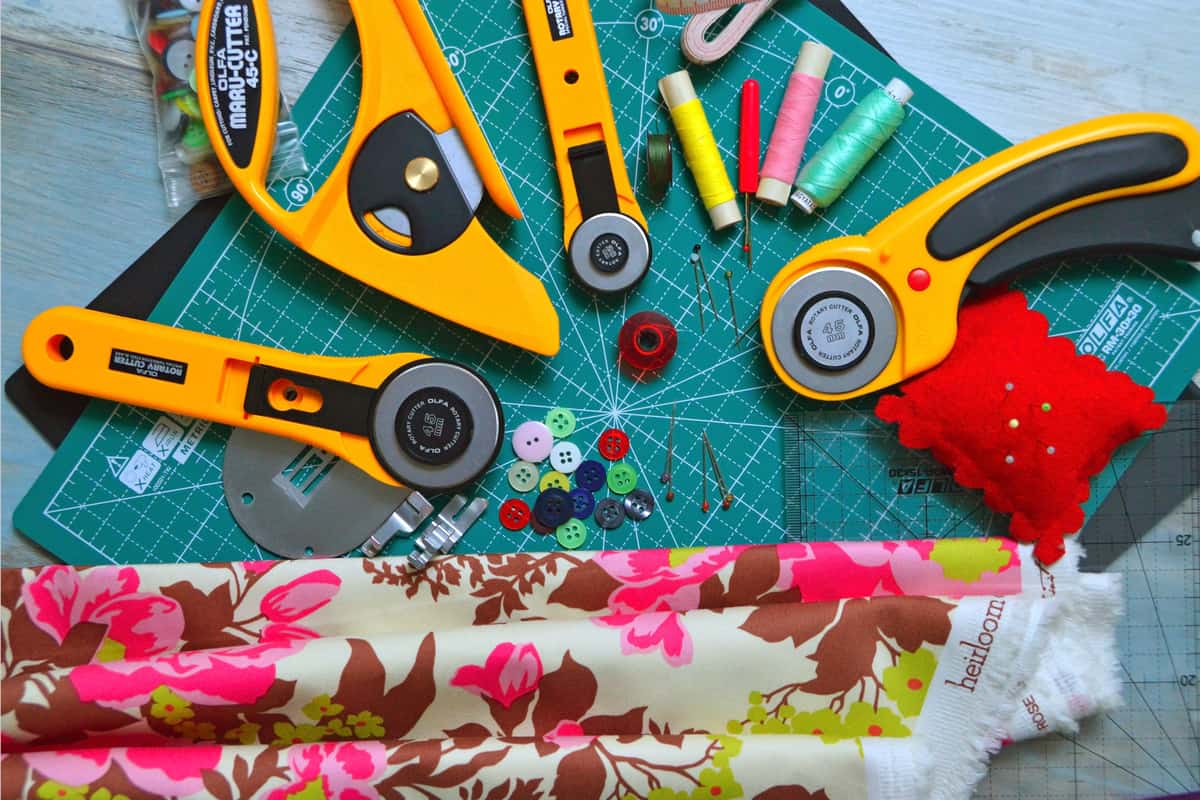
Cutting Mat Grip Levels Explained
Four mats, one variable. The difference between them is how hard the glue holds — and matching it to your material is most of what mats are about.
Heads up: Mat & Blade earns a commission from qualifying purchases made through the links on this page, at no extra cost to you. It never changes which products we recommend or how we rank them. Read the full disclosure.
Cutting mat grip levels differ in one thing only: how strongly the adhesive holds your material down. Light-tack (LightGrip, blue) is for thin paper and vellum; standard-tack (StandardGrip, green) is the everyday mat for vinyl, iron-on and cardstock; strong-tack (StrongGrip, purple) is for thick cardstock, chipboard and glitter materials; and a fabric mat (FabricGrip, pink) uses a different adhesive designed to hold cloth without fraying it. The mats are otherwise identical — same plastic, same thickness, same cutting accuracy. Match grip to material weight and most mat problems disappear.
The four grip levels at a glance
Grip is the only specification that varies. Everything else about these mats is the same, which is why nobody should pay a premium for a mat on the promise of a cleaner cut.
| Grip level | Cricut name and colour | Holds | Typical materials | Fails by |
|---|---|---|---|---|
| Light tack | LightGrip, blue | Just enough to stop a sheet sliding | Printer paper, vellum, tissue, thin specialty paper | Releasing mid-cut if the material is heavier than paper |
| Standard tack | StandardGrip, green | Firm — the default | Adhesive vinyl, heat transfer vinyl, 65-80lb cardstock, sticker paper, iron-on | Tearing thin paper when you peel it off |
| Strong tack | StrongGrip, purple | Aggressive | Thick cardstock, chipboard, glitter cardstock, poster board, magnet sheet | Destroying anything thin or delicate on removal |
| Fabric | FabricGrip, pink | Firm, but a cloth-specific adhesive | Quilting cotton, jersey, felt, canvas | Picking up lint, which shortens its life quickly |
Why grip has to match the material
A mat has one job: hold the material perfectly still while a blade travels across it. Both failure directions are real, and they look completely different.
Too little grip and the material shifts or lifts while the blade is working. The symptoms are a cut that is accurate at the start and wrong by the end, a design that looks stretched or skewed, or material that has visibly bunched up in front of the blade. On intricate designs it shows up as small pieces lifting out and travelling around the mat.
Too much grip and the material survives the cut but not the removal. Thin paper tears, cardstock curls permanently, and a delicate design loses its fine pieces to the mat. This is the failure people do not expect, because they assume more grip is a safety margin. It is not — it is a different problem.
Grip is not the same as grip you still have
Every mat is a consumable. The adhesive picks up fibres, dust and tiny offcuts, and a mat that was standard tack when new behaves like light tack after enough projects. That is normal wear, not a defect, and it is why a mat that "stopped working" is usually just a mat that needs cleaning rather than replacing.
The practical consequence is that grip level and mat condition are two different variables, and you should not diagnose one as the other. If a mat that used to hold vinyl has stopped holding vinyl, you do not need a stronger grip level — you need the mat back to its own spec. Cricut mat not sticky covers how to restore tack and when a mat is genuinely finished.
What you actually need to own
- A standard-grip mat. Non-negotiable. It handles vinyl, iron-on, sticker paper and everyday cardstock, which is most of what most people cut.
- A light-grip mat, if you cut paper. Card makers and scrapbookers need this. If you only make shirts and decals, you can skip it indefinitely.
- A strong-grip mat, if you cut thick or glittery material. Chipboard, heavy cardstock and glitter cardstock genuinely need it. Buying one speculatively is a common waste.
- A fabric mat, only if you cut fabric. It is not a stronger standard mat — it uses a cloth-specific adhesive and it wears fast on lint.
- Nothing at all, for Smart Materials. Matless cutting from a Smart roll uses no mat. If your projects are all Smart Vinyl, mats stay in the drawer.
Mat size is a separate question from grip. A 12 x 12 mat covers the common jobs; a 12 x 24 is for long decals and only fits the 12 inch machines. The Joy line uses its own narrower mat format entirely. The Cricut mat guide covers sizes alongside grip.
Our picks in full
1. Best for owning the right grip for the job
Cutting Machine Mats
Various · Currently sold · Verified 2026-09-27
The purchase this page is really about, and the one place where buying a set beats buying singly. Standard grip handles vinyl, iron-on and ordinary cardstock, which is the overwhelming majority of cutting. Strong grip exists for thick cardstock, chipboard and glitter materials that a standard mat releases mid-cut. Light grip exists for thin paper and vellum that a standard mat tears on removal. They are the same plastic with different adhesive, so none of them cuts more accurately than another — grip is the only variable.
What works
- Correct grip prevents both torn material and material sliding mid-cut
- Third-party mats cost noticeably less than brand mats
- Tack can be partly restored with gentle washing
What does not
- They wear out, and a tired mat causes cuts people blame on the machine
- Strong grip can shred thin paper
Not for you if
You only ever cut Smart Materials matless. Even then, keep one standard mat for the day you buy ordinary vinyl.
Key specs
- Grip levels
- Light, standard, strong, and fabric-specific
- Standard grip
- Vinyl, iron-on, cardstock — the everyday mat
- Strong grip
- Thick cardstock, chipboard, glitter materials
- Light grip
- Thin paper and vellum that would tear on a standard mat
- Lifespan
- Consumable — tack declines with use and is partly restorable
#ad · affiliate link · we never show a price we cannot verify
2. Best for making any grip level hold properly
Craft Brayer
Various · Currently sold · Verified 2026-09-27
The accessory that fixes more mat complaints than a new mat does. Grip only works where the material is actually in contact with the adhesive, and vinyl off a roll curls, so the edges sit proud and lift the moment the blade passes. Rolling the sheet flat first puts the whole surface in contact, which is why a brayered standard mat often holds better than an unbrayered strong one. The same roller burnishes transfer tape afterwards, so it earns its place twice.
What works
- Fixes lifted-corner cutting failures before they happen
- Doubles as a burnishing tool for transfer tape
- Very cheap
What does not
- A scraper does most of the same job
- One more tool to lose
Not for you if
You cut only matless Smart Materials. There is no mat to roll onto.
Key specs
- Purpose
- Rolls material flat onto the mat so it cannot lift mid-cut
- Also useful for
- Burnishing transfer tape onto a decal
- Size
- Small hand roller, usually rubber
#ad · affiliate link · we never show a price we cannot verify
3. Best for ruling out the thing that is not the mat
Replacement Fine-Point Blades
Various · Currently sold · Verified 2026-09-27
Included because a dull blade and a tired mat produce nearly identical symptoms, and people replace the wrong one. A blade that no longer severs the material cleanly leaves it attached in places, which reads as the mat failing to hold. Blades drop into the existing housing in seconds and cost a fraction of a mat, so swapping one is the cheaper test to run first. Glitter materials and heavy cardstock dull a fine-point blade fastest.
What works
- Cheap fix for the single most common cutting complaint
- Swapping takes seconds with no tools
- Third-party blades are far cheaper and generally fine for vinyl
What does not
- Very cheap blades can be inconsistent on fine detail
- Easy to blame the blade when the real problem is the mat or the setting
Not for you if
Your machine is new. Check your material setting and mat tack first.
Key specs
- Type
- Fine-point blade — the everyday blade for vinyl and cardstock
- Lifespan
- Varies hugely with material; glitter and cardstock dull it fastest
- Housing
- Blades swap into the existing housing — you do not rebuy the housing
- Symptom of dullness
- Tearing, incomplete cuts, ragged corners
#ad · affiliate link · we never show a price we cannot verify
Third-party mats and whether grip ratings are comparable
Generic mats work. They are sold by the same grip names and usually the same colours, and the plastic and adhesive do the same job. What varies is consistency — some budget mats run tackier or weaker than the Cricut mat they are matched against, so treat the first one as a test rather than a known quantity. Run a test cut on a scrap before trusting a new mat with a full sheet of expensive material.
One genuine compatibility note: mats need to feed under the rollers correctly, so stick to the standard 12 x 12 and 12 x 24 formats rather than unusual sizes. And a worn third-party mat responds to cleaning exactly like a worn Cricut one.
If you are here because a cut went wrong rather than because you are shopping, check the blade before the mat — the blade guide covers which blade belongs in which material, and a dull blade produces symptoms that look exactly like a grip problem.
Common questions
What are the differences between light-tack, standard-tack and strong-tack cutting mats?
Which mat grip should a beginner buy first?
What do the Cricut mat colours mean?
Can I use a strong-grip mat for everything?
Is a fabric mat just a stronger standard mat?
Do I need a mat at all for Smart Materials?
Sources
- Cricut Help Center — Machine mat formats and Smart Materials matless compatibility, checked 6 October 2026
- Cricut official product catalog — LightGrip, StandardGrip, StrongGrip and FabricGrip naming, colours and stated material ranges, verified 6 October 2026
How we picked
We verify every product is currently sold by reading the manufacturer's own catalog, compare published specifications rather than marketing copy, and rank on what a first-time buyer has to decide. We do not run lab tests and we do not claim to, and commission never affects the order.
Read this next
Cricut Mat Guide
Grip levels, sizes, and how to restore tack — plus why mats cause faults that look like machine faults.
Which Cricut Mat for Each Material
Every common craft material matched to the grip level it needs, plus the ones that need no mat at all.
Cricut Mat Not Sticky Any More?
How to restore a mat that has lost its grip, what to never put on one, and the point at which it really is finished.
Cricut Blade Guide
Which blade cuts what, when to replace, and why a dull blade masquerades as a broken machine.
The Cricut Accessories You Actually Need
The short list that genuinely earns its space, the longer list that does not, and the buying order.

The Best Vinyl for a Cricut
The right vinyl for each surface — permanent, removable and heat transfer, with the reasoning.
Back to Vinyl & Materials.