Which Cricut Mat for Each Material
A lookup table rather than an explanation — find your material, read across, cut.
Heads up: Mat & Blade earns a commission from qualifying purchases made through the links on this page, at no extra cost to you. It never changes which products we recommend or how we rank them. Read the full disclosure.
As a rule: StandardGrip (green) for adhesive vinyl, heat transfer vinyl, sticker paper and 65-80lb cardstock; LightGrip (blue) for printer paper, vellum and anything thinner; StrongGrip (purple) for 100lb+ cardstock, chipboard, glitter cardstock, poster board and magnet sheet; FabricGrip (pink) for cotton, jersey, felt and canvas. Smart Materials need no mat at all. The table below runs through every common material by name, because "cardstock" spans two different grip levels and that is where most of the confusion comes from.
The full material chart
Find your material in the first column. The grip column is the mat; the notes column is the thing that catches people out.
| Material | Grip level | Blade | Notes |
|---|---|---|---|
| Adhesive vinyl (Oracal 651, 631, Premium) | Standard | Fine-point | Weed-friendly; brayer it flat first if the roll curls |
| Heat transfer vinyl / iron-on | Standard | Fine-point | Carrier side DOWN on the mat, design mirrored |
| Smart Vinyl / Smart Iron-On | No mat | Fine-point | Feeds from the roll; a mat defeats the point |
| Printable sticker paper | Standard | Fine-point | Print then cut needs good lighting for the registration scan |
| Printable vinyl (waterproof sticker) | Standard | Fine-point | Thicker than paper; still standard |
| Printer paper (20-24lb) | Light | Fine-point | Standard grip will tear it on removal |
| Vellum and tissue | Light | Fine-point | The most common light-grip material |
| Cardstock, 65-80lb | Standard | Fine-point | The everyday card weight |
| Cardstock, 100lb and up | Strong | Fine-point | Same name, different mat — this is the row people get wrong |
| Glitter cardstock | Strong | Fine-point | Abrasive; dulls blades faster than anything else here |
| Poster board | Strong | Fine-point or deep-point | Test cut first; thickness varies by brand |
| Chipboard | Strong | Knife blade | Maker line only; tape the edges down as well |
| Magnet sheet | Strong | Fine-point or deep-point | Multiple passes; check your machine supports it |
| Faux leather (thin) | Standard | Fine-point or deep-point | Finish side up; a deep-point blade helps on thicker stock |
| Genuine leather | Strong | Knife blade | Maker line only |
| Felt (stiffened) | Standard | Fine-point or rotary | Stiffened felt behaves like cardstock |
| Felt (soft) and fleece | Fabric | Rotary | Maker line for rotary; otherwise fuse a stabiliser |
| Quilting cotton, jersey, canvas | Fabric | Rotary | Maker line, or fuse an interfacing and use standard grip |
| Balsa and basswood | Strong | Knife blade | Maker line only; tape the sheet to the mat as well |
| Acetate and window cling | Standard | Fine-point | Static makes it slide; brayer it down firmly |
The three rows that cause most of the problems
If a cut has gone wrong, it is usually one of these three, and all three are about the material rather than the machine.
- Heavy cardstock on a standard mat. The sheet lifts in the middle of the cut, the design comes out skewed, and it reads as a machine fault. Move to strong grip.
- Thin paper on a standard mat. The cut is perfect and the removal destroys it. Move to light grip, or lift it with a spatula from a corner rather than peeling the sheet.
- Curling vinyl on any mat. Vinyl off a roll remembers the roll. The edges sit proud of the adhesive, lift as the blade passes, and no grip level fixes it — rolling the sheet flat does. The grip level guide covers why contact area beats tack strength.
Which materials need no mat at all
Smart Materials are the exception to the whole chart. They are stiffer and have a backing designed to be gripped by the machine's own rollers, so they feed straight from the roll with no mat in the machine. Smart Vinyl, Smart Iron-On and Smart Paper all work this way on machines that support it.
That is genuinely convenient — no mat to load, no mat to clean, and much longer cuts than a mat allows. It is also more expensive per square foot than ordinary vinyl, and it only works on the machines that support it. A lot of people end up using Smart Materials for long jobs and mat-based cutting for everything else, which is a reasonable way to work. The best vinyl for a Cricut covers where each format makes sense.
Our picks in full
1. Best for covering the chart with two or three mats
Cutting Machine Mats
Various · Currently sold · Verified 2026-09-27
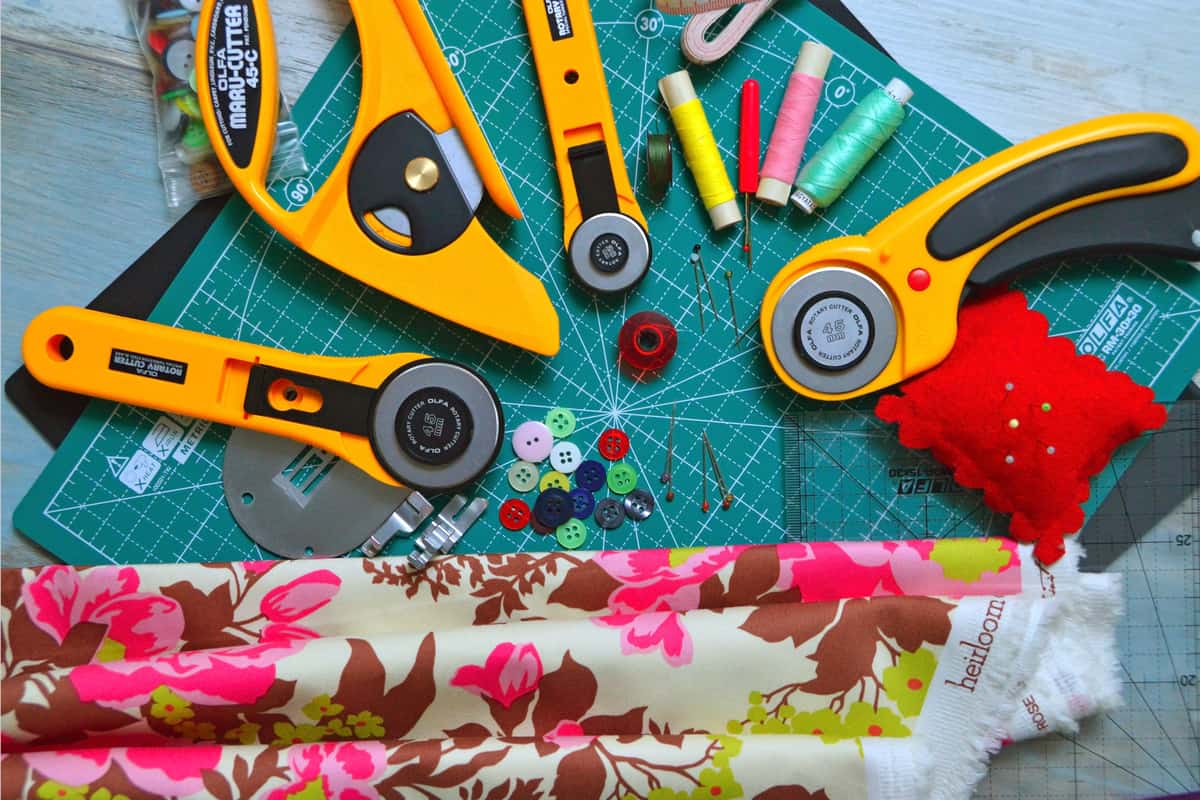
The practical answer to the chart below, which looks like it demands four mats and does not. A standard-grip mat handles roughly three-quarters of the rows, a strong-grip mat covers the thick and glittery end, and a light-grip mat is only needed if you cut paper. Sets bundle the grips so you are not paying shipping three times, and the mats are otherwise identical — the adhesive is the only thing you are choosing between.
What works
- Correct grip prevents both torn material and material sliding mid-cut
- Third-party mats cost noticeably less than brand mats
- Tack can be partly restored with gentle washing
What does not
- They wear out, and a tired mat causes cuts people blame on the machine
- Strong grip can shred thin paper
Not for you if
You only ever cut Smart Materials matless. Even then, keep one standard mat for the day you buy ordinary vinyl.
Key specs
- Grip levels
- Light, standard, strong, and fabric-specific
- Standard grip
- Vinyl, iron-on, cardstock — the everyday mat
- Strong grip
- Thick cardstock, chipboard, glitter materials
- Light grip
- Thin paper and vellum that would tear on a standard mat
- Lifespan
- Consumable — tack declines with use and is partly restorable
#ad · affiliate link · we never show a price we cannot verify
2. Best for the other half of a material setting
Replacement Fine-Point Blades
Various · Currently sold · Verified 2026-09-27
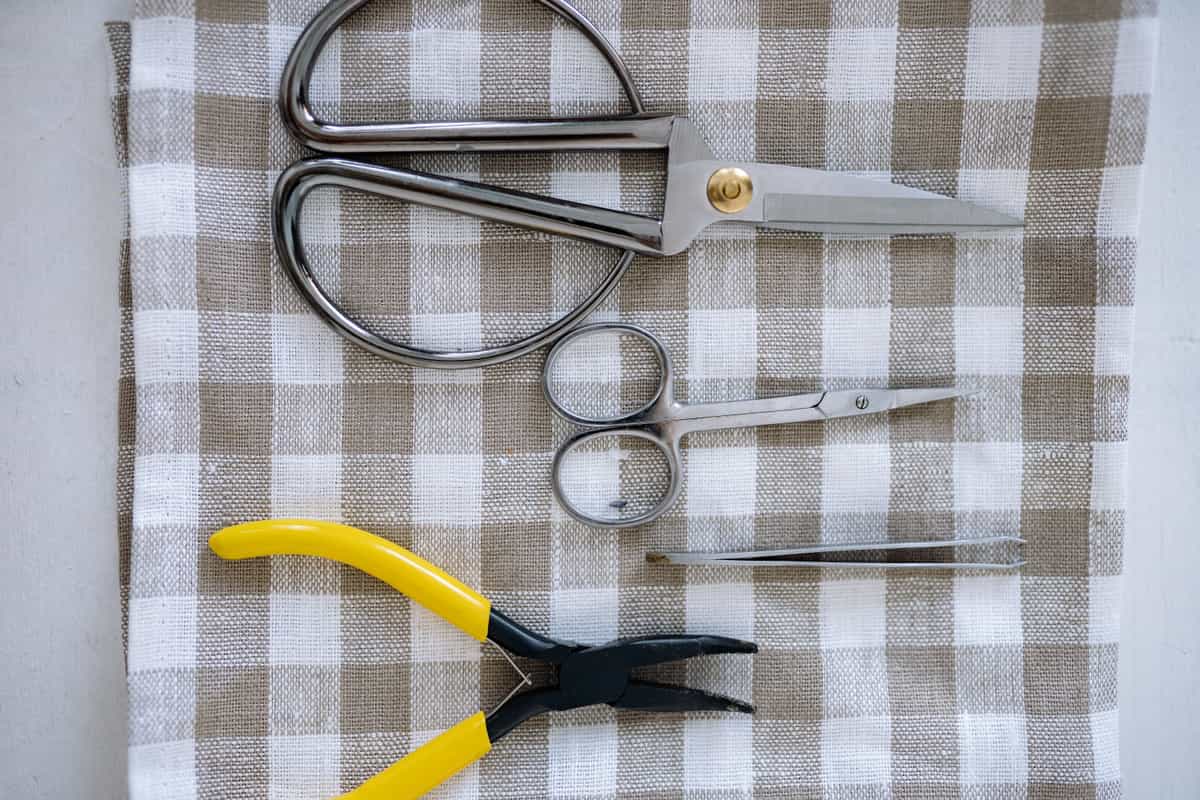
Paired with the mat because the two are chosen together and only one of them gets discussed. The fine-point blade handles every row of the chart that a standard or light mat covers; thick chipboard and basswood need a different blade entirely and a Maker-line machine to hold it. Blades also dull in proportion to material abrasiveness, so the glitter and heavy cardstock rows are the ones that will have you buying these. They drop into the existing housing.
What works
- Cheap fix for the single most common cutting complaint
- Swapping takes seconds with no tools
- Third-party blades are far cheaper and generally fine for vinyl
What does not
- Very cheap blades can be inconsistent on fine detail
- Easy to blame the blade when the real problem is the mat or the setting
Not for you if
Your machine is new. Check your material setting and mat tack first.
Key specs
- Type
- Fine-point blade — the everyday blade for vinyl and cardstock
- Lifespan
- Varies hugely with material; glitter and cardstock dull it fastest
- Housing
- Blades swap into the existing housing — you do not rebuy the housing
- Symptom of dullness
- Tearing, incomplete cuts, ragged corners
#ad · affiliate link · we never show a price we cannot verify
Mat size, separately
None of the above depends on mat size, but the question always follows. A 12 x 12 mat covers nearly everything. A 12 x 24 is for long decals and only fits the 12 inch machines. The Joy line uses its own narrow mat format, and the best vinyl for a Cricut Joy covers trimming standard rolls to fit it. The Cricut mat guide has sizes and grip together in one place.
If a mat you already own has stopped holding material that it used to hold, the chart is not your problem — wear is. Cricut mat not sticky covers restoring tack.
Common questions
Which materials are recommended for each grip level?
Which mat do I use for vinyl?
Which mat do I use for cardstock?
Do I need a fabric mat to cut fabric?
Which mat for glitter cardstock?
Do Smart Materials need a mat?
Sources
- Cricut official product catalog — Mat grip naming and stated material ranges, plus blade compatibility by machine line, verified 6 October 2026
- Cricut Help Center — Smart Materials matless compatibility and per-machine mat formats, checked 6 October 2026
How we picked
We verify every product is currently sold by reading the manufacturer's own catalog, compare published specifications rather than marketing copy, and rank on what a first-time buyer has to decide. We do not run lab tests and we do not claim to, and commission never affects the order.
Read this next
Cutting Mat Grip Levels Explained
What light-tack, standard-tack and strong-tack actually mean, how the colours map to grip, and why the wrong grip ruins a cut.
Cricut Mat Guide
Grip levels, sizes, and how to restore tack — plus why mats cause faults that look like machine faults.
Cricut Blade Guide
Which blade cuts what, when to replace, and why a dull blade masquerades as a broken machine.
Cricut Mat Not Sticky Any More?
How to restore a mat that has lost its grip, what to never put on one, and the point at which it really is finished.

The Best Vinyl for a Cricut
The right vinyl for each surface — permanent, removable and heat transfer, with the reasoning.
The Cricut Accessories You Actually Need
The short list that genuinely earns its space, the longer list that does not, and the buying order.
Back to Vinyl & Materials.