Cricut Maker 5 Review
A genuinely more capable machine, and a purchase most beginners should talk themselves out of.
Heads up: Mat & Blade earns a commission from qualifying purchases made through the links on this page, at no extra cost to you. It never changes which products we recommend or how we rank them. Read the full disclosure.
Buy the Maker 5 only if you can name the material that made you consider it. The rotary blade cuts unbacked fabric and the knife blade cuts basswood and thick leather — genuinely useful, genuinely unavailable on any Explore. On vinyl, iron-on, cardstock and paper it cuts exactly like the cheaper machine.
What the extra blades actually do
The Maker's adaptive tool system takes blades no Explore can accept, and two of them are the entire argument for the machine.
The rotary blade is a tiny rolling wheel that cuts fabric without a stabilizer behind it. That is the part that matters: an Explore can cut fabric if you first fuse a backing to it, which is an extra step, an extra material and an extra cost on every project. The rotary blade cuts plain quilting cotton straight off the bolt. For anyone who sews, that is a real workflow change rather than a marketing bullet.
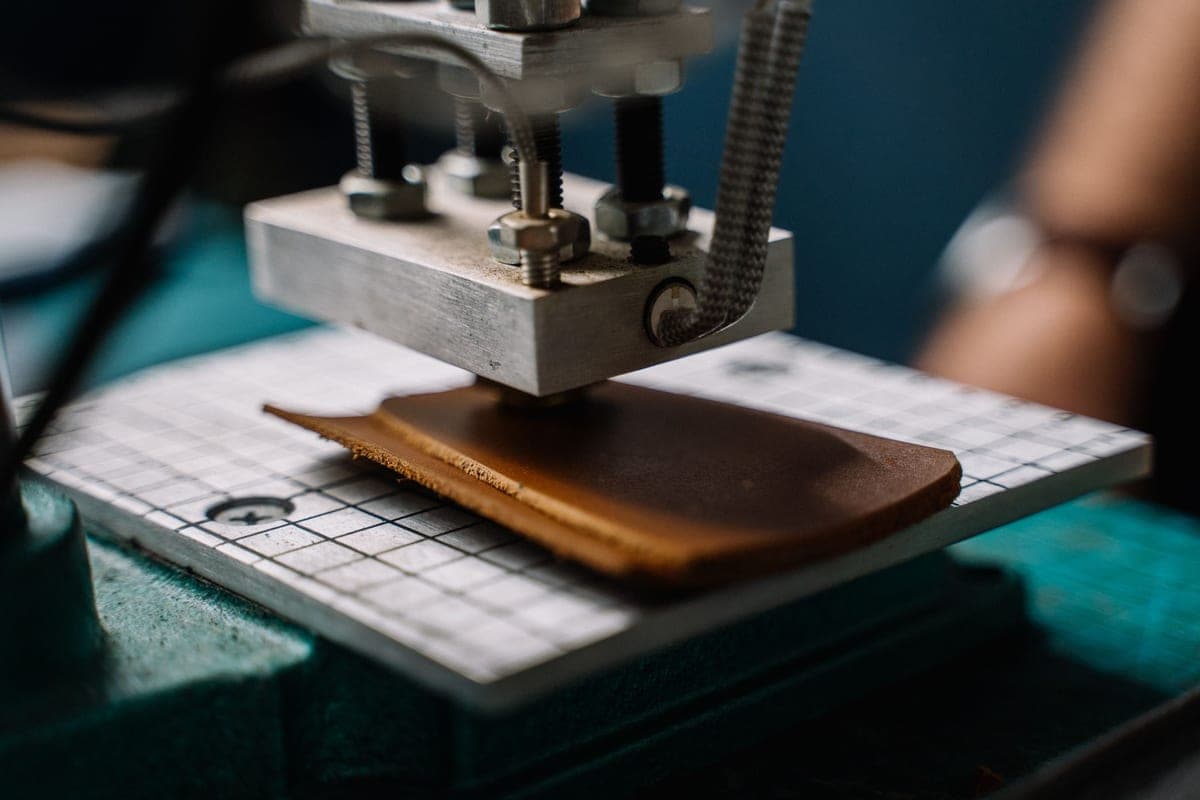
The knife blade is a deep, retractable blade that makes multiple passes to work through thick material — basswood, chipboard, thick leather. It is slow. A detailed basswood cut can run well over an hour, and it is not a tool you use casually. But it opens a product category nothing else in the line touches.
What it does not do better
This is the part most reviews skip, and it is the part that decides whether you should buy one. On the materials a beginner uses every week, the Maker offers no advantage at all.
| Material | Maker 5 vs Explore 5 |
|---|---|
| Adhesive vinyl | Identical cut |
| Heat transfer vinyl | Identical cut |
| Cardstock and paper | Identical cut |
| Printed stickers (print then cut) | Identical — both have it |
| Cut width | Identical — 11.5 in on both |
| Unbacked fabric | Maker only — rotary blade |
| Basswood, thick leather, chipboard | Maker only — knife blade |
It is not faster on vinyl, not more precise on small text, and not more reliable. The premium buys two blades and nothing else that a beginner will notice.
Who it is for
Quilters and sewists, first and foremost — the rotary blade is a genuine time-saver if you already cut fabric by hand. People making wooden signs, ornaments or layered basswood pieces. Anyone working in thick leather for bags, keyrings or patches. And people who already know they want to grow into those materials and would rather not buy a machine twice.
Who it is not for
Anyone whose project list is shirts, decals, stickers, cards and tumblers — which is most first-time buyers. Every one of those cuts identically on an Explore 5, and the price difference is roughly a serious pile of vinyl, mats and blades. "I might want to cut fabric someday" is the reasoning that most often leads to a rotary blade still sealed in its packaging a year later.
Maker 5 or Maker 4?
Both are current and both take the rotary and knife blades. The 5 is faster on long cuts; the 4 is frequently the cheaper way into the same capability and is fully supported in Design Space. If you want Maker capability and the 4 is meaningfully less expensive, take it. The full comparison is here.
The verdict
A very good machine that is the wrong purchase for most of the people who consider it. The test is simple and worth applying honestly: name the material. If the answer is quilting cotton, basswood or thick leather, buy it without hesitation. If the answer is a vague sense that more capability must be better, buy the Explore and spend the difference on materials you will definitely use.
1. Best for fabric, leather and wood
Cricut Maker 5
Cricut · Currently sold · Verified 2026-09-27
The only mainstream Cricut that cuts unbacked fabric with a rotary blade and basswood with a knife blade. If either material is genuinely on your project list, this is the machine and there is no cheaper route to it. If neither is, an Explore cuts your projects identically.
What works
- Rotary blade cuts quilting cotton with no backing, which no Explore can do
- Knife blade opens basswood, chipboard and thick leather
- Adaptive tool system takes every Cricut blade and tip
- Same matless Smart Material workflow as the Explore line
What does not
- Materially more expensive than an Explore for capability most beginners never use
- The knife blade is a separate purchase on top of the machine
- Knife-blade cuts are slow — a thick basswood cut can run well over an hour
Not for you if
Your project list is shirts, decals, stickers and cards. Every one of those cuts identically on an Explore 5, and the difference in price is roughly a full starter set of materials.
Key specs
- Cuts
- 300+ materials including unbacked fabric, leather, basswood
- Max material width
- 12 in (11.5 in cut width)
- Matless cutting
- Yes, with Smart Materials
- Rotary blade
- Yes — cuts fabric without a stabilizer backing
- Knife blade
- Yes — sold separately
#ad · affiliate link · we never show a price we cannot verify
Common questions
Is the Cricut Maker 5 worth it over the Explore 5?
Does the Maker 5 come with the knife blade?
Can the Maker 5 cut fabric without a backing?
How long does the Maker take to cut wood?
Sources
- Cricut official product catalog — Maker line specifications, blade compatibility and accessory availability, verified 27 September 2026
How we picked
We verify every product is currently sold by reading the manufacturer's own catalog, compare published specifications rather than marketing copy, and rank on what a first-time buyer has to decide. We do not run lab tests and we do not claim to, and commission never affects the order.
Read this next
Cricut Explore 5 vs Maker 5
The Explore-versus-Maker question settled: what the extra blades do, and who will never use them.
Cricut Maker 4 vs Maker 5
Two current Makers compared: identical capability, different speed, usually a meaningful price gap.
Cricut Explore 5 Review
The mainstream Cricut: what it cuts, what it cannot, and who should buy something else instead.
The Best Cricut for Beginners
One safe default pick, plus the specific cases where a different Cricut — or no Cricut — is the better buy.

Which Cricut Should I Buy?
A four-question decision flow that ends on one specific model — no hedging, no feature lists.
Back to Cutting Machines.