The Cricut Machine That Does Everything
One line cuts the whole material list. Whether you need it comes down to two blades.
Heads up: Mat & Blade earns a commission from qualifying purchases made through the links on this page, at no extra cost to you. It never changes which products we recommend or how we rank them. Read the full disclosure.
The Cricut Maker 5 is the machine that does everything: it is the only current line Cricut rates for the full 300-plus material list, because it is the only one that takes a rotary blade for unbacked fabric and a knife blade for basswood and thick leather. The caveat worth reading first is that for most people everything turns out to mean vinyl, iron-on, cardstock and sticker paper — and an Explore 5 cuts all of those identically, at the same width, for less.
Quick picks
| # | Product | Best for | Price |
|---|---|---|---|
| 1 |  Cricut Maker 5The machine to buy only if you have a specific material in mind that an Explore cannot cut — rotary-blade f... | The full material list | Check price on Amazon #ad · affiliate link · we never show a price we cannot verify |
| 2 | Cricut Maker 4Still sold alongside the Maker 5 and still fully supported — worth a look purely because the older model in... | The same capability, often cheaper | Check price on Amazon #ad · affiliate link · we never show a price we cannot verify |
| 3 |  Cricut VentureA production machine, not a beginner machine — the width and speed only pay for themselves if you are cutti... | Everything, if everything means big | Check price on Amazon #ad · affiliate link · we never show a price we cannot verify |
| 4 |  Cricut Explore 5The sensible default for a first machine: it cuts everything a beginner actually uses, and the money you sa... | Everything most people actually make | Check price on Amazon #ad · affiliate link · we never show a price we cannot verify |
| 5 | 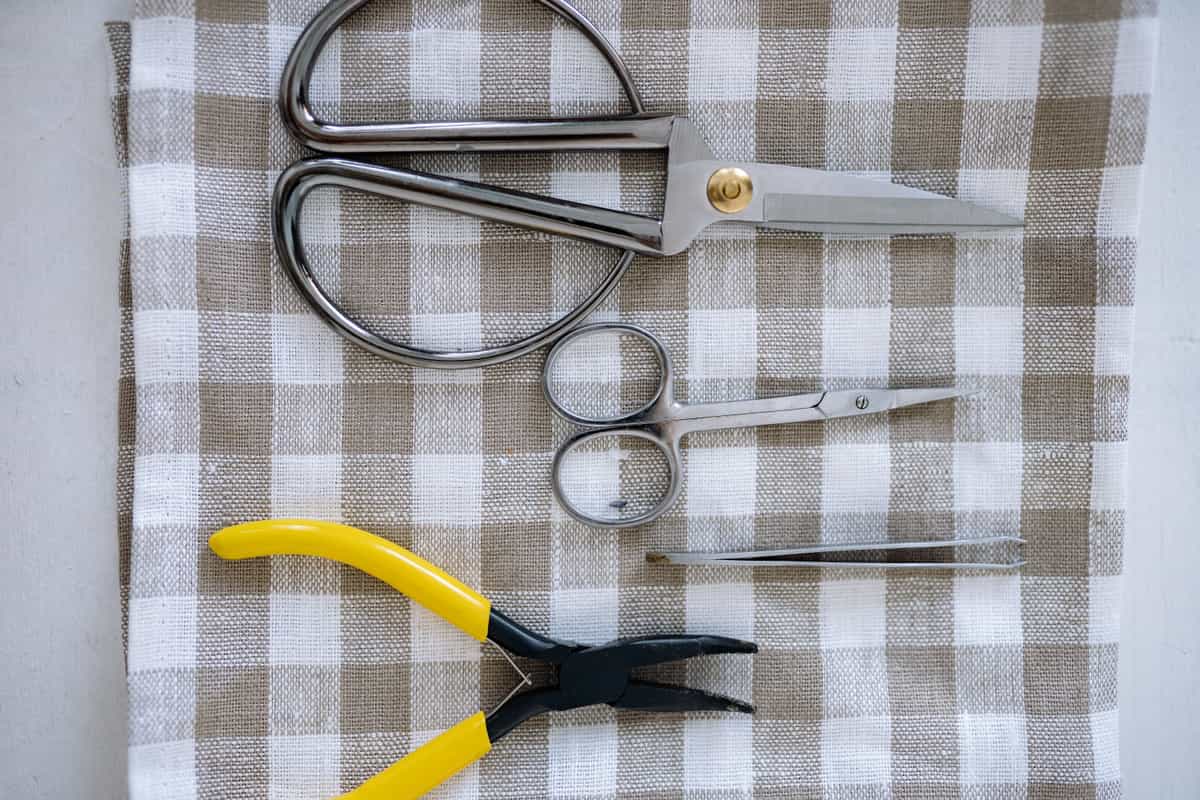 Replacement Fine-Point BladesA dull blade is the most common cause of a machine that has apparently 'stopped cutting properly' — and the... | Keeping any of them cutting properly | Check price on Amazon #ad · affiliate link · we never show a price we cannot verify |
Tap any row to jump to the full write-up. We do not publish prices — they move constantly, and a stale number is worse than none.
Everything means two different things
The search term hides a fork, and picking the wrong branch is how people end up with an expensive machine that does not solve their problem.
Everything as materials means the machine can cut anything in the catalog: fabric with no backing, basswood, chipboard, thick leather, plus all the everyday materials. That is the Maker line, and the capability comes from two blades the Explore line cannot accept.
Everything as size means banners, full-size signage and long production runs. That is the Venture, which takes 25 inch material and cuts up to 75 feet from a roll — and which has no rotary blade at all. The most expensive machine in the line is not the one that cuts the most materials.
| Model | Rated materials | Rotary blade | Knife blade | Max width | Print then cut |
|---|---|---|---|---|---|
| Cricut Explore 5 | 100+ | No | No | 11.5 in | Yes |
| Cricut Maker 4 | 300+ | Yes | Yes, sold separately | 11.5 in | Yes |
| Cricut Maker 5 | 300+ | Yes | Yes, sold separately | 11.5 in | Yes |
| Cricut Venture | 100+ | No | No | 25 in | Yes |
| Cricut Joy Xtra | 100+ | No | No | 8.5 in | Yes |
| Cricut Joy 2 | 100+ | No | No | 4.5 in | No |
How we picked
We ranked by what each machine is rated to cut and how wide, taking Cricut's own published material lists as the measure rather than a general impression of which model is best. Then we weighed each capability against how often a beginner uses it, because a machine that does everything is only worth the premium if you use the part that costs extra. Specifications verified against Cricut's catalog on the date in the byline; our methodology covers the rest.
What only a Maker does
Two things, and they are worth being precise about because the rest of the specification sheet is shared with the Explore line.
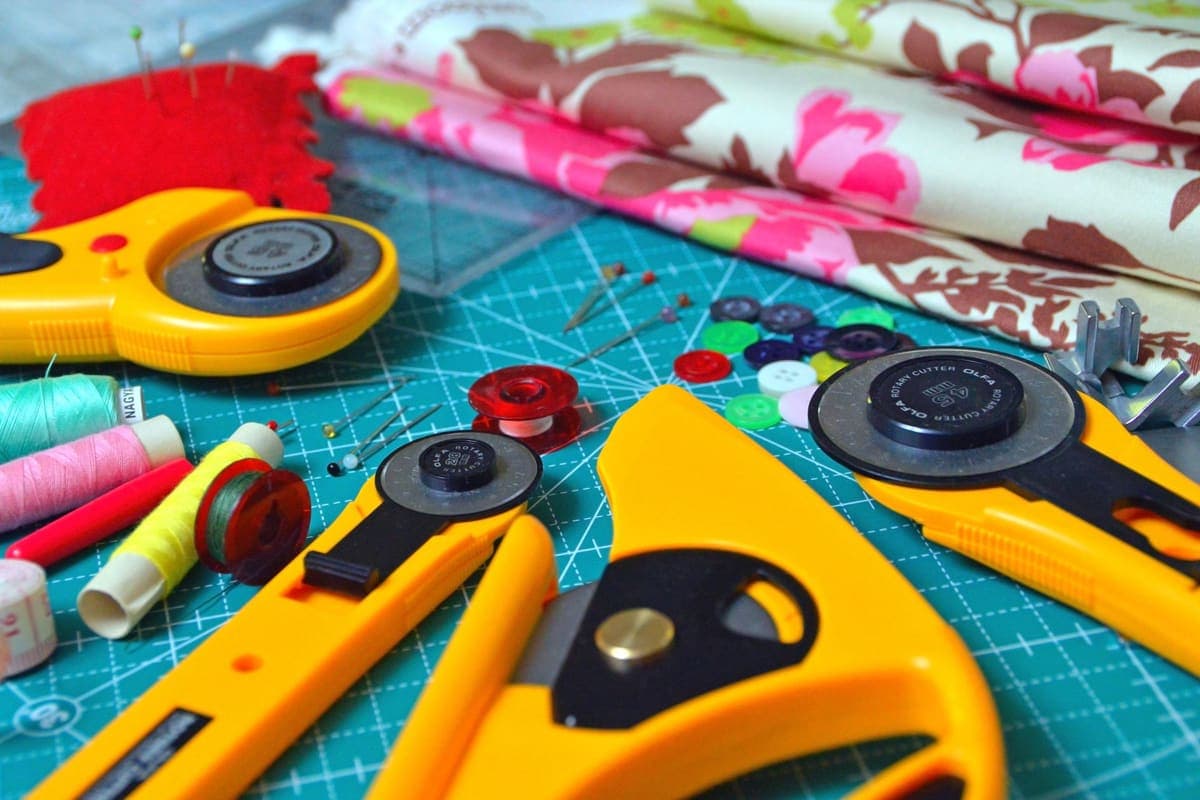
- The rotary blade rolls through material rather than dragging a point through it, which is what allows unbacked quilting cotton, flannel and felt. No accessory adds this to an Explore. If fabric is the plan, the best cutting machine for fabric goes deeper.
- The knife blade cuts basswood, chipboard and thick leather in multiple passes. It is a separate purchase, and the cuts are slow — a thick basswood piece can run well over an hour.
Everything else people cite as a reason to buy a Maker is shared: the same 11.5 inch cut, the same print-then-cut, the same matless Smart Material rolls, the same app. Explore 5 versus Maker 5 sets the two side by side, and Maker 4 versus Maker 5 covers the choice within the line.
Our picks in full
1. Best for the full material list
Cricut Maker 5
Cricut · Currently sold · Verified 2026-09-27
The only honest answer to the question as asked. Cricut rates the Maker line for 300-plus materials against 100-plus on the Explore line, and the gap is specific rather than vague: a rotary blade for unbacked fabric, and a knife blade for basswood, chipboard and thick leather. It also takes every blade and tip in Cricut's adaptive tool system, and it cuts matless Smart Material rolls like the rest of the current line.
What works
- Rotary blade cuts quilting cotton with no backing, which no Explore can do
- Knife blade opens basswood, chipboard and thick leather
- Adaptive tool system takes every Cricut blade and tip
- Same matless Smart Material workflow as the Explore line
What does not
- Materially more expensive than an Explore for capability most beginners never use
- The knife blade is a separate purchase on top of the machine
- Knife-blade cuts are slow — a thick basswood cut can run well over an hour
Not for you if
Your project list is shirts, decals, stickers and cards. Every one of those cuts identically on an Explore 5, and the difference in price is roughly a full starter set of materials.
Key specs
- Cuts
- 300+ materials including unbacked fabric, leather, basswood
- Max material width
- 12 in (11.5 in cut width)
- Matless cutting
- Yes, with Smart Materials
- Rotary blade
- Yes — cuts fabric without a stabilizer backing
- Knife blade
- Yes — sold separately
#ad · affiliate link · we never show a price we cannot verify
2. Best for the same capability, often cheaper
Cricut Maker 4
Cricut · Currently sold · Verified 2026-09-27
The same rotary and knife blade capability in the older model of a current line, fully supported in Design Space. It is slower on long cuts, which matters most on knife-blade work that can already run over an hour, and stock is less predictable. If the price gap is real, this is the cheaper route to a machine that does everything.
What works
- Rotary and knife blade capability, the same reason anyone buys a Maker
- Frequently the cheaper route into the Maker line
- Fully supported in Design Space — this is not a discontinued model
What does not
- Slower than the Maker 5 on long cuts
- Being the older model in the line, stock can be patchy
- Same caveat as every Maker: most beginners never use the rotary blade
Not for you if
You are buying your first machine and have no fabric or wood project in mind. The Explore 5 does your projects for less.
Key specs
- Cuts
- 300+ materials including unbacked fabric, leather, basswood
- Max material width
- 12 in (11.5 in cut width)
- Rotary blade
- Yes
- Knife blade
- Yes — sold separately
- Status
- Current line, sold alongside the Maker 5
#ad · affiliate link · we never show a price we cannot verify
3. Best for everything, if everything means big
Cricut Venture
Cricut · Currently sold · Verified 2026-09-27
Included because for some people everything means size rather than materials. The Venture takes 25 inch material and cuts up to 75 feet from a Smart Material roll, which is a different class of output — full-size signage and large decals in one pass. It has no rotary blade, so despite being the most expensive machine in the line it is not the one that does the most materials.
What works
- 25 in width handles full-size signs and large-format decals in one pass
- Fast enough to batch production runs without babysitting
- Long matless cuts are a genuine time-saver at volume
What does not
- By far the most expensive machine in the line
- Takes a permanent table's worth of space
- No rotary blade, so it is not a fabric machine despite the price
Not for you if
This is your first machine. Nothing about the Venture makes a beginner's first shirt easier, and it costs several times an Explore.
Key specs
- Max material width
- 25 in
- Max cut length
- Up to 75 ft with Smart Materials
- Speed
- The fastest machine in the Cricut line
- Footprint
- Large — needs a dedicated table
- Rotary blade
- No
#ad · affiliate link · we never show a price we cannot verify
4. Best for everything most people actually make
Cricut Explore 5
Cricut · Currently sold · Verified 2026-09-27
The uncomfortable comparison, and the reason to read before buying. Vinyl, heat transfer vinyl, cardstock, paper, iron-on, sticker paper and faux leather — the entire first year of projects for most people — cut identically here, at the same 11.5 inch width, with the same print-then-cut and the same matless rolls. What you give up is unbacked fabric and wood. If neither is on your list, the saving buys the heat press and the materials.
What works
- Cuts every material a beginner's first ten projects will use
- Matless Smart Material cutting means long banners and decals without a mat
- Cheapest current machine that still handles full 12 in wide vinyl
- Huge community of tutorials aimed at exactly this machine
What does not
- No rotary blade, so unbacked fabric is out
- No knife blade for basswood or thick leather
- Still needs Design Space, which needs an internet connection to set up
Not for you if
You already know you want to cut quilting fabric or thick leather. That is the Maker line's rotary and knife blades, and no accessory adds them to an Explore.
Key specs
- Cuts
- Vinyl, heat transfer vinyl, cardstock, paper, iron-on, faux leather
- Max material width
- 12 in (11.5 in cut width)
- Matless cutting
- Yes, with Smart Materials
- Tool slots
- Two — blade plus pen or scoring tool
- Rotary / knife blade
- No — Maker line only
#ad · affiliate link · we never show a price we cannot verify
5. Best for keeping any of them cutting properly
Replacement Fine-Point Blades
Various · Currently sold · Verified 2026-09-27
The most common reason a machine that does everything appears to stop doing anything. Fine-point blades dull with use, fastest on glitter material and cardstock, and the symptoms — tearing, incomplete cuts, ragged corners — look exactly like a machine fault. Blades swap into the existing housing in seconds, and ruling one out is the cheapest diagnostic there is.
What works
- Cheap fix for the single most common cutting complaint
- Swapping takes seconds with no tools
- Third-party blades are far cheaper and generally fine for vinyl
What does not
- Very cheap blades can be inconsistent on fine detail
- Easy to blame the blade when the real problem is the mat or the setting
Not for you if
Your machine is new. Check your material setting and mat tack first.
Key specs
- Type
- Fine-point blade — the everyday blade for vinyl and cardstock
- Lifespan
- Varies hugely with material; glitter and cardstock dull it fastest
- Housing
- Blades swap into the existing housing — you do not rebuy the housing
- Symptom of dullness
- Tearing, incomplete cuts, ragged corners
#ad · affiliate link · we never show a price we cannot verify
The honest test before you pay the premium
Ask one question: can you name the fabric or wood project you want to make? Not a category — a project. A quilt in a specific pattern, a set of felt ornaments, a basswood sign for a specific wall.
If you can, buy the Maker. The rotary blade is genuinely the only route to unbacked fabric and the capability is real. If you cannot — if fabric and wood are things you might get into later — the pattern is well documented in this hobby: the blades stay in their packaging, and the premium would have been better spent on a heat press, materials, or both. Is a Cricut worth it? is the broader version of that question, and what a Cricut really costs adds up the parts people forget.
What the machine still cannot do on its own
Whichever model you pick, the machine is one part of a working setup. Fabric needs a dedicated mat. Shirts need a heat source, and do you need a heat press? answers that honestly. Decals need transfer tape and a weeding hook. Printed stickers need a printer and sticker material. The accessories you actually need is the short list, deliberately shorter than the bundles.
Common questions
Which Cricut machine does everything?
Is the Maker 5 worth it over the Explore 5?
Is the Cricut Venture the most capable machine?
Does the Maker come with the knife blade?
Can a Cricut cut wood?
Can a Cricut engrave metal?
Which Cricut is best for a beginner who wants to try everything?
Sources
- Cricut official product catalog — Rated material counts by line, rotary and knife blade availability, cut widths, matless Smart Material lengths and print-then-cut support, verified 4 October 2026
- Cricut Help — Print Then Cut — Published maximum Print Then Cut image sizes by page size, verified 4 October 2026
How we picked
We verify every product is currently sold by reading the manufacturer's own catalog, compare published specifications rather than marketing copy, and rank on what a first-time buyer has to decide. We do not run lab tests and we do not claim to, and commission never affects the order.
Read this next

Which Cricut Should I Buy?
A four-question decision flow that ends on one specific model — no hedging, no feature lists.
Cricut Explore 5 vs Maker 5
The Explore-versus-Maker question settled: what the extra blades do, and who will never use them.
Cricut Maker 5 Review
The top of the mainstream line: what the extra blades do, and why most beginners will not use them.
The Best Cutting Machine for Fabric
The rotary blade is the whole decision — which machines offer one, and what happens on the machines that do not.

What a Cricut Really Costs
Every component a working setup needs, what recurs, and the costs people meet one at a time.
Cricut Venture Review
Wide-format, fast, and built for filling orders — what it buys you and who should not be looking at it.
Back to Cutting Machines.