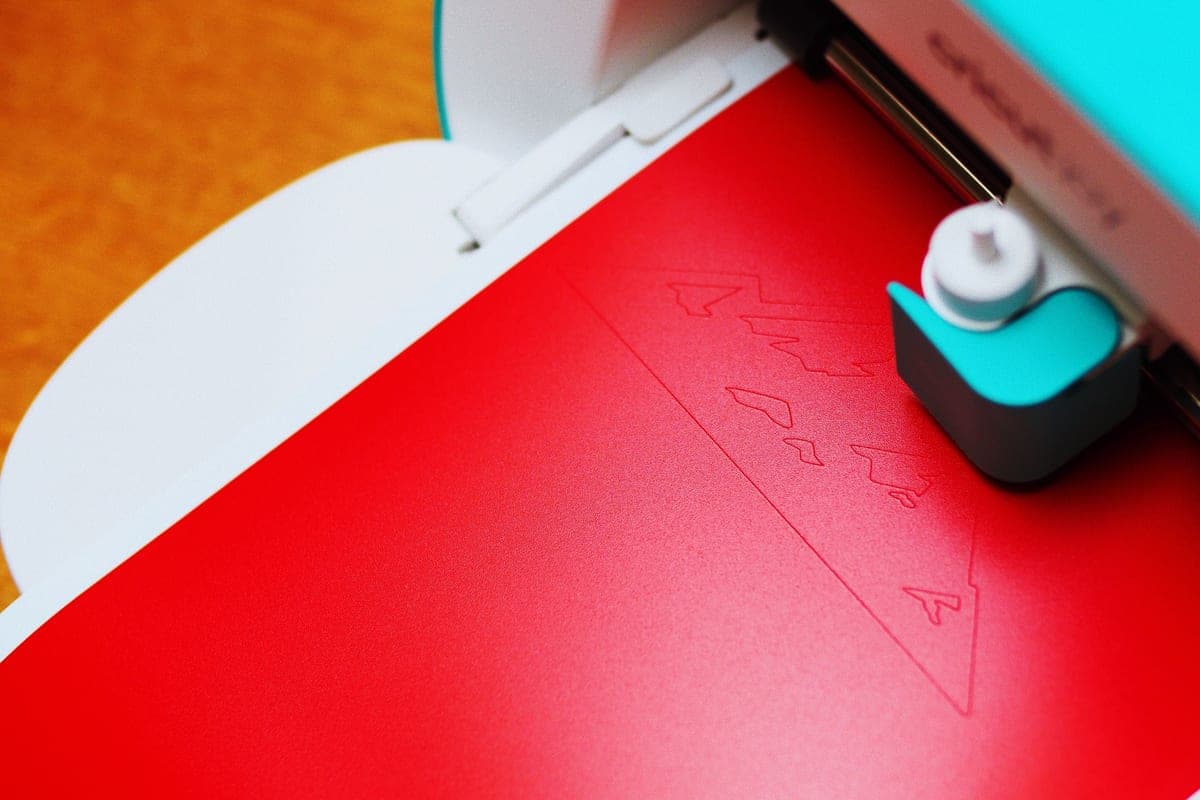
Cricut Venture Review
Twenty-five inches wide, built for volume, and the wrong answer to almost every beginner question.
Heads up: Mat & Blade earns a commission from qualifying purchases made through the links on this page, at no extra cost to you. It never changes which products we recommend or how we rank them. Read the full disclosure.
The Venture is for people filling orders, not learning. A 25 inch cut width, matless runs up to 75 feet and the fastest speed in the line are all real advantages — for someone whose cutting time is already a bottleneck. It costs several times an Explore, needs a permanent table, and has no rotary blade.
What the width actually buys
Two things, and they are both about throughput rather than capability.
Large-format work in a single pass. Yard signs, vehicle graphics, full-width banners and oversized wall decals that any 12 inch machine would require you to tile and align. If you have ever spent an evening matching up a split design, the appeal is obvious.
Ganging up small work. This is the one that actually pays. At 25 inches you fit roughly twice as many small decals per pass as on an Explore, and at higher speed. For a batch of a hundred stickers or fifty small decals, the difference in wall-clock time is substantial.
What it does not do
- No rotary blade. Despite being the most expensive machine in the line, it is not a fabric machine. Unbacked fabric needs a Maker.
- No knife blade. Basswood and thick leather are likewise Maker territory.
- No compact storage. This is a permanent installation on a dedicated table, not something you clear away.
That combination surprises people: the flagship price does not buy flagship material capability. It buys width and speed, which are business specifications rather than hobby ones.
Who it is for
Small sign businesses, vehicle-graphics work, anyone selling decals or stickers in genuine volume, and makers whose orders have outgrown an evening at a 12 inch machine. If you can point at a batch you currently run in three sessions that this would do in one, the maths works.
Who it is not for
Beginners, without qualification. Nothing about the Venture makes a first shirt easier, a first decal cleaner, or the learning curve shorter — it makes the same work faster and wider, which is worth nothing until you have enough of that work to matter. Buying it as a first machine means spending several times an Explore for capability you have no use for yet, and losing a table to it.
The verdict
An excellent tool for a narrow job, and a poor answer to almost every question a beginner is actually asking. The honest test is whether you can describe, specifically, the batch of work that is currently taking too long. If you can, this fixes it. If you cannot, it is a very expensive way to cut a shirt design you could have cut on a machine a fraction of the price. Where it sits against the rest of the line, and what to make and sell if the business case is what you are weighing.
1. Best for cutting at volume
Cricut Venture
Cricut · Currently sold · Verified 2026-09-27
A production machine: 25 inch width, up to 75 foot matless runs, and the fastest cutting in the Cricut line. It earns its price when cutting time is a bottleneck in a business you already have, and not before.
What works
- 25 in width handles full-size signs and large-format decals in one pass
- Fast enough to batch production runs without babysitting
- Long matless cuts are a genuine time-saver at volume
What does not
- By far the most expensive machine in the line
- Takes a permanent table's worth of space
- No rotary blade, so it is not a fabric machine despite the price
Not for you if
This is your first machine. Nothing about the Venture makes a beginner's first shirt easier, and it costs several times an Explore.
Key specs
- Max material width
- 25 in
- Max cut length
- Up to 75 ft with Smart Materials
- Speed
- The fastest machine in the Cricut line
- Footprint
- Large — needs a dedicated table
- Rotary blade
- No
#ad · affiliate link · we never show a price we cannot verify
Common questions
Is the Cricut Venture good for beginners?
Can the Cricut Venture cut fabric?
How wide does the Cricut Venture cut?
When does a Venture make financial sense?
Sources
- Cricut official product catalog — Venture specifications, cut width and material length, verified 27 September 2026
How we picked
We verify every product is currently sold by reading the manufacturer's own catalog, compare published specifications rather than marketing copy, and rank on what a first-time buyer has to decide. We do not run lab tests and we do not claim to, and commission never affects the order.
Read this next
The Best Cricut for Beginners
One safe default pick, plus the specific cases where a different Cricut — or no Cricut — is the better buy.
Cricut Maker 5 Review
The top of the mainstream line: what the extra blades do, and why most beginners will not use them.

What to Make and Sell
Which product categories hold up commercially, which are crowded, and what to check before listing.

What a Cricut Really Costs
Every component a working setup needs, what recurs, and the costs people meet one at a time.
Back to Cutting Machines.