Cricut Explore 5 Review
The machine we recommend most often, and a clear account of the capability you are giving up to get it.
Heads up: Mat & Blade earns a commission from qualifying purchases made through the links on this page, at no extra cost to you. It never changes which products we recommend or how we rank them. Read the full disclosure.
The Explore 5 is the right machine for most people buying their first cutter. It handles every material a beginner actually uses, at the full width shirt designs need, and it costs meaningfully less than the Maker line whose extra blades most hobbyists never touch. Buy the Maker instead only if you will cut unbacked fabric or basswood.
What it is
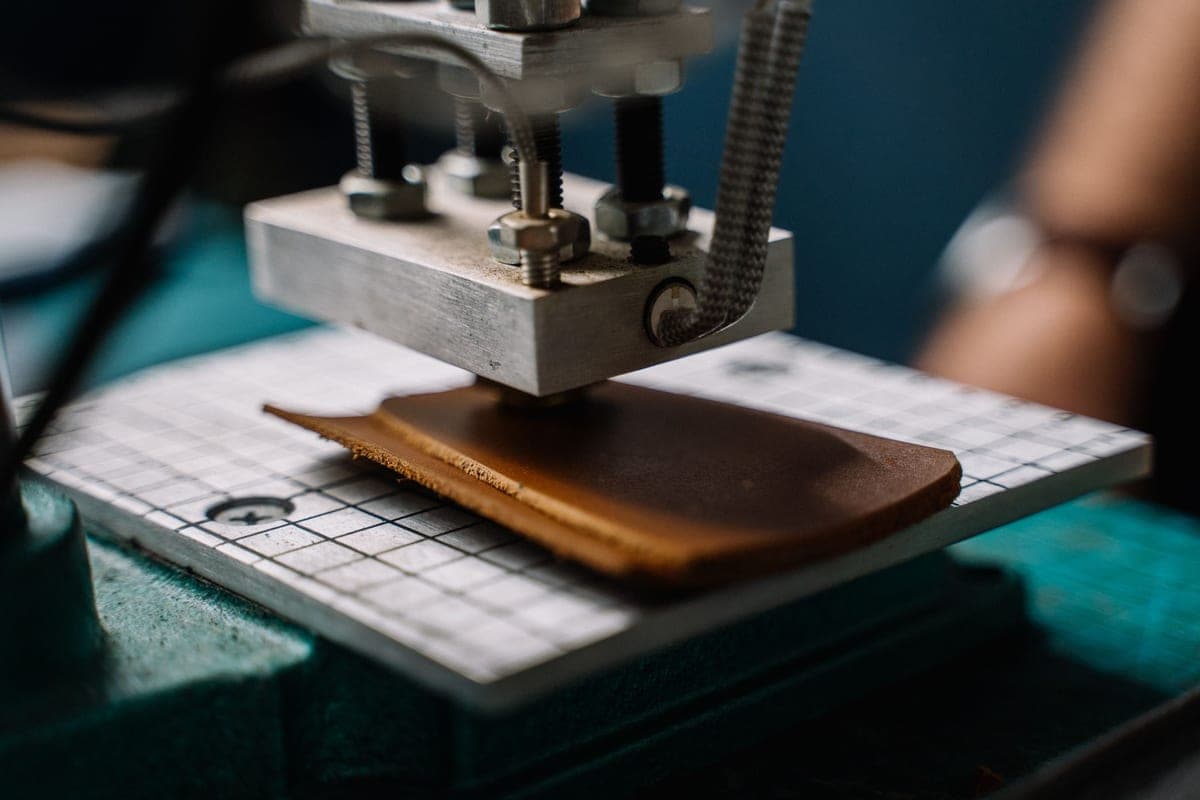
The Explore 5 sits in the middle of Cricut's current line, above the compact Joy models and below the Maker line. It is a blade cutter: a small blade in a carriage drags across material held either on a sticky mat or, with Smart Materials, fed directly into the machine with no mat at all. It cuts an 11.5 inch working width from 12 inch material, and takes two tools at once — a blade plus a pen or scoring tool — so you can draw and cut in a single pass.
It runs on Design Space, Cricut's design application, which works on a computer, tablet or phone and requires an internet connection to set up and sync. Material presets are named, so selecting "Premium Vinyl" applies a known pressure and blade depth rather than making you work it out.
What it cuts, honestly
Cricut publishes a long materials list, and the practical version for a beginner is shorter and more useful.
| Material | Works? | Note |
|---|---|---|
| Adhesive vinyl (permanent and removable) | Yes | The everyday material — decals, tumblers, signs |
| Heat transfer vinyl / iron-on | Yes | Shirts, bags, anything fabric |
| Cardstock and paper | Yes | Cards, boxes, paper crafts |
| Sticker paper and printable vinyl | Yes | Via print-then-cut |
| Faux leather and thin leather | Yes | Within the fine-point or deep-point blade's depth |
| Unbacked fabric | No | Needs the Maker's rotary blade |
| Basswood, thick leather, chipboard | No | Needs the Maker's knife blade |
Who it is for
Someone making shirts, decals, stickers, cards, tumblers, signs and organization labels — which is to say, almost everyone. The full 11.5 inch cut covers an adult shirt front design with room to spare, which is the specification that quietly determines whether a machine frustrates you. Print-then-cut means printed sticker sheets work. And the sheer volume of beginner tutorials filmed on Explore machines means that when something goes wrong at an inconvenient hour, somebody has already documented the fix.
Who it is not for
Three groups should buy something else. If you sew or quilt and want to cut unbacked fabric, the rotary blade is a Maker-only feature and no accessory adds it to an Explore — the comparison is here. If you want basswood signs, the knife blade is likewise Maker-only. And if a cloud-connected application that repeatedly offers you a subscription would genuinely bother you every time you sat down, Silhouette's offline software is the answer rather than a compromise.
The limitations worth knowing before you buy
- Design Space needs an internet connection. There is limited offline capability once a project is loaded, but the workflow assumes you are online. If your craft space has poor signal, this matters more than the spec sheet suggests.
- The subscription prompting is persistent. You never have to pay it, and you can upload your own files indefinitely — but you will be asked. What Cricut Access actually buys.
- Smart Materials are proprietary. Matless cutting only works with Cricut's own Smart range. Ordinary 12 inch vinyl from any brand works fine, but it needs a mat.
- Mats and blades are consumables. A tired mat lets material shift mid-cut and a dull blade tears rather than cuts, and both present as a machine fault when they are not. Mat guide · blade guide.
How it compares to the obvious alternatives
| Against | The trade |
|---|---|
| Maker 5 | Maker adds rotary and knife blades. Identical on vinyl, iron-on, cardstock and paper. |
| Joy Xtra | Joy Xtra is smaller and cheaper; you lose three inches of cut width. |
| Silhouette CAMEO 5 | CAMEO runs offline with no subscription; Design Space is easier to learn. |
The verdict
This is the machine we would point a first-time buyer at without hesitating, and the reasoning is unglamorous: it does the things beginners actually do, at the width those things need, with more available help than anything else in the category. The Maker's extra blades are real capability, but they are capability for two specific materials — and paying for them speculatively is the most common way people overspend on a first machine.
If you want to sanity-check the decision against your own projects, which Cricut should I buy is a straight decision flow, and the beginner roundup puts it in context against everything else on sale.
1. Best for most first-time buyers
Cricut Explore 5
Cricut · Currently sold · Verified 2026-09-27
The value point of the Cricut line for a beginner: full-width cutting, every everyday material, matless Smart Material support, and the largest tutorial library of any machine in the category. The capability it lacks is specific and narrow — no rotary blade, no knife blade — and for most people that capability would never leave the box.
What works
- Cuts every material a beginner's first ten projects will use
- Matless Smart Material cutting means long banners and decals without a mat
- Cheapest current machine that still handles full 12 in wide vinyl
- Huge community of tutorials aimed at exactly this machine
What does not
- No rotary blade, so unbacked fabric is out
- No knife blade for basswood or thick leather
- Still needs Design Space, which needs an internet connection to set up
Not for you if
You already know you want to cut quilting fabric or thick leather. That is the Maker line's rotary and knife blades, and no accessory adds them to an Explore.
Key specs
- Cuts
- Vinyl, heat transfer vinyl, cardstock, paper, iron-on, faux leather
- Max material width
- 12 in (11.5 in cut width)
- Matless cutting
- Yes, with Smart Materials
- Tool slots
- Two — blade plus pen or scoring tool
- Rotary / knife blade
- No — Maker line only
#ad · affiliate link · we never show a price we cannot verify
Common questions
Can the Cricut Explore 5 cut fabric?
Does the Explore 5 do print then cut?
Do I need a subscription for the Explore 5?
Is the Explore 5 better than the Explore 3?
Sources
- Cricut official product catalog — Specifications and material compatibility, verified 27 September 2026
How we picked
We verify every product is currently sold by reading the manufacturer's own catalog, compare published specifications rather than marketing copy, and rank on what a first-time buyer has to decide. We do not run lab tests and we do not claim to, and commission never affects the order.
Read this next
The Best Cricut for Beginners
One safe default pick, plus the specific cases where a different Cricut — or no Cricut — is the better buy.
Cricut Explore 5 vs Maker 5
The Explore-versus-Maker question settled: what the extra blades do, and who will never use them.
Cricut Maker 5 Review
The top of the mainstream line: what the extra blades do, and why most beginners will not use them.

Which Cricut Should I Buy?
A four-question decision flow that ends on one specific model — no hedging, no feature lists.

What a Cricut Really Costs
Every component a working setup needs, what recurs, and the costs people meet one at a time.
Back to Cutting Machines.