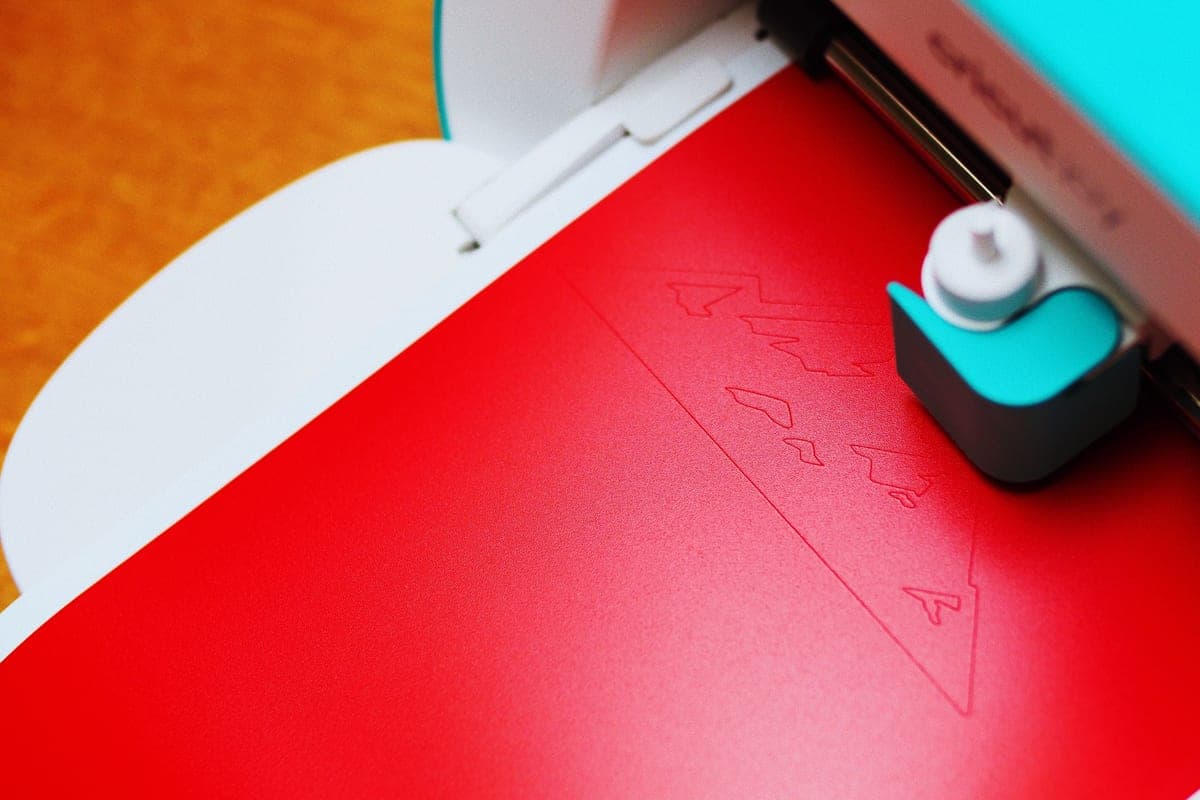
Cricut Maker 5 vs Cricut Venture
These two are usually compared as if the Venture is the bigger Maker. It is not — it trades the rotary blade for 25 inches of width.
Heads up: Mat & Blade earns a commission from qualifying purchases made through the links on this page, at no extra cost to you. It never changes which products we recommend or how we rank them. Read the full disclosure.
The Maker 5 cuts more materials; the Venture cuts bigger, longer and faster. The Maker 5 takes 12 inch material and has the rotary blade for unbacked fabric and a knife blade mount for basswood. The Venture takes 25 inch material, cuts up to 75 feet long with Smart Materials, and is the fastest machine Cricut makes — but it has no rotary blade. So if you cut fabric, leather or wood, buy the Maker. If you cut volume or wide work, buy the Venture. They are not two rungs of one ladder.
| Cricut Maker 5 | Cricut Venture | |
|---|---|---|
| Max material width | 12 in (11.5 in cut width) | 25 in |
| Max cut length | Standard Smart Materials lengths | Up to 75 ft with Smart Materials |
| Rotary blade (unbacked fabric) | Yes | No |
| Knife blade (basswood) | Yes — sold separately | No |
| Materials claimed | 300+ | Vinyl, iron-on, paper and card stock range |
| Speed | Fast | The fastest in the Cricut line |
| Space needed | Shelf or bench | A dedicated table |
| Best for | Mixed materials: fabric, leather, basswood | Volume runs and wide signage |
Why this comparison trips people up
Because the Venture costs more, people assume it does everything the Maker does and more. It does not. The rotary blade is the Maker line's defining feature and the Venture has no rotary blade — which means a quilter who upgrades from a Maker to a Venture loses the single capability they bought the Maker for. Price is not a proxy for capability inside this line.
The cleanest way to think about it: the Maker answers "what can this cut?" and the Venture answers "how much and how wide?". Both are legitimate questions. Very few people are asking both at once, and the ones who are usually end up owning both machines rather than choosing between them.
Buy the Maker 5 if
- You cut unbacked fabric. Quilting, appliqué, bag making. The rotary blade is the whole reason the Maker line exists.
- You cut leather or faux leather at thickness. Earrings, patches, bag hardware panels.
- You want to cut basswood. The knife blade mount is Maker-only, and the blade is sold separately.
- Your products vary more than they repeat. Capability beats throughput when every order is different.
- 12 inches has never been the limit you hit. If width has not been the problem, it is not the problem.
Buy the Venture if
- You are turning down work because it is too wide. Window graphics, van lettering, banners, large wall decals.
- You cut the same thing many times. Long roll runs at 75 feet beat mat loading by an enormous margin.
- Speed is costing you money. It is the fastest machine Cricut sells, and on volume that compounds.
- You have a dedicated table. This is not a put-it-away machine, and pretending otherwise ends badly.
- Fabric and wood are not in your product line. Because you will not get them from this machine.
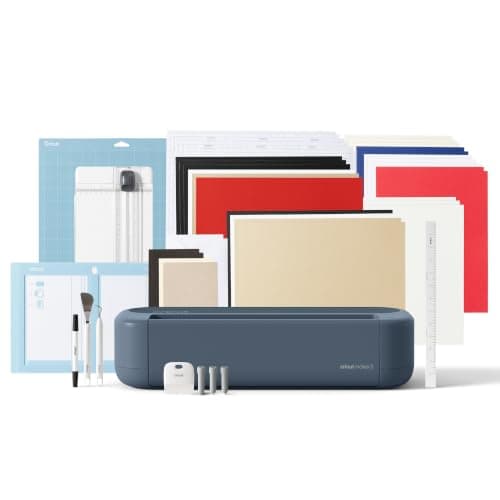
1. Best for more materials, standard width
Cricut Maker 5
Cricut · Currently sold · Verified 2026-09-27
The Maker 5 is the capability machine. 12 inch material, 300+ materials, and crucially the rotary blade — which cuts unbacked fabric without ironing a stabilizer to the back of it — plus a knife blade mount for basswood. If what you want from a top-tier Cricut is to stop being told no by a material, this is the one, and the Venture does not replace it at any price.
What works
- Rotary blade cuts quilting cotton with no backing, which no Explore can do
- Knife blade opens basswood, chipboard and thick leather
- Adaptive tool system takes every Cricut blade and tip
- Same matless Smart Material workflow as the Explore line
What does not
- Materially more expensive than an Explore for capability most beginners never use
- The knife blade is a separate purchase on top of the machine
- Knife-blade cuts are slow — a thick basswood cut can run well over an hour
Not for you if
Your project list is shirts, decals, stickers and cards. Every one of those cuts identically on an Explore 5, and the difference in price is roughly a full starter set of materials.
Key specs
- Cuts
- 300+ materials including unbacked fabric, leather, basswood
- Max material width
- 12 in (11.5 in cut width)
- Matless cutting
- Yes, with Smart Materials
- Rotary blade
- Yes — cuts fabric without a stabilizer backing
- Knife blade
- Yes — sold separately
Price as of November 12, 2026
#ad · affiliate link · we never show a price we cannot verify
2. Best for width, length and speed
Cricut Venture
Cricut · Currently sold · Verified 2026-09-27
The Venture is the throughput machine. 25 inch material width, cut lengths up to 75 feet with Smart Materials, and the fastest machine in the Cricut line. Those are production numbers: long runs of the same decal, banners, window graphics, and anything wider than a shirt. It has no rotary blade, so a quilter gains nothing from it, and it needs a dedicated table rather than a shelf. Buy it when an order type is being turned away.
What works
- 25 in width handles full-size signs and large-format decals in one pass
- Fast enough to batch production runs without babysitting
- Long matless cuts are a genuine time-saver at volume
What does not
- By far the most expensive machine in the line
- Takes a permanent table's worth of space
- No rotary blade, so it is not a fabric machine despite the price
Not for you if
This is your first machine. Nothing about the Venture makes a beginner's first shirt easier, and it costs several times an Explore.
Key specs
- Max material width
- 25 in
- Max cut length
- Up to 75 ft with Smart Materials
- Speed
- The fastest machine in the Cricut line
- Footprint
- Large — needs a dedicated table
- Rotary blade
- No
#ad · affiliate link · we never show a price we cannot verify
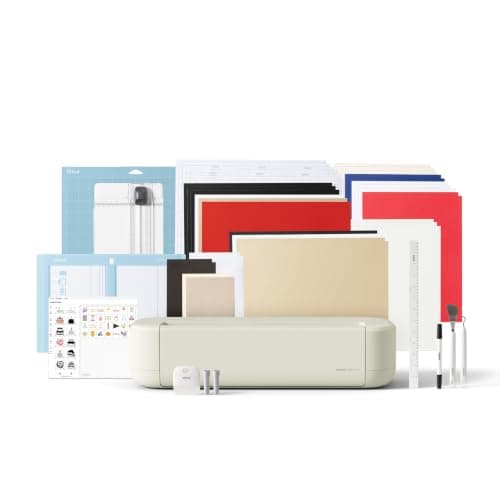
3. Best for the machine most people comparing these two should buy
Cricut Explore 5
Cricut · Currently sold · Verified 2026-09-27
If you are weighing the two most expensive Cricuts and cannot name the specific material or width that forces the choice, the honest answer is that neither is your machine. The Explore 5 cuts vinyl, heat transfer vinyl, cardstock, paper, iron-on and faux leather at the same 12 inch width as the Maker, holds two tools, and cuts matless with Smart Materials. The money saved buys a real heat press, which changes your output far more than either machine on this page.
What works
- Cuts every material a beginner's first ten projects will use
- Matless Smart Material cutting means long banners and decals without a mat
- Cheapest current machine that still handles full 12 in wide vinyl
- Huge community of tutorials aimed at exactly this machine
What does not
- No rotary blade, so unbacked fabric is out
- No knife blade for basswood or thick leather
- Still needs Design Space, which needs an internet connection to set up
Not for you if
You already know you want to cut quilting fabric or thick leather. That is the Maker line's rotary and knife blades, and no accessory adds them to an Explore.
Key specs
- Cuts
- Vinyl, heat transfer vinyl, cardstock, paper, iron-on, faux leather
- Max material width
- 12 in (11.5 in cut width)
- Matless cutting
- Yes, with Smart Materials
- Tool slots
- Two — blade plus pen or scoring tool
- Rotary / knife blade
- No — Maker line only
Price as of November 12, 2026
#ad · affiliate link · we never show a price we cannot verify
The third answer: neither
A large share of people comparing these two machines are comparing the two most expensive options because they are the two most expensive options. If you cannot name the material or the width that forces the decision, the Explore 5 cuts the same vinyl, iron-on, cardstock and faux leather at the same 12 inch width, and the difference in price buys a heat press that will improve your results far more than any cutting machine upgrade. Which Cricut should I buy walks that decision properly, and the Explore 5 versus the Maker 5 is the comparison that actually applies to most buyers.
If the Maker is the direction but the price is uncomfortable, the Maker 4 is still a current product with the same rotary and knife blade capability. Maker 4 versus Maker 5 is the relevant read.
Common questions
Is the Cricut Venture better than the Maker 5?
Can the Cricut Venture cut fabric?
How wide can the Cricut Maker 5 cut?
Do I need a special table for the Cricut Venture?
Which is better for a small business?
Sources
- Google Autocomplete — 'cricut maker 5 vs' — 'cricut maker 5 vs venture' returned as a live completion - checked 17 October 2026
- Cricut Venture — product specification — 25 in material width, up to 75 ft cut length, fastest machine in the line, no rotary blade support - checked 17 October 2026
- Cricut Maker — material and blade compatibility — Rotary blade and knife blade availability by machine line, and the 300+ material claim - checked 17 October 2026
How we picked
We verify every product is currently sold by reading the manufacturer's own catalog, compare published specifications rather than marketing copy, and rank on what a first-time buyer has to decide. We do not run lab tests and we do not claim to, and commission never affects the order.
Read this next
Cricut Venture Review
Wide-format, fast, and built for filling orders — what it buys you and who should not be looking at it.
Cricut Maker 5 Review
The top of the mainstream line: what the extra blades do, and why most beginners will not use them.
Cricut Maker 4 vs Maker 5
Two current Makers compared: identical capability, different speed, usually a meaningful price gap.
Cricut Explore 5 vs Maker 5
The Explore-versus-Maker question settled: what the extra blades do, and who will never use them.
Best Cutting Machine for a Small Business
Which cutting machine to buy when the output is going to customers — ranked on throughput, width and the cost of downtime rather than on beginner friendliness.
Which Cricut Should I Buy?
A four-question decision flow that ends on one specific model — no hedging, no feature lists.
Back to Cutting Machines.