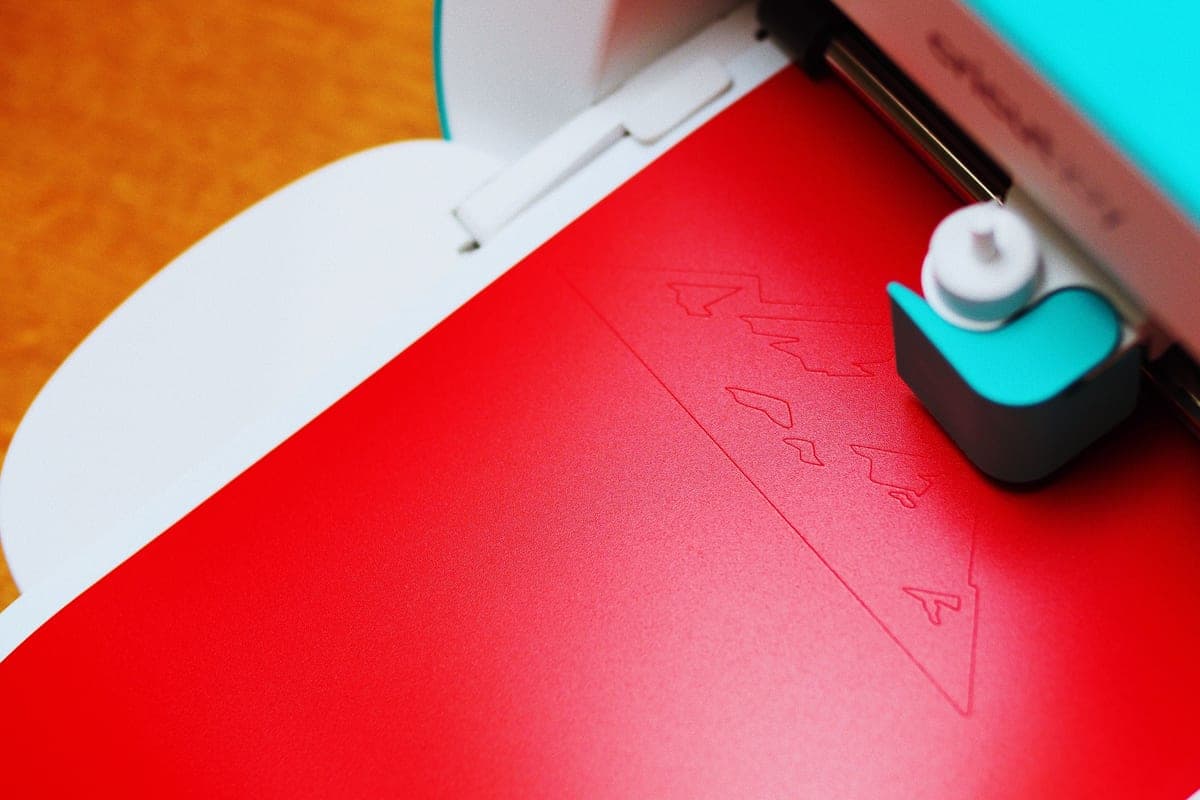
Is a Cricut Joy Worth It?
Yes for a narrow job and a small desk. No as the one machine you own — and the reason is a number you cannot work around.
Heads up: Mat & Blade earns a commission from qualifying purchases made through the links on this page, at no extra cost to you. It never changes which products we recommend or how we rank them. Read the full disclosure.
A Cricut Joy is worth it if your projects are genuinely narrow — labels, cards, small decals, water bottles — or if it is a second machine for quick jobs. It is not worth it as your only machine, because its 4.5 inch cut width cannot produce an adult shirt front, and no technique works around that. If you were drawn to it for the size rather than the project list, the Joy Xtra at 8.5 inches is the version of that decision people do not regret.
What the Joy is genuinely good at
The Joy gets dismissed as a toy, and that is not fair. There are jobs where it beats every bigger machine in this hobby, and they have a pattern: narrow, long, and frequent.
- Labels. Pantry jars, storage bins, cables, school supplies. Smart Label material cuts matless and the machine is out and working in under a minute.
- Cards. Card making is the Joy's home ground — the card mat system and the narrow format fit greeting card dimensions exactly.
- Long thin cuts. Up to 20 feet from a Smart roll. A border, a stair riser decal, a long quote strip — a mat-based machine physically cannot do a single 20 foot cut.
- Water bottles and small tumblers. A wrap-around decal on a bottle is rarely more than 4 inches tall.
- No setup at all. No mat to load, no mat to clean, no permanent desk space. For a five-minute job that difference is the whole experience.
Where it stops, and why that is permanent
Cut width is 4.5 inches. That is roughly the width of a postcard. Below are the jobs it disqualifies, and none of them has a workaround worth doing.
| Project | Width needed | Joy 2 (4.5 in) | Joy Xtra (8.5 in) | Explore (11.5 in) |
|---|---|---|---|---|
| Pantry label | Under 4 in | Yes | Yes | Yes |
| Greeting card | Under 4.5 in | Yes | Yes | Yes |
| Water bottle decal | Around 4 in | Yes | Yes | Yes |
| Kids' shirt design | 6-8 in | No | Yes | Yes |
| Tumbler wrap | Around 8 in | No | Yes | Yes |
| Adult shirt front | 9-11 in | No | Usually | Yes |
| Car rear-window decal | 10 in plus | No | Marginal | Yes |
| 12 in cardstock sheet | 12 in | No | No | Yes |
| Print then cut stickers | n/a | No | Yes | Yes |
People do try to split a wide design into panels and butt them together on the shirt. It is possible and it almost never looks right — the seam between two pieces of heat transfer vinyl is visible, and aligning two pieces by eye on fabric under a hot press is a skill nobody wants to acquire on their first project.
The cost argument, examined
The Joy is the cheapest way into the Cricut line, and that is a real argument — but only if the machine price is the thing standing between you and starting.
Look at the whole setup and the gap narrows. Vinyl, transfer tape, a weeding tool and a heat source cost the same regardless of which machine they feed, and Joy-format Smart Materials are sold in narrower rolls that often work out dearer per square inch than standard 12 inch vinyl. You can trim a standard roll to fit the Joy mat, and the best vinyl for a Cricut Joy covers when that is the better buy. The Cricut cost guide has the realistic first-project total.
The expensive version of this decision is buying a Joy, hitting the width wall, and buying an Explore three months later. That has happened to a lot of people, and it is the single most common regret purchase in this category. If there is any chance shirts are in your future, the cheaper path is the bigger machine first.
Our picks in full

1. Best for labels, cards and a drawer-sized footprint
Cricut Joy 2
Cricut · Currently sold · Verified 2026-09-27
Worth buying when the job really is narrow. It cuts 4.5 inches wide but up to 20 feet long from Smart Materials, needs no mat for most work, and lives in a drawer between projects. For pantry labels, card making, water bottle decals and planner stickers it is genuinely faster to use than a bigger machine because there is almost no setup. The 4.5 inch width is not a soft limit you can design around — it rules out an adult shirt front permanently.
What works
- The lowest cost of entry in the current Cricut line
- Genuinely portable and storable, which matters if you have no dedicated craft space
- Long matless cuts make it excellent for labels and long decals
- Simple enough that the learning curve is close to flat
What does not
- 4.5 in cut width is the hard limit — most adult shirt designs will not fit
- No print-then-cut, so printed stickers are out
- Takes the narrow Joy-format materials, which are less widely stocked
Not for you if
You want to make shirts. A 4.5 in design reads as a small chest logo, not a front print, and there is no workaround.
Key specs
- Cuts
- Vinyl, heat transfer vinyl, cardstock, paper, Smart Label material
- Max cut width
- 4.5 in
- Max cut length
- Up to 20 ft with Smart Materials
- Footprint
- Small enough to store in a drawer
- Mat required
- Optional — cuts matless with Smart Materials
#ad · affiliate link · we never show a price we cannot verify
2. Best for small footprint, but shirts too
Cricut Joy Xtra
Cricut · Currently sold · Verified 2026-09-27
The machine most people asking this question should actually buy. At 8.5 inches of cut width it clears the Joy's one disqualifying limitation, which is a shirt design wide enough to look deliberate, and it adds print then cut for printed stickers. It is still noticeably smaller than an Explore. If your reason for looking at a Joy was desk space rather than a genuinely narrow project list, this is the version of that decision you will not regret.
What works
- 8.5 in cut width handles most youth and many adult shirt designs
- Print-then-cut means printed sticker sheets, which the Joy 2 cannot do
- Still small and light enough to put away between projects
- Uses the same Design Space workflow as the bigger machines
What does not
- Still narrower than the 11.5 in the Explore and Maker lines cut
- Costs enough that the Explore 5 becomes a fair comparison
- Smaller mat sizes limit how much you can gang up on one cut
Not for you if
You want full-width 12 in vinyl for large signs or full-front shirt prints. Step up to an Explore 5 instead.
Key specs
- Cuts
- Vinyl, heat transfer vinyl, cardstock, sticker paper, faux leather
- Max cut width
- 8.5 in
- Print then cut
- Yes — printed stickers work
- Matless cutting
- Yes, with Smart Materials
- Footprint
- Noticeably smaller than an Explore
#ad · affiliate link · we never show a price we cannot verify
3. Best for the machine you will not outgrow
Cricut Explore 5
Cricut · Currently sold · Verified 2026-09-27
The honest comparison point, because the Joy is often bought to save money and then replaced within a year. Twelve inch material covers an adult shirt front, a car window decal and a full sheet of cardstock — the three jobs that end a Joy's usefulness. It cuts matless from Smart Materials just as the Joy does and takes a pen or scoring stylus alongside the blade. It needs permanent desk space, which is the real trade, not the price.
What works
- Cuts every material a beginner's first ten projects will use
- Matless Smart Material cutting means long banners and decals without a mat
- Cheapest current machine that still handles full 12 in wide vinyl
- Huge community of tutorials aimed at exactly this machine
What does not
- No rotary blade, so unbacked fabric is out
- No knife blade for basswood or thick leather
- Still needs Design Space, which needs an internet connection to set up
Not for you if
You already know you want to cut quilting fabric or thick leather. That is the Maker line's rotary and knife blades, and no accessory adds them to an Explore.
Key specs
- Cuts
- Vinyl, heat transfer vinyl, cardstock, paper, iron-on, faux leather
- Max material width
- 12 in (11.5 in cut width)
- Matless cutting
- Yes, with Smart Materials
- Tool slots
- Two — blade plus pen or scoring tool
- Rotary / knife blade
- No — Maker line only
#ad · affiliate link · we never show a price we cannot verify
Joy 2 or Joy Xtra?
If the small footprint is what you want, this is the real decision, and the Joy Xtra wins it more often than its price difference suggests. It cuts 8.5 inches instead of 4.5, which moves kids' shirts, tumbler wraps and most adult designs from impossible to fine, and it does print then cut, which the Joy 2 does not. The Joy 2 keeps two advantages: it is smaller, and it does 20 foot continuous cuts. Joy 2 versus Joy Xtra is the full comparison, and Joy versus Explore versus Maker puts all three families side by side.
Still weighing the category rather than the model? Is a Cricut worth it is the honest version of that question, and the cheapest Cricut covers the budget route properly.
Common questions
Is a Cricut Joy worth buying?
Can a Cricut Joy make t-shirts?
Is the Cricut Joy good for beginners?
Is the Joy Xtra worth the extra over the Joy 2?
Do I have to buy Joy-format vinyl?
How long can a Cricut Joy cut?
Sources
- Cricut official product catalog — Joy 2 and Joy Xtra cut widths, maximum cut length and print then cut availability, verified 6 October 2026
- Cricut Help Center — Smart Materials format compatibility for the Joy line, checked 6 October 2026
How we picked
We verify every product is currently sold by reading the manufacturer's own catalog, compare published specifications rather than marketing copy, and rank on what a first-time buyer has to decide. We do not run lab tests and we do not claim to, and commission never affects the order.
Read this next
Cricut Joy 2 Review
The cheapest Cricut: what it does beautifully, and the one limit that rules it out for shirt makers.
Cricut Joy 2 vs Joy Xtra
The compact Cricuts compared: what the extra four inches and print-then-cut are actually worth.
Cricut Joy vs Explore vs Maker
How the three Cricut families actually differ, and the two questions that put you in the right one first time.

Is a Cricut Worth It?
The honest case for and against, including the reader who should not buy one at all.
The Cheapest Cricut, Honestly
The lowest-cost route into the hobby, and the cases where spending a little more costs less overall.
The Best Vinyl for a Cricut Joy
Which vinyl suits a 4.5 inch machine, when Smart formats are worth it, and when a trimmed standard roll is the better buy.
Back to Cutting Machines.