The Best HTV for Layering
Layering is less about buying a special vinyl than about using a thin one, pressing in the right order, and stopping at three.
Heads up: Mat & Blade earns a commission from qualifying purchases made through the links on this page, at no extra cost to you. It never changes which products we recommend or how we rank them. Read the full disclosure.
For layered HTV, use the thinnest standard film you can get and keep it to three layers. Siser EasyWeed is the practical pick because thickness, not chemistry, is what ruins layered designs — each layer adds stiffness, and a stacked design that cannot flex cracks along the fold lines of the shirt. Cricut Everyday Iron-On is worth it if you want Cricut's own published layering instructions and per-press settings to follow. The two rules that matter more than the material: press each lower layer for only two to three seconds, and never layer glitter, holographic or flocked films on top of each other.
What actually goes wrong when you layer
Layering is not a different skill from pressing a single-color design. It is the same skill with two new failure modes stacked on top.
Each layer adds stiffness, and stiffness cracks
A single HTV layer is thin enough to move with jersey fabric. Three layers of a thick film is effectively a small plastic panel glued to a shirt, and when the shirt folds, the panel does not — it cracks, usually along a line that runs through the design. This is why the material recommendation for layering is simply "the thinnest one", and why reducing the layer count beats buying a better film.
Lower layers get pressed several times
If you press each layer for the full published time, the bottom layer of a three-layer design receives three full presses. Over-pressed HTV goes glossy, shrinks slightly and can start to lift at the edges. The fix is the standard layering practice: press the lower layers for two to three seconds only — just enough to tack them down and let you peel the carrier — and give the full published time to the final layer alone.
How to choose the vinyl
Three criteria, in order of how much they matter. Everything else is design work rather than shopping.
- Thinness. The whole game. A thin film layered three deep is wearable; a thick one is not.
- A published statement that it can be layered. Not every HTV is sold as layerable, and specialty finishes in particular often are not. The manufacturer says so if it is.
- Peel behavior. You are peeling carriers mid-job, so a film that tolerates either a hot or a cold peel gives you more room to work and less chance of lifting a tacked layer.
- Consistency between batches. Layered designs depend on registration and predictable shrink. A film that varies roll to roll makes a two-color alignment harder than it needs to be.
Our picks
1. Best for the layering default, because it is thin
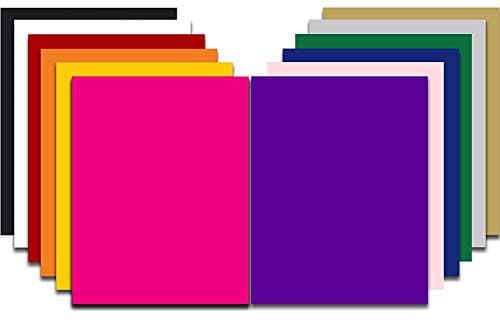
Siser EasyWeed HTV
Siser · Currently sold · Verified 2026-09-27
Layering is a thickness problem before it is anything else, and EasyWeed is the thinnest mainstream option at this price. Stack three layers of a thick film and the result is a stiff plate on the shirt that cracks along the fold lines; three layers of a thin film still moves with the fabric. It is also hot or cold peel tolerant, which matters when you are peeling a carrier between layers rather than at the end of the job. Siser rates it for cotton, polyester and blends, so the base garment is rarely the limit.
What works
- Weeds more cleanly than almost anything else at this price
- Thin enough that a layered design does not feel like a plastic patch
- Siser publishes clear time and temperature guidance for it
- Sold in single sheets, so you can try three colors without buying three rolls
What does not
- Matte only — no gloss, glitter or specialty finish in the base line
- Sheets cost more per square inch than buying a roll
- Still needs real heat and pressure; a household iron gives mixed results
Not for you if
You want a glitter or holographic finish. That is a different Siser product line, not EasyWeed.
Key specs
- Type
- Heat transfer vinyl (HTV) — for fabric
- Fabric compatibility
- Siser rates it for cotton, polyester and cotton/poly blends
- Thickness
- Siser published 90 microns / 3.5 mils
- Application
- Siser lists 305°F for 10-15 seconds at medium pressure
- Carrier
- Pressure-sensitive clear carrier sheet
- Finish
- Semi-gloss — EasyWeed Matte is a separate Siser line
Price as of November 12, 2026
#ad · affiliate link · we never show a price we cannot verify
2. Best for following cricut's own published layering instructions
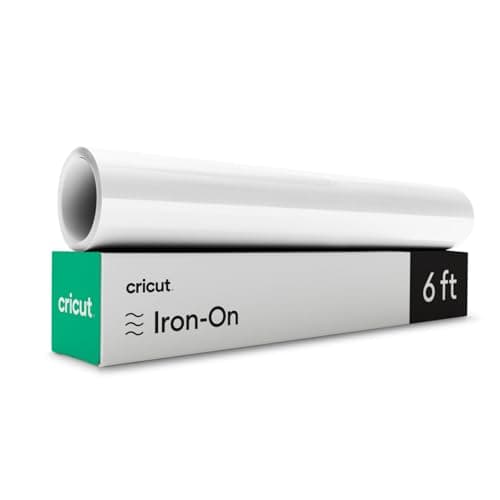
Cricut Everyday Iron-On
Cricut · Currently sold · Verified 2026-09-27
Cricut publishes per-material settings in its Heat Guide and states which of its iron-on materials can be layered, which removes the guesswork from the part of this job that most often goes wrong. If you are working inside Design Space with a multi-layer project and an EasyPress, matching Cricut material to Cricut guide to Cricut press is the least error-prone route. It costs more per square inch than the alternatives, and specialty finishes in the same range are explicitly not all layerable — which is exactly the kind of detail worth reading before you cut.
What works
- Cricut's Heat Guide gives you a precise, named setting instead of a guess
- Sold in the same shops as the machine, so it is easy to restock
- Consistent weeding behavior across colors
What does not
- Costs more per square inch than third-party HTV
- The convenience is mostly about the settings lookup, not the material itself
Not for you if
You are pressing a lot of shirts and cost per shirt matters. Third-party rolls are meaningfully cheaper.
Key specs
- Type
- Heat transfer vinyl (HTV)
- Fabric compatibility
- Cricut rates it for cotton, polyester, blends, canvas
- Settings source
- Listed in Cricut's own Heat Guide by press and material
- Format
- Rolls and sheets
- Finish
- Matte
Price as of November 12, 2026
#ad · affiliate link · we never show a price we cannot verify
3. Best for practising layered designs without wasting good vinyl
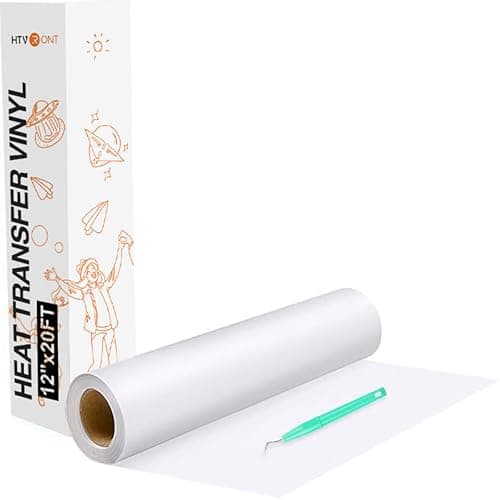
HTVRONT HTV Rolls
HTVRONT · Currently sold · Verified 2026-09-27
Layered designs take several attempts to get right, and the attempts cost material. Buying cheap rolls for the learning phase is a reasonable use of budget, and HTVRONT rates its standard HTV for cotton, polyester and blends. The honest caveat is that it is a thicker, less consistent film than EasyWeed, so it is a worse layering material on its final-product merits — use it to learn the registration and the press order, then switch for the shirt you actually care about.
What works
- Far cheaper by area than sheet-format premium HTV
- Wide color and finish range including glitter and holographic
- Rolls mean you stop rationing material and start practicing
What does not
- Fine detail weeds less cleanly than Siser EasyWeed
- Batch-to-batch consistency is less predictable
- You are committing to a whole roll of one color
Not for you if
Your first project is a very fine script design. Learn to weed on EasyWeed first, then switch to save money.
Key specs
- Type
- Heat transfer vinyl (HTV)
- Format
- Rolls, typically 12 in wide
- Fabric compatibility
- Rated for cotton, polyester and blends
- Finish
- Matte, plus glitter and specialty lines
- Value
- Lowest cost per square inch of the three HTVs here
Price as of November 12, 2026
#ad · affiliate link · we never show a price we cannot verify
The press order that works
1Design for three layers, maximum
Count the layers before you cut. If the design needs four, look for two colors that can sit side by side rather than stacked, or drop a detail. Reducing layers is free; fixing a stiff, cracking shirt is not.
2Cut all layers before you press any
Keep each layer on its carrier and weed everything first. Registration is easier when you can see all the pieces, and you are not reheating the garment while you weed.
3Pre-press the blank, then lay the bottom layer
The usual three to five seconds on a tee, longer on fleece. Then place the largest or lowest layer — normally the background shape.
4Tack each lower layer for two to three seconds, then peel
Not the full published time. You only need enough adhesion to hold the layer while you remove its carrier and position the next one. This is the step that prevents the over-pressed bottom layer.
5Register the next layer against what is already down
Work from the carrier sheet's registration, not by eye. A layered design that is a millimetre out reads as a printing error rather than a style.
6Give the final layer the full published press
Full time, full pressure, at the manufacturer's temperature for the base fabric. Peel as the carrier instructs, then a short press through a cover sheet to settle the whole stack.
When layering is the wrong answer
Two or three flat colors layered well looks excellent and costs very little. A photographic or heavily shaded design does not become a layered vinyl job — it becomes a different technology. Printed transfers, sublimation on light polyester, or DTF all handle full-color artwork in one application with no stacked thickness at all.
That is a real decision point rather than a cop-out: if your designs are consistently four or more colors, you are fighting the material. Sublimation versus HTV covers the light-fabric route, sublimation HTV versus DTF covers the full-color-on-dark route, and the best heat press for DTF transfers covers what pressing those needs.
Registration, the part nobody mentions
Most disappointing layered shirts are correctly pressed and badly aligned. Three things help more than practice: keep every layer on its own carrier until the moment it goes down, cut a small registration mark outside the design area on each layer so you can line them up against each other, and place the design on the garment with a ruler rather than by eye. How to weed vinyl covers keeping delicate layers intact through weeding, which is where multi-layer designs most often die before they reach the press.
Layering on anything that stretches compounds the stiffness problem, and neoprene is the extreme case. The best HTV for koozies explains why foam blanks want the thinnest single layer you can get away with.
Common questions
What HTV is best for layering?
How many layers of HTV can you press?
How long do you press each layer when layering HTV?
Can you layer glitter HTV?
Why did my layered HTV design crack?
Sources
- Siser North America — HTV product range — Confirmed EasyWeed and the wider current Siser HTV range, including specialty finishes sold separately from the standard film, and that Siser publishes an HTV reference chart - checked 10 October 2026
- Cricut Heat Guide — Per-material, per-press time, temperature and pressure settings for Cricut iron-on materials - checked 10 October 2026
How we picked
We verify every product is currently sold by reading the manufacturer's own catalog, compare published specifications rather than marketing copy, and rank on what a first-time buyer has to decide. We do not run lab tests and we do not claim to, and commission never affects the order.
Read this next
The Best HTV Vinyl for Beginners
Which heat transfer vinyl weeds cleanly and presses forgivingly — and which to switch to later.
The Best Glitter HTV for Beginners
What separates a good glitter film from a shedding one, the layering rule almost every tutorial gets wrong, and three glitter HTVs worth buying with honest cons on each.
How to Use HTV
The full HTV process from cut to peel, plus a troubleshooting section for when it does not stick.
How to Weed Vinyl
Technique, tools and the reverse-weed trick that makes fine script designs manageable.
The Best HTV Vinyl for Cotton Shirts
Which heat transfer vinyl to buy for 100% cotton tees, why cotton is the forgiving fabric, and the three things that actually ruin a cotton press.
Sublimation HTV vs DTF
The two methods that put full-color prints on cotton and dark garments, and which one suits a setup you already own.
Heat Press Temperature Guide
Published time and temperature figures by material, sourced — plus the three variables that matter more.
Back to Vinyl & Materials.