Sublimation HTV vs DTF
Two ways around sublimation's biggest limit, with very different equipment bills.
Heads up: Mat & Blade earns a commission from qualifying purchases made through the links on this page, at no extra cost to you. It never changes which products we recommend or how we rank them. Read the full disclosure.
If you want full-color designs on cotton or dark shirts and are buying from scratch, ready-printed DTF transfers win: the only equipment you need is a heat press. Sublimation HTV makes sense when you already own a sublimation printer and want to use it on cotton — it is printed with sublimation ink, then cut and weeded like vinyl. Both get around the limit that stops plain sublimation dead, which is that it only bonds to polyester and only shows on light colors.
What each of these actually is
The three terms get used interchangeably online, which is where most of the confusion starts. They are genuinely different products.
Plain sublimation prints onto coated paper, and heat turns the ink to gas so it embeds in polyester or a polymer coating. The design becomes part of the fabric and there is nothing to feel. It needs light polyester and cannot work on cotton or dark colors.
Sublimation HTV is a heat transfer vinyl you print on with a sublimation printer. The ink sublimates into the vinyl's own polymer layer, and the vinyl is then cut, weeded and pressed onto the garment like any other HTV — which means it carries the printed design onto cotton and dark fabric. Siser's EasySubli is the best known, and distributor documentation publishes application at 311°F for 15 seconds at medium pressure with a warm peel.
DTF is direct-to-film. A design is printed onto film, coated with adhesive powder and cured, then pressed onto the garment, peeled, and usually pressed again. Most people buy transfers ready-printed from a supplier rather than printing their own, which is why for them the press is the only equipment decision.
| Plain sublimation | Sublimation HTV | DTF transfers | |
|---|---|---|---|
| Works on cotton | No | Yes | Yes |
| Works on dark garments | No | Yes | Yes |
| Full-color photographic artwork | Yes | Yes | Yes |
| Weeding required | No | Yes | No |
| Printer needed | Sublimation printer | Sublimation printer | None if you buy transfers |
| Cutting machine needed | No | Yes | No |
| Feel on the garment | None — it is in the fabric | A thin layer you can feel | A thin layer you can feel |
| Published press settings | Around 385-400°F, 45-60 s | 311°F, 15 s, warm peel | Around 300-320°F, 10-15 s, cold peel, second press |
| Cheapest route to a first shirt | No | No | Yes |
How we compared them
We compared on the two things that actually decide this for a beginner — what the method can print on, and what equipment you must own before it produces anything — then on durability and feel. Press settings are each manufacturer's or supplier's published figures, which vary between films and should always be taken from the sheet that came with your material. We have no lab; our methodology states what our recommendations are reasoned from.
The verdict
DTF for most people, and it is not close when you count the equipment. Buying transfers ready-printed means a press is the only machine involved, the artwork can be full-color and photographic, there is no weeding at all, and it works on any garment color and fiber. The trade is that you are ordering material rather than printing on demand, and you cannot make something at eleven at night without planning ahead.
Sublimation HTV if the printer is already on your bench. Its real role is extending a sublimation setup onto cotton and dark garments without buying a new printing method. It is printed, cut and weeded, so it needs a cutting machine too, and the weeding is finicky at small sizes because the material is thin.
Plain sublimation stays the best result where it works. Nothing else produces a design with no hand feel at all, and on white polyester it is still the one we would choose. Sublimation versus HTV is the fuller comparison of that pairing.
Our picks
1. Best for the one piece both methods need
Large-Format Clamshell Heat Press (16 x 20)
Various · Currently sold · Verified 2026-09-29
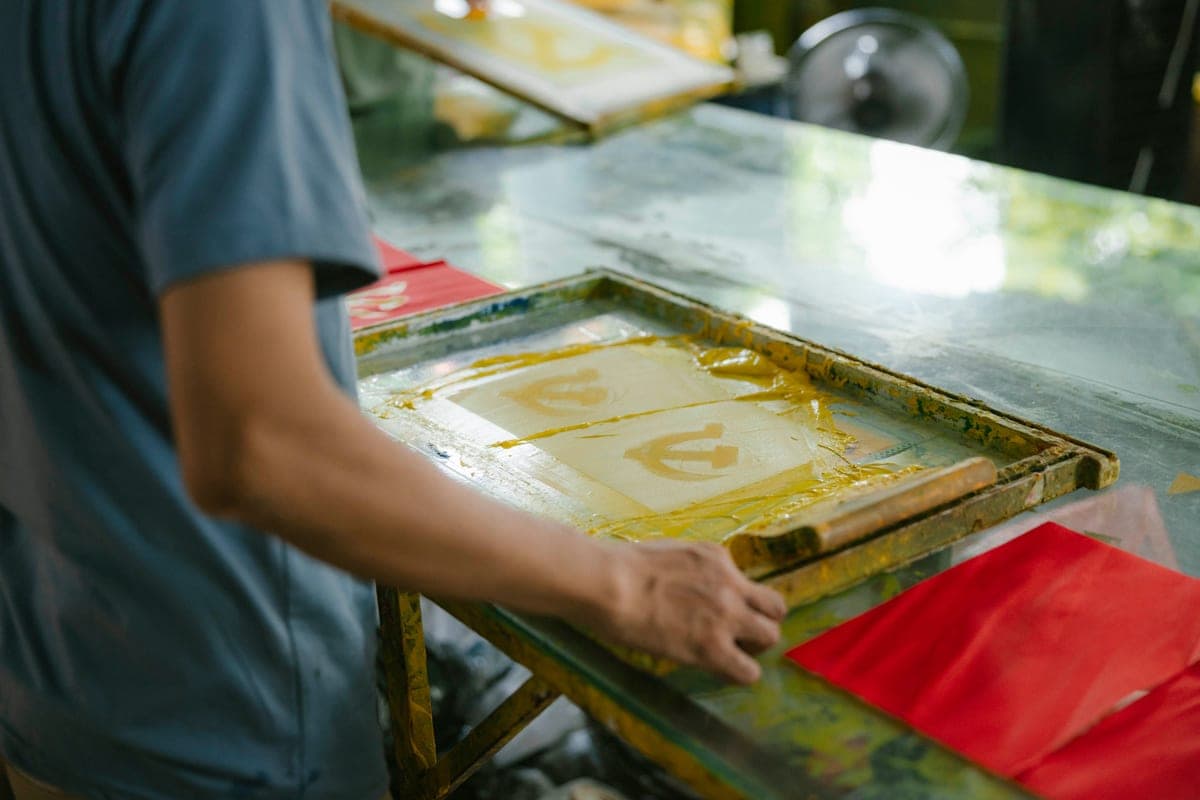
Whichever route you take, the press is the equipment that decides whether it works. DTF needs firm even pressure and usually a second press after the film is peeled, and a 16 by 20 inch platen covers a full transfer sheet or a hoodie front in one pass. Clamp pressure repeats exactly, which matters more on these methods than on cut vinyl because an under-pressed transfer looks perfect and fails on the customer's third wash.
What works
- Presses a hoodie front or an oversized design in a single pass
- Covers a full 13 x 19 transfer, which a 15 x 15 platen cannot
- Clamp pressure repeats exactly, which matters most on thick garments
What does not
- Heavy, and it needs considerably more bench space than a 15 x 15
- Overkill for standard adult front prints, which fit a smaller platen
- Takes longer to reach temperature than a small plate
Not for you if
You press standard adult t-shirt designs a few times a month. A 15 by 15 platen already covers those, for less money and less table.
Key specs
- Type
- Clamshell or swing-away heat press
- Platen size
- Commonly 16 x 20 in
- Pressure
- Adjustable clamp — repeatable every press
- Bench space
- Permanent, and more of it than a 15 x 15
- Typical use
- Hoodies, DTF transfers, oversized prints, batch work
#ad · affiliate link · we never show a price we cannot verify
2. Best for only if you go the sublimation htv route
Epson EcoTank ET-2800
Epson · Currently sold · Verified 2026-09-27
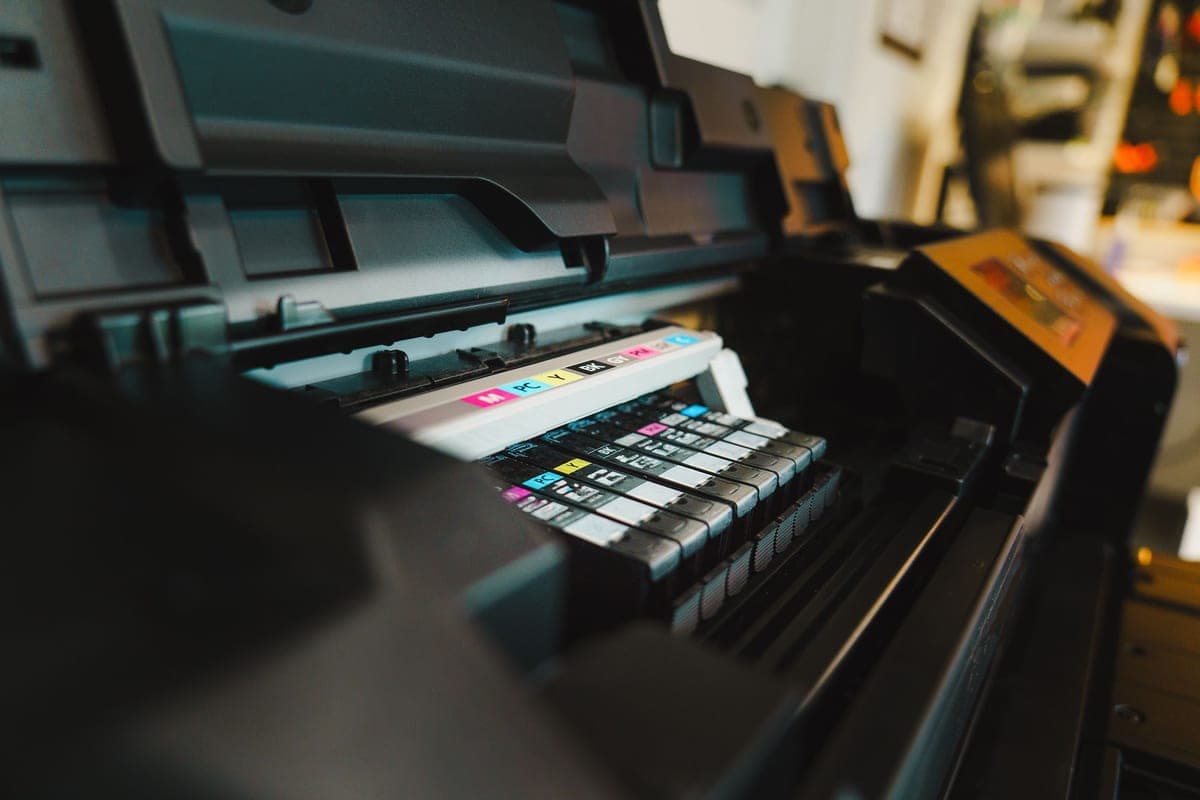
Sublimation HTV is printed with sublimation ink, so it needs a sublimation printer — which is the whole reason this route makes sense for people who already own one and want to use it on cotton. If you do not own one, this is a printer, ink, paper and profile to buy before you make anything, and ready-printed DTF transfers skip all of it. Epson's warranty does not cover damage from non-genuine ink, which is the standing caveat on the conversion route.
What works
- By far the cheapest way to start sublimating
- Refillable tanks mean low running cost once converted
- Very widely documented by the crafting community
What does not
- Converting it with third-party sublimation ink voids Epson's coverage for ink-related damage
- A converted printer cannot go back to regular ink
- 8.5 in width limits you to letter-size transfers
Not for you if
You want a supported, warrantied sublimation setup you can call for help on. Buy a dedicated sublimation printer instead.
Key specs
- Type
- Refillable-tank inkjet — sold as a regular printer
- Sublimation
- Not a sublimation printer as sold; people convert it
- Max print width
- 8.5 in (letter)
- Ink system
- Four refillable tanks
- Warranty note
- Epson's warranty covers damage from genuine ink, not third-party ink
#ad · affiliate link · we never show a price we cannot verify
3. Best for the simpler answer for solid-color designs
Siser EasyWeed HTV
Siser · Currently sold · Verified 2026-09-27
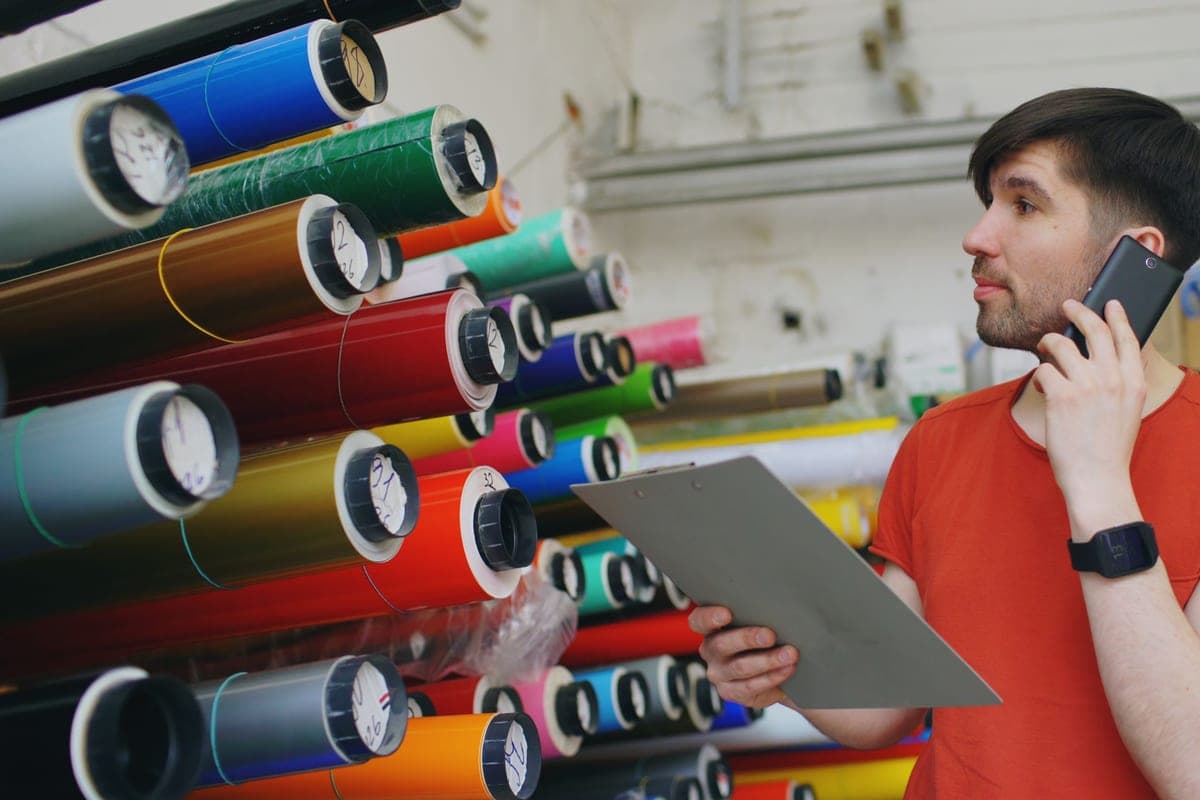
Worth placing here honestly: a lot of people comparing these two methods are making one-color text or a simple logo, where ordinary heat transfer vinyl is cheaper, needs no printer and is the most forgiving material of the three. It weeds cleanly, Siser rates it for cotton, polyester and blends, and it works on dark garments. Full-color photographic artwork is where it stops being the answer.
What works
- Weeds more cleanly than almost anything else at this price
- Thin enough that a layered design does not feel like a plastic patch
- Siser publishes clear time and temperature guidance for it
- Sold in single sheets, so you can try three colors without buying three rolls
What does not
- Matte only — no gloss, glitter or specialty finish in the base line
- Sheets cost more per square inch than buying a roll
- Still needs real heat and pressure; a household iron gives mixed results
Not for you if
You want a glitter or holographic finish. That is a different Siser product line, not EasyWeed.
Key specs
- Type
- Heat transfer vinyl (HTV) — for fabric
- Fabric compatibility
- Siser rates it for cotton, polyester and cotton/poly blends
- Thickness
- Thin — around 90 microns
- Carrier
- Pressure-sensitive clear carrier sheet
- Finish
- Matte
#ad · affiliate link · we never show a price we cannot verify
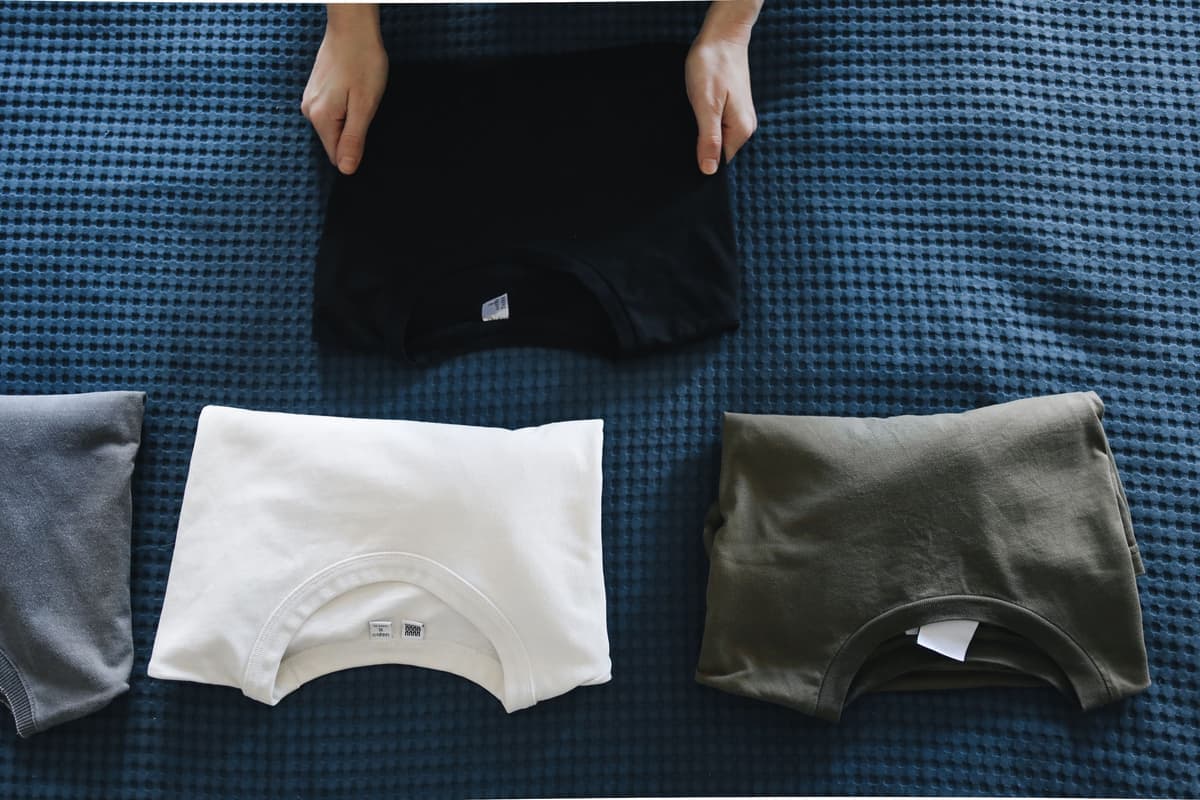
4. Best for the garments both methods unlock
Cotton Blank T-Shirts
Various · Currently sold · Verified 2026-09-27
The reason either method is interesting: cotton is what plain sublimation cannot touch. Both DTF and sublimation HTV bond to cotton and to dark fabric, so the blank range opens up to any color and any fiber. A mid-weight ring-spun tee presses flatter than a heavy open-weave one, and a pre-press to drive out moisture matters more on cotton than on polyester.
What works
- Any color works, which sublimation cannot claim
- Soft and familiar to wear
- Cheap in multi-packs, so practice is affordable
What does not
- Cotton will not take sublimation ink at all
- Very heavy or textured cotton gives uneven HTV adhesion
- Needs a pre-press to drive out moisture before the design goes on
Not for you if
You are sublimating. Sublimation needs polyester, and cotton simply will not hold the ink.
Key specs
- Fabric
- Cotton or cotton/poly blend
- Works with
- Heat transfer vinyl — not sublimation
- Weight
- Mid-weight ring-spun presses flatter than heavy open-weave
- Color
- Any color, including dark — unlike sublimation
#ad · affiliate link · we never show a price we cannot verify
Quick picks
| # | Product | Best for | Price |
|---|---|---|---|
| 1 | Large-Format Clamshell Heat Press (16 x 20)A 16 by 20 inch platen is the size at which hoodies, oversized prints and full DTF transfers stop needing t... | The one piece both methods need | Check price on Amazon #ad · affiliate link · we never show a price we cannot verify |
| 2 | Epson EcoTank ET-2800The printer most people convert — cheap, refillable, and widely documented. Read the warranty section befor... | Only if you go the sublimation HTV route | Check price on Amazon #ad · affiliate link · we never show a price we cannot verify |
| 3 | Siser EasyWeed HTVThe default heat transfer vinyl for beginners: it weeds cleanly, presses at a forgiving temperature, and is... | The simpler answer for solid-color designs | Check price on Amazon #ad · affiliate link · we never show a price we cannot verify |
| 4 | Cotton Blank T-ShirtsHeat transfer vinyl is happiest on cotton or a cotton blend, and a mid-weight ring-spun tee presses better ... | The garments both methods unlock | Check price on Amazon #ad · affiliate link · we never show a price we cannot verify |
Tap any row to jump to the full write-up. We do not publish prices — they move constantly, and a stale number is worse than none.
What changes at the press
The methods are least alike at the press, and the settings are not interchangeable.
- Pre-press the garment. Ten seconds drives out moisture, and it matters more on cotton than on polyester. Lint shows up as a white line in the design.
- Follow the material's own sheet. DTF films vary more between suppliers than vinyl does between brands, and published figures range roughly 300 to 320°F for 10 to 15 seconds. Whoever printed your transfers publishes settings for that film.
- Get the peel right. Sublimation HTV is a warm peel at Siser's published settings; most DTF is a cold peel, which means letting it cool completely before the film comes off. Peeling a cold-peel transfer warm lifts the design.
- Do the second press on DTF. A brief covered second press after peeling is in most suppliers' instructions, and it is what makes the finish and the wash durability hold up.
- Wait before washing. Suppliers typically say 24 hours, which lets the adhesive reach full strength.
For the press itself, the best heat press for DTF transfers is the roundup for this job, and the heat press temperature guide covers the rest of the materials.
If you are still mapping the methods generally, heat press versus DTG printing covers printed garments at volume, heat press versus screen printing covers the traditional alternative, and how to use HTV is the baseline technique all of these build on.
Common questions
Is DTF better than sublimation HTV?
Does sublimation HTV work on cotton?
Do I need a special printer for sublimation HTV?
Do I need a printer for DTF?
What temperature do DTF transfers need?
Which lasts longer in the wash?
Can I feel a DTF or sublimation HTV design on the shirt?
Sources
- Ricoma — DTF transfer application instructions — Published temperature ranges by fabric type, pressure, peel type and pre-press guidance for DTF transfers, verified 4 October 2026
- DTF Transfers Now — pressing instructions — Published press time and temperature, cold peel instruction, covered second press and 24-hour wash delay, verified 4 October 2026
- ProWorld — Siser EasySubli application instructions — Published EasySubli application settings of 311°F for 15 seconds at medium pressure with a warm peel, and rated fabrics including 100% cotton, verified 4 October 2026
- Sawgrass sublimation guidance — Published sublimation time, temperature and pressure guidance by substrate, verified 4 October 2026
How we picked
We verify every product is currently sold by reading the manufacturer's own catalog, compare published specifications rather than marketing copy, and rank on what a first-time buyer has to decide. We do not run lab tests and we do not claim to, and commission never affects the order.
Read this next

Sublimation vs HTV
The category-defining comparison: what each technology can and cannot do, and which to start with.
The Best Heat Press for DTF Transfers
Which presses handle DTF transfers properly, and the pressure and peel details that decide the result.
Heat Press vs DTG Printing
Direct-to-garment printing compared with heat pressing on cost, color, durability and maintenance.
The Best HTV Vinyl for Beginners
Which heat transfer vinyl weeds cleanly and presses forgivingly — and which to switch to later.
Sublimation Printer and Ink
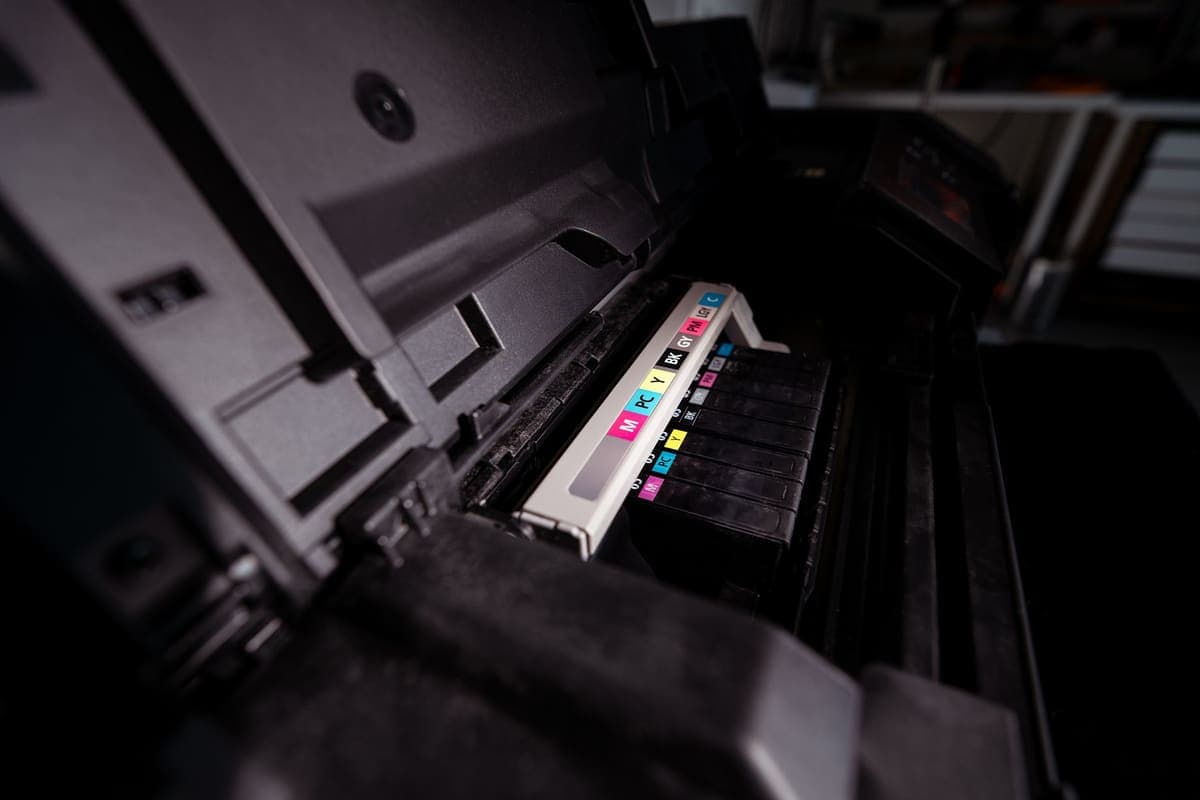
Convert an EcoTank or buy a dedicated sublimation printer: what each route really costs, and the paper and blanks both still need.
How to Use HTV
The full HTV process from cut to peel, plus a troubleshooting section for when it does not stick.
Back to Sublimation.