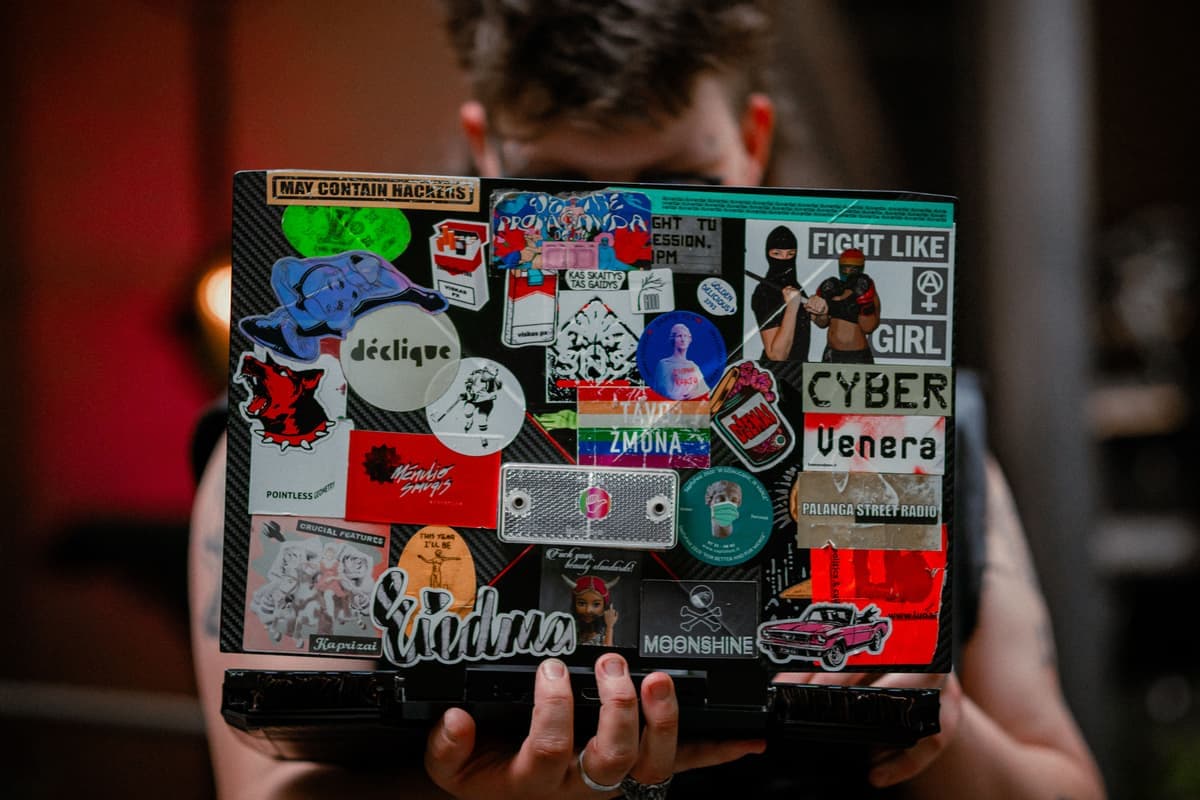
The Best Cricut for Making Stickers
Printed stickers need one specific feature. Here is which machines have it and which cannot be made to.
Heads up: Mat & Blade earns a commission from qualifying purchases made through the links on this page, at no extra cost to you. It never changes which products we recommend or how we rank them. Read the full disclosure.
If you want printed stickers, you need print-then-cut, and the Cricut Joy 2 does not have it. The Explore 5 is the best pick overall — reliable registration and enough width to gang up a full sheet at once. The Joy Xtra works in a smaller space. And the material matters more than the machine: printable vinyl survives, sticker paper does not.
Quick picks
| # | Product | Best for | Price |
|---|---|---|---|
| 1 |  Cricut Explore 5The sensible default for a first machine: it cuts everything a beginner actually uses, and the money you sa... | Sticker making overall | Check price on Amazon #ad · affiliate link · we never show a price we cannot verify |
| 2 | 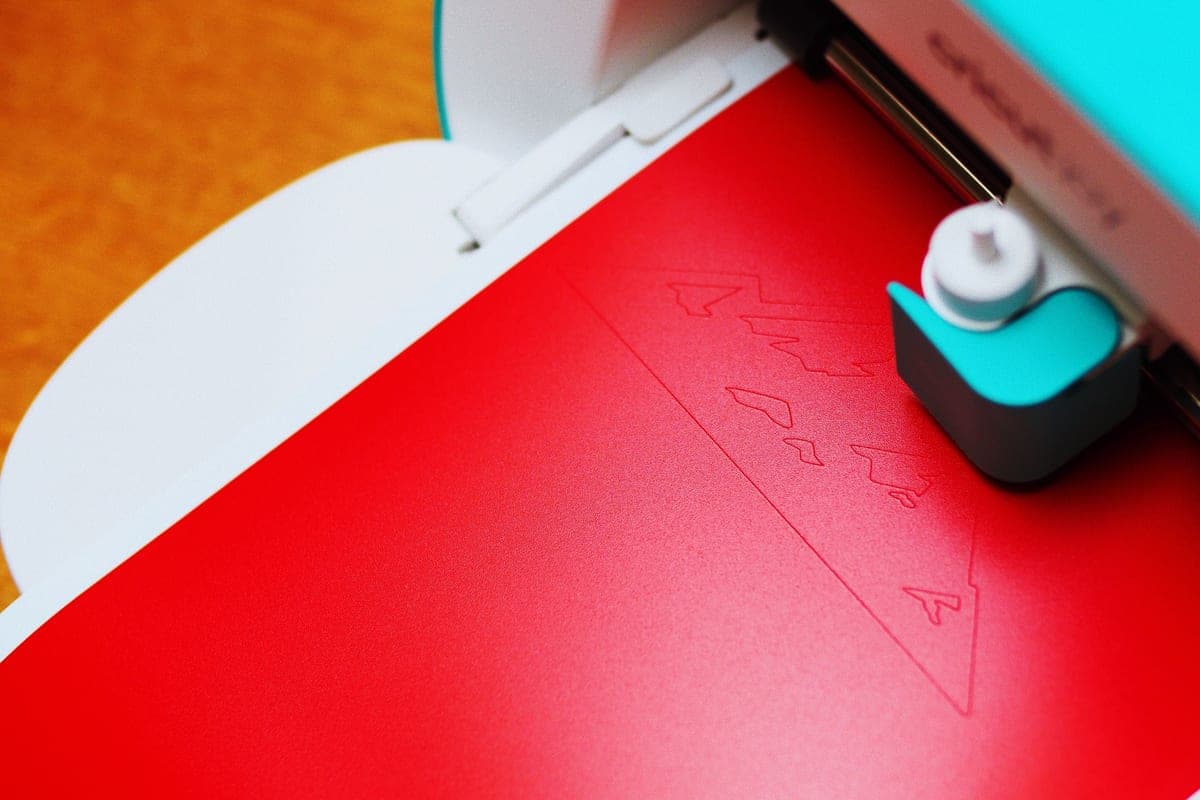 Cricut Joy XtraThe Joy that fixes the Joy's biggest limitation — a wider cut and print-then-cut — without growing into a f... | Stickers in a small space | Check price on Amazon #ad · affiliate link · we never show a price we cannot verify |
| 3 |  Cricut Maker 5The machine to buy only if you have a specific material in mind that an Explore cannot cut — rotary-blade f... | Stickers plus everything else | Check price on Amazon #ad · affiliate link · we never show a price we cannot verify |
| 4 | Printable Sticker PaperThe material behind print-then-cut stickers. Get the waterproof kind, or seal them — ordinary inkjet sticke... | The material that decides everything | Check price on Amazon #ad · affiliate link · we never show a price we cannot verify |
Tap any row to jump to the full write-up. We do not publish prices — they move constantly, and a stale number is worse than none.
There are two kinds of sticker, and they need different things
This distinction causes most of the confusion on this topic, so it is worth settling before anything else.
Cut vinyl decals are single-color shapes cut from colored adhesive vinyl. Any cutting machine makes these, including the Joy 2. There is no printing involved — the color is the vinyl. They are what most people mean by a car decal or a laptop decal.
Printed stickers are full-color designs printed on adhesive material by your home printer, then cut out by the machine following the printed outline. That last part is print-then-cut: the machine scans a registration mark and cuts precisely around artwork it did not create. It is a specific feature, and it is what you need for anything with shading, photographs or more than one color.
| Machine | Print then cut? | Cut width | Suits sticker sheets? |
|---|---|---|---|
| Cricut Joy 2 | No | 4.5 in | Cut vinyl decals only |
| Cricut Joy Xtra | Yes | 8.5 in | Yes, smaller sheets |
| Cricut Explore 5 | Yes | 11.5 in | Yes, full sheets |
| Cricut Maker 4 / 5 | Yes | 11.5 in | Yes, full sheets |
| Cricut Venture | Yes | 24 in | Yes, large format |
How we picked
We ranked on the specific requirements of sticker making rather than general capability: whether the machine has print-then-cut at all, how much artwork fits in one pass, and how well documented the registration workflow is. Products were verified against the manufacturer's live catalog on the date in the byline. Our methodology.
The picks in full
1. Best for sticker making overall
Cricut Explore 5
Cricut · Currently sold · Verified 2026-09-27
The best balance for stickers specifically. Print-then-cut works reliably, and the full 11.5 inch cut width lets you gang up a large sheet of small stickers in one pass, which is where the real time saving is when you are making dozens rather than one. It handles printable vinyl and printable sticker paper equally well, and Design Space's print-then-cut workflow is the most documented of the three ecosystems, which matters because registration scanning is the step beginners most often need help with.
What works
- Cuts every material a beginner's first ten projects will use
- Matless Smart Material cutting means long banners and decals without a mat
- Cheapest current machine that still handles full 12 in wide vinyl
- Huge community of tutorials aimed at exactly this machine
What does not
- No rotary blade, so unbacked fabric is out
- No knife blade for basswood or thick leather
- Still needs Design Space, which needs an internet connection to set up
Not for you if
You already know you want to cut quilting fabric or thick leather. That is the Maker line's rotary and knife blades, and no accessory adds them to an Explore.
Key specs
- Cuts
- Vinyl, heat transfer vinyl, cardstock, paper, iron-on, faux leather
- Max material width
- 12 in (11.5 in cut width)
- Matless cutting
- Yes, with Smart Materials
- Tool slots
- Two — blade plus pen or scoring tool
- Rotary / knife blade
- No — Maker line only
#ad · affiliate link · we never show a price we cannot verify
2. Best for stickers in a small space
Cricut Joy Xtra
Cricut · Currently sold · Verified 2026-09-27
The compact machine that can still make printed stickers, thanks to print-then-cut at an 8.5 inch cut width. Perfectly capable for planner stickers, small sheets and one-off designs, and it puts away afterwards. The constraint is sheet size: you fit fewer stickers per pass than on an Explore, which is barely noticeable for a handful and tedious for a hundred.
What works
- 8.5 in cut width handles most youth and many adult shirt designs
- Print-then-cut means printed sticker sheets, which the Joy 2 cannot do
- Still small and light enough to put away between projects
- Uses the same Design Space workflow as the bigger machines
What does not
- Still narrower than the 11.5 in the Explore and Maker lines cut
- Costs enough that the Explore 5 becomes a fair comparison
- Smaller mat sizes limit how much you can gang up on one cut
Not for you if
You want full-width 12 in vinyl for large signs or full-front shirt prints. Step up to an Explore 5 instead.
Key specs
- Cuts
- Vinyl, heat transfer vinyl, cardstock, sticker paper, faux leather
- Max cut width
- 8.5 in
- Print then cut
- Yes — printed stickers work
- Matless cutting
- Yes, with Smart Materials
- Footprint
- Noticeably smaller than an Explore
#ad · affiliate link · we never show a price we cannot verify
3. Best for stickers plus everything else
Cricut Maker 5
Cricut · Currently sold · Verified 2026-09-27
Does everything the Explore does for stickers, with no advantage specific to them — print-then-cut is the same feature at the same width. Buy it if you also want the rotary and knife blades for other projects. Buying it for stickers alone is paying for capability that contributes nothing to the task.
What works
- Rotary blade cuts quilting cotton with no backing, which no Explore can do
- Knife blade opens basswood, chipboard and thick leather
- Adaptive tool system takes every Cricut blade and tip
- Same matless Smart Material workflow as the Explore line
What does not
- Materially more expensive than an Explore for capability most beginners never use
- The knife blade is a separate purchase on top of the machine
- Knife-blade cuts are slow — a thick basswood cut can run well over an hour
Not for you if
Your project list is shirts, decals, stickers and cards. Every one of those cuts identically on an Explore 5, and the difference in price is roughly a full starter set of materials.
Key specs
- Cuts
- 300+ materials including unbacked fabric, leather, basswood
- Max material width
- 12 in (11.5 in cut width)
- Matless cutting
- Yes, with Smart Materials
- Rotary blade
- Yes — cuts fabric without a stabilizer backing
- Knife blade
- Yes — sold separately
#ad · affiliate link · we never show a price we cannot verify
4. Best for the material that decides everything
Printable Sticker Paper
Various · Currently sold · Verified 2026-09-27
The machine matters less than this does. Ordinary paper-based printable sticker sheets look fine and run the moment they get damp, which is why a water bottle sticker made on the cheap material lasts a week. Printable vinyl — waterproof, and usually sold as printable adhesive vinyl rather than sticker paper — survives handling, drinks and the occasional wash. If your stickers are going anywhere near liquid, buy the vinyl or plan to seal the paper.
What works
- The only way to make full-color stickers on a craft machine
- Waterproof printable vinyl holds up to real use
- Cheap per sheet once you gang designs up
What does not
- Paper-based sticker sheets run when wet unless sealed
- Print-then-cut registration needs decent lighting to scan reliably
- The Joy 2 cannot do print-then-cut at all
Not for you if
Your machine has no print-then-cut. Cut solid-color vinyl decals instead.
Key specs
- Type
- Printable adhesive sheets for an inkjet printer
- Requires
- A machine with print-then-cut — not every model has it
- Waterproof versions
- Printable vinyl rather than paper; survive handling
- Finish
- Matte and gloss
#ad · affiliate link · we never show a price we cannot verify
What else you need
A color inkjet printer, first of all — print-then-cut does not print, it cuts around something you printed. Any reasonable home inkjet works; the machine does not care which.
Then the material, which is where the quality of the result is actually decided. Printable sticker paper is cheap and fine for planner stickers and anything that stays dry. Printable vinyl costs more, is waterproof, and is what you want for water bottles, laptops and anything sold to another person. A laminate or sealant sheet over paper stickers is a workable middle route.
Making stickers people will pay for
Three things separate a sticker that sells from one that does not, and none of them is the machine. Use waterproof printable vinyl, because a buyer's first sticker going tacky in the rain ends the relationship. Gang your designs so a full sheet prints and cuts at once, since the per-sticker time cost is what makes small runs unprofitable. And leave a visible white border or a deliberate cut offset around the artwork — a cut that tries to hug the artwork exactly will look ragged the moment registration is a millimeter out.
If selling is the goal, what to make and sell covers where stickers sit against the other categories, and best vinyl for Cricut covers cut decals if you would rather start there.
Common questions
Can the Cricut Joy 2 make printed stickers?
Which Cricut is best for making stickers?
Do I need a special printer for Cricut stickers?
How do I make waterproof stickers?
Why does my Cricut fail to read the registration mark?
Sources
- Cricut official product catalog — Print-then-cut availability by model, verified 27 September 2026
How we picked
We verify every product is currently sold by reading the manufacturer's own catalog, compare published specifications rather than marketing copy, and rank on what a first-time buyer has to decide. We do not run lab tests and we do not claim to, and commission never affects the order.
Read this next
The Best Cricut for Beginners
One safe default pick, plus the specific cases where a different Cricut — or no Cricut — is the better buy.
Cricut Joy Xtra Review
Small footprint, 8.5 inch cutting and print-then-cut — the compact Cricut that still makes real projects.
Cricut Explore 5 Review
The mainstream Cricut: what it cuts, what it cannot, and who should buy something else instead.
The Best Vinyl for a Cricut
The right vinyl for each surface — permanent, removable and heat transfer, with the reasoning.
What to Make and Sell
Which product categories hold up commercially, which are crowded, and what to check before listing.
Back to Cutting Machines.