
The Best Cricut for Making Tumblers
Tumblers are the one project where the expensive machine buys you almost nothing. Here is what actually decides it.
Heads up: Mat & Blade earns a commission from qualifying purchases made through the links on this page, at no extra cost to you. It never changes which products we recommend or how we rank them. Read the full disclosure.
Buy the Explore 5 if you want full wrap-around designs; the Joy 2 is genuinely enough for front decals and monograms. Tumbler decals are small, so this is the rare project where the cheapest machine is not a compromise — right up until you want a design that goes all the way round, which is where cut width suddenly decides everything.
Quick picks
| # | Product | Best for | Price |
|---|---|---|---|
| 1 | 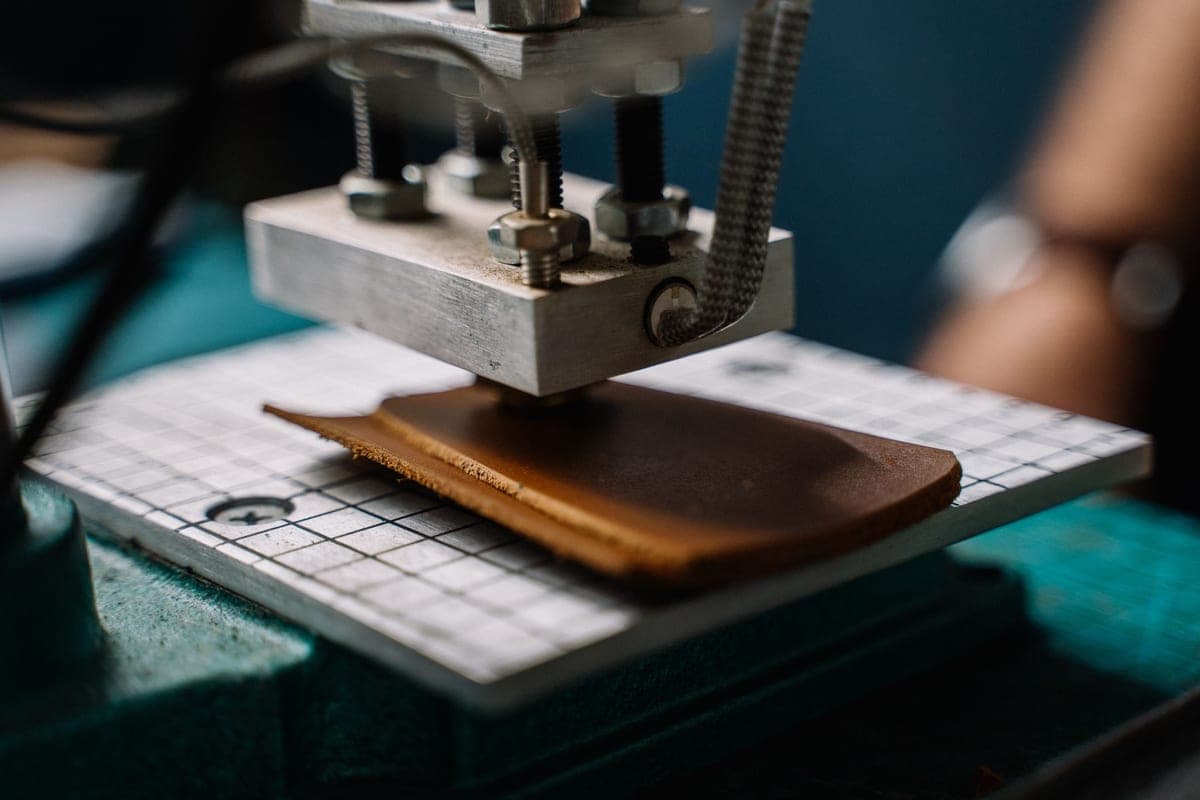 Cricut Explore 5The sensible default for a first machine: it cuts everything a beginner actually uses, and the money you sa... | Full wraps and everything else | Check price on Amazon #ad · affiliate link · we never show a price we cannot verify |
| 2 | 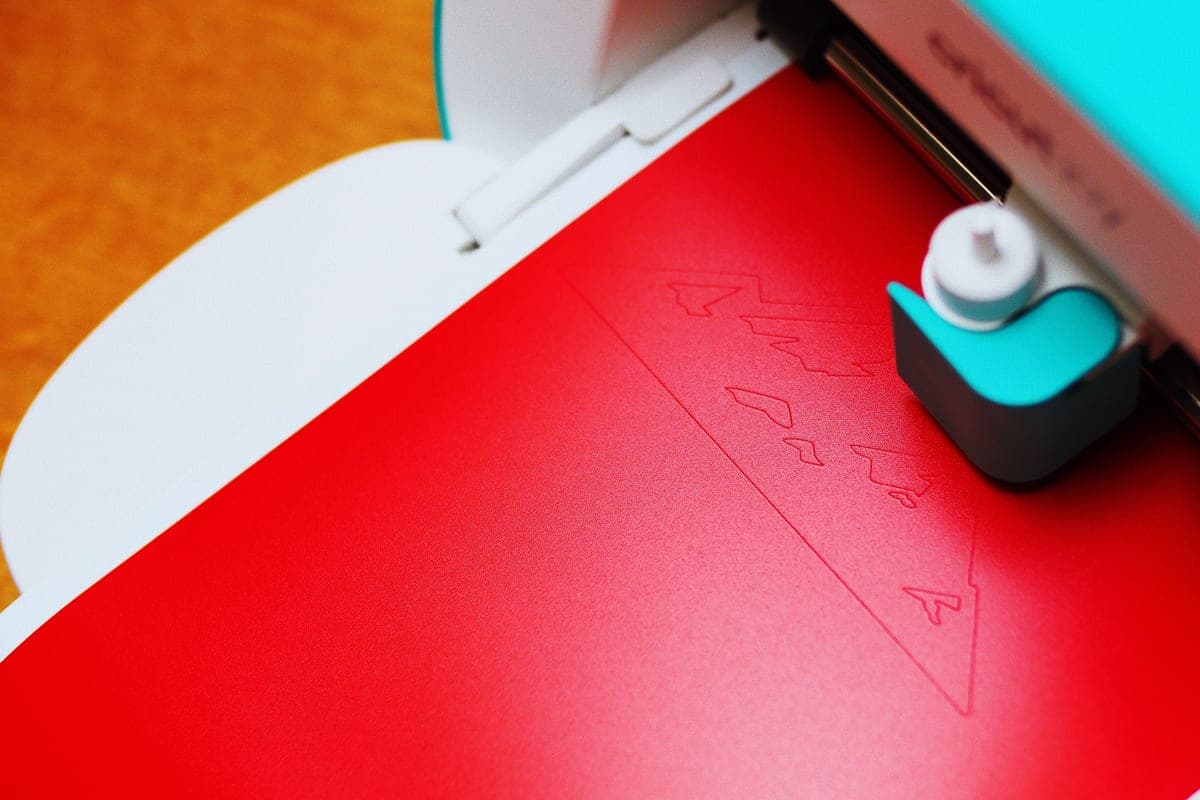 Cricut Joy XtraThe Joy that fixes the Joy's biggest limitation — a wider cut and print-then-cut — without growing into a f... | Tumblers in a small space | Check price on Amazon #ad · affiliate link · we never show a price we cannot verify |
| 3 |  Cricut Joy 2The cheapest way into the hobby and a genuinely good little machine — as long as you accept that its narrow... | Front decals and monograms, cheaply | Check price on Amazon #ad · affiliate link · we never show a price we cannot verify |
| 4 |  Oracal 651 Permanent VinylThe industry-standard permanent adhesive vinyl, and the one to use for anything that has to survive weather... | The material that decides whether it lasts | Check price on Amazon #ad · affiliate link · we never show a price we cannot verify |
| 5 | 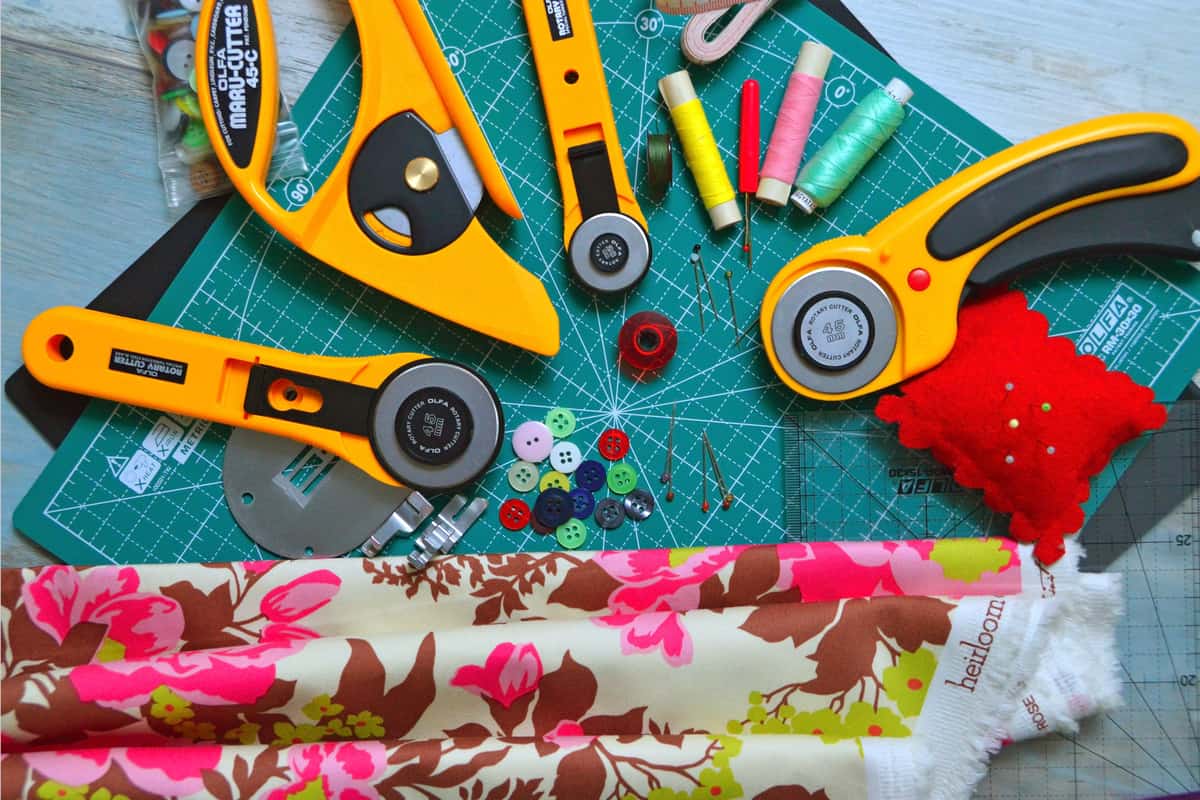 Vinyl Transfer TapeNot optional. Without transfer tape you cannot move a weeded multi-piece decal onto a surface with the spac... | Getting a decal onto a curve | Check price on Amazon #ad · affiliate link · we never show a price we cannot verify |
| 6 | 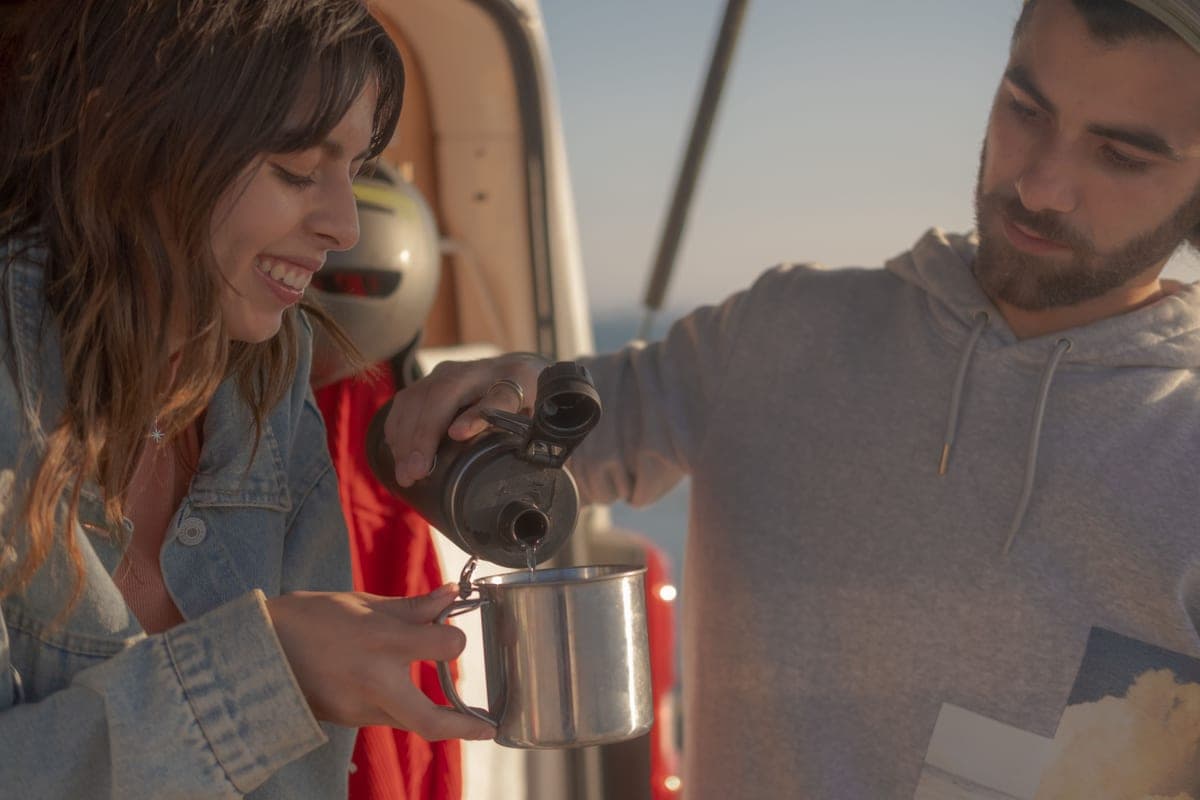 Sublimation Tumbler BlanksPolymer-coated tumblers are the most forgiving sublimation blank there is — the coating does the work, so a... | The other method entirely | Check price on Amazon #ad · affiliate link · we never show a price we cannot verify |
| 7 | Tumbler Heat PressA curved heating element that closes around a tumbler, which is the only practical way to sublimate one — a... | If you take the sublimation route | Check price on Amazon #ad · affiliate link · we never show a price we cannot verify |
Tap any row to jump to the full write-up. We do not publish prices — they move constantly, and a stale number is worse than none.
The number that actually decides this
A 20 oz skinny tumbler — the format most craft blanks are sold in — has a circumference of roughly nine inches, and a usable design height of about six or seven inches before the taper gets awkward.
That single figure sorts the machines. A design that wraps all the way round needs to be cut as one piece wider than nine inches, or split and aligned on the tumbler. Everything narrower than a full wrap — a name, a monogram, a front graphic, a decal on one side — is comfortably inside four and a half inches.
| Machine | Cut width | Front decal or monogram | Full wrap in one piece | Printed decals |
|---|---|---|---|---|
| Cricut Joy 2 | 4.5 in | Yes | No | No |
| Cricut Joy Xtra | 8.5 in | Yes | Just under — usually split | Yes |
| Cricut Explore 5 | 11.5 in | Yes | Yes, comfortably | Yes |
| Cricut Maker 4 / 5 | 11.5 in | Yes | Yes | Yes |
| Cricut Venture | 24 in | Yes | Yes | Yes |
Read that table and the recommendation falls out of your own project list rather than out of a price comparison. If you are making monogrammed tumblers as gifts, the cheapest machine is not a stepping stone — it is the correct purchase.
How we picked
We ranked against what tumbler work specifically demands — cut width measured against a real blank, print-then-cut for full-color decals, and the long matless cutting that continuous wrap designs use — rather than against general machine capability. The lineup was checked against Cricut's own published catalog on the date in the byline, and the materials against their manufacturers' published durability ratings. Our full methodology.
Why the Maker is the wrong answer here
Worth stating plainly, because "best for tumblers" searches often end with somebody buying the top of the line. The Maker line costs more for exactly two capabilities: a rotary blade that cuts unbacked fabric, and a knife blade that cuts basswood and thick leather.
Neither has anything to do with tumblers. On adhesive vinyl — the only material a tumbler decal uses — a Maker cuts identically to an Explore, at the same width, at the same quality. The premium buys blades that will not leave their packaging. The full comparison, if you want the reasoning in detail.
Our picks in full
1. Best for full wraps and everything else
Cricut Explore 5
Cricut · Currently sold · Verified 2026-09-27
The safe default, and the only machine here that cuts a full wrap-around design in one piece. A 20 oz skinny tumbler has roughly nine inches of circumference, so a design that goes all the way round needs more cut width than the compact machines offer — at 11.5 inches this handles it with room to spare. It also has print-then-cut, which matters more on tumblers than on most projects because printed full-color decals are a large share of what people actually put on drinkware. If you want one machine that does tumblers properly and does not limit you anywhere else, this is it.
What works
- Cuts every material a beginner's first ten projects will use
- Matless Smart Material cutting means long banners and decals without a mat
- Cheapest current machine that still handles full 12 in wide vinyl
- Huge community of tutorials aimed at exactly this machine
What does not
- No rotary blade, so unbacked fabric is out
- No knife blade for basswood or thick leather
- Still needs Design Space, which needs an internet connection to set up
Not for you if
You already know you want to cut quilting fabric or thick leather. That is the Maker line's rotary and knife blades, and no accessory adds them to an Explore.
Key specs
- Cuts
- Vinyl, heat transfer vinyl, cardstock, paper, iron-on, faux leather
- Max material width
- 12 in (11.5 in cut width)
- Matless cutting
- Yes, with Smart Materials
- Tool slots
- Two — blade plus pen or scoring tool
- Rotary / knife blade
- No — Maker line only
#ad · affiliate link · we never show a price we cannot verify
2. Best for tumblers in a small space
Cricut Joy Xtra
Cricut · Currently sold · Verified 2026-09-27
The compact machine that still covers most tumbler work. An 8.5 inch cut handles front decals, monograms, names and the great majority of partial wraps, and print-then-cut is included so printed decals are on the table. It genuinely stores away between projects, which is the reason to choose it. The limit is the full wrap: at 8.5 inches you are just under the circumference of a standard skinny tumbler, so an all-the-way-round design has to be split into two pieces and aligned.
What works
- 8.5 in cut width handles most youth and many adult shirt designs
- Print-then-cut means printed sticker sheets, which the Joy 2 cannot do
- Still small and light enough to put away between projects
- Uses the same Design Space workflow as the bigger machines
What does not
- Still narrower than the 11.5 in the Explore and Maker lines cut
- Costs enough that the Explore 5 becomes a fair comparison
- Smaller mat sizes limit how much you can gang up on one cut
Not for you if
You want full-width 12 in vinyl for large signs or full-front shirt prints. Step up to an Explore 5 instead.
Key specs
- Cuts
- Vinyl, heat transfer vinyl, cardstock, sticker paper, faux leather
- Max cut width
- 8.5 in
- Print then cut
- Yes — printed stickers work
- Matless cutting
- Yes, with Smart Materials
- Footprint
- Noticeably smaller than an Explore
#ad · affiliate link · we never show a price we cannot verify
3. Best for front decals and monograms, cheaply
Cricut Joy 2
Cricut · Currently sold · Verified 2026-09-27
Worth taking seriously rather than dismissing, because tumblers are the project where its limits bite least. Most tumbler decals people actually apply — a name, a monogram, a small graphic on the front — fit comfortably inside 4.5 inches. Its long matless cutting is genuinely useful here too: a continuous strip design for a wrap can run far longer than any mat allows. What it cannot do is a full-width wrap in one piece, and it has no print-then-cut, so printed full-color decals are out entirely.
What works
- The lowest cost of entry in the current Cricut line
- Genuinely portable and storable, which matters if you have no dedicated craft space
- Long matless cuts make it excellent for labels and long decals
- Simple enough that the learning curve is close to flat
What does not
- 4.5 in cut width is the hard limit — most adult shirt designs will not fit
- No print-then-cut, so printed stickers are out
- Takes the narrow Joy-format materials, which are less widely stocked
Not for you if
You want to make shirts. A 4.5 in design reads as a small chest logo, not a front print, and there is no workaround.
Key specs
- Cuts
- Vinyl, heat transfer vinyl, cardstock, paper, Smart Label material
- Max cut width
- 4.5 in
- Max cut length
- Up to 20 ft with Smart Materials
- Footprint
- Small enough to store in a drawer
- Mat required
- Optional — cuts matless with Smart Materials
#ad · affiliate link · we never show a price we cannot verify
4. Best for the material that decides whether it lasts
Oracal 651 Permanent Vinyl
Oracal · Currently sold · Verified 2026-09-27
This matters more than which machine you buy. A tumbler is handled constantly, gets wet, goes in and out of bags and gets washed — which is exactly the environment removable vinyl is not built for. Permanent adhesive vinyl uses a solvent-based adhesive that cures hard and resists water, and Oracal publish a durability rating for 651 well beyond what a tumbler ever faces. If a tumbler decal has ever peeled at the edges within a few weeks, the wrong vinyl is almost always why.
What works
- The reference permanent vinyl — settings and behavior are documented everywhere
- Genuinely weather-resistant, which most craft-store vinyl is not
- Wide color range and readily available by the roll
What does not
- Permanent means permanent — removing it from paint or a wall can take finish with it
- Gloss finish is not what you want on a wall quote
- Not for fabric under any circumstances
Not for you if
You are decorating a rented wall. Use removable 631 instead and keep your deposit.
Key specs
- Type
- Adhesive vinyl — for hard surfaces, not fabric
- Adhesive
- Permanent, solvent-based
- Outdoor durability
- Oracal rates 651 for up to six years outdoors
- Finish
- Gloss (matte available in some colors)
- Typical use
- Car decals, window signs, tumblers, outdoor labels
#ad · affiliate link · we never show a price we cannot verify
5. Best for getting a decal onto a curve
Vinyl Transfer Tape
Various · Currently sold · Verified 2026-09-27
Not optional, and more important on a tumbler than on anything flat. A curved surface means the design has to ease onto the curve while every letter stays in position, and there is no way to do that piece by piece. Gridded transfer tape holds the whole design together and gives you a straight reference line against the rim. Beginners routinely leave this off the first order and discover they need it at the worst moment.
What works
- Turns an impossible alignment job into a single motion
- Gridded versions make straight application genuinely easy
- Cheap relative to how much frustration it removes
What does not
- High-tack tape can pull thin vinyl off its backing and tear it
- Not used for heat transfer vinyl, which has its own carrier sheet
Not for you if
You are only making shirts. HTV comes with its own carrier and needs no transfer tape.
Key specs
- Purpose
- Lifts a weeded decal off its backing and places it as one piece
- Tack
- Medium tack suits most craft vinyl
- Format
- Rolls, usually 12 in wide; gridded versions help alignment
- Reusable
- A sheet can usually be reused several times
#ad · affiliate link · we never show a price we cannot verify
6. Best for the other method entirely
Sublimation Tumbler Blanks
Various · Currently sold · Verified 2026-09-27
Included because a lot of people searching for a tumbler machine actually want this and do not know it yet. Sublimation puts the design into a polymer coating rather than sticking it on top, so there is no edge to lift and the result looks manufactured. It needs coated blanks, a printer and a tumbler press — a separate setup from the cutting machine — and it only works on white or very light blanks.
What works
- The coating makes color come out bright and sharp
- Very forgiving of small timing errors
- Sold in cheap multi-packs so practice costs little
What does not
- Must be sublimation-specific — an ordinary tumbler will not take the ink
- Needs a tumbler press or an oven; a flat press cannot do it
- Not dishwasher-proof in practice, whatever the listing says
Not for you if
You only have a flat heat press. A flat plate cannot wrap a tumbler evenly.
Key specs
- Coating
- Polymer coating — required for sublimation to bond
- Common size
- 20 oz skinny tumbler
- Heat source
- Tumbler press, convection oven, or shrink wrap plus oven
- Color
- White or very light — sublimation ink is translucent
#ad · affiliate link · we never show a price we cannot verify
7. Best for if you take the sublimation route
Tumbler Heat Press
Various · Currently sold · Verified 2026-10-01
The piece people discover after buying everything else. A flat heat press touches a cylinder along a narrow line, so it cannot transfer evenly onto a tumbler at all — you need a curved element that wraps the blank, or a dedicated convection oven. Only relevant for sublimation: vinyl decals need no heat whatsoever, which is a large part of why the vinyl route is the cheaper place to start.
What works
- Wraps the blank, so the whole design gets even contact
- Far more consistent than rotating a tumbler against a flat press
- Many models take mugs as well as tumblers, which widens the product range
What does not
- Single-purpose — it presses round blanks and nothing else
- Another permanent item on the bench
- Sizes are specific, so check it fits the blanks you actually buy
Not for you if
You are making vinyl decals for tumblers. Adhesive vinyl needs no heat at all, so this is a purchase you can skip entirely.
Key specs
- Type
- Curved-platen cup and tumbler press
- Common sizes
- Sized for 20 oz skinny tumblers; many also take 11-17 oz mugs
- Controls
- Set temperature and timer, like a flat press
- Needed for
- Sublimation on tumblers and mugs — not for vinyl decals
- Alternative
- A dedicated convection oven, which is slower and handles several blanks at once
#ad · affiliate link · we never show a price we cannot verify
The material matters more than the machine
Every machine on this page cuts vinyl to the same standard. What separates a tumbler decal that lasts years from one that lifts in a fortnight is the vinyl and the preparation — neither of which is a machine decision.
Use permanent adhesive vinyl. A tumbler is handled constantly, gets wet and goes in a bag. Removable vinyl's low-tack adhesive is designed to release cleanly, which is precisely the wrong property here, and it starts lifting at the edges within weeks of real use. The full permanent versus removable breakdown.
Clean the surface with isopropyl alcohol, not soapy water. New drinkware frequently carries a manufacturing residue you cannot see, and washing leaves its own film behind. This single step is the most common cause of a decal that peels, and it costs nothing.
Applying a decal to a curve
The genuinely difficult part of tumbler work, and it has nothing to do with which machine cut the vinyl. A flat design applied to a cylinder wants to buckle, because the surface curves in a direction the vinyl does not.
1Keep each piece narrow
A tall narrow design wraps far more easily than a wide short one. The wider a single piece is, the more it has to distort to lie flat on a curve — which is why vertical text often works better than horizontal on a skinny tumbler.
2Clean with isopropyl alcohol and let it dry
Not soapy water. Residue is invisible and it is what the adhesive would otherwise be sticking to.
3Burnish the transfer tape firmly
More firmly than you would on something flat, since every piece has to stay put while being worked around a curve. A flexible scraper follows the shape better than a rigid one.
4Hinge from the center
Tape the middle of the design down first, then work outward in both directions. Starting at one end concentrates any accumulated distortion at the far end, which is where crooked lettering comes from.
5Ease it onto the curve
Press from the center toward each edge with the scraper. Small bubbles will appear — push them toward the nearest edge rather than lifting and repositioning.
6Peel the tape back slowly and nearly flat
At a sharp angle against the surface, not straight up. If vinyl lifts with the tape, lay it back down, burnish that area again, and carry on.
7Leave it to cure before use
At least 24 hours, ideally longer, before the tumbler is washed or filled with anything hot. Permanent adhesive needs that time to reach full strength.
Vinyl or sublimation?
Both make decorated tumblers and they are genuinely different products, so it is worth knowing which one you actually want before buying anything.
| Vinyl decal | Sublimation | |
|---|---|---|
| Equipment beyond the cutter | None | Printer, ink, paper, tumbler press |
| Works on any tumbler | Yes | No — needs a polymer coating |
| Works on colored or dark blanks | Yes | No — white or very light only |
| Full-color photographic designs | No | Yes |
| Edge that can lift | Yes | None — the design is in the coating |
| Cost to start | Low | Considerably higher |
| Dishwasher | No | Also no — the coating degrades |
The honest summary: vinyl is where to start. It needs nothing beyond the cutting machine you are already buying, it works on any tumbler you already own, and it handles dark and colored blanks that sublimation cannot touch. Sublimation looks better and costs considerably more to reach. The full comparison of the two methods, and which blanks sublimation actually works on.
What to buy alongside the machine
- Permanent adhesive vinyl in two or three colors you will actually use — not a rainbow pack. Which to buy.
- Gridded transfer tape, which is what makes a curved application survivable.
- A weeding hook and a flexible scraper. The scraper does double duty, burnishing the tape and then the decal onto the curve.
- Isopropyl alcohol and a lint-free cloth. The cheapest item here and the one that prevents the most failures.
- A standard grip mat, unless you are cutting matless Smart Materials exclusively.
If this is your first project, your first vinyl decal walks the whole process from cut to cure, and best vinyl for tumblers and glass goes deeper on the material side. Still choosing a machine generally? The beginner roundup covers the whole current line.
Common questions
Which Cricut is best for making tumblers?
Can a Cricut Joy make tumbler decals?
How wide does a design need to be to wrap a tumbler?
What vinyl should I use on a tumbler?
Are vinyl tumblers dishwasher safe?
Why does my tumbler vinyl keep peeling?
Do I need a Cricut Maker for tumblers?
Is sublimation better than vinyl for tumblers?
Sources
- Cricut official product catalog — Current machine lineup, cut widths and print-then-cut availability by model, verified 1 October 2026
- Orafol / Oracal product data — Oracal 651 permanent adhesive type and published durability rating, verified 1 October 2026
How we picked
We verify every product is currently sold by reading the manufacturer's own catalog, compare published specifications rather than marketing copy, and rank on what a first-time buyer has to decide. We do not run lab tests and we do not claim to, and commission never affects the order.
Read this next
The Best Vinyl for Tumblers and Glass
Which vinyl survives on drinkware and glass, how to apply it to a curve, and the dishwasher problem.
The Best Permanent Vinyl
Permanent vinyl that genuinely lasts outdoors, plus the surfaces where it is the wrong answer.
Your First Vinyl Decal
The cheapest first project — a complete decal walkthrough with no heat source required.
The Best Cricut for Beginners
One safe default pick, plus the specific cases where a different Cricut — or no Cricut — is the better buy.
The Best Sublimation Blanks
Which blanks genuinely take sublimation, which are most forgiving, and what to check before buying.
Cricut Explore 5 vs Maker 5
The Explore-versus-Maker question settled: what the extra blades do, and who will never use them.
Back to Cutting Machines.