
The Best Clear Sticker Paper for a Cricut
Transparent stickers are possible, with two constraints nobody mentions until after the first failed sheet.
Heads up: Mat & Blade earns a commission from qualifying purchases made through the links on this page, at no extra cost to you. It never changes which products we recommend or how we rank them. Read the full disclosure.
What people call clear sticker paper is printable vinyl on a transparent film, and on a Cricut it runs into two hard limits: inkjets cannot print white, and Cricut's own documentation says the Print Then Cut sensor needs non-reflective, white or lightly colored material. So the reliable buy is matte waterproof printable vinyl — white — with clear film kept for designs that genuinely need a see-through background, and tested on one sheet before you commit a batch.
Quick picks
| # | Product | Best for | Price |
|---|---|---|---|
| 1 | 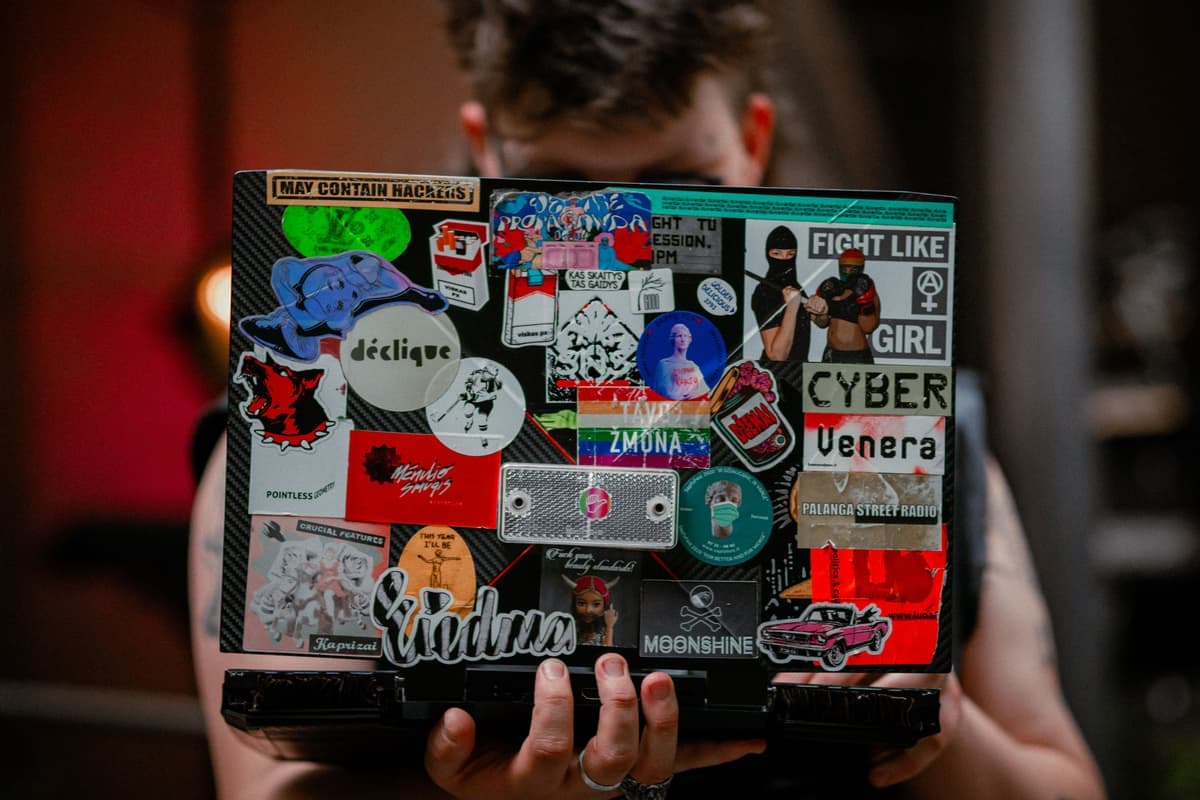 Printable Sticker PaperThe material behind print-then-cut stickers. Get the waterproof kind, or seal them — ordinary inkjet sticke... | Printed stickers that survive being used | Check price on Amazon #ad · affiliate link · we never show a price we cannot verify |
| 2 |  Cricut Explore 5The sensible default for a first machine: it cuts everything a beginner actually uses, and the money you sa... | Print-then-cut at full sheet size | Check price on Amazon #ad · affiliate link · we never show a price we cannot verify |
| 3 | 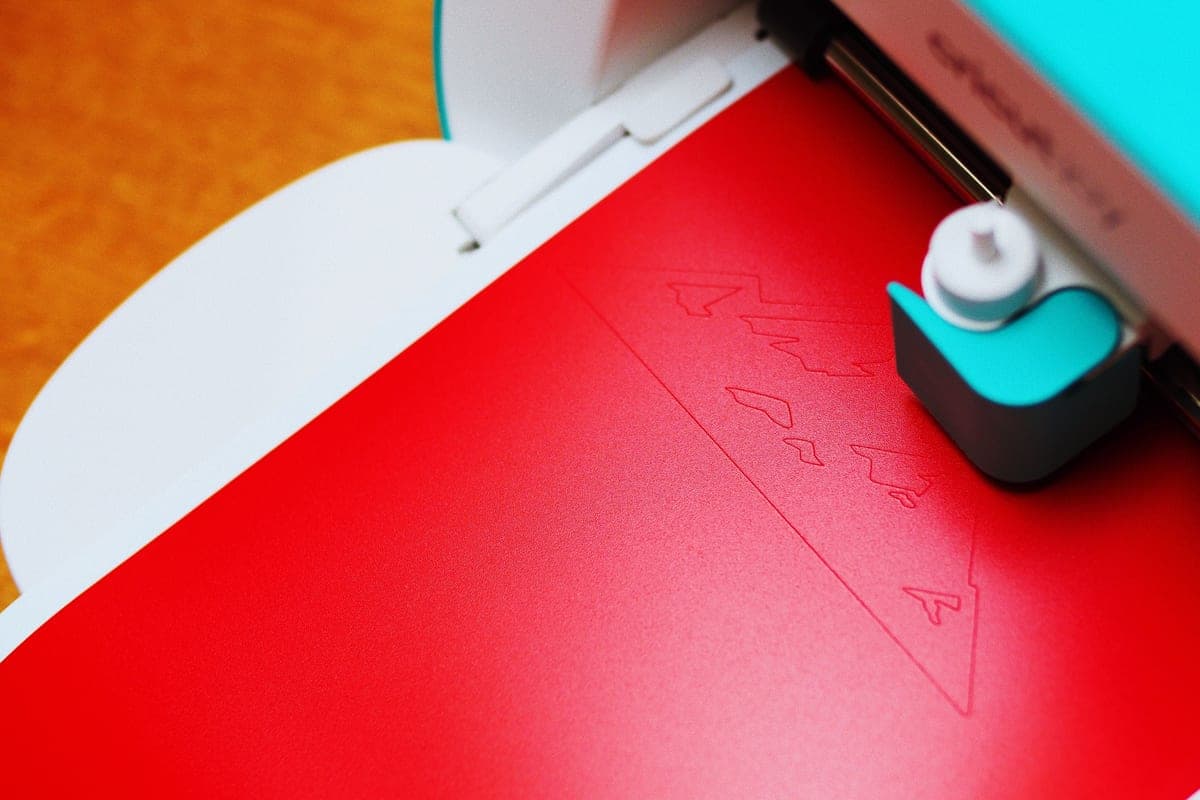 Cricut Joy XtraThe Joy that fixes the Joy's biggest limitation — a wider cut and print-then-cut — without growing into a f... | Printed stickers in a small space | Check price on Amazon #ad · affiliate link · we never show a price we cannot verify |
| 4 |  Cutting Machine MatsMats are consumable, not permanent — plan on replacing them, and match the grip to the material rather than... | Holding a printed sheet still | Check price on Amazon #ad · affiliate link · we never show a price we cannot verify |
Tap any row to jump to the full write-up. We do not publish prices — they move constantly, and a stale number is worse than none.
The two limits, before you buy anything
Both are physical rather than fixable, and knowing them is the difference between transparent stickers that look deliberate and a wasted pack of film.
1. A home printer has no white ink
Inkjets build color from cyan, magenta, yellow and black, and use the white of the paper as the white in your design. On clear film there is no white — so anything light in the design becomes translucent, and whatever the sticker is stuck to shows through it. White text on clear film does not come out white; it comes out as the color of the laptop lid underneath.
That is why clear stickers work best for dark, saturated designs and outlines, and why a white border or backing is the usual workaround. It is not a printer fault and no setting changes it.
2. Print Then Cut has published material rules
Cricut's own help documentation is specific: reflective, metallic, glitter and glossy finishes are not supported for Print Then Cut, because they interfere with the sensor reading the registration marks — the result is either a refusal to scan or a cut offset from the print. It also splits machines by material color: older models scan non-reflective white only, while newer models with the more powerful sensor also handle lightly colored and simple patterned material.
Clear glossy film is at the difficult end of all of that. Some people get it scanning reliably with good even lighting; others never do. Buy one pack, test it, and keep matte white as the fallback.
| Material | Finish | Waterproof | Print Then Cut | Best for |
|---|---|---|---|---|
| Matte printable vinyl, white | Matte | Yes | Cricut's documented best case | Everyday stickers, planner and laptop stickers |
| Gloss printable vinyl, white | Gloss | Yes | Riskier — gloss can defeat the sensor | Vibrant color, if it scans |
| Clear printable vinyl | Usually gloss | Yes | Test before committing | Dark designs, glass, window decals |
| Printable sticker paper | Matte or gloss | No — runs when damp | Fine if matte | Paper crafts, indoor labels |
| Printable iron-on | Matte | n/a — fabric | Fine if matte | Printed designs on light shirts |
How we picked
We ranked on two things sticker material is usually not ranked on: whether Cricut's published Print Then Cut rules say the finish will scan, and whether the sticker survives real handling without a sealer. Then on cost per sheet. Sensor and size limits are taken from Cricut's own help documentation on the date in the byline. Our methodology says what our recommendations are reasoned from, and we have not lab-tested these materials.
Our picks in full
1. Best for printed stickers that survive being used
Printable Sticker Paper
Various · Currently sold · Verified 2026-09-27
The material behind every print-then-cut sticker, and the thing to get right before worrying about transparency. Buy the waterproof kind — printable vinyl rather than paper — because ordinary inkjet sticker paper runs the moment it meets a damp hand or a water bottle. Matte finishes are also the ones Cricut's own documentation says the Print Then Cut sensor reads reliably, which makes matte waterproof printable vinyl the safe default and gloss or clear the thing to test first.
What works
- The only way to make full-color stickers on a craft machine
- Waterproof printable vinyl holds up to real use
- Cheap per sheet once you gang designs up
What does not
- Paper-based sticker sheets run when wet unless sealed
- Print-then-cut registration needs decent lighting to scan reliably
- The Joy 2 cannot do print-then-cut at all
Not for you if
Your machine has no print-then-cut. Cut solid-color vinyl decals instead.
Key specs
- Type
- Printable adhesive sheets for an inkjet printer
- Requires
- A machine with print-then-cut — not every model has it
- Waterproof versions
- Printable vinyl rather than paper; survive handling
- Finish
- Matte and gloss
#ad · affiliate link · we never show a price we cannot verify
2. Best for print-then-cut at full sheet size
Cricut Explore 5
Cricut · Currently sold · Verified 2026-09-27
Printed stickers need a machine that can scan registration marks around a printed design, and this is the cheapest current full-size Cricut that does it. Full width also means you can gang a whole sheet of small stickers into one cut rather than running sheets one at a time. Cricut publishes a maximum print-then-cut image of roughly 9.94 by 7.44 inches on letter paper, because the sensor markings occupy the rest of the sheet — that is a software limit, not a machine fault.
What works
- Cuts every material a beginner's first ten projects will use
- Matless Smart Material cutting means long banners and decals without a mat
- Cheapest current machine that still handles full 12 in wide vinyl
- Huge community of tutorials aimed at exactly this machine
What does not
- No rotary blade, so unbacked fabric is out
- No knife blade for basswood or thick leather
- Still needs Design Space, which needs an internet connection to set up
Not for you if
You already know you want to cut quilting fabric or thick leather. That is the Maker line's rotary and knife blades, and no accessory adds them to an Explore.
Key specs
- Cuts
- Vinyl, heat transfer vinyl, cardstock, paper, iron-on, faux leather
- Max material width
- 12 in (11.5 in cut width)
- Matless cutting
- Yes, with Smart Materials
- Tool slots
- Two — blade plus pen or scoring tool
- Rotary / knife blade
- No — Maker line only
#ad · affiliate link · we never show a price we cannot verify
3. Best for printed stickers in a small space
Cricut Joy Xtra
Cricut · Currently sold · Verified 2026-09-27
The compact machine that can still make printed stickers, which the Joy 2 cannot: print-then-cut is included, and 8.5 inches of cut width is plenty for sticker sheets. It stores away between projects. The limit is scale rather than capability — smaller mats mean fewer stickers per cut, so a large batch takes more passes than it would on a full-size machine.
What works
- 8.5 in cut width handles most youth and many adult shirt designs
- Print-then-cut means printed sticker sheets, which the Joy 2 cannot do
- Still small and light enough to put away between projects
- Uses the same Design Space workflow as the bigger machines
What does not
- Still narrower than the 11.5 in the Explore and Maker lines cut
- Costs enough that the Explore 5 becomes a fair comparison
- Smaller mat sizes limit how much you can gang up on one cut
Not for you if
You want full-width 12 in vinyl for large signs or full-front shirt prints. Step up to an Explore 5 instead.
Key specs
- Cuts
- Vinyl, heat transfer vinyl, cardstock, sticker paper, faux leather
- Max cut width
- 8.5 in
- Print then cut
- Yes — printed stickers work
- Matless cutting
- Yes, with Smart Materials
- Footprint
- Noticeably smaller than an Explore
#ad · affiliate link · we never show a price we cannot verify
4. Best for holding a printed sheet still
Cutting Machine Mats
Various · Currently sold · Verified 2026-09-27
Print-then-cut is the least forgiving job for a tired mat, because the machine cuts to a scanned position rather than to the material's own edges. A sheet that shifts even slightly after scanning produces cuts offset from the print — the single most common print-then-cut complaint, and one people blame on the sensor. A standard grip mat with its tack intact fixes it; light grip suits thin printable paper that a standard mat would tear.
What works
- Correct grip prevents both torn material and material sliding mid-cut
- Third-party mats cost noticeably less than brand mats
- Tack can be partly restored with gentle washing
What does not
- They wear out, and a tired mat causes cuts people blame on the machine
- Strong grip can shred thin paper
Not for you if
You only ever cut Smart Materials matless. Even then, keep one standard mat for the day you buy ordinary vinyl.
Key specs
- Grip levels
- Light, standard, strong, and fabric-specific
- Standard grip
- Vinyl, iron-on, cardstock — the everyday mat
- Strong grip
- Thick cardstock, chipboard, glitter materials
- Light grip
- Thin paper and vellum that would tear on a standard mat
- Lifespan
- Consumable — tack declines with use and is partly restorable
#ad · affiliate link · we never show a price we cannot verify
Getting a printed sticker to actually cut properly
Print-then-cut failures almost always come down to the same handful of causes, and none of them is the material being faulty.
- Let the ink dry before cutting. Wet ink smears under the blade and under the scanner. Give a dense print a few minutes.
- Keep the printed sheet square on a grippy mat. The machine cuts to the scanned position, so any shift after the scan shows as an offset cut. The mat guide covers grip levels and restoring tack.
- Light the room evenly. Direct sunlight and a strong lamp both create glare over the registration marks. Flat, even light scans best.
- Respect the published size. Cricut's limit on letter paper is about 9.94 by 7.44 inches of image area, because the sensor marks need the rest of the sheet.
- Add a bleed on dark designs. A tiny offset at the cut line is visible as a white edge on a dark sticker, so extend the color slightly past the cut.
Sealing, and whether you need to
Waterproof printable vinyl needs no sealer for normal use — a laptop, a planner, a notebook. Where sealing earns its place is anything that gets wet repeatedly or scrubbed: a water bottle, a travel mug, an outdoor label. A laminate sheet over the print before cutting is the cleanest option, since it goes through the cut as one piece.
Printable sticker paper, as opposed to printable vinyl, is a different situation: it runs when damp whatever you do, and sealing it is a repair rather than an upgrade. For anything that leaves a desk, buy the vinyl version in the first place.
For the machine side of sticker making, the best Cricut for making stickers compares the models that can do print-then-cut at all. For a Joy specifically, the best vinyl for a Cricut Joy covers what that machine can and cannot take.
Common questions
Can a Cricut cut clear sticker paper?
Why does white not print on clear sticker paper?
What is the best sticker paper for a Cricut?
How large can a Cricut Print Then Cut sticker sheet be?
Why is my Cricut cutting off the printed line?
Do printed stickers need to be sealed?
Can a Cricut Joy make printed stickers?
Sources
- Cricut Help — How large can I Print Then Cut? — Published maximum Print Then Cut image dimensions by page size, verified 4 October 2026
- Cricut Help — Print Then Cut material requirements — Non-reflective matte material requirement, unsupported metallic, glitter and glossy finishes, and which machines scan white only versus lightly colored material, verified 4 October 2026
How we picked
We verify every product is currently sold by reading the manufacturer's own catalog, compare published specifications rather than marketing copy, and rank on what a first-time buyer has to decide. We do not run lab tests and we do not claim to, and commission never affects the order.
Read this next
The Best Cricut for Making Stickers
Which machines can make printed stickers, which cannot, and the material that decides whether they survive.
The Best Vinyl for a Cricut Joy
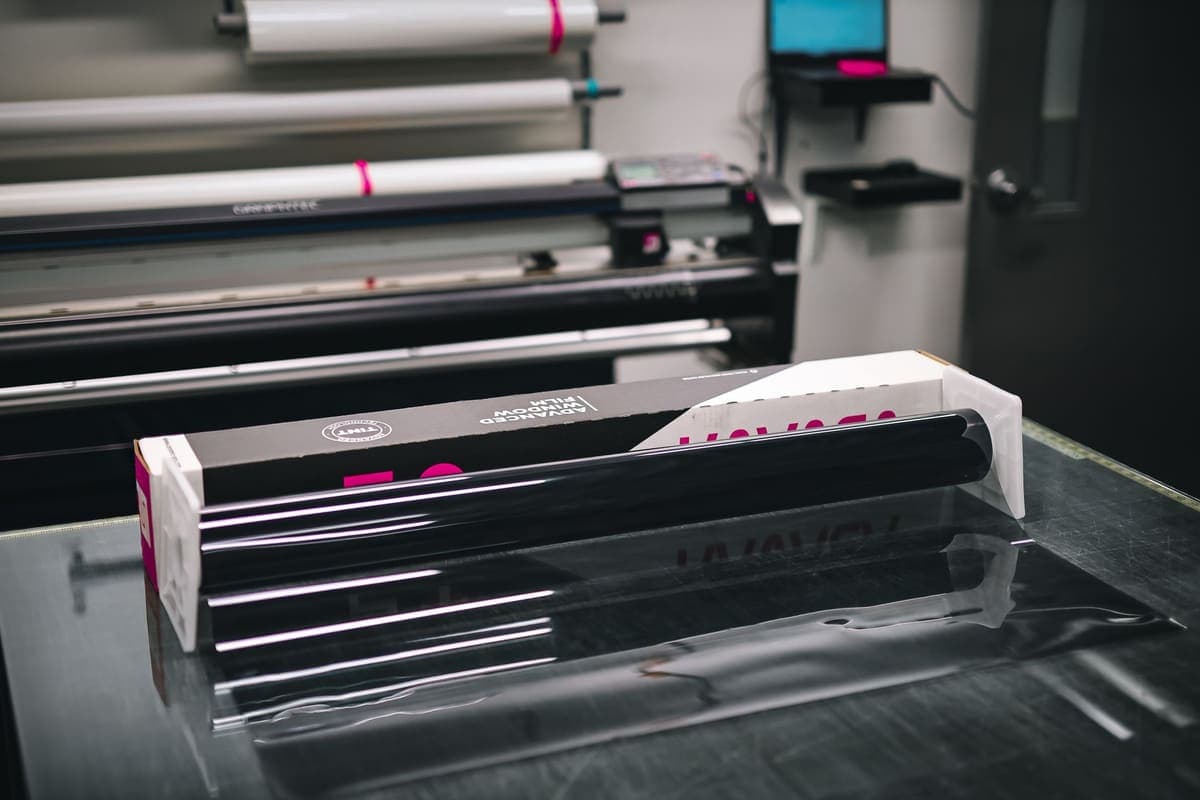
Which vinyl suits a 4.5 inch machine, when Smart formats are worth it, and when a trimmed standard roll is the better buy.
Cricut Mat Guide
Grip levels, sizes, and how to restore tack — plus why mats cause faults that look like machine faults.
Cricut Joy Xtra Review
Small footprint, 8.5 inch cutting and print-then-cut — the compact Cricut that still makes real projects.
The Best Vinyl for Car Decals
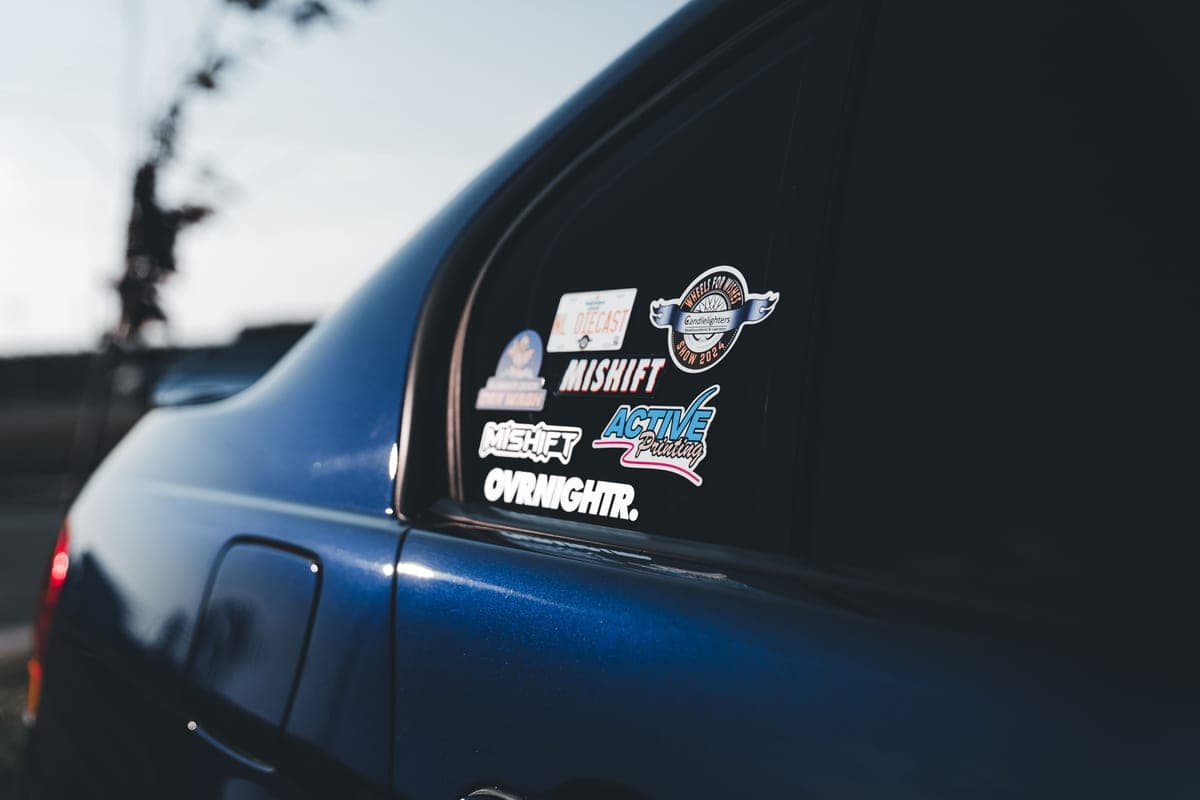
Outdoor-rated vinyl for vehicles, plus the application detail that decides whether it lasts a season or years.
Cricut Blade Guide
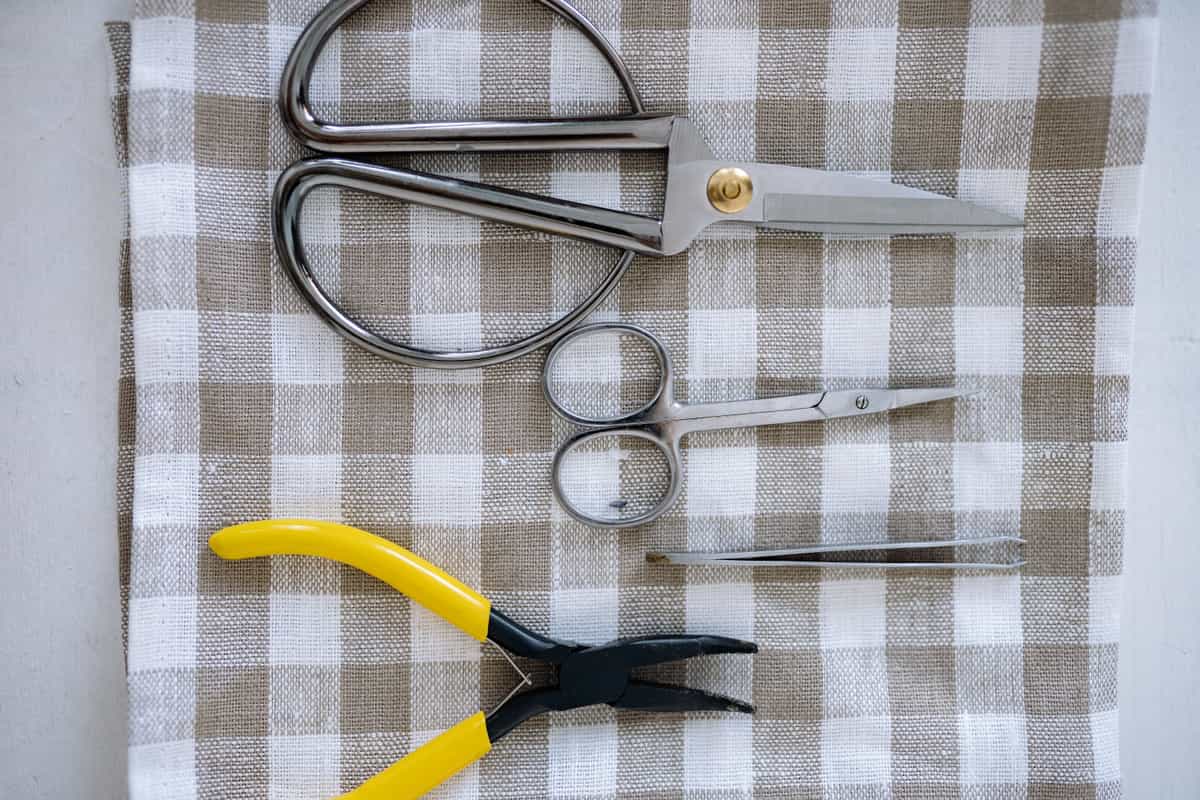
Which blade cuts what, when to replace, and why a dull blade masquerades as a broken machine.
Back to Vinyl & Materials.