Cricut Business Startup Costs
What you need before the first sale, what can wait until the tenth, and the line items nobody budgets for.
Heads up: Mat & Blade earns a commission from qualifying purchases made through the links on this page, at no extra cost to you. It never changes which products we recommend or how we rank them. Read the full disclosure.
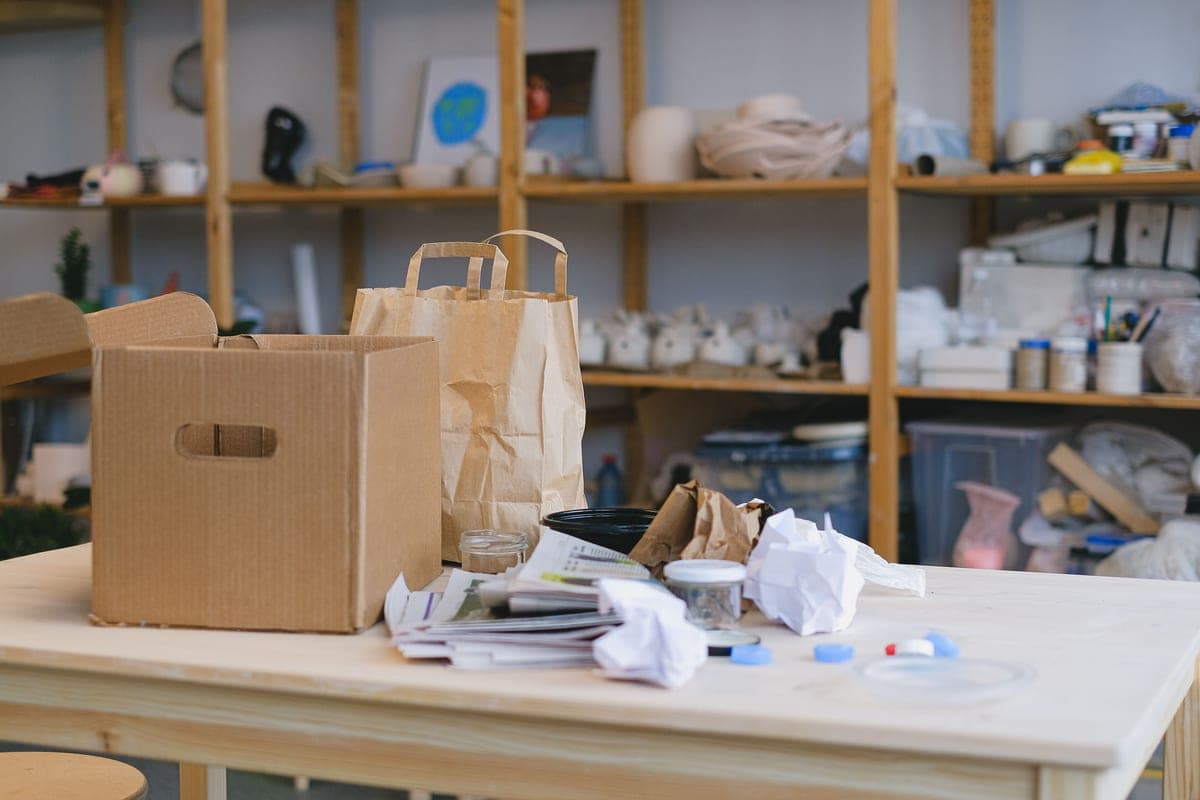
A Cricut business needs five things before the first sale: a 12 inch cutting machine, a heat source that holds temperature, a working material stock, blanks to sell on, and the application consumables — mats, blades, transfer tape and weeding tools. Everything else can wait. The costs people forget are not equipment: they are blanks held as stock, the rejects you will produce while learning a design, packaging and postage, and commercial licences for any artwork you did not draw yourself.
The startup list, itemised
Grouped by whether you need it to take money, make the product, or ship it. Nothing here is priced — prices move, and a figure typed into a page once goes stale quietly. Check each line on the day you buy.
| Item | When | Why it is on the list |
|---|---|---|
| 12 inch cutting machine | Before first sale | Covers adult shirt fronts; a narrower machine limits what you can quote |
| Heat source that holds temperature | Before first sale | An iron's thermostat swings; customer shirts fail in the wash |
| Heat press mat | Before first sale | A firm base is what makes a handheld press repeatable |
| Heat transfer vinyl, 2-3 colours | Before first sale | Start narrow. Unsold colours are money on a shelf |
| Blank garments, small run | Before first sale | Stock is what lets you deliver this week rather than next |
| Cutting mats and spare blades | Before first sale | Both are consumables; running out stops production |
| Transfer tape and weeding tools | Before first sale | Needed for decals; the tools are needed for everything |
| Packaging and postage supplies | Before first sale | Mailers, labels, a cheap scale. Routinely forgotten |
| Clamshell press with clamp pressure | After volume justifies it | Repeatable pressure; faster per shirt |
| Wider HTV colour range | After you know what sells | Let orders tell you which colours to hold |
| Commercial-use artwork licences | Before selling that design | Not optional, and the most-ignored line here |
| Sublimation setup | Only when a customer asks | A whole second workflow with its own consumables |
The four costs people do not budget for
Equipment is the part everyone researches. These are the parts that catch a new shop out.
- Rejects. The first time you make any design, you will waste material getting it right — a mis-weeded piece, a press that moved, a mirrored file that was not mirrored. Build a scrap allowance into your pricing rather than discovering it in your margin. Cheap vinyl that weeds badly costs more in rejects than it saves on purchase. How to weed vinyl and how to use HTV cut this down fastest.
- Stock you are holding. Blanks in a cupboard are money you have already spent. Hold a narrow range deep rather than a wide range shallow: three colours in four sizes sells better than twelve colours in one.
- Packaging and postage. Mailers, labels, tissue, a cheap scale. On low-value items postage is a meaningful share of the price, and quoting before you have weighed a packed item is how you end up shipping at a loss.
- Commercial licences. Selling an item made with somebody else's artwork needs a commercial-use licence, and font licences work the same way. Design subscriptions do not automatically grant commercial rights to everything in them — is Cricut Access worth it covers what a subscription does and does not include.
What to buy in what order
The order matters more than the total, because each purchase should be paying for the next one.
1Machine, press, and one project's worth of material
Enough to make one finished item properly. Make it for yourself, wash it five times, and look at it. This tells you more than any amount of further research.
2A small blank run and your first listings
Three or four designs on a narrow range of blanks. Photograph them on something plain. You are testing what sells, not building a catalogue.
3Restock what sold, drop what did not
This is the step that separates a business from a hobby with a shop attached. Let the orders pick your colours and sizes.
4Upgrade the bottleneck, not the headline
When volume hurts, find the slow step. Usually it is pressing — a clamshell with adjustable clamp pressure and auto-open is the first real upgrade for most shops. What size heat press do I need covers sizing it, and the best heat press for small business is the shortlist.
5Add a second technique only on demand
Sublimation, tumblers and hats are each a separate workflow with their own consumables. Add one when customers are asking for it, not in anticipation. Is sublimation worth it is the honest version of that decision.
Our picks in full
1. Best for the machine a small shop actually needs
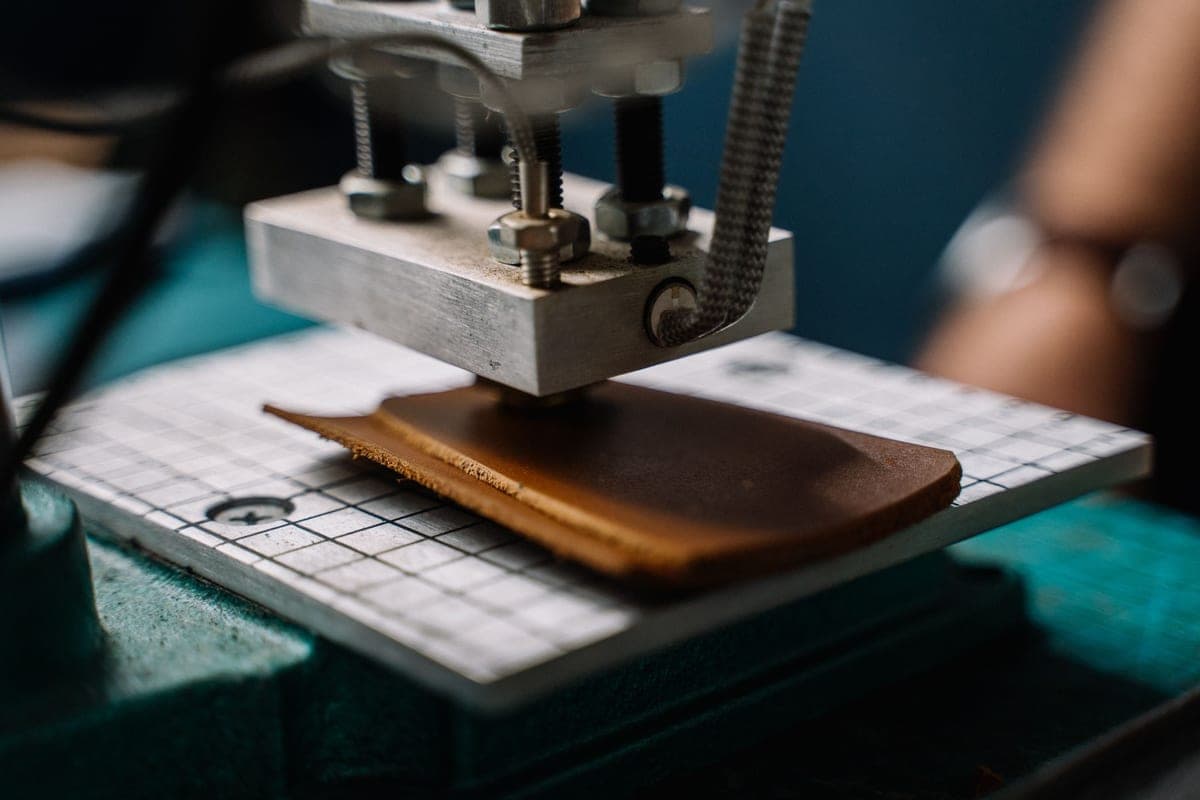
Cricut Explore 5
Cricut · Currently sold · Verified 2026-09-27
The right machine to start a business on, and the one we would stop people over-buying past. Twelve inch material covers an adult shirt front, a car decal and full-sheet cardstock, which between them cover most of what sells. It feeds Smart Materials matless for long runs and takes a pen or scoring stylus alongside the blade. A Maker only adds unbacked fabric and wood — real capability, but capability you should let a customer order before you buy. Spend the difference on stock you can turn over.
What works
- Cuts every material a beginner's first ten projects will use
- Matless Smart Material cutting means long banners and decals without a mat
- Cheapest current machine that still handles full 12 in wide vinyl
- Huge community of tutorials aimed at exactly this machine
What does not
- No rotary blade, so unbacked fabric is out
- No knife blade for basswood or thick leather
- Still needs Design Space, which needs an internet connection to set up
Not for you if
You already know you want to cut quilting fabric or thick leather. That is the Maker line's rotary and knife blades, and no accessory adds them to an Explore.
Key specs
- Cuts
- Vinyl, heat transfer vinyl, cardstock, paper, iron-on, faux leather
- Max material width
- 12 in (11.5 in cut width)
- Matless cutting
- Yes, with Smart Materials
- Tool slots
- Two — blade plus pen or scoring tool
- Rotary / knife blade
- No — Maker line only
#ad · affiliate link · we never show a price we cannot verify
2. Best for a first heat source that is good enough to sell on
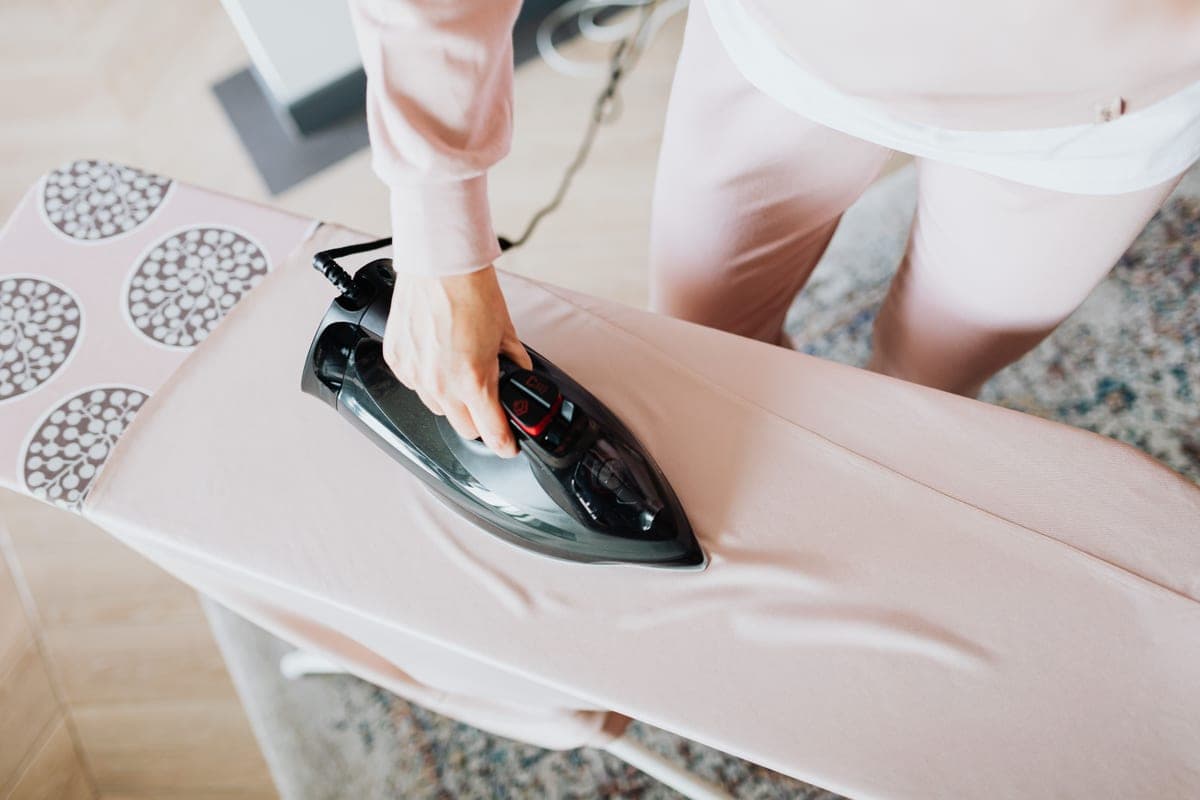
Cricut EasyPress SE
Cricut · Currently sold · Verified 2026-09-27
The sensible first press for a shop making a handful of shirts a week. It holds a set temperature properly, which is the thing a household iron cannot do and the thing that decides whether a customer's shirt survives washing. The 12 x 10 plate covers most adult designs in one press. The limitation to know going in is pressure: you supply it by leaning, so results depend on you and a firm mat. At volume you will want a clamshell with adjustable clamp pressure instead.
What works
- Holds a set temperature, which a household iron does not
- Even plate contact across the whole design
- Cricut's Heat Guide gives exact settings for it by material
- Stores away, which matters more than people expect
What does not
- You supply the pressure by leaning on it, so results depend on your technique
- Costs more than a comparably sized clamshell press
- Small plates mean multi-press passes on a big design
Not for you if
You are pressing more than a handful of shirts a week. Leaning on a handheld press twenty times an evening gets old fast — buy a clamshell.
Key specs
- Type
- Handheld heat press
- Plate sizes
- 12 x 10 in and 9 x 9 in in the SE line
- Temperature
- Set precisely; holds it, unlike a household iron
- Timer
- Built in, with an audible finish
- Storage
- Shelf or drawer — no permanent bench space
#ad · affiliate link · we never show a price we cannot verify
3. Best for the material that makes shirts repeatable
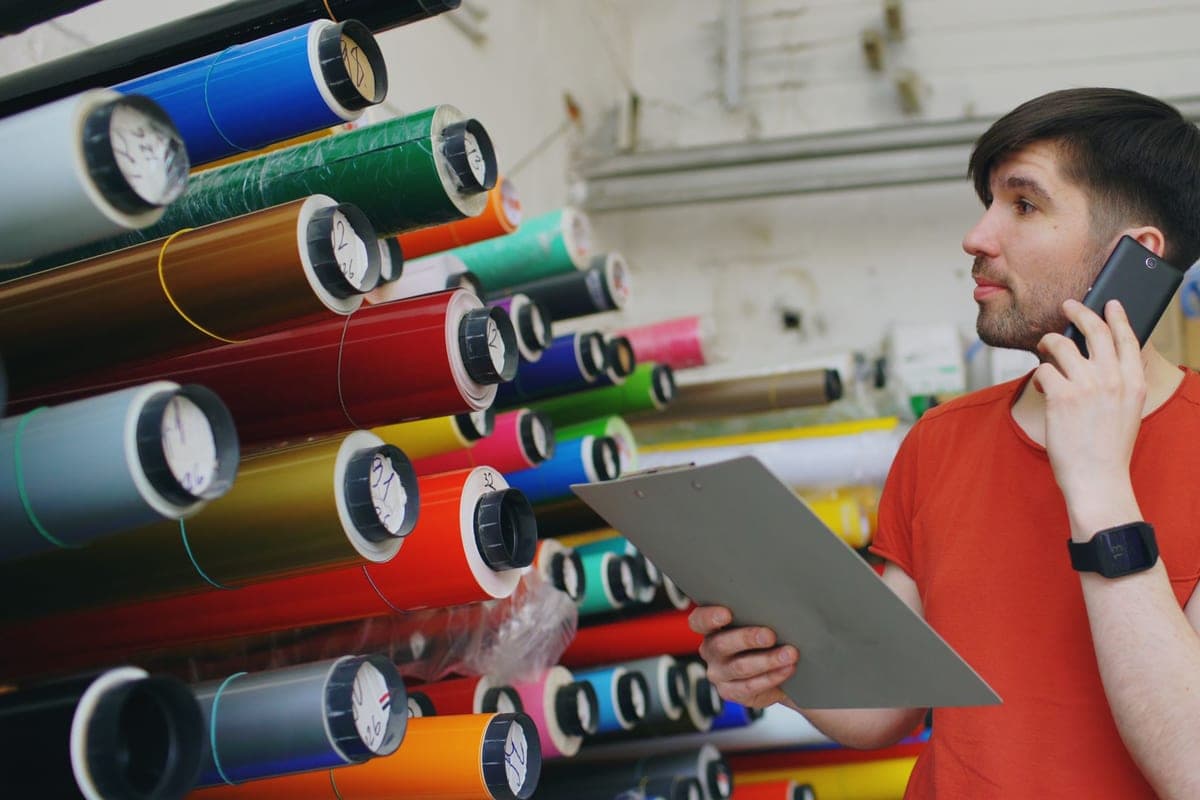
Siser EasyWeed HTV
Siser · Currently sold · Verified 2026-09-27
The stock decision that most affects your reject rate, which is the cost line nobody budgets for. EasyWeed is named for its behaviour — it weeds cleanly, which matters enormously when you are weeding the same design fifteen times rather than once. Siser rates it for cotton, polyester and blends, so one material covers most garment orders. It is thin and matte, which presses flatter than cheap thick rolls, and the published application settings mean no guessing per batch.
What works
- Weeds more cleanly than almost anything else at this price
- Thin enough that a layered design does not feel like a plastic patch
- Siser publishes clear time and temperature guidance for it
- Sold in single sheets, so you can try three colors without buying three rolls
What does not
- Matte only — no gloss, glitter or specialty finish in the base line
- Sheets cost more per square inch than buying a roll
- Still needs real heat and pressure; a household iron gives mixed results
Not for you if
You want a glitter or holographic finish. That is a different Siser product line, not EasyWeed.
Key specs
- Type
- Heat transfer vinyl (HTV) — for fabric
- Fabric compatibility
- Siser rates it for cotton, polyester and cotton/poly blends
- Thickness
- Thin — around 90 microns
- Carrier
- Pressure-sensitive clear carrier sheet
- Finish
- Matte
#ad · affiliate link · we never show a price we cannot verify
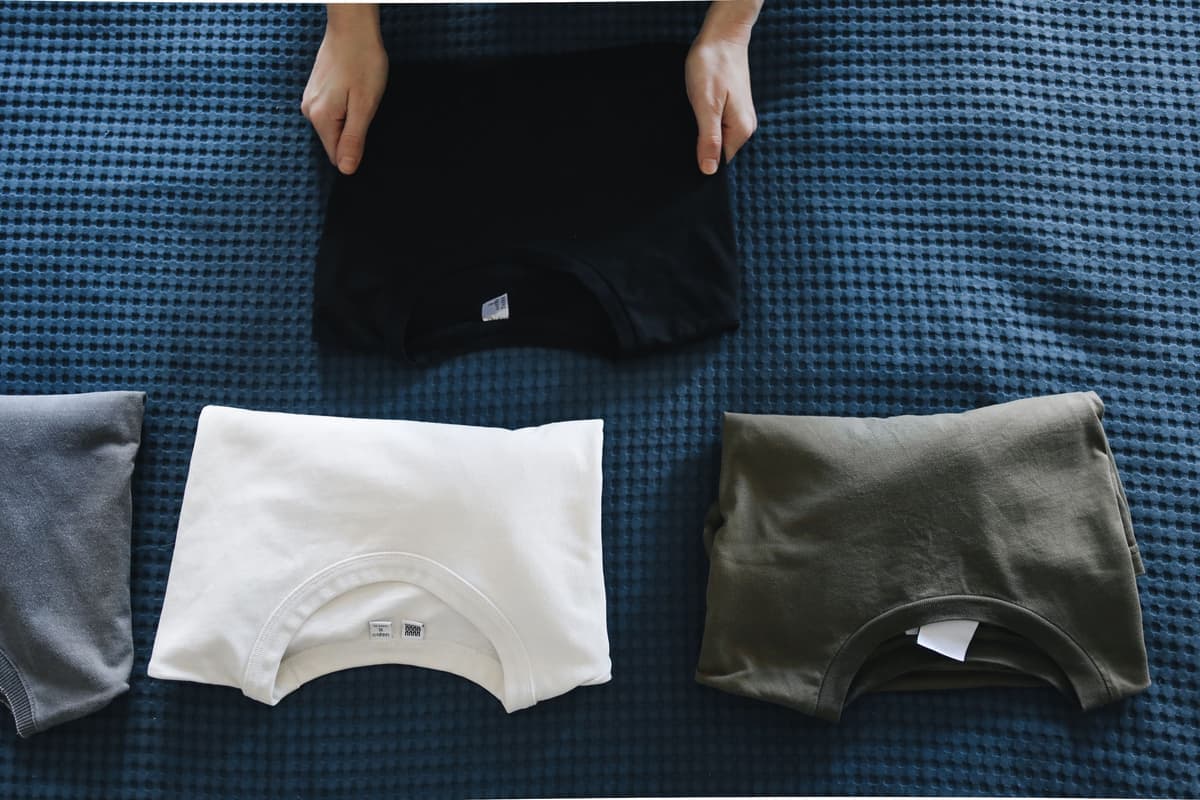
4. Best for stock you can sell from
Cotton Blank T-Shirts
Various · Currently sold · Verified 2026-09-27
The line item that turns a machine into a business, and the one people delay longest. Buying blanks in bulk is what lets you quote a price and deliver this week rather than ordering per customer. Mid-weight ring-spun cotton presses flatter and photographs better than cheap open-weave, which matters more than the cost difference once you are listing products. Cotton works with heat transfer vinyl in any colour including dark — the thing sublimation cannot do.
What works
- Any color works, which sublimation cannot claim
- Soft and familiar to wear
- Cheap in multi-packs, so practice is affordable
What does not
- Cotton will not take sublimation ink at all
- Very heavy or textured cotton gives uneven HTV adhesion
- Needs a pre-press to drive out moisture before the design goes on
Not for you if
You are sublimating. Sublimation needs polyester, and cotton simply will not hold the ink.
Key specs
- Fabric
- Cotton or cotton/poly blend
- Works with
- Heat transfer vinyl — not sublimation
- Weight
- Mid-weight ring-spun presses flatter than heavy open-weave
- Color
- Any color, including dark — unlike sublimation
#ad · affiliate link · we never show a price we cannot verify
What you can realistically expect to earn
We are not going to publish an income figure, because nobody can honestly give you one — it depends on your pricing, your market, your postage and how many hours you put in. What we can give you is the shape of the maths.
Per item, your cost is the blank, plus the material used, plus a share of the consumables (mat, blade, tape), plus packaging and postage, plus your reject allowance. Your time is the line people leave out, and it is usually the largest. A shirt that takes twenty-five minutes of design, cut, weed, press and pack is not a five-minute product, and pricing it as though it were is the most common reason a craft business feels busy and unprofitable.
The items that work best are the ones where personalisation justifies the price and the production time is short — names, dates, team and family designs, and small runs for events. What to make and sell covers which products those are. For the hobby version of the same spending question, the Cricut cost guide breaks down a first setup, and what you need to start is the deliberately short list.
Common questions
What do I need to start a Cricut business?
Do I need a Maker to start a Cricut business?
What startup costs do people forget?
Can I sell items made with designs I bought online?
How much can you make with a Cricut business?
What should my first equipment upgrade be?
Sources
- Cricut official product catalog — Current machine line, EasyPress SE plate sizes and Design Space material presets, verified 6 October 2026
- Siser application guidance — EasyWeed fabric compatibility and published application temperature, time and pressure guidance, verified 6 October 2026
How we picked
We verify every product is currently sold by reading the manufacturer's own catalog, compare published specifications rather than marketing copy, and rank on what a first-time buyer has to decide. We do not run lab tests and we do not claim to, and commission never affects the order.
Read this next
What to Make and Sell
Which product categories hold up commercially, which are crowded, and what to check before listing.
What You Need to Start
The genuine beginner checklist — what you need for a first project and what can wait.

What a Cricut Really Costs
Every component a working setup needs, what recurs, and the costs people meet one at a time.
The Best Heat Press for a Small Business
Presses built for repeatability and batch work, for anyone selling rather than making for themselves.
The Cricut Accessories You Actually Need
The short list that genuinely earns its space, the longer list that does not, and the buying order.

Is Cricut Access Worth It?
What the subscription includes, who benefits, and how to use a Cricut perfectly well without it.
Back to Start Here.